
1. Introduction
This manual provides detailed instructions for the safe and effective use of your DITTYBUY Smart Wireless Meat Thermometer. Please read this guide thoroughly before first use and retain it for future reference. This device is designed to help you achieve perfectly cooked meats by monitoring internal and ambient temperatures wirelessly.

Image 1.1: The DITTYBUY Smart Wireless Meat Thermometer, showing the probe, charging base, and companion app interface.
2. Package Contents
Ensure all items are present upon unboxing:
- 1 x Wireless Meat Thermometer Probe
- 1 x Charging Dock
- 1 x USB Charging Cable (not explicitly listed but implied for charging dock)
3. Product Features
Your DITTYBUY Smart Wireless Meat Thermometer offers advanced features for precise cooking:
- 100% Wireless Operation: Monitor cooking progress indoors or outdoors using the free companion app. Compatible with Android and iOS smartphones.
- Extended Bluetooth Range: Utilizes Bluetooth 5.2 technology for fast connections and remote monitoring up to 600 feet (approximately 183 meters), even through walls.
- Rechargeable Battery System: The probe and base feature a 2000mAh rechargeable lithium battery, providing up to 300 hours of use on a single 6-hour charge.
- Ceramic Dual-Sensor Probe: Monitors internal meat temperature (up to 212°F / 100°C) and ambient temperature (up to 572°F / 300°C) simultaneously. The ceramic handle ensures high heat resistance and efficient heat transfer.
- Intelligent Cooking Recommendation System: Access recommended meat temperatures based on professional recipes. Record cooking history and customize temperature settings for personalized results.
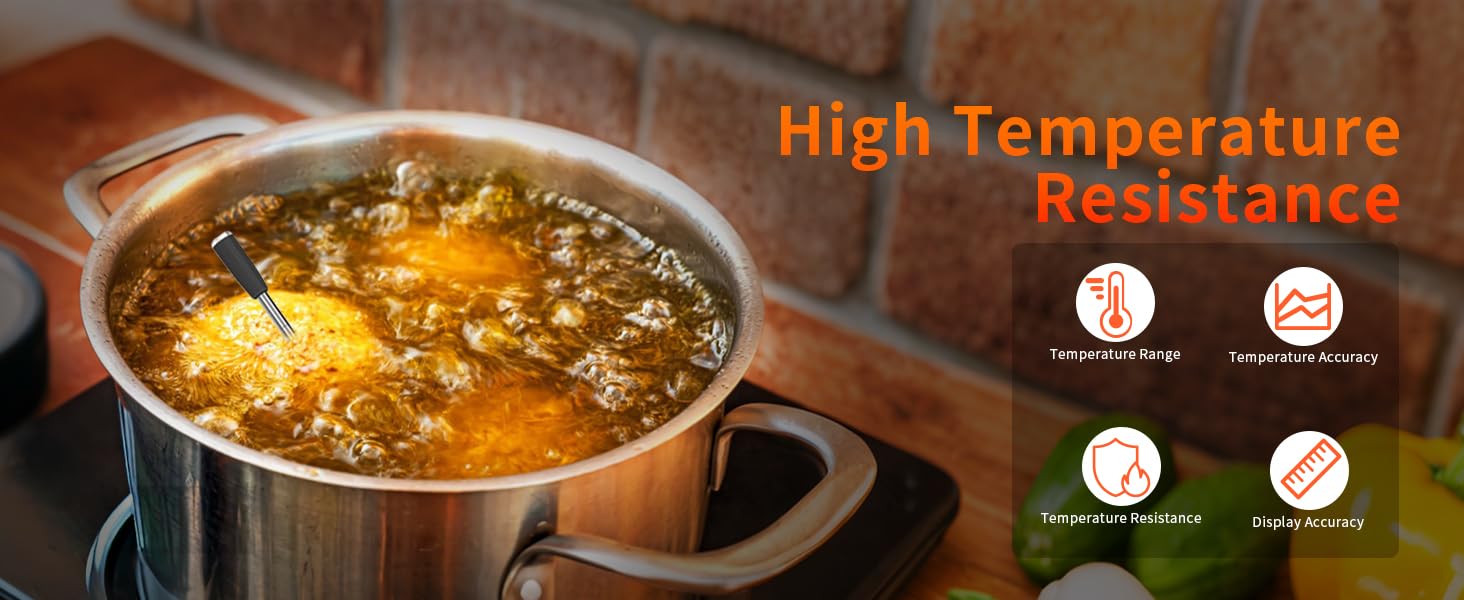
Image 3.1: The ceramic probe is designed for high temperature resistance, ensuring durability and accurate readings in various cooking environments.
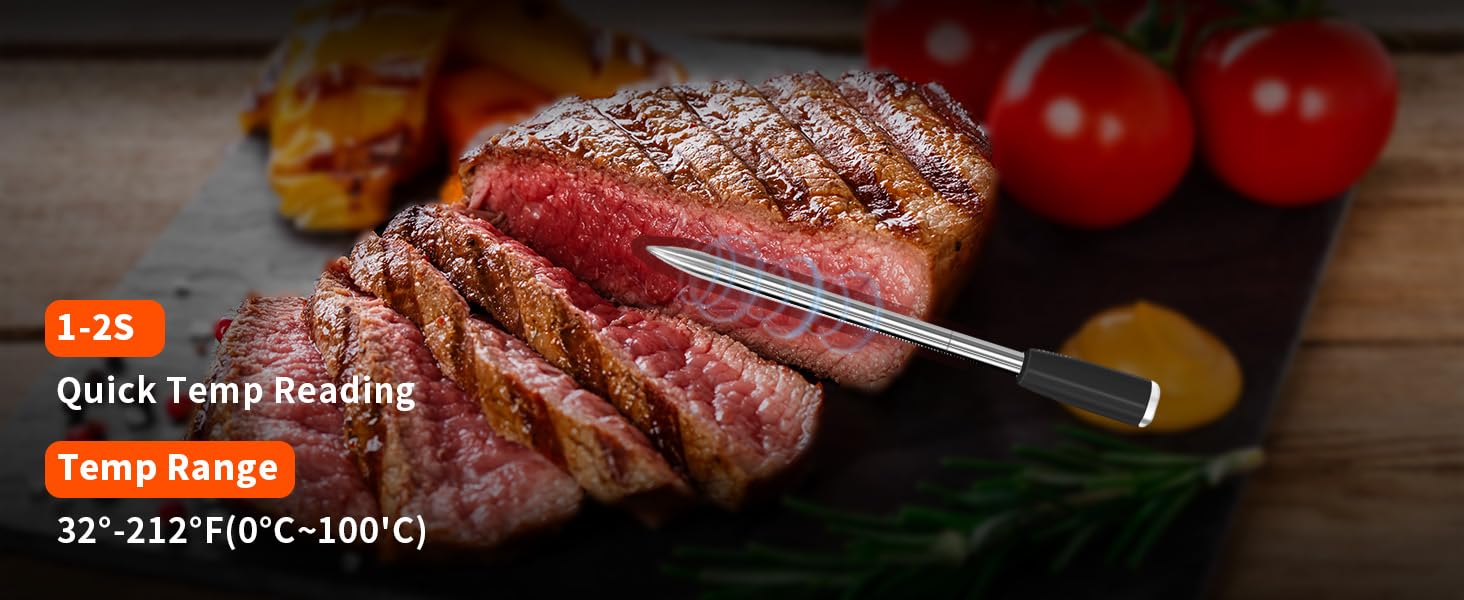
Image 3.2: The probe provides quick temperature readings within 1-2 seconds, covering a range of 32°F-212°F (0°C-100°C) for internal meat temperature.

Image 3.3: Enjoy a super long Bluetooth range of up to 600 feet (91 meters shown in image, but product description states 600ft) for remote monitoring.
4. Safety Information
Please observe the following safety precautions:
- Do not expose the probe or charging dock to direct flame for extended periods.
- The probe is designed for food temperature measurement; do not use it for other purposes.
- Keep the device out of reach of children.
- Do not immerse the charging dock in water or other liquids.
- Ensure the probe is properly cleaned after each use to prevent bacterial growth.
- Avoid using the probe in a microwave oven.
- The internal temperature sensor is rated up to 212°F (100°C), and the ambient sensor up to 572°F (300°C). Exceeding these temperatures may damage the probe.
5. Setup Guide
5.1. Download the App
The DITTYBUY Smart Wireless Meat Thermometer operates via a dedicated mobile application. Search for "Silver Probe App" on your smartphone's app store.
- For iOS devices: Search on the App Store.
- For Android devices: Search on Google Play.
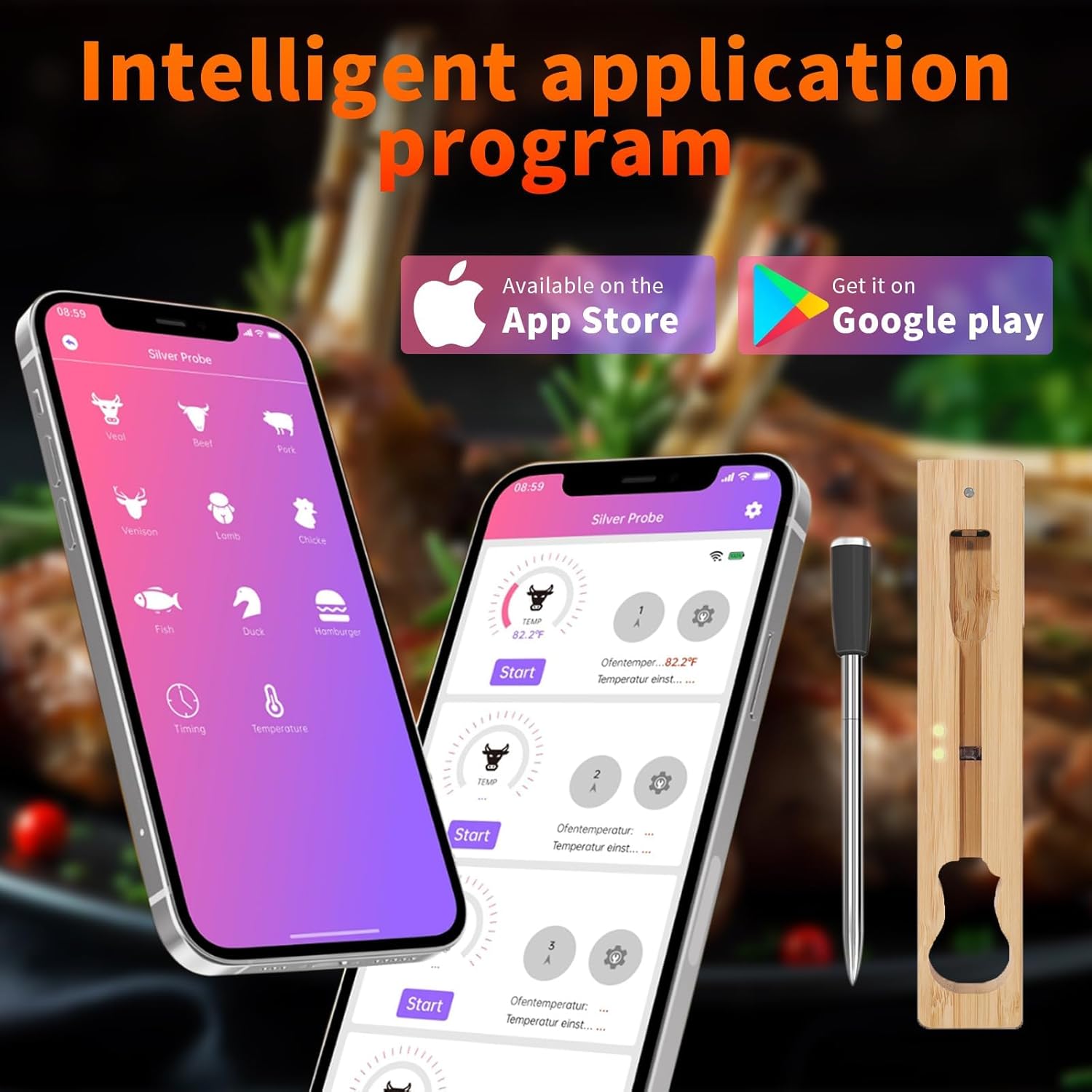
Image 5.1: Download the "Silver Probe App" from your device's respective app store.
5.2. Initial Charging
Before first use, fully charge the thermometer probe by placing it into the charging dock. Connect the charging dock to a USB power source using the provided cable. A full charge takes approximately 6 hours and provides up to 300 hours of use.
5.3. Pairing the Thermometer
- Remove the probe from the charging dock.
- Ensure Bluetooth is enabled on your smartphone.
- Open the "Silver Probe App" on your smartphone.
- Within the app, touch and click the probe ID number (e.g., SILV-1998) to complete the connection.

Image 5.2: Visual guide for downloading the app, charging, removing the probe, enabling Bluetooth, and connecting via the app (Steps 1-5).
6. Operating Instructions
6.1. Inserting the Probe
Carefully insert the probe into the thickest part of the meat, ensuring the tip passes the safety line indicated on the probe. Avoid bones, as they can affect temperature readings.
6.2. Using the App for Cooking
Once the probe is inserted and connected to the app:
- Select the type of food you are cooking from the app's presets (e.g., beef, chicken, pork).
- Choose your desired doneness level (e.g., rare, medium, well-done). The app will suggest a target temperature.
- You can also manually set a custom target temperature if preferred.
- Start the cooking process and monitor the real-time internal and ambient temperatures on your smartphone.

Image 6.1: The app provides intelligent cooking guidance, allowing you to select doneness levels and customize settings.

Image 6.2: The app offers multiple functions including 9 food presets, customized settings, alert notifications, and a guided cook system.
6.3. Monitoring and Alerts
The app will provide real-time temperature updates. Once the target temperature is reached, you will receive an alert notification on your smartphone, indicating that your food is ready.
6.4. Usage Scenarios
This thermometer is versatile and suitable for various cooking methods:
- BBQ Grills
- Ovens
- Smokers
- Air Fryers
- Pan Frying
- Barbecue Plates

Image 6.3: The thermometer is suitable for a wide range of cooking applications.
7. Maintenance and Care
Proper care ensures the longevity and accuracy of your thermometer:
- Cleaning the Probe: After each use, carefully clean the probe with warm, soapy water. Wipe it thoroughly with a clean cloth. Do not immerse the entire probe in water, especially the top ceramic part.
- Cleaning the Charging Dock: Wipe the charging dock with a dry or slightly damp cloth. Do not use abrasive cleaners or immerse it in water.
- Storage: Store the probe in its charging dock when not in use. Keep the device in a cool, dry place away from direct sunlight and extreme temperatures.
- Battery Care: For optimal battery life, avoid completely draining the battery frequently. Charge the device regularly, especially if it will be stored for an extended period.
8. Troubleshooting
If you encounter issues with your DITTYBUY Smart Wireless Meat Thermometer, refer to the following table:
| Problem | Possible Cause | Solution |
|---|---|---|
| Inaccurate temperature readings | Probe not inserted correctly (touching bone, too shallow); probe damaged; calibration issue. | Ensure probe is inserted into the thickest part of the meat, avoiding bones, and past the safety line. If issues persist, contact support. |
| Bluetooth connection drops or fails to connect | Out of range; Bluetooth disabled on phone; app not running; interference. | Ensure your smartphone, the charging case, and the probe are within the 600ft Bluetooth range. Check phone's Bluetooth settings. Restart the app or your phone. Minimize interference from other wireless devices. |
| Probe not charging or battery drains quickly | Probe not seated correctly in dock; charging dock not powered; faulty battery. | Ensure the probe is correctly placed in the charging dock. Verify the charging dock is connected to a working USB power source. If the battery life is significantly shorter than expected after a full charge, contact customer support. |
| App not displaying temperature | No connection to probe; app malfunction. | Verify Bluetooth connection. Close and reopen the app. Restart your smartphone. |
9. Specifications
| Feature | Detail |
|---|---|
| Model Number | 1-Probe |
| Internal Temperature Range | 32°F - 212°F (0°C - 100°C) |
| Ambient Temperature Range | Up to 572°F (300°C) |
| Connectivity | Bluetooth 5.2 |
| Wireless Range | Up to 600 feet (approx. 183 meters) |
| Battery Type | 1 Lithium Ion battery (included) |
| Battery Capacity | 2000mAh (charging dock) |
| Battery Life (Probe) | Up to 300 hours on a 6-hour charge |
| Outer Material | Stainless Steel (probe), Ceramic (probe handle) |
| Display Type | App-based |
| Included Components | Wireless Meat Thermometer, Charging Dock |
| Certifications | CE, EMC, FCC, ISO 9001, RoHS, UL |
| Package Dimensions | 7.28 x 2.44 x 1.02 inches |
| Item Weight | 5.29 ounces |
10. Warranty and Support
For warranty information or technical support, please refer to the contact details provided with your purchase or visit the official DITTYBUY website. Please have your model number (1-Probe) and purchase date ready when contacting support.