1. Introduction
Thank you for choosing the Marcree Safe Box. This compact home safety box is designed to provide secure storage for your valuables, such as documents, credit cards, passports, medications, or other important items. It features biometric fingerprint unlocking and an emergency key system for reliable access. Please read this manual carefully before operating your safe box to ensure proper setup and usage.

Image: The Marcree Safe Box with its door open, revealing various valuables stored inside, including currency, gold bars, and a camera. A fireproof waterproof bag is shown in the foreground.
2. Safety Information
- Important: Any fingerprint can open the safe if the biometric system is not set up correctly. Ensure you follow the fingerprint setup instructions precisely.
- Emergency Key: Always store the emergency keys outside of the safe box in a secure, accessible location. Do not store them inside the safe.
- Placement: For optimal security, consider mounting the safe to a permanent wall or inside a closet using the provided expansion bolts.
3. Setup
3.1 Initial Opening and Battery Installation
Upon first use, or if the batteries are depleted, you will need to use the emergency key to open the safe.
- Locate the emergency key slot, typically hidden behind a cover on the biometric panel.
- Insert the emergency key and turn it to unlock the safe.
- Open the safe door.
- Inside the door, locate the battery compartment. Insert 4 AAA batteries, ensuring correct polarity.
- Close the battery compartment cover.

Image: A detailed view of the safe's locking mechanism, illustrating the emergency key insertion point and the battery compartment for 4 AAA batteries.
3.2 Setting Up Fingerprint Unlocking
The biometric system allows for quick and secure access using your fingerprint. You can register multiple fingerprints.
- With the safe door open, locate the red setting button on the inside edge of the safe door.
- Press the setting button. The fingerprint sensor will activate.
- Place your finger on the fingerprint sensor. Lift and place your finger repeatedly until a long beep sounds, indicating successful registration.
- Repeat the process for any additional fingerprints you wish to register.

Image: An illustration demonstrating the process of setting up fingerprint unlocking, with a robotic finger touching the sensor.
3.3 Mounting the Safe
The safe can be mounted to a wall or floor for added security.
- The back of the safe has pre-drilled holes for mounting.
- Use the included expansion bolts to secure the safe to a solid surface.
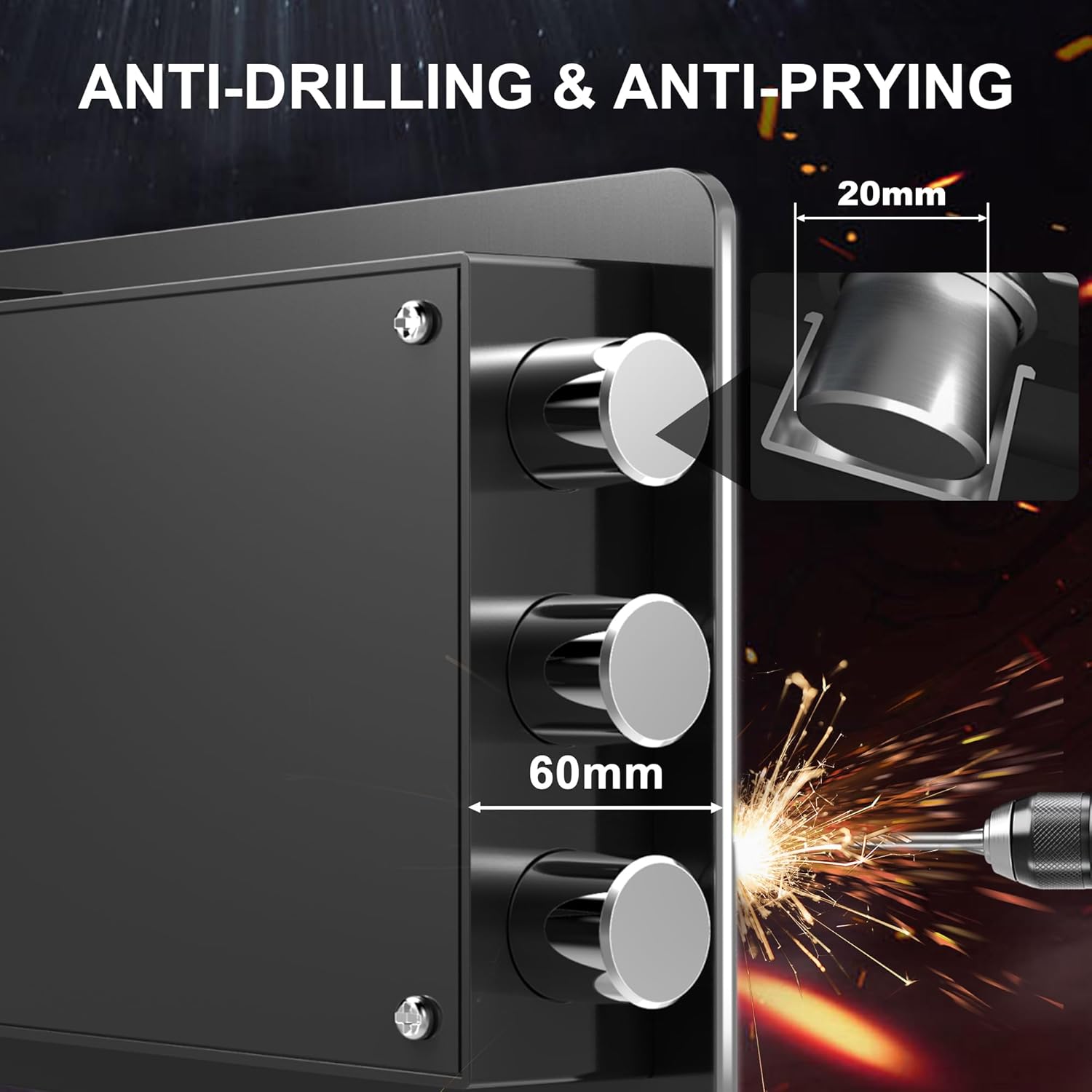
Image: A collage of four images showing the Marcree Safe Box integrated into different settings, including a bedroom shelf, a living room cabinet, a closet, and a desk, highlighting its versatility for placement.
4. Operating Instructions
4.1 Unlocking the Safe
The safe offers two primary unlocking methods:
- Fingerprint Unlock: Place your registered finger on the sensor. Once recognized, the safe will unlock. Turn the knob to open the door.
- Emergency Key Unlock: In case of battery failure or forgotten fingerprint, use the emergency key as described in Section 3.1.
4.2 Dual Alarm System
The safe is equipped with a dual alarm system for enhanced security:
- If the fingerprint is entered incorrectly three consecutive times, a loud alarm will activate.
- If the safe experiences a strong impact or shaking, an alarm will automatically activate.
The alarm will only cease once a correct fingerprint is entered.

Image: A graphic depicting the smart dual alarm system, showing a burglar attempting to tamper with the safe, triggering a red alarm light.
5. Maintenance
- Battery Replacement: Replace the 4 AAA batteries when the low battery indicator appears or if the safe fails to respond. Always use fresh batteries.
- Cleaning: Wipe the exterior of the safe with a soft, damp cloth. Avoid using abrasive cleaners or solvents that could damage the finish or electronic components.
- Internal Protection: The safe includes a memory sponge lining to protect valuables from cuts and scrapes. Ensure this lining remains in place.

Image: A detailed breakdown of the safe's features, including the external battery box for easy replacement, the seamless door design for anti-pry protection, the memory sponge lining for item protection, and the mounting holes for secure installation.
6. Troubleshooting
| Problem | Possible Cause | Solution |
|---|---|---|
| Safe does not open with fingerprint. | Fingerprint not registered, incorrect placement, or low batteries. | Ensure your finger is clean and dry. Re-register your fingerprint (see Section 3.2). Replace batteries if needed (see Section 5). Use emergency key if necessary. |
| Alarm sounds unexpectedly. | Three incorrect fingerprint entries or physical impact/shaking. | Enter a correct registered fingerprint to stop the alarm. Avoid strong impacts to the safe. |
| Safe does not power on. | Dead or incorrectly installed batteries. | Replace all 4 AAA batteries with new ones, ensuring correct polarity. Use the emergency key to open the safe if it's closed. |
7. Specifications
| Feature | Detail |
|---|---|
| Brand | Marcree |
| Model Number | XZ-20Z |
| Product Dimensions | 7.87" H x 12.20" W x 7.87" D |
| Capacity | 0.5 Cubic Feet |
| Lock Type | Biometric, Key |
| Material | Mild Steel |
| Special Features | Portable, Alarm System, Biometric Fingerprint, Sensor Light, Anti-Theft |
| Mounting Type | Wall Mount |
| Included Components | Safe, 2 Keys, Screws, Fireproof Waterproof Bag |
| Item Weight | 10.13 pounds |
| Batteries Required | Yes (4*AAA, not included) |

Image: A visual representation of the safe box's dimensions, indicating its height, width, and depth, along with the included accessories: two keys, two expansion screws, and four foot pads.
8. Product Overview Video
Watch this official video for a comprehensive overview of the Marcree Safe Box, including initial setup, battery installation, fingerprint programming, alarm system demonstration, and mounting options.
Video: Marcree small safe box - This video demonstrates the initial setup, battery installation, fingerprint programming, alarm system, and mounting options for the Marcree Safe Box.
9. Warranty and Support
Marcree is committed to customer satisfaction. While specific warranty details are not provided in this manual, our professional team is available to assist you with any questions or concerns regarding your safe box.
For support, please refer to the contact information provided with your purchase or visit the official Marcree website.