
Introduction
The Carrborg X13 Pro Global 4G Walkie Talkie is designed for unlimited range communication utilizing 4G-LTE cellular networks. It offers instant, high-quality voice transmission without distance limitations, making it ideal for various professional and personal uses. This manual provides detailed instructions for setting up, operating, and maintaining your device.
What's Included
Please verify that all items listed below are present in your package:
- 2 x POC Radios
- 2 x SIM Cards
- 2 x USB Chargers
- 2 x USB Type-C Cables
- 2 x Screwdrivers
- 2 x Back Clips
- 2 x Headphones
- 2 x Lanyards
- 1 x User Guide (this manual)

Figure 1: Contents of the Carrborg X13 Pro package, including two radios, SIM cards, chargers, cables, and accessories.
Setup
1. Charging the Battery
Before first use, fully charge the walkie talkie battery. Connect the USB Type-C cable to the radio and the USB charger. The indicator light will show charging status. A full charge typically takes several hours.
2. SIM Card Insertion
Each X13 Pro walkie talkie comes with a pre-installed AT&T/T-Mobile compatible SIM card for 3 years of free data service. If you need to access or replace the SIM card, use the provided screwdriver to open the SIM card slot cover. Carefully insert or remove the Nano SIM card as needed, ensuring proper orientation. Close the cover securely after insertion.

Figure 2: The Carrborg X13 Pro walkie talkie with its included SIM card, highlighting the three-year free data service.
3. Attaching the Back Clip and Lanyard
Attach the back clip to the rear of the radio for easy carrying. The lanyard can be attached to the designated loop for added security.
Operating Instructions
Device Overview

Figure 3: Labeled diagram of the X13 Pro walkie talkie, indicating the location of its various components and controls.
- Antenna: For signal reception and transmission.
- Indicator Light: Displays device status (e.g., charging, signal).
- Display: Shows current group, battery status, and other information.
- PTT (Push-to-Talk) Button: Press and hold to transmit voice.
- Volume + / Volume -: Adjusts speaker volume.
- Up / Down Buttons: Navigate menus and select options.
- Power On/Off / Back Button: Powers the device on/off, or returns to the previous menu.
- Menu Key / Confirm Key: Accesses the menu or confirms selections.
- Mic (Microphone): For voice input.
- Speaker: For audio output.
- Headset Data Port: For connecting external audio accessories.
Basic Communication Functions
The X13 Pro supports various call types for flexible communication:
- Single Call: One-on-one private communication.
- Group Call: Communication within a pre-defined group.
- Mass Call: Broadcasts to all members in the system.
- Priority Call: Allows administrators to interrupt ongoing conversations for urgent messages.

Figure 4: Visual representation of the four basic call functions available on the X13 Pro walkie talkie.
Global Communication (PoC)
The X13 Pro utilizes 4G-LTE cellular networks, providing unlimited range and global coverage wherever AT&T or T-Mobile signals are available. This ensures instant communication and high-quality voice transmission without cross-talk, regardless of distance.
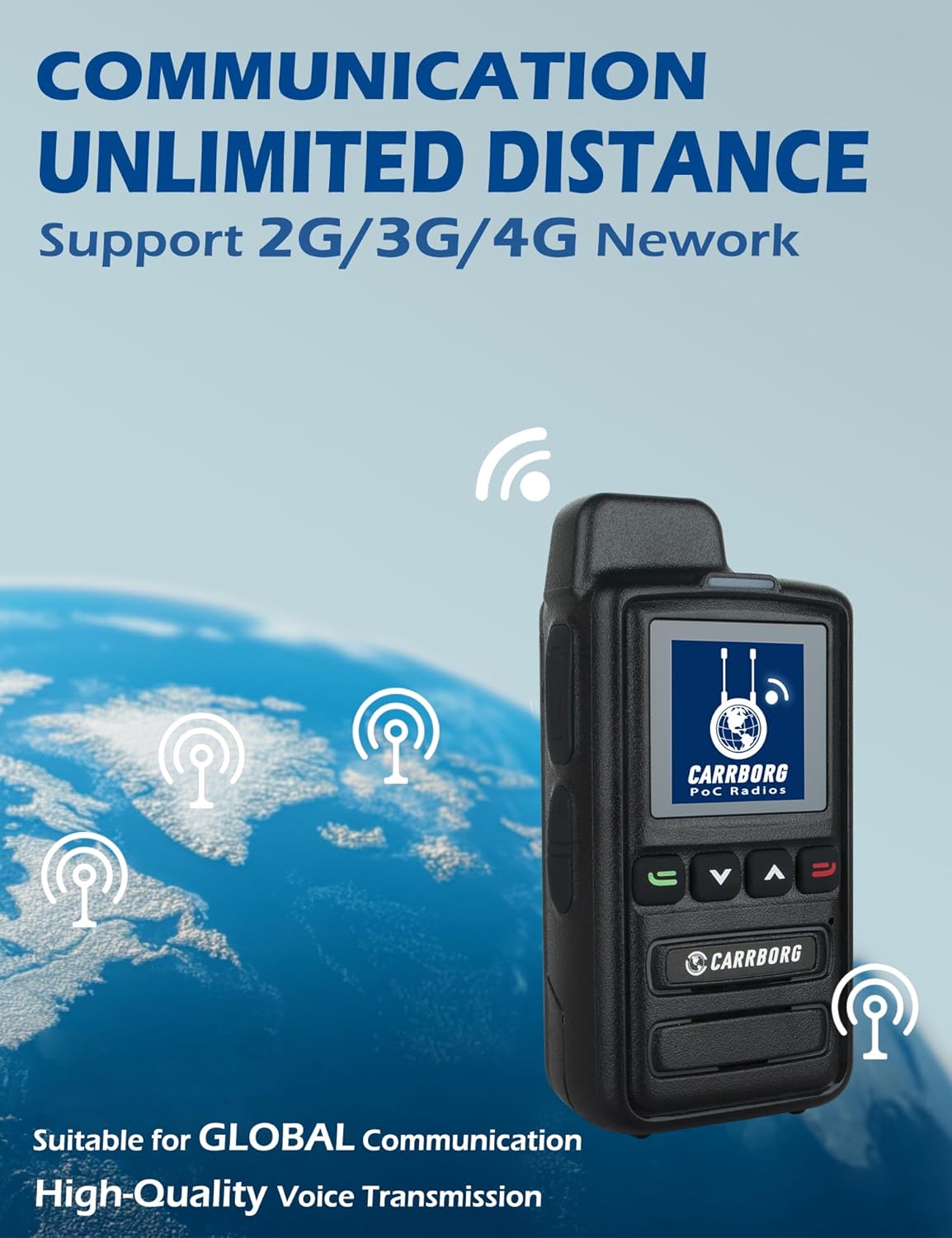
Figure 5: The X13 Pro's capability for unlimited distance communication via 4G networks, suitable for global use.
Backend Management Features
Administrators can manage all members directly from a computer using the backend management system. This includes:
- Setting up groups.
- Adding or removing members.
- Naming groups.
- Adjusting members' speaking privileges.
- Tracking location and status of devices via GPS.
Video 1: An overview of the Carrborg Walkie Talkie system, demonstrating its global communication capabilities and backend management features.
High-Definition Audio
The X13 Pro features high-quality speakers and INC Noise Reduction Technology to eliminate noise and ensure clear voice clarification, providing superior audio performance in various environments.

Figure 6: Explanation of the HD Voice features, including noise reduction and clear audio output.
Maintenance
Battery Care
- To maximize battery life, avoid fully discharging the battery frequently.
- Charge the battery in a cool, dry place.
- If storing the device for an extended period, charge the battery to about 50% and store it separately from the radio.
Cleaning
- Wipe the radio with a soft, damp cloth. Do not use harsh chemicals or abrasive cleaners.
- Ensure the charging port and headset data port are free of dust and debris.
Storage
Store the walkie talkie in a dry place away from extreme temperatures and direct sunlight. Keep it away from strong magnetic fields.
Troubleshooting
| Problem | Possible Cause | Solution |
|---|---|---|
| Poor range or signal quality | Weak cellular network signal; Obstructions (buildings, terrain); Antenna not properly extended (if applicable). | Move to an area with better cellular coverage. Ensure the antenna is clear. Check for network outages in your area. |
| Static or distorted sound | Weak signal; Interference; Damaged speaker/microphone. | Move closer to the other radio or to an area with better signal. Avoid sources of electromagnetic interference. If persistent, contact customer support. |
| Cannot pair more than two radios | Radios are pre-configured in pairs. Additional pairing requires backend setup. | For additional pairing beyond the initial two, please contact Carrborg customer service with the serial numbers of your devices. They will assist with backend configuration. |
| Device does not power on | Battery is depleted; Battery not properly installed; Device malfunction. | Charge the battery fully. Ensure the battery is correctly inserted. If the issue persists, contact customer support. |
Specifications
| Feature | Detail |
|---|---|
| Model Number | X13 Pro |
| Item Weight | 1.54 pounds |
| Package Dimensions | 9.88 x 8.46 x 2.36 inches |
| Country of Origin | China |
| Batteries | 2 CR5 batteries required (included) |
| Color | Black |
| Number of Channels | 999 |
| Special Feature | Long Range |
| Frequency Range | 700 MHz - 2.6 GHz |
| Talking Range Maximum | 5000 Mile |
| Tuner Technology | 4G |
| Water Resistance Level | Not Water Resistant |
| Manufacturer | CARRBORG |

Figure 7: The Carrborg X13 Pro Global 4G Walkie Talkie.
Warranty and Support
Warranty Information
The Carrborg X13 Pro Global 4G Walkie Talkie comes with a 1-Year Manufacturer Warranty.
Customer Support
CARRBORG is committed to providing prompt responses and satisfying after-sales services. If you encounter any problems with your POC radio, please do not hesitate to contact us. Our customer service team is always ready to support you, ensuring your experience is worry-free and fully satisfying.
For support, please visit the Carrborg Store on Amazon or refer to the contact information provided in your product packaging.