
1. Introduction
Thank you for choosing the Hsaiiae LED Light Therapy Mask. This device is designed to provide various light therapy benefits for your skin. Please read this manual thoroughly before use to ensure safe and effective operation. Keep this manual for future reference.
2. Important Safety Information
- Do not use if you are pregnant, breastfeeding, or have epilepsy.
- Consult a physician before use if you have any pre-existing skin conditions, light sensitivity, or are taking medications that cause photosensitivity.
- Always wear the provided eye protection during treatment to shield your eyes from direct light exposure.
- Keep the device dry. Do not use near water or in wet environments.
- Do not attempt to open or repair the device yourself. Contact customer support for assistance.
- Keep out of reach of children.
3. Package Contents
Verify that all items are present in your package:
- Hsaiiae LED Light Therapy Mask
- Controller with power cable
- Adjustable head strap
- Eye protection goggles
- User Manual
4. Product Overview
The Hsaiiae LED Light Therapy Mask is a facial device designed to deliver specific wavelengths of light to the skin. It features a comfortable design with adjustable straps and integrated eye protection. The mask is controlled via an attached remote, allowing selection of light modes and treatment duration.
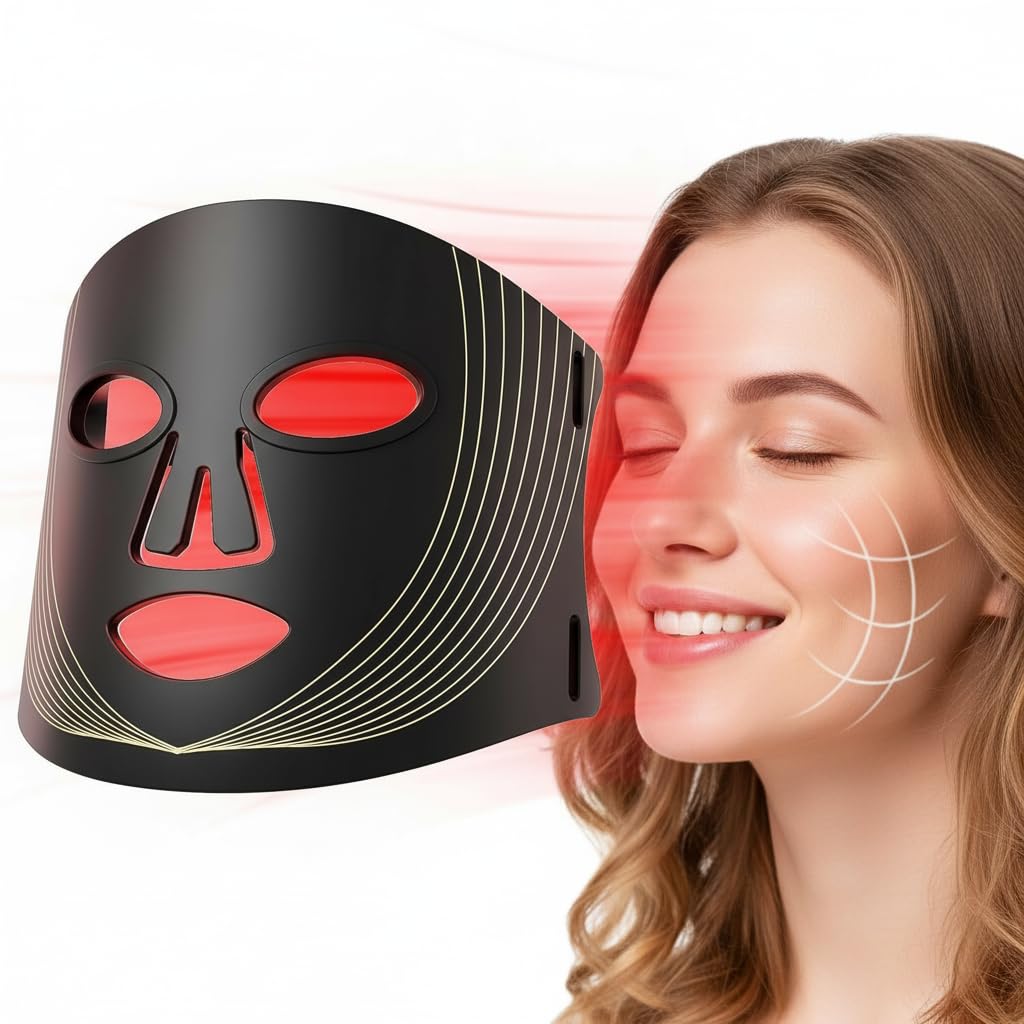
Image: Hsaiiae LED Light Therapy Mask showing its remote control and timing function.
5. Setup Instructions
- Cleanse Your Face: Ensure your face is clean and free of makeup or other products. You may apply an appropriate amount of essence or serum before treatment if desired.
- Install Eye Protection: Place the provided eye protection goggles over your eyes. These are crucial for protecting your vision from the LED lights.
- Attach Straps: Connect the adjustable straps to the mask and secure them around your head for a comfortable and snug fit.
- Connect Power: Plug the mask's power cable into the remote controller, and then plug the controller into a suitable power outlet.
- Wear the Mask: Carefully place the mask over your face, ensuring the eye protection is correctly positioned and the mask is comfortable.

Image: Visual guide for preparing and wearing the LED Light Therapy Mask.
Video: Setup and Benefits Overview
Video: A user demonstrates the unboxing and setup process of the LED Light Therapy Mask, explaining the different light therapy benefits.
6. Operating Instructions
Once the mask is comfortably worn and powered on, use the remote controller to select your desired settings.
6.1. Power On/Off
- Press the Power button on the remote to turn the mask on or off.
6.2. Selecting Light Mode
The mask offers different light modes, each with specific benefits:
- Blue Light: Ideal for calming active breakouts and reducing acne-causing bacteria. It helps soothe inflammation.
- Yellow Light: Supports a healthier, brighter complexion by improving circulation and reducing redness. It can help bring out a natural glow for dull or stressed skin.
- Red Light: Focuses on skin rejuvenation, supporting collagen production, softening the appearance of fine lines, and assisting with overall skin firmness and repair.
Press the corresponding color button (R, Y, B) on the remote to switch between light modes.
6.3. Setting the Timer
Use the Timer button on the remote to set the desired treatment duration. Available options typically include 10, 15, 20, 25, and 30 minutes.
6.4. Recommended Usage
For optimal results, use the mask for 15-30 minutes per session, 3-5 times per week. Consistency is key for visible improvements.

Image: The LED Light Therapy Mask can be used conveniently in various settings, such as while sleeping, traveling, reading, or working.
7. Maintenance
7.1. Cleaning
- Always unplug the device before cleaning.
- Wipe the mask and controller with a soft, damp cloth. Do not use abrasive cleaners or immerse the device in water.
- Ensure the device is completely dry before storing or next use.
7.2. Storage
- Store the mask in a cool, dry place, away from direct sunlight and extreme temperatures.
- Keep the mask in its original packaging or a protective case to prevent damage.
8. Troubleshooting
| Problem | Possible Cause | Solution |
|---|---|---|
| Mask does not turn on. | Not properly plugged in; power outlet issue; faulty cable. | Check all connections. Try a different power outlet. Ensure the cable is not damaged. |
| Lights are dim or flickering. | Low power supply; internal issue. | Ensure the power source is stable. If the problem persists, contact customer support. |
| Remote control is unresponsive. | Cable connection issue; internal remote fault. | Check the connection between the remote and the mask. If unresponsive, contact customer support. |
9. Specifications
- Model Numbers: FM-01, FM-02, FM-03
- Package Dimensions: 13 x 7.98 x 1.98 inches
- Item Weight: 1.75 Pounds
- Unit Count: 1.0 Count
- Light Colors: Blue, Yellow, Red
- Timer Settings: 10, 15, 20, 25, 30 minutes
10. Warranty Information
The Hsaiiae LED Light Therapy Mask comes with a standard manufacturer's warranty. Please refer to the warranty card included in your package for specific terms and conditions. Keep your proof of purchase for warranty claims.
11. Customer Support
If you have any questions, concerns, or require assistance with your Hsaiiae LED Light Therapy Mask, please contact our customer support team. Contact details can typically be found on the product packaging or our official website.