
1. Introduction
The Vminno TH600 Stud Finder Wall Scanner Kit is a versatile electronic detection tool designed to accurately locate hidden objects within walls, floors, and ceilings. This device is capable of detecting wood studs, metal objects (including rebar and pipes), and live AC electrical wires. Its advanced sensor technology, clear LCD display, and audible alerts assist in safe and efficient home improvement projects, such as hanging shelves, mounting televisions, or installing cabinets.
2. Safety Information
Always exercise caution when working near electrical wiring. The AC Scan mode is designed to detect live unshielded AC wires, but it is not a substitute for professional electrical assessment. Before drilling or cutting into any wall, always confirm the absence of live wires and other hazards. Do not rely solely on the device for safety decisions. Ensure the device is calibrated correctly before each use. Keep the device dry and clean. Do not attempt to open or repair the device yourself.

This image shows the Vminno stud finder indicating the presence of live AC wires within a wall, providing a safety warning before drilling. A drill is depicted in the background, emphasizing the importance of detecting electrical hazards.
3. Package Contents
Verify that all items are present in the package:
- 1 x Vminno TH600 Stud Finder
- 2 x AAA Batteries
- 1 x Bubble Level
- 1 x Tape Measure
- 2 x Pencils
- 1 x Dustproof Bag
- 1 x User Manual
4. Product Features
The Vminno TH600 Stud Finder incorporates several features for accurate and user-friendly operation:
- 5 Scanning Modes: Includes 3 Stud Scan depths (0.5, 1, 1.5 inches), AC Scan (up to 2 inches), and Metal Scan (up to 3.2 inches).
- High Accurate Detection: Utilizes advanced sensors for precise identification of wood, metal, and live AC wires.
- Clear HD LCD Display: Provides real-time visual feedback on detected objects, depth, and signal strength.
- Audible Alerts: Emits sound signals upon detection, complementing visual indicators.
- Easy One-Button Calibration: Automatic calibration function for reliable results.

This image illustrates the three primary detection modes of the Vminno stud finder: AC Scan (up to 2 inches deep), Metal Scan (non-magnetic up to 2.4 inches, magnetic up to 3.2 inches), and Stud Scan (0.5 inch, 1 inch, 1.5 inches deep). The device's display shows detection indicators.
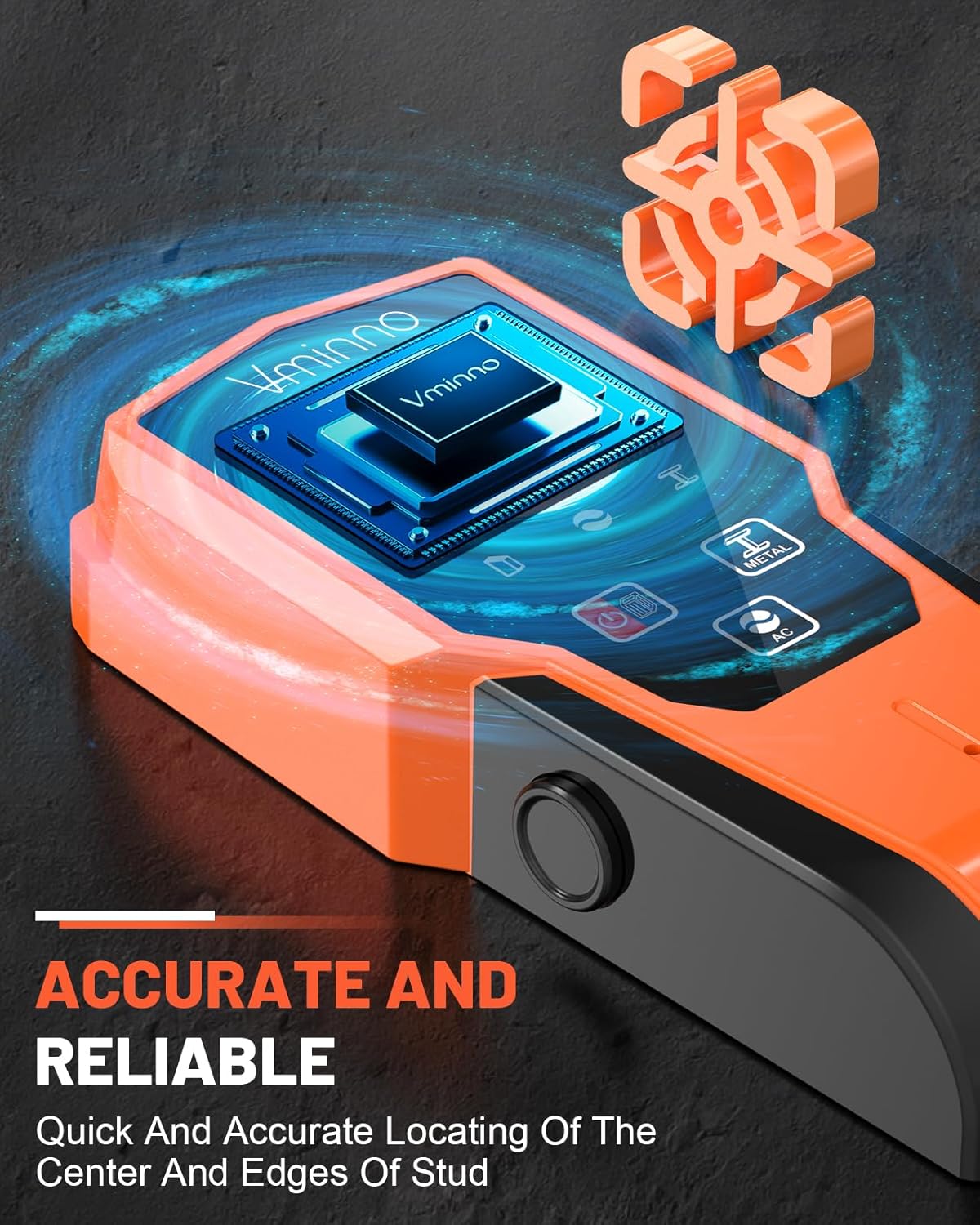
A detailed view of the Vminno stud finder, highlighting its internal smart sensor technology designed for accurate and reliable location of hidden objects within walls.
5. Setup
5.1 Battery Installation
- Open the battery compartment cover on the back of the device.
- Insert two (2) AAA batteries, ensuring correct polarity (+/-).
- Close the battery compartment cover securely.
5.2 Initial Calibration
Proper calibration is crucial for accurate detection. Always calibrate the device before each use and when switching between detection modes.
- For Stud Scan Mode: Place the device flat against the wall where you intend to scan. Press and hold the scan button until calibration is complete (usually indicated by a beep or stable display).
- For Metal/AC Scan Modes: Hold the device in the air, away from any walls or metal objects. Press and hold the scan button until calibration is complete.
6. Operating Modes
6.1 General Operation
- Press the power button to turn on the device.
- Use the mode selection button to cycle through the available scanning modes (Stud Scan, Metal Scan, AC Scan).
- Perform calibration as described in Section 5.2 for the selected mode.
- Slowly slide the device horizontally across the surface. The LCD display will show indicators for detected objects, signal strength, and approximate depth. An audible alert will sound when an object is found.
6.2 Stud Scan Mode
This mode is used to locate the edges and center of wooden studs behind drywall. It offers three depth settings: 0.5 inch (12mm), 1 inch (25mm), and 1.5 inches (38mm). Select the appropriate depth based on wall thickness.

This image demonstrates the stud finder's ability to clearly display both the edge and the center of a wooden stud on its backlit LCD screen, indicating the progression from edge detection to center location.
6.3 Metal Scan Mode
This mode detects various metal objects, including rebar, copper pipes, and metal studs. It can detect non-magnetic metals up to 2.4 inches (60mm) deep and magnetic metals up to 3.2 inches (80mm) deep.
6.4 AC Scan Mode
The AC Scan mode identifies live unshielded AC electrical wires up to 2 inches (51mm) deep. This is a critical safety feature to prevent accidental contact with electrical hazards during drilling or cutting.
7. Maintenance
- Cleaning: Wipe the device with a soft, dry cloth. Do not use abrasive cleaners or solvents.
- Storage: Store the device in the provided dustproof bag in a cool, dry place when not in use. Remove batteries if storing for extended periods to prevent leakage.
- Battery Replacement: Replace batteries when the low battery indicator appears on the display to ensure optimal performance.
8. Troubleshooting
- Device does not power on: Check battery installation and ensure batteries are fresh.
- Inconsistent readings: Ensure proper calibration for the selected mode and surface. Recalibrate if necessary. Slide the device slowly and steadily.
- No detection: Verify the correct mode is selected for the target object. Ensure the device is held flat against the surface (for stud scan) or in the air (for metal/AC scan during calibration).
- False positives/negatives: Environmental factors or highly textured surfaces can affect accuracy. Try scanning from multiple directions.
9. Specifications
| Feature | Specification |
|---|---|
| Model Number | TH600 |
| Manufacturer | Vminno |
| Stud Scan Depth | 0.5 inch (12mm), 1 inch (25mm), 1.5 inches (38mm) |
| Metal Scan Depth (Non-Magnetic) | Up to 2.4 inches (60mm) |
| Metal Scan Depth (Magnetic) | Up to 3.2 inches (80mm) |
| AC Scan Depth | Up to 2 inches (51mm) |
| Power Source | 2 x AAA Batteries (Included) |
| Item Weight | 322 g |
| Parcel Dimensions | 20.09 x 8 x 5.69 cm |
| Color | Orange |
10. Warranty and Support
For warranty information, technical support, or service inquiries, please refer to the contact details provided with your purchase documentation or visit the official Vminno website. Keep your purchase receipt as proof of purchase.

