
1. Introduction
Thank you for choosing the MVMT Field II Solar Men's Watch. This timepiece is designed for everyday wear, featuring a reliable Japanese solar-powered movement and robust construction. It is water resistant up to 10 ATM (100 meters), making it suitable for various activities including short dives, swimming, and surfing. This manual provides essential information for the proper setup, operation, and maintenance of your watch.
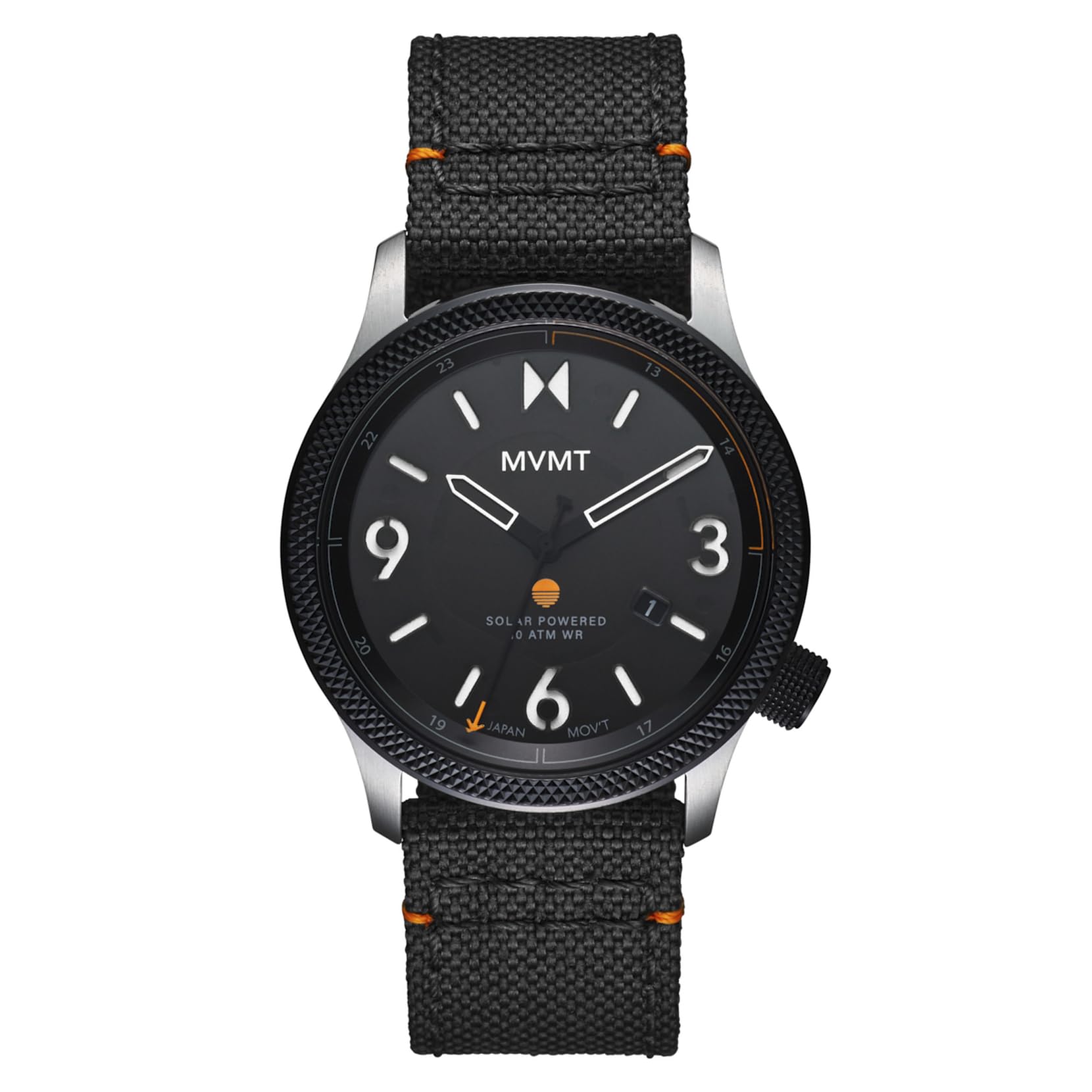
Figure 1.1: Front view of the MVMT Field II Solar Men's Watch, showcasing the dial, hands, and nylon strap.
2. Setup
2.1 Initial Charging
Your MVMT Field II Solar watch is powered by light. Before initial use, or if the watch has stopped, expose the watch face to a bright light source (natural sunlight is ideal) for several hours. This will ensure the internal rechargeable battery is sufficiently charged to maintain accurate timekeeping.
2.2 Setting the Time and Date
- Pull out the crown: Gently pull the crown (the knob on the side of the watch) out to the first or second click position. The number of clicks depends on whether your watch has a date function and if you are setting the date or time.
- Set the date (if applicable): If your watch has a date display, rotate the crown in one direction (usually clockwise) to adjust the date. Avoid setting the date between 9 PM and 3 AM, as this can interfere with the automatic date change mechanism.
- Set the time: Pull the crown out to the furthest position. Rotate the crown to move the hands clockwise until the correct time is displayed. Ensure you differentiate between AM and PM if your watch has a 24-hour indicator or date function.
- Push in the crown: Once the time and date are set, push the crown back in completely to its original position. This also ensures the watch maintains its water resistance.
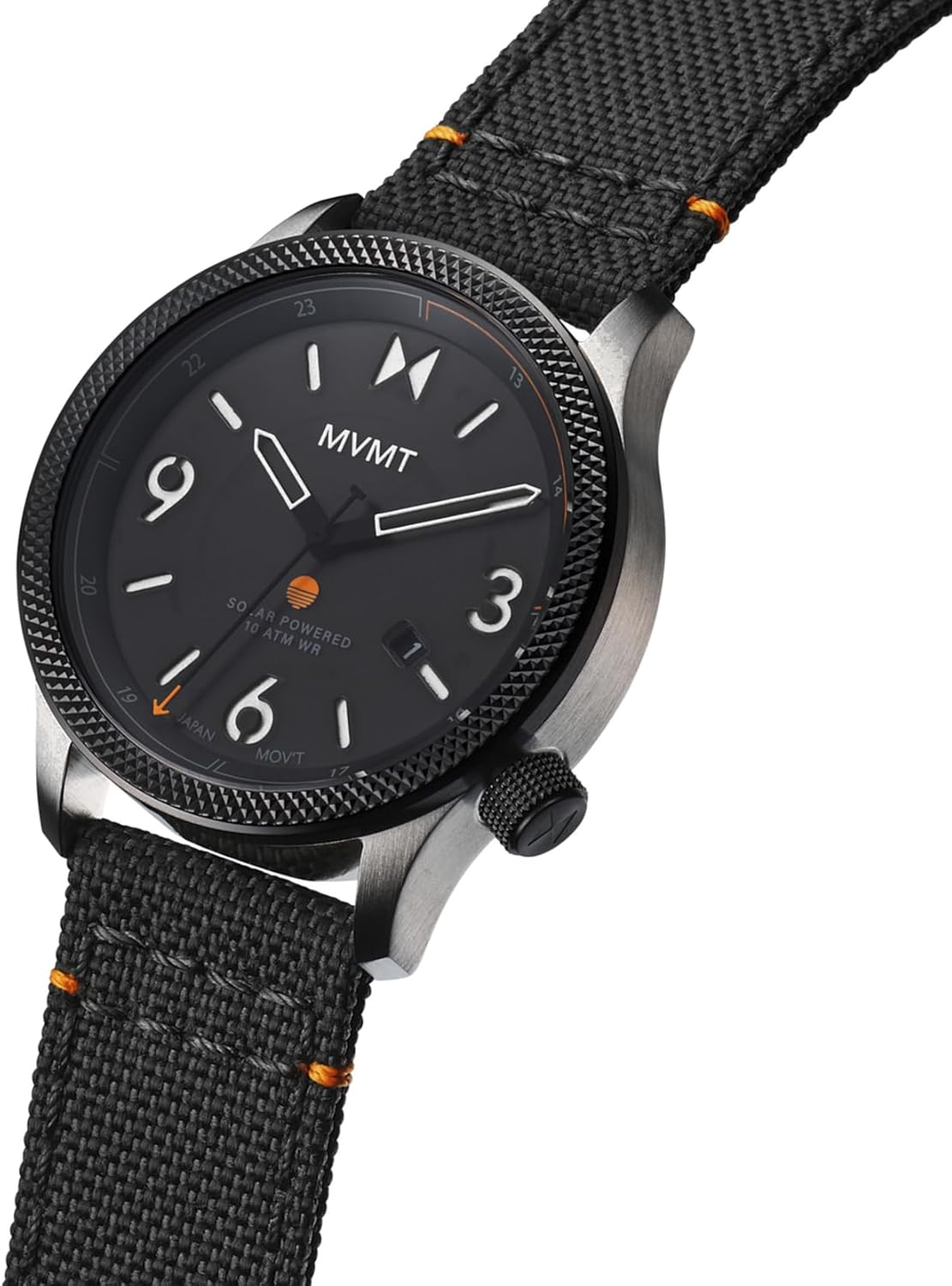
Figure 2.1: Close-up view of the watch face, highlighting the crown for time and date adjustments.
2.3 Adjusting the Nylon Strap
The MVMT Field II Solar watch comes with a ballistic nylon strap. To adjust the fit, simply thread the strap through the buckle and loops to achieve a comfortable and secure fit on your wrist. Ensure the watch is not too tight to allow for proper circulation, nor too loose to prevent excessive movement.
3. Operating Your Watch
3.1 Solar Power Functionality
The Field II Solar watch utilizes a Japanese solar-powered movement. This means the watch converts light into electrical energy, which is then stored in a rechargeable cell. For optimal performance, regularly expose your watch to light. Prolonged periods in darkness may deplete the charge and cause the watch to stop.
3.2 Water Resistance (10 ATM / 100 Meters)
Your watch is designed to be water resistant up to 10 ATM (100 meters). This rating indicates suitability for short dives, swimming, and surfing. It is crucial to ensure the crown is fully pushed in and, if applicable, screwed down, before exposing the watch to water. Do not operate the crown or pushers while the watch is wet or submerged, as this can compromise the water resistance.
4. Maintenance
4.1 Cleaning Your Watch
To clean the watch case and crystal, wipe gently with a soft, damp cloth. For the nylon strap, you may use a mild soap solution and a soft brush, then rinse thoroughly and allow it to air dry completely before wearing. Avoid using harsh chemicals or abrasive materials, as these can damage the watch's finish or strap.
4.2 Solar Cell Care
Keep the watch face clean to ensure efficient light absorption by the solar cell. Dust or smudges on the crystal can reduce charging efficiency. Avoid exposing the watch to extreme temperatures, as this can affect the rechargeable cell's lifespan.
4.3 Water Resistance Precautions
- Always ensure the crown is fully pushed in before contact with water.
- Do not operate the crown or pushers while the watch is submerged or wet.
- Avoid exposing the watch to hot water, steam, or sudden temperature changes (e.g., sauna, hot tub), as this can compromise seals.
- After exposure to saltwater, rinse the watch with fresh water and dry it thoroughly.
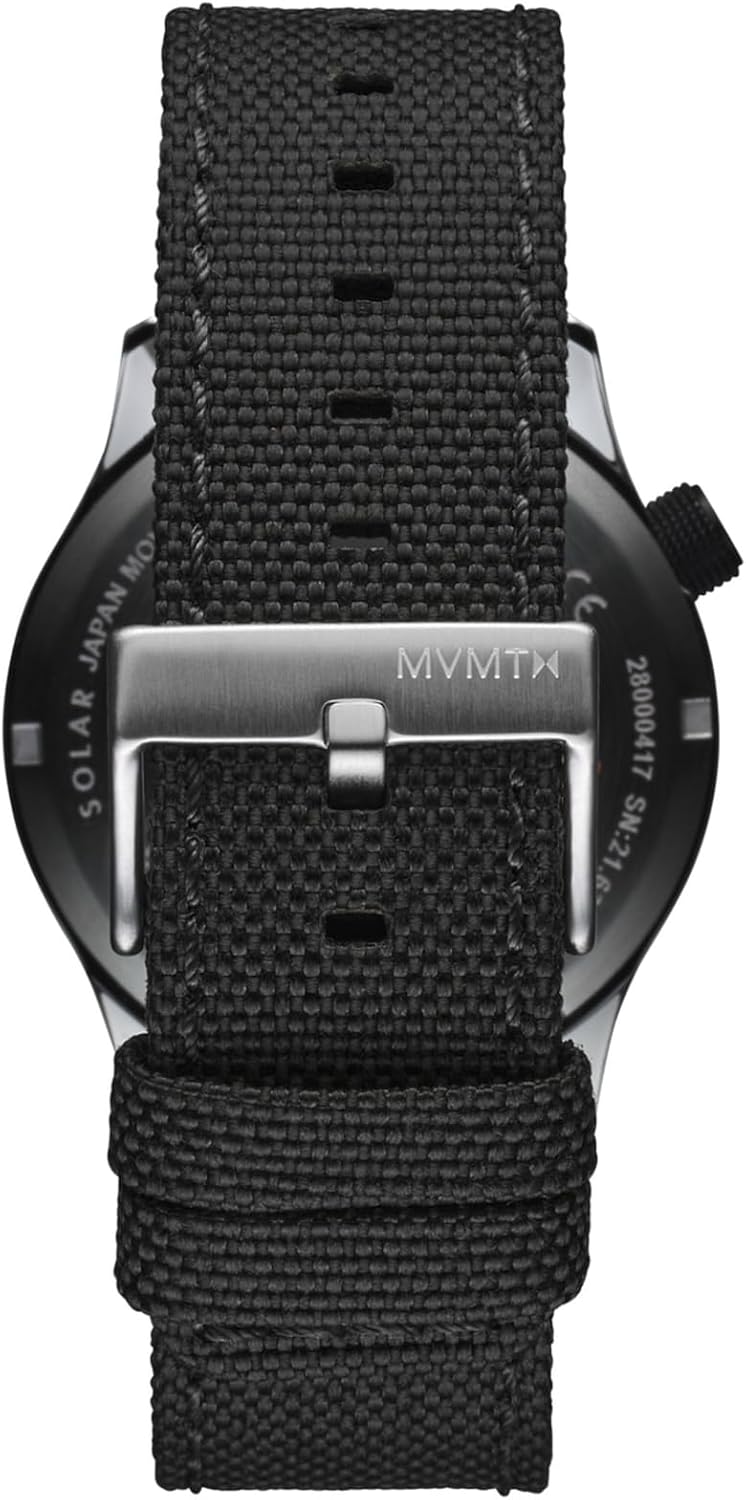
Figure 4.1: Rear view of the watch, showing the case back and the nylon strap with its buckle, which should be kept clean.
5. Troubleshooting
5.1 Watch Not Running
- Insufficient Charge: The most common reason for a solar watch to stop is insufficient light exposure. Place the watch under a bright light source (preferably natural sunlight) for several hours to fully charge it.
- Crown Position: Ensure the crown is fully pushed in. If it is pulled out, the watch will not run.
5.2 Time is Incorrect
- Reset Time: Follow the instructions in Section 2.2 to reset the time.
- Magnetic Fields: Strong magnetic fields can affect watch accuracy. If you suspect this, move the watch away from magnetic sources and reset the time.
6. Specifications
| Model Number | 28000497 |
| Movement | Japanese Solar-Powered |
| Case Material | Not specified (typically stainless steel) |
| Case Diameter | 41mm |
| Crystal | K1 Hardened Glass |
| Strap Material | Ballistic Nylon |
| Water Resistance | 10 ATM / 100 Meters (suitable for short dives, swimming, surfing) |
| Lume Accents | Japanese Lume |
| Package Dimensions | 6.1 x 3.7 x 2.6 inches |
| Item Weight | 6.24 ounces |
7. Warranty & Support
7.1 Two-Year Guarantee
MVMT offers a two-year guarantee on all products. This guarantee covers manufacturing defects under normal use. It does not cover damage resulting from improper handling, accidents, unauthorized repairs, or normal wear and tear. Please retain your proof of purchase for warranty claims.
7.2 Customer Support
For further assistance, warranty claims, or product inquiries, please visit the official MVMT Store or contact their customer service department. Detailed contact information can typically be found on the brand's official website or through the retailer where the product was purchased.

Figure 7.1: The MVMT watch box, which typically contains warranty information and product documentation.