
Xmenha invisible bluetooth earbuds
Xmenha Invisible Bluetooth Earbuds User Manual
Model: invisible bluetooth earbuds
Introduction
Thank you for choosing the Xmenha Invisible Bluetooth Earbuds. These compact, true wireless earbuds are designed for comfortable, low-profile wear, ideal for sleep, daily commuting, and active use. Featuring Bluetooth 5.3 for stable connectivity and IPX4 sweat resistance, they deliver clear stereo sound and offer extended listening time with their portable charging case. This manual provides essential information for setting up, operating, maintaining, and troubleshooting your earbuds.
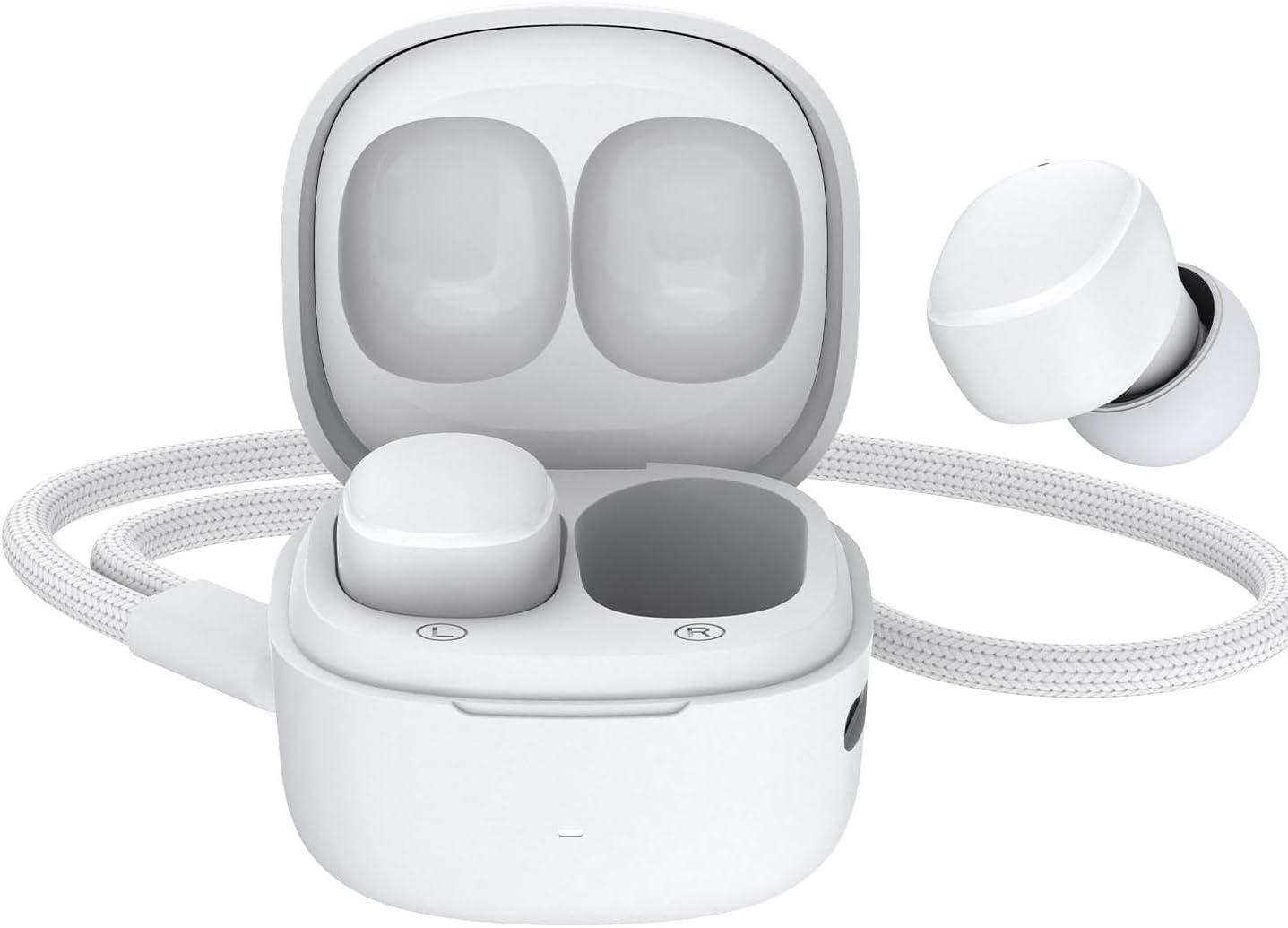
Image: The Xmenha Invisible Bluetooth Earbuds, shown in their open white charging case, with one earbud removed and positioned next to the case, highlighting their compact and discreet design.
Package Contents
Before use, please verify that all items are present in the package:
- Xmenha True Wireless Earbuds (Left and Right)
- Portable Charging Case
- USB Charging Cable
- Product Manual

Image: A visual representation of the Xmenha earbud package contents, including the earbuds in their charging case, a USB charging cable, and the product manual, all neatly arranged within the product box.
Setup
1. Initial Charging
Before first use, fully charge the earbuds and the charging case. Place the earbuds into the charging case and connect the USB charging cable to a power source. The earbuds provide approximately 3.5 hours of listening time on a single charge, with the charging case offering an additional 16 hours of battery life.
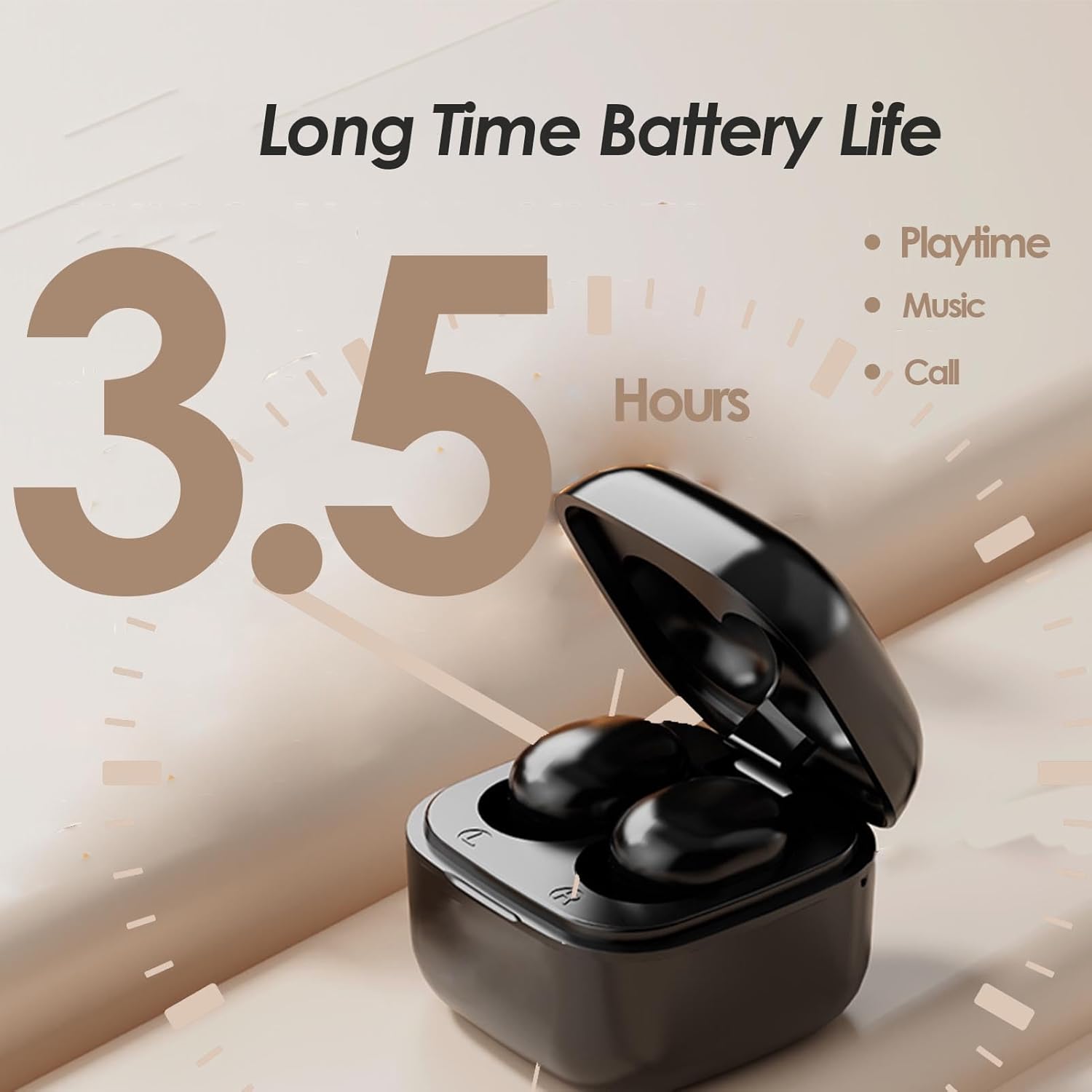
Image: A black Xmenha earbud charging case with earbuds inside, illustrating the "Long Time Battery Life" of 3.5 hours for playtime, music, and calls.
2. Pairing with Your Device
- Ensure the earbuds are charged and inside the charging case.
- Open the charging case. The earbuds will automatically enter pairing mode.
- On your device (smartphone, tablet, etc.), enable Bluetooth.
- Search for "Xmenha Earbuds" or a similar name in the list of available Bluetooth devices.
- Select the earbuds to connect. Once connected, a voice prompt will confirm successful pairing.
The earbuds utilize Bluetooth 5.3 technology for a stable and delay-free connection.
3. Wearing the Earbuds
The earbuds feature an ergonomic design developed from 3D ear scans, ensuring a comfortable and secure fit. Gently insert each earbud into your ear canal, twisting slightly until it feels snug and comfortable. The low-profile design makes them unobtrusive for extended wear.
Operating Instructions
Basic Controls
The Xmenha earbuds are designed for intuitive control at your fingertips. While specific touch gestures are not detailed, common functions typically include:
- Play/Pause: Single tap on either earbud.
- Next Track: Double tap on the right earbud.
- Previous Track: Double tap on the left earbud.
- Answer/End Call: Single tap on either earbud during an incoming call.
- Reject Call: Press and hold either earbud.
- Activate Voice Assistant: Triple tap on either earbud (if supported by your device).
Refer to the quick start guide included in your package for precise touch control instructions if available.
Single Earbud Mode
You can use either the left or right earbud independently. Simply take one earbud out of the case, and it will automatically connect to your paired device. The other earbud can remain in the case or be used by another person. To switch back to stereo mode, simply take the second earbud out of the case, and they will automatically pair with each other.
Maintenance
Cleaning
Regular cleaning helps maintain sound quality and hygiene. Use a soft, dry, lint-free cloth to wipe the earbuds and charging case. For stubborn dirt, slightly dampen the cloth with water. Do not use harsh chemicals or abrasive materials. Ensure the charging contacts on both the earbuds and case are clean and dry.
Storage
When not in use, always store the earbuds in their charging case to protect them from dust, dirt, and damage. Store the case in a cool, dry place away from direct sunlight and extreme temperatures.
Water Resistance (IPX4)
The Xmenha earbuds are IPX4 sweat resistant, meaning they are protected against splashing water from any direction. This makes them suitable for workouts and light rain. However, they are not designed for submersion in water, showering, or swimming. Ensure earbuds are dry before placing them back in the charging case to prevent damage.
Troubleshooting
| Problem | Possible Cause | Solution |
|---|---|---|
| Earbuds not pairing/connecting | Earbuds not in pairing mode; Bluetooth off on device; previously paired device interfering. |
|
| No sound from earbuds | Low battery; volume too low; not properly connected; earbud blocked. |
|
| Earbuds not charging | Charging cable faulty; charging contacts dirty; power source issue. |
|
| Poor sound quality/intermittent connection | Interference; distance from device; obstacles; low battery. |
|
Specifications
- Model Name: small earbuds
- Item Model Number: invisible bluetooth earbuds
- Brand: Xmenha
- Connectivity Technology: Wireless
- Wireless Communication Technology: Bluetooth
- Bluetooth Version: 5.3
- Form Factor: In Ear
- Color: White (as per current product variant)
- Battery Life (Earbuds): Up to 3.5 hours (Playtime, Music, Call)
- Battery Life (with Charging Case): Up to 16 additional hours
- Water Resistance Rating: IPX4 (Sweat Resistant)
- Age Range (Description): Adult
Warranty and Support
For any product inquiries, technical support, or warranty claims, please contact the seller or manufacturer directly. The manufacturer of this product is Xmenha. Please refer to your purchase documentation for specific warranty terms and contact information for the seller, TTBESMI.
For more information, you may visit the Xmenha Store on Amazon.