
GoodtoU AL-HAP360W
HAP360W Type J Air Purifier Filter Replacement User Manual
Model: AL-HAP360W | Brand: GoodtoU
Introduction
This manual provides essential information for the installation, maintenance, and optimal performance of your GoodtoU HAP360W Type J Air Purifier Filter Replacement. Designed for compatibility with Holmes True 360 HAP360W and Bionaire True 360° Air Purifiers, these filters are crucial for maintaining healthy and clean indoor air quality.

Image: Two HAP360W Type J Air Purifier Filters, showing their cylindrical shape and pleated filter material.
Compatibility
The GoodtoU HAP360W Type J Replacement Filters are specifically engineered to be fully compatible with the following air purifier models:
- Holmes True 360 Air Purifier HAP360W
- Bionaire True 360° Air Purifier
Please verify your air purifier's model number to ensure proper fit and function before installation.
Product Features and Filtration Performance
These replacement filters are designed with a multi-stage filtration system to capture a wide range of airborne particles and odors, ensuring cleaner air in your environment.
True Filter (Composite Wet Framework Filter)
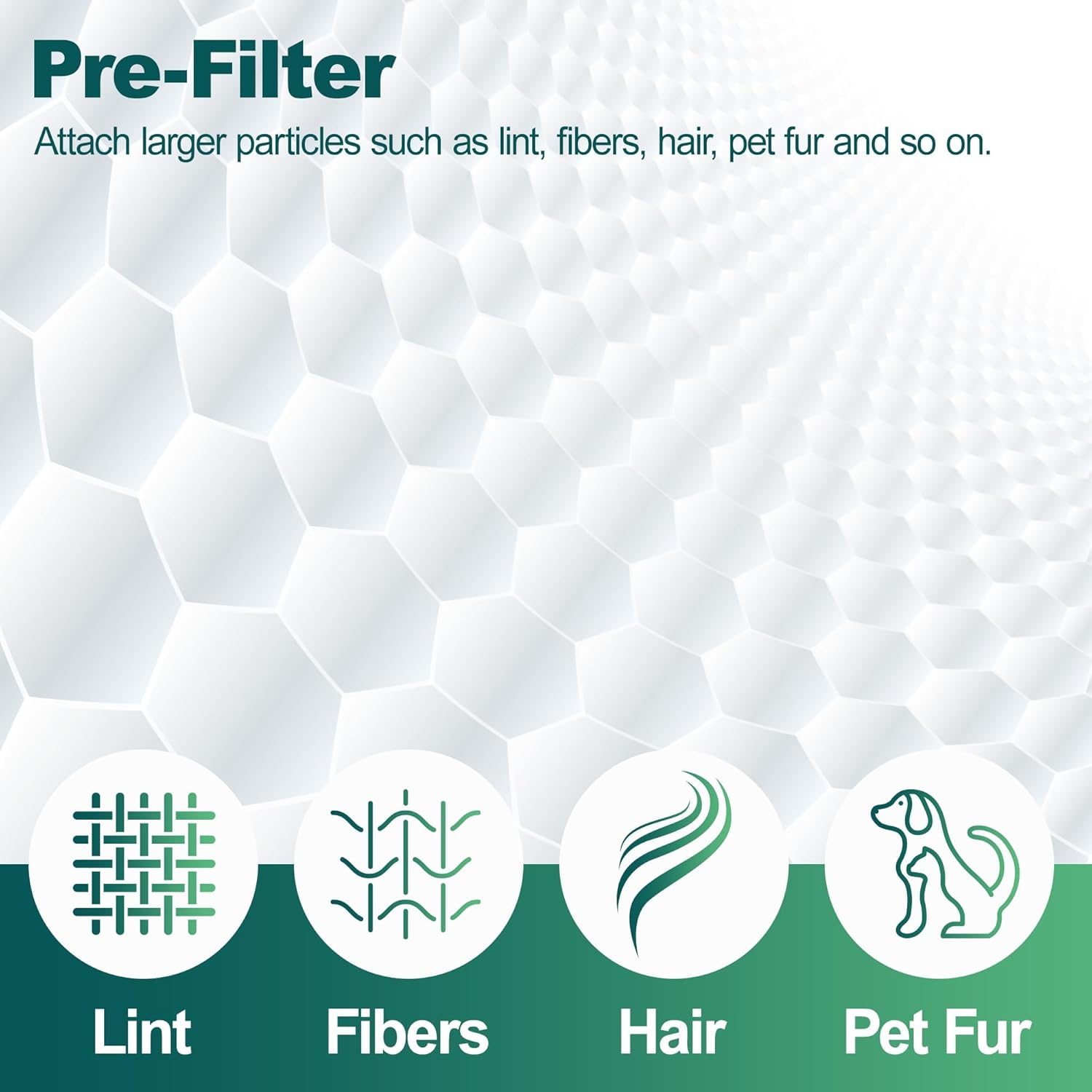
Image: Diagram illustrating the pre-filter's function, showing icons for lint, fibers, hair, and pet fur being captured.
The composite wet framework filter is highly effective at capturing microscopic particles. It is capable of filtering 0.3 micron dust from the air and capturing 99.97% of airborne particles, including pet dander, pollen, and other allergens. This stage ensures the removal of fine particulate matter for a healthier indoor atmosphere.
High-Efficiency Activated Carbon Filter

Image: Close-up of an activated carbon filter, with icons representing smoke, pet odor, cooking odor, and VOCs, indicating odor reduction.
The activated carbon layer is designed to absorb and reduce common household odors. This includes odors from pets, cooking, smoking, and volatile organic compounds (VOCs). The high-quality foam adhesive used for bonding ensures durability and prevents bursting, contributing to a longer service life.
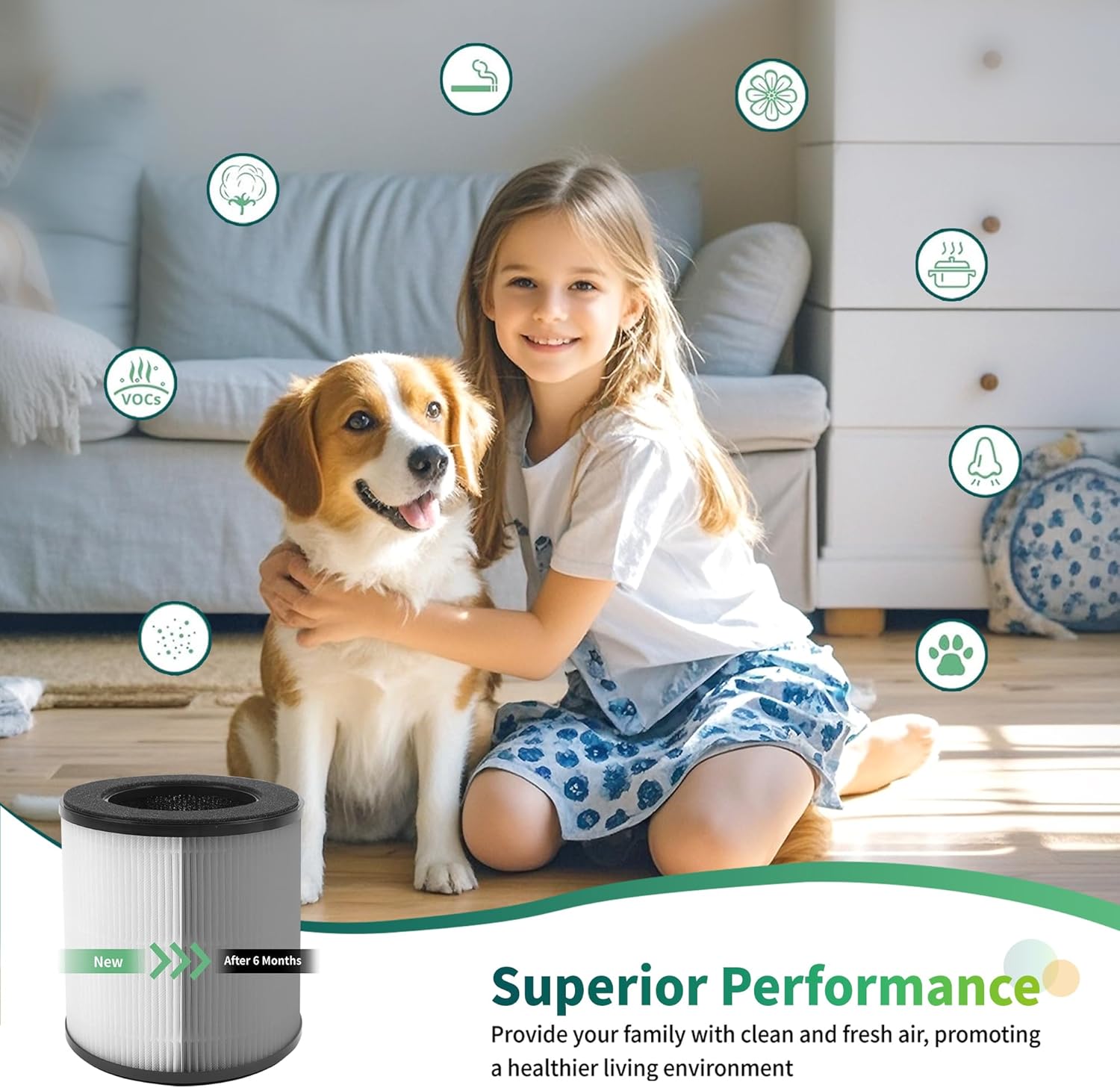
Image: A child and a dog in a clean living room, with icons representing various airborne elements. An inset image shows a new filter next to a filter labeled "After 6 Months", illustrating the filter's performance over time.
Specifications
| Model Number | AL-HAP360W |
| Item Weight | 1.34 pounds |
| Product Dimensions | 6.8 x 6.8 x 5.9 inches (6.86"L x 6.86"W x 5.86"Th) |
| Material Type | Active Carbon |
| Number of Items | 2 (per package) |
| Special Features | Easy to Install |
| Compatible Devices | Holmes True 360 Air Purifier HAP360W, Bionaire True 360° Air Purifier |
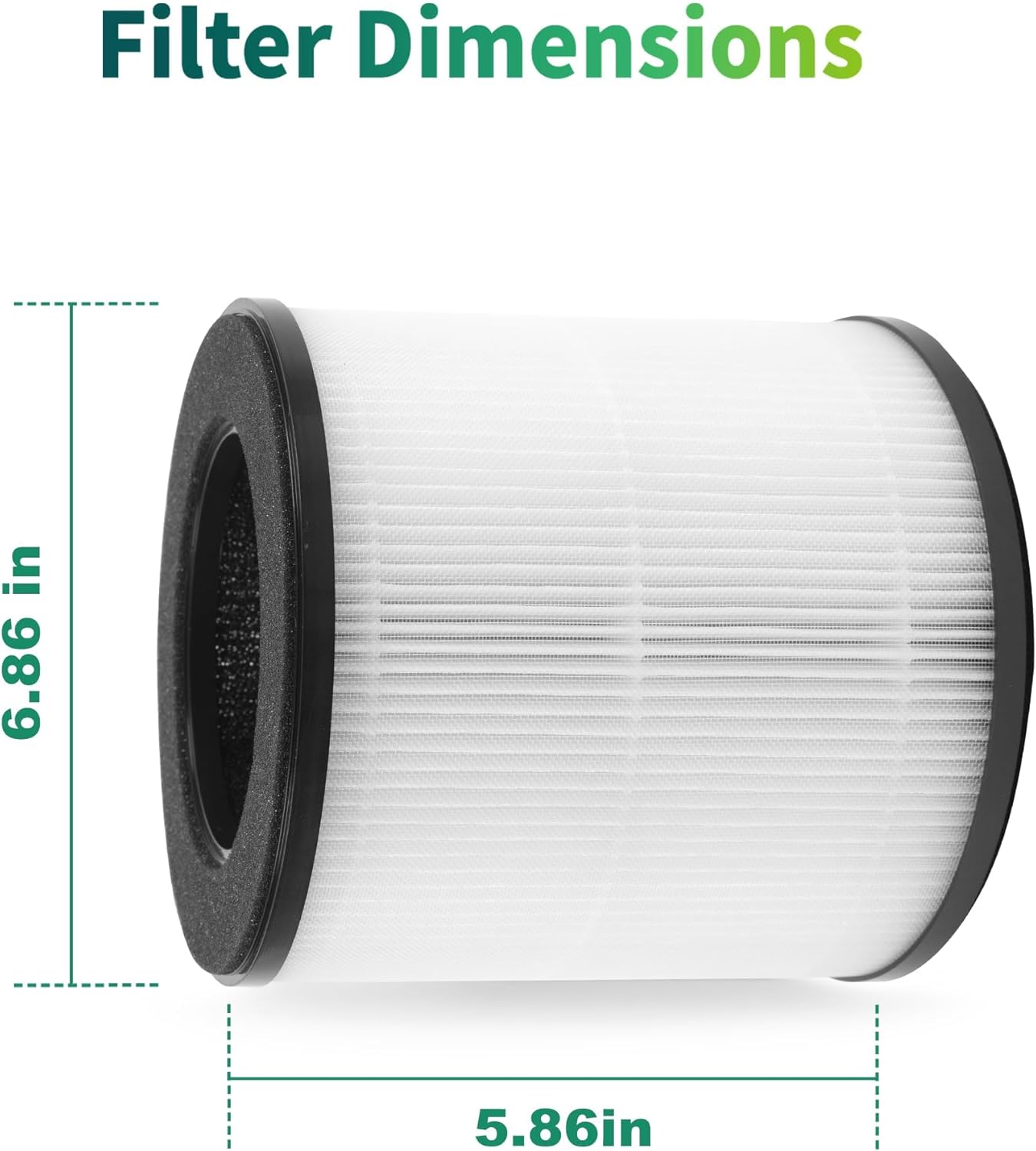
Image: A diagram illustrating the precise dimensions of the filter, showing a height of 6.86 inches and a width of 5.86 inches.
Installation Instructions
Replacing your air purifier filter is a simple process that does not require any special tools.
- Power Off: Before beginning, ensure your air purifier is turned off and unplugged from the power outlet for safety.
- Locate Filter Compartment: Refer to your air purifier's original manual to locate the filter compartment. This is typically at the base or rear of the unit.
- Remove Old Filter: Open the filter compartment cover. Carefully remove the used filter. It may be dusty, so consider wearing gloves or having a waste bin nearby.
- Unpack New Filter: Remove the new GoodtoU HAP360W Type J Replacement Filter from its packaging.
- Insert New Filter: Insert the new filter into the compartment, ensuring it is seated correctly. Follow any directional arrows or guides on your air purifier or the filter itself.
- Close Compartment: Securely close the filter compartment cover.
- Restore Power: Plug your air purifier back into the power outlet and turn it on.
- Reset Filter Indicator (if applicable): If your air purifier has a filter replacement indicator light, consult your air purifier's manual on how to reset it.
Maintenance and Replacement Schedule
For optimal performance and air quality, regular filter replacement is essential.
- Replacement Frequency: It is recommended to replace the filter every 3 to 6 months.
- Factors Affecting Life: The actual lifespan of the filter may vary depending on air quality in your environment and the frequency of air purifier use. In areas with higher pollution, pet dander, or smoke, more frequent replacement may be necessary.
- Visual Inspection: Periodically inspect the filter for visible dirt or discoloration. A heavily soiled filter indicates it's time for replacement.
Troubleshooting
If you experience issues after replacing your filter, consider the following:
- Reduced Airflow: Ensure the filter is correctly seated in its compartment and the compartment cover is fully closed. Check for any obstructions around the air purifier's intake or output vents.
- Persistent Odors: If odors persist after replacement, ensure the new filter was removed from all plastic packaging before installation. If the issue continues, the air quality in your environment might be exceptionally poor, requiring more frequent filter changes.
- Filter Indicator Light: If the filter indicator light remains on after replacement, refer to your air purifier's specific instructions for resetting the filter life monitor. This process varies by model.
Customer Support
GoodtoU is committed to providing excellent customer service. If you have any questions, concerns, or encounter any quality issues with your replacement filters, please do not hesitate to reach out to us. We aim to resolve any problems within 24 hours.
For support, please visit the GoodtoU Store on Amazon or contact us through the platform where you purchased the product.
Ask a question about this manual
Ask about setup, troubleshooting, compatibility, parts, safety, or missing instructions. Manuals+ will review the question and use this page’s manual context to help answer it.