
ZTHY 850t
ZTHY Battery Replacement for BAGOTTE, Ionvac, and Coredy Vacuum Cleaners - Instruction Manual
Introduction
This manual provides essential instructions for the safe and effective installation, operation, and maintenance of your ZTHY 14.4V 2800mAh Li-ion replacement battery. This battery is designed for specific robotic vacuum cleaner models, including BAGOTTE BG600, BG600 MAX, BG700, BG750, Ionvac SmartClean 2000 V4, and Coredy R750-1600Pa, R500, R500+, R300, R650, R3500, R3500S, R600, R58. Please read this manual thoroughly before use.
Safety Information
Observe the following safety precautions to prevent damage to the battery, vacuum cleaner, or personal injury:
- Use Original Charger: Always use the original charger provided with your vacuum cleaner. Using an incompatible charger can damage the battery and pose a fire risk.
- Avoid Over-Charging and Over-Discharging: Do not leave the battery charging indefinitely after it is full. Similarly, avoid completely draining the battery before recharging. Charge the battery when the vacuum indicates low power and disconnect the charger once fully charged.
- Temperature Conditions: Charge and store the battery in a well-ventilated, dry environment between 5°C and 35°C (41°F and 95°F). Avoid extreme temperatures, direct sunlight, or high humidity.
- Physical Damage: Do not puncture, disassemble, or modify the battery. If the battery appears damaged, swollen, or leaking, discontinue use immediately and dispose of it properly.
- Water Exposure: Keep the battery away from water and other liquids.
- Disposal: Dispose of used batteries according to local regulations. Do not discard with household waste.
Product Specifications
| Battery Type | Li-ion Rechargeable Battery |
| Voltage | 14.4V |
| Capacity | 2800mAh |
| Watt-hours | 40Wh |
| Part Numbers | CMICR18650F8M7-4S1P, H18650CH-4S1P, SUN-INTE-172, SUN-INTE-273 |
| Connector Type | 3-prong connector |
| Dimensions | Approximately 3.15 x 2.36 x 1.97 inches (7.8 ounces) |
| Safety Features | Over-charge, Over-discharge, Over-voltage, Over-current, Over-heating, Over-power, Short-circuit protection |

Image: ZTHY Battery with detailed product parameters including voltage, capacity, and watt-hours.

Image: ZTHY Battery showing approximate dimensions of 2.75 inches in length and 1.45 inches in height.
Compatibility
This ZTHY replacement battery is compatible with the following robotic vacuum cleaner models:
- BAGOTTE BG600
- BAGOTTE BG600 MAX
- BAGOTTE BG700
- BAGOTTE BG750
- Ionvac SmartClean 2000 V4
- Coredy R750-1600Pa
- Coredy R500
- Coredy R500+
- Coredy R300
- Coredy R650
- Coredy R3500
- Coredy R3500S
- Coredy R600
- Coredy R58
Important: Before installation, verify that your original battery's connector is a 3-prong type to ensure proper fit and function.
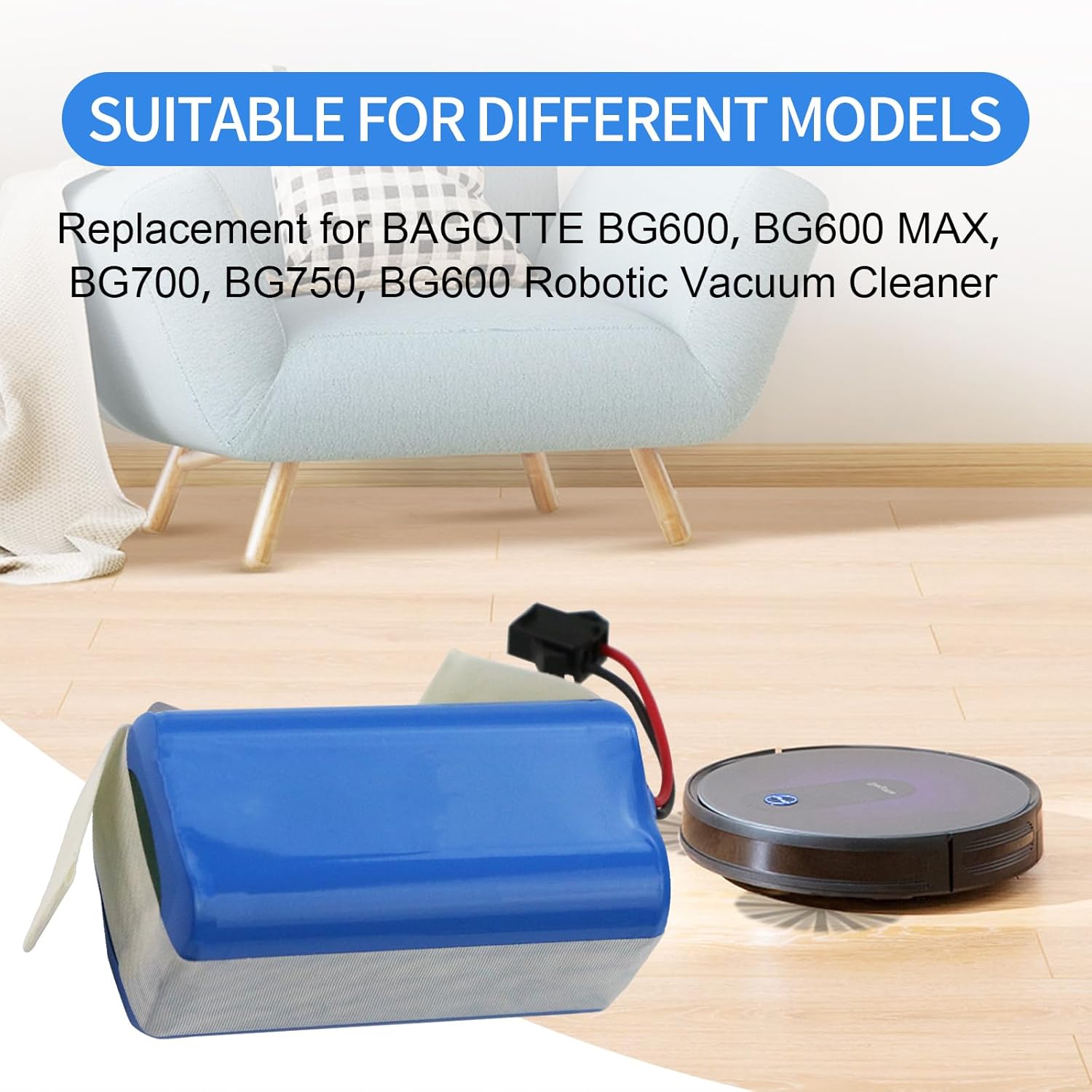
Image: ZTHY Battery shown next to a robot vacuum, illustrating compatibility with various models.

Image: Close-up view of the 3-prong battery connector, emphasizing the need to confirm compatibility with the original battery's connector.
Installation Instructions
The ZTHY replacement battery is designed for a straightforward, 2-step installation process. A screwdriver is included for your convenience.
- Access Battery Compartment: Carefully turn your robot vacuum cleaner upside down. Locate the battery compartment cover, typically secured by two screws. Use the provided screwdriver to remove these screws.
- Replace Battery: Gently remove the battery compartment cover. Disconnect the old battery's connector from the vacuum cleaner's port. Insert the new ZTHY battery, ensuring the 3-prong connector aligns and clicks securely into place. Replace the battery compartment cover and secure it with the screws.
After installation, place the vacuum cleaner on its charging base to ensure the new battery is properly recognized and begins charging.

Image: The ZTHY replacement battery shown alongside the included screwdriver, ready for installation.
Operating Instructions
Once the new battery is installed and fully charged, your robot vacuum cleaner should operate as usual. Refer to your vacuum cleaner's original instruction manual for specific operating modes and scheduling.
- Initial Charge: For optimal performance, fully charge the new battery before its first use.
- Regular Use: Allow the vacuum to complete its cleaning cycles. Recharge the battery when the vacuum indicates low power.
- Charging Environment: Ensure the charging base is in a stable, dry, and well-ventilated area.
Battery Maintenance
Proper maintenance extends battery lifespan and ensures consistent performance:
- Regular Charging: Even if the vacuum cleaner is not in regular use, charge the battery periodically (e.g., once every 1-2 months) to prevent excessive self-discharge and performance degradation.
- Deep Charge and Discharge: Every 2-3 months, perform a full charge-discharge cycle. Fully charge the battery, then use the vacuum until the battery is low (but not completely drained) before recharging. This helps maintain battery activity.
- Clean Contacts: Regularly inspect and clean the battery and charger interface contacts to remove dust and debris. This ensures good electrical contact and prevents charging issues or overheating.
Storage Methods
If the vacuum cleaner or battery will be stored for an extended period:
- Charge Before Storage: Fully charge the battery before storing it.
- Dry and Cool Environment: Store the battery in a dry, cool environment, away from direct sunlight, high temperatures, humidity, or corrosive gases.
- Periodic Recharging: For very long storage periods, periodically recharge the battery to about 50-80% every few months to prevent deep discharge.
Troubleshooting
If you encounter issues with your new battery, consider the following:
- Battery Not Charging:
- Ensure the battery connector is securely plugged into the vacuum cleaner.
- Verify the charging base is powered and the vacuum is correctly docked.
- Clean the charging contacts on both the vacuum and the charging base.
- Confirm the original charger is being used.
- Short Battery Life:
- Ensure the battery has been fully charged.
- Perform a deep charge-discharge cycle as described in the Maintenance section.
- Check for any blockages in the vacuum cleaner that might be causing the motor to work harder, consuming more power.
- Vacuum Not Turning On:
- Confirm the battery is correctly installed and fully charged.
- Check the vacuum cleaner's power switch.
If problems persist, refer to your vacuum cleaner's original manual or contact ZTHY customer support.
Warranty and Support
ZTHY is committed to providing quality products. This battery undergoes strict pre-delivery testing to ensure optimal capacity, stable performance, and compliance with safety standards. For any questions, technical assistance, or warranty inquiries, please contact ZTHY customer support through the retailer where the product was purchased or visit the official ZTHY store online.
ZTHY Store: Visit ZTHY Store on Amazon
Ask a question about this manual
Ask about setup, troubleshooting, compatibility, parts, safety, or missing instructions. Manuals+ will review the question and use this page’s manual context to help answer it.