
Introduction
Thank you for choosing the NICHOM 3-in-1 Wireless Lavalier Microphone. This versatile microphone system is designed to provide high-quality audio recording for a wide range of applications, including video vlogging, interviews, live streaming, and online meetings. Featuring intelligent noise cancellation, broad compatibility, and a convenient magnetic design, this microphone ensures clear and stable sound capture.
What's in the Box
- 2 x Microphone Transmitters
- 1 x Lightning Receiver
- 1 x USB-A Adapter
- 2 x Windproof Hairballs (Black and White)
- 1 x Sponge Head
- 1 x User Manual
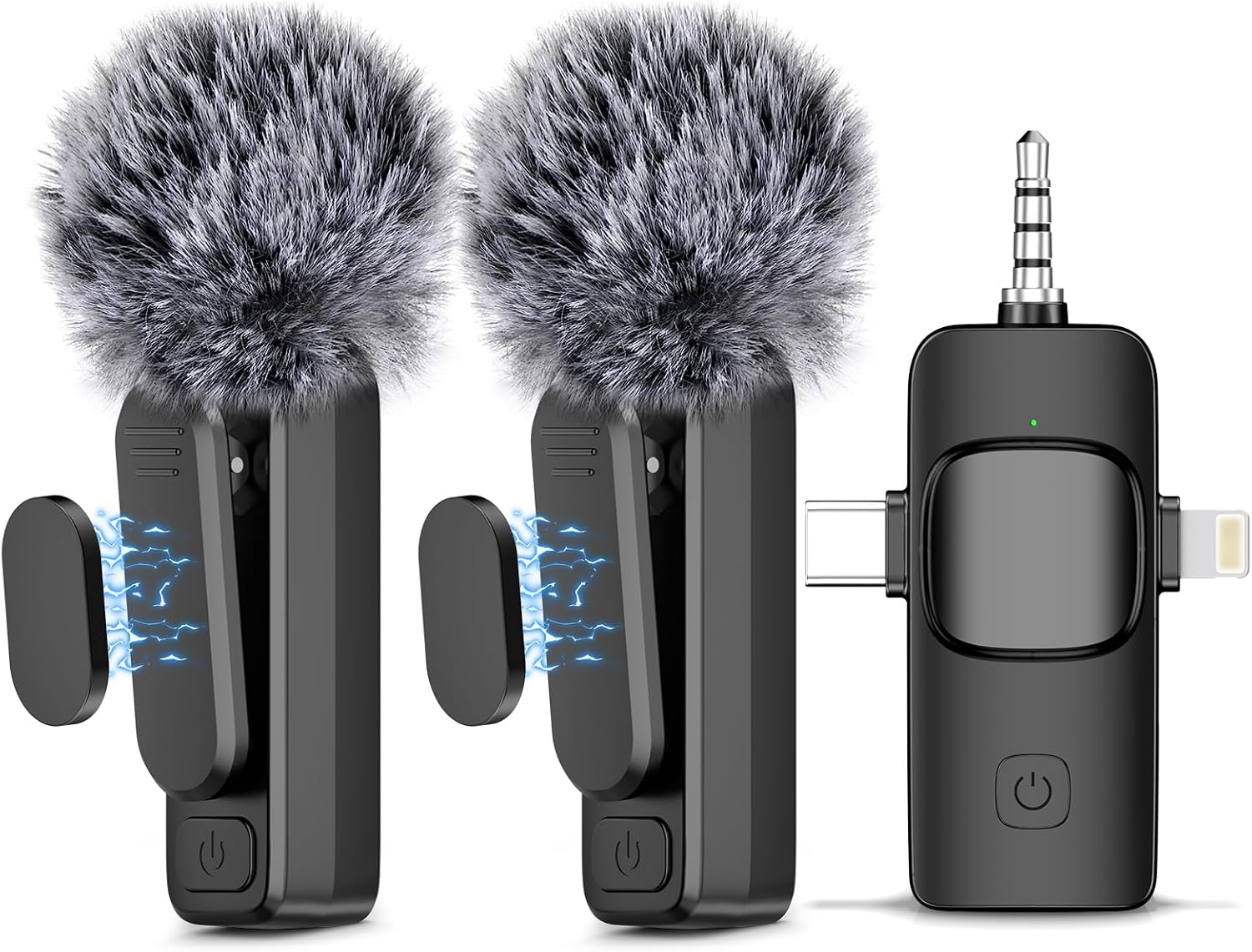
Image: Contents of the NICHOM 3-in-1 Wireless Lavalier Microphone package, showing two microphones and the universal receiver.
Product Overview
Key Features:
- Intelligent Noise Cancellation: Equipped with a smart chip and high-density anti-spray sponge, along with two windproof hairballs, to effectively reduce environmental noise and ensure clear voice recording.
- Plug and Play: No Bluetooth connection or app required. Simply plug the receiver into your device, power on the microphone, and it pairs automatically.
- Wide Compatibility: The 3-in-1 universal receiver supports Lightning, USB-C, and 3.5mm jack connections, making it compatible with iPhone (7-14), iPad Air/Mini/Pro (2-5), computers, MacBooks, PCs, and cameras.
- Magnetic Wireless Design: Features a unique magnetic clip for secure attachment to clothing, minimizing rustling noise and freeing your hands.
- Long-Range Transmission: Utilizes 2.4GHz wireless technology for stable transmission up to 65 feet (20 meters).
- Extended Battery Life: Built-in 65mAh rechargeable batteries provide up to 6 hours of operation time. Includes a one-to-two charging cable for simultaneous charging of two microphones.

Image: Magnetic attachment for secure placement.

Image: Intelligent Noise Reduction for crystal clear sound.
Setup
- Charge the Microphone: Before first use, ensure the microphone transmitters are fully charged. Use the provided charging cable.
- Connect the Receiver: Plug the appropriate connector (Lightning, USB-C, or 3.5mm jack) of the universal receiver into your recording device (smartphone, tablet, PC, or camera).
- Power On Microphone: Long press the power button on the wireless microphone transmitter. The indicator light will show its status.
- Automatic Pairing: The microphone and receiver will automatically pair. A successful connection is indicated by a steady light on both devices.
- Android OTG Function: For Android devices, please ensure the OTG (On-The-Go) function is enabled in your phone's settings for the microphone to function correctly.
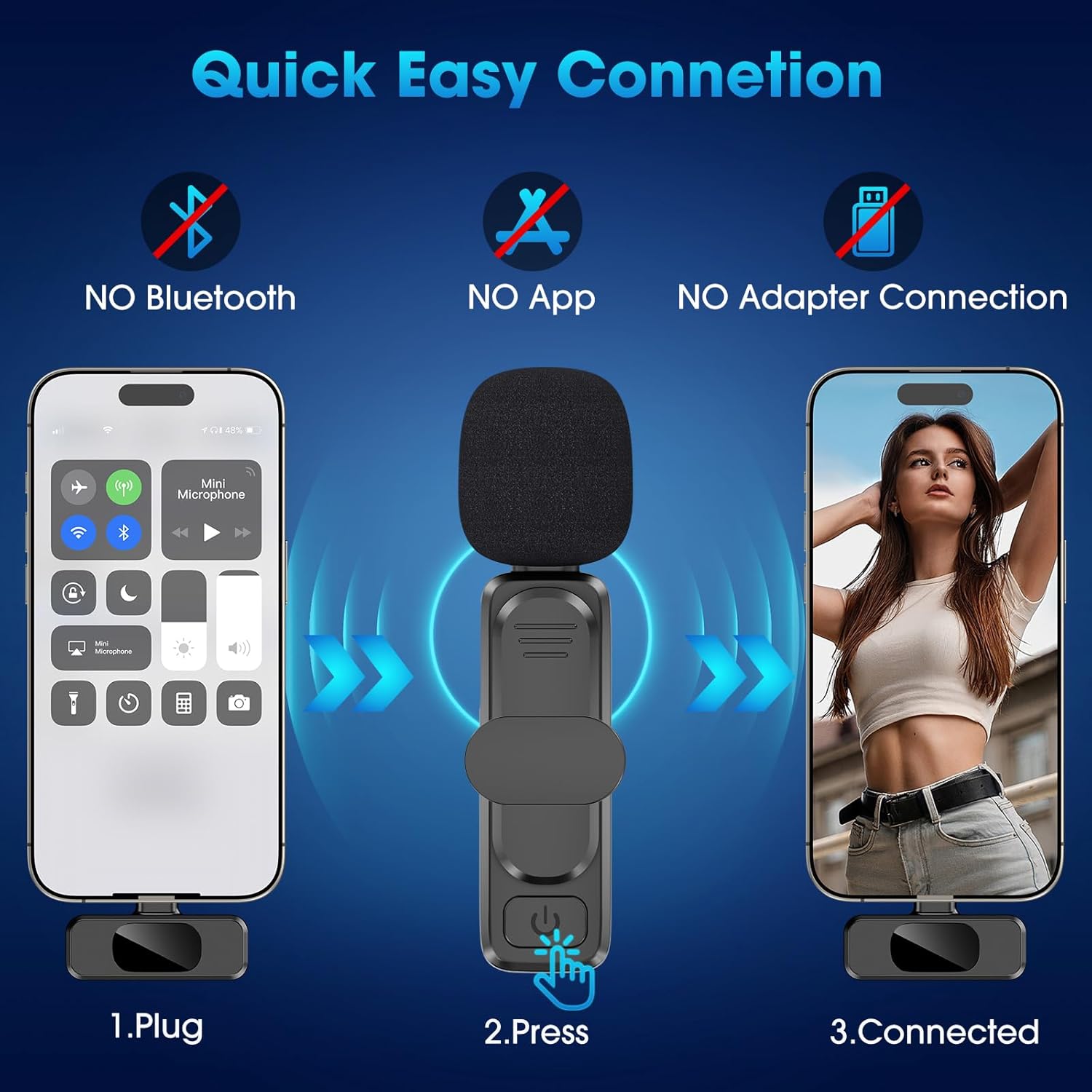
Image: Quick and easy connection steps.
Operating Instructions
Using the Microphone:
- Placement: Attach the microphone securely to your collar or clothing using the magnetic clip. Ensure the microphone head is facing towards your mouth for optimal sound capture.
- Recording: Once connected, open your preferred recording application (camera app, voice recorder, live streaming platform) on your device. The microphone will automatically be recognized as the audio input source.
- Monitoring: Some devices and applications allow real-time audio monitoring. Check your device's settings or app features for this option.
- Range: Maintain a distance within 65 feet (20 meters) between the microphone and the receiver for stable wireless transmission. Obstacles may reduce this range.
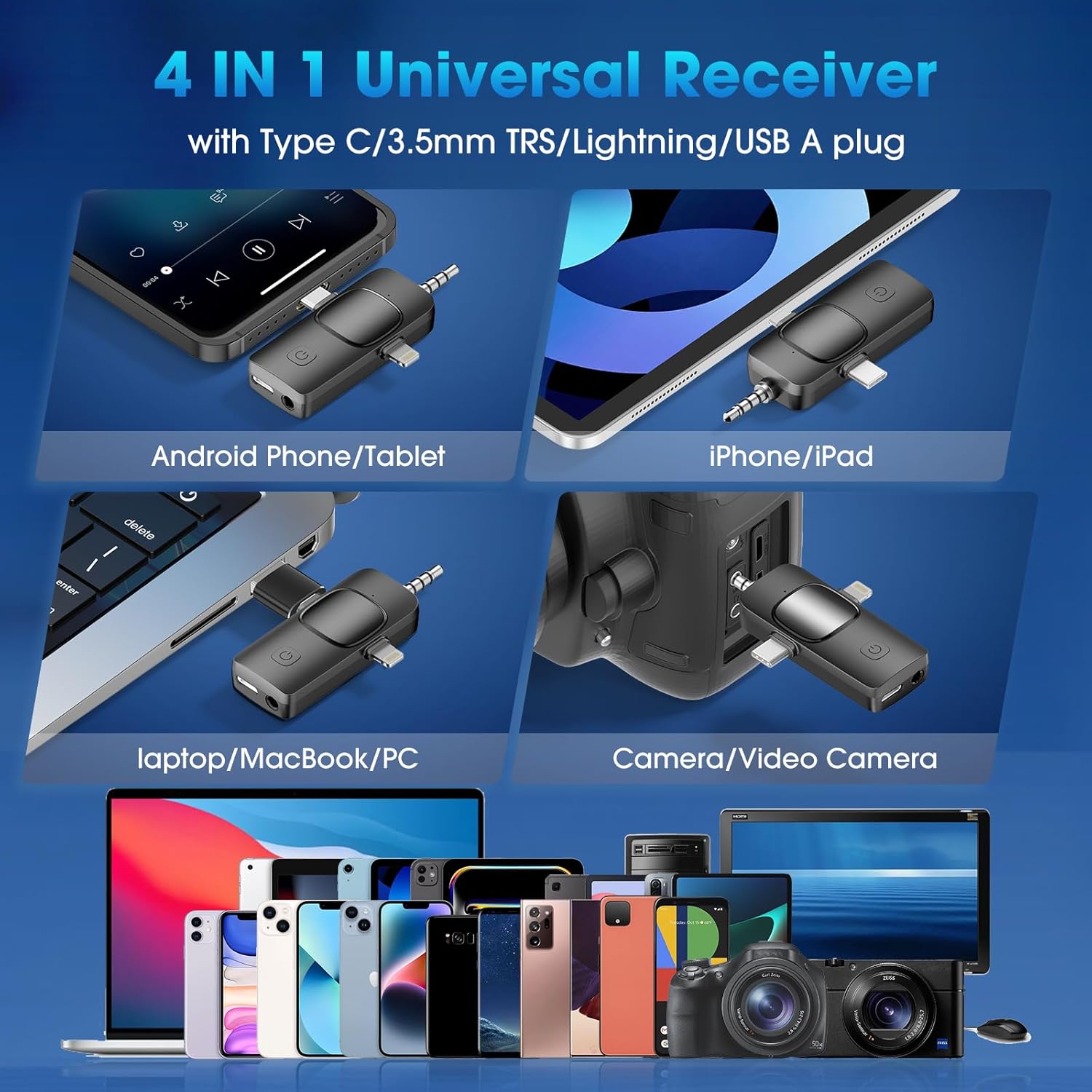
Image: Universal receiver compatibility with various devices.

Image: Demonstrating 65-foot long-range wireless transmission.
Maintenance
- Cleaning: Use a soft, dry cloth to clean the microphone and receiver. Do not use liquid cleaners or solvents.
- Storage: Store the microphone in a cool, dry place away from direct sunlight and extreme temperatures.
- Wind Protection: Utilize the provided windproof hairballs and sponge head to protect the microphone from wind noise and dust, especially when recording outdoors.
- Battery Care: For optimal battery life, avoid fully discharging the microphone frequently. Charge it regularly, even if not in constant use.
Troubleshooting
| Problem | Possible Cause | Solution |
|---|---|---|
| No sound/Microphone not connecting | Microphone not powered on; Receiver not properly plugged in; Not paired; Low battery; Android OTG disabled. | Ensure microphone is powered on (long press button); Re-insert receiver firmly; Power cycle both devices to re-initiate pairing; Charge microphone; Enable OTG function in Android settings. |
| Poor sound quality/Excessive background noise | Microphone too far from source; Environmental noise; Wind interference; Microphone not positioned correctly. | Ensure microphone is within optimal range (65ft); Use intelligent noise cancellation feature; Attach windproof hairball/sponge head; Position microphone closer to the sound source. |
| Short battery life | Battery not fully charged; Aging battery. | Ensure microphone is fully charged before use; If battery life significantly degrades over time, contact customer support. |
| Intermittent connection | Out of range; Obstructions; Interference. | Stay within 65ft range; Minimize physical obstructions between microphone and receiver; Avoid areas with strong wireless interference. |
Specifications
| Feature | Detail |
|---|---|
| Microphone Form Factor | Lavalier |
| Power Source | Battery Powered |
| Number of Batteries | 1 A battery required (included) |
| Material | Plastic |
| Number of Channels | 1 |
| Manufacturer | NICHOM |
| Item Weight | 2.89 ounces (0.08 Kilograms) |
| Model Name | M80 |
| Connectivity Technology | USB |
| Connector Type | Lightning, USB-C, 3.5mm Jack (via universal receiver) |
| Special Feature | Noise Reduction |
| Compatible Devices | Laptop, Smartphone (iPhone, iPad, Android), PC, Camera |
| Polar Pattern | Unidirectional |
Warranty and Support
NICHOM offers a hassle-free 12-month warranty for this product. If you have any questions, concerns, or require assistance with your NICHOM 3-in-1 Wireless Lavalier Microphone, please do not hesitate to contact our friendly customer service team. We are committed to providing support and will respond to your inquiries within 24 hours.
For additional information, you may refer to the official Warranty PDF document: Warranty Document (PDF)