
1. Introduction
The Godox IM30 Camera Flash is a compact and portable manual flash designed to provide enhanced lighting for various camera models. Weighing only 78 grams, it fits easily into your pocket or attaches directly to your camera's hot shoe. It offers 7 adjustable power levels and a guide number of 15 (ISO 100, meters), delivering brighter and more natural fill light than most built-in camera flashes. The iM30 is powered by two AAA batteries, ensuring you're always ready to capture the moment.

Figure 1: Godox IM30 Camera Flash overview.
2. What's in the Box
- IM30 Flash
(Note: AAA batteries are sold separately and are required for operation.)
3. Setup
3.1 Battery Installation
The iM30 flash requires two AAA batteries for operation. Ensure the batteries are inserted with the correct polarity as indicated inside the battery compartment.
- Locate the battery compartment on the side of the flash unit.
- Open the battery compartment cover.
- Insert two AAA batteries, matching the positive (+) and negative (-) terminals with the markings.
- Close the battery compartment cover securely.
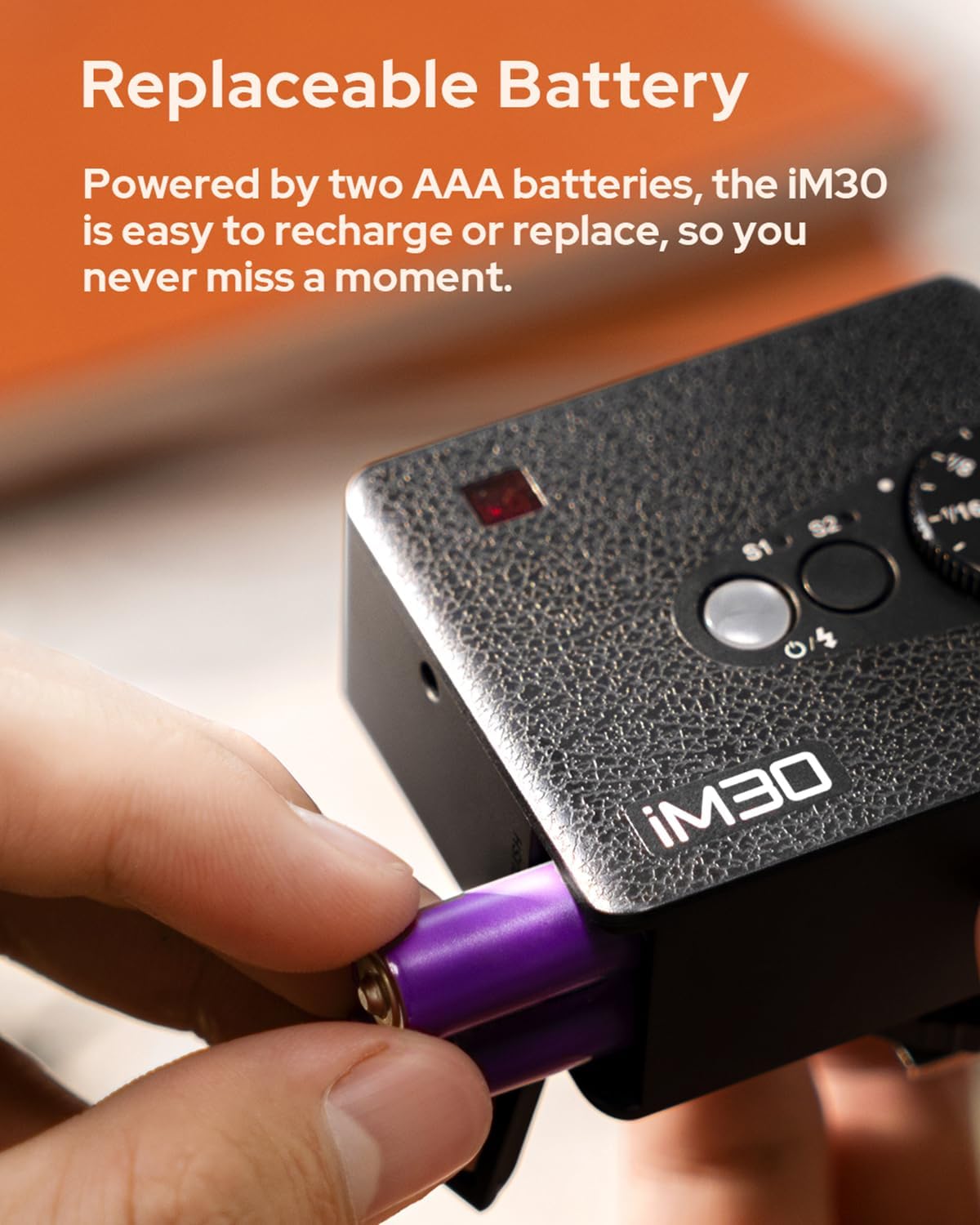
Figure 2: Proper battery insertion for the Godox IM30.
3.2 Mounting to Camera
The Godox IM30 features a single-contact hot shoe design for wide compatibility with most mirrorless and film cameras. To mount the flash:
- Ensure your camera is turned off.
- Slide the flash unit onto your camera's hot shoe mount until it clicks into place.
- Tighten the locking ring or lever (if present on your camera's hot shoe) to secure the flash.

Figure 3: Godox IM30 mounted on a camera.

Figure 4: The Godox IM30 is compatible with a wide range of cameras.
4. Operating the Flash
4.1 Powering On/Off
To power on the flash, simply turn on your camera. The flash will automatically activate when mounted correctly. To power off, turn off your camera or remove the flash unit.
4.2 Adjusting Power Levels
The Godox IM30 offers 7 power levels, from 1/64 (lowest) to Full (highest). Adjust the power level using the rotary dial on the top of the flash unit. This allows you to fine-tune the flash output based on your camera's aperture, shooting distance, and ISO sensitivity.
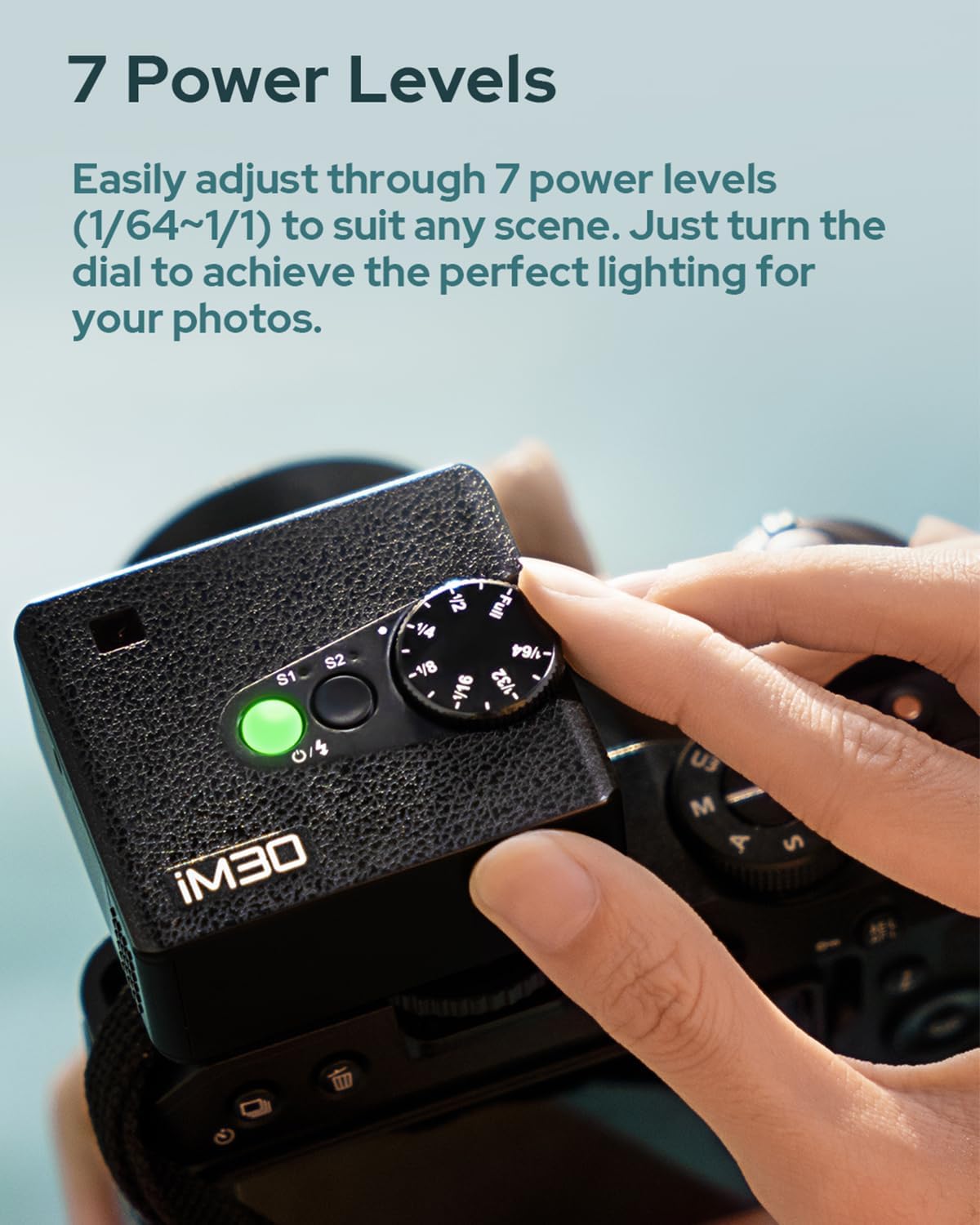
Figure 5: Adjusting the flash power level.
4.3 S1/S2 Optical Slave Modes
The iM30 includes S1 and S2 optical slave modes, indicated by lights. These modes allow the iM30 to fire in sync with another flash unit.
- S1 Mode: The flash will fire in response to the first flash from a master flash. This is suitable for manual flash units.
- S2 Mode: The flash will ignore the pre-flash (if any) from a TTL master flash and fire in response to the main flash. This is suitable for TTL flash units.
If the indicator light for S1 or S2 is on, the corresponding light-controlled flash function is active. If the light is off, the function is deactivated.
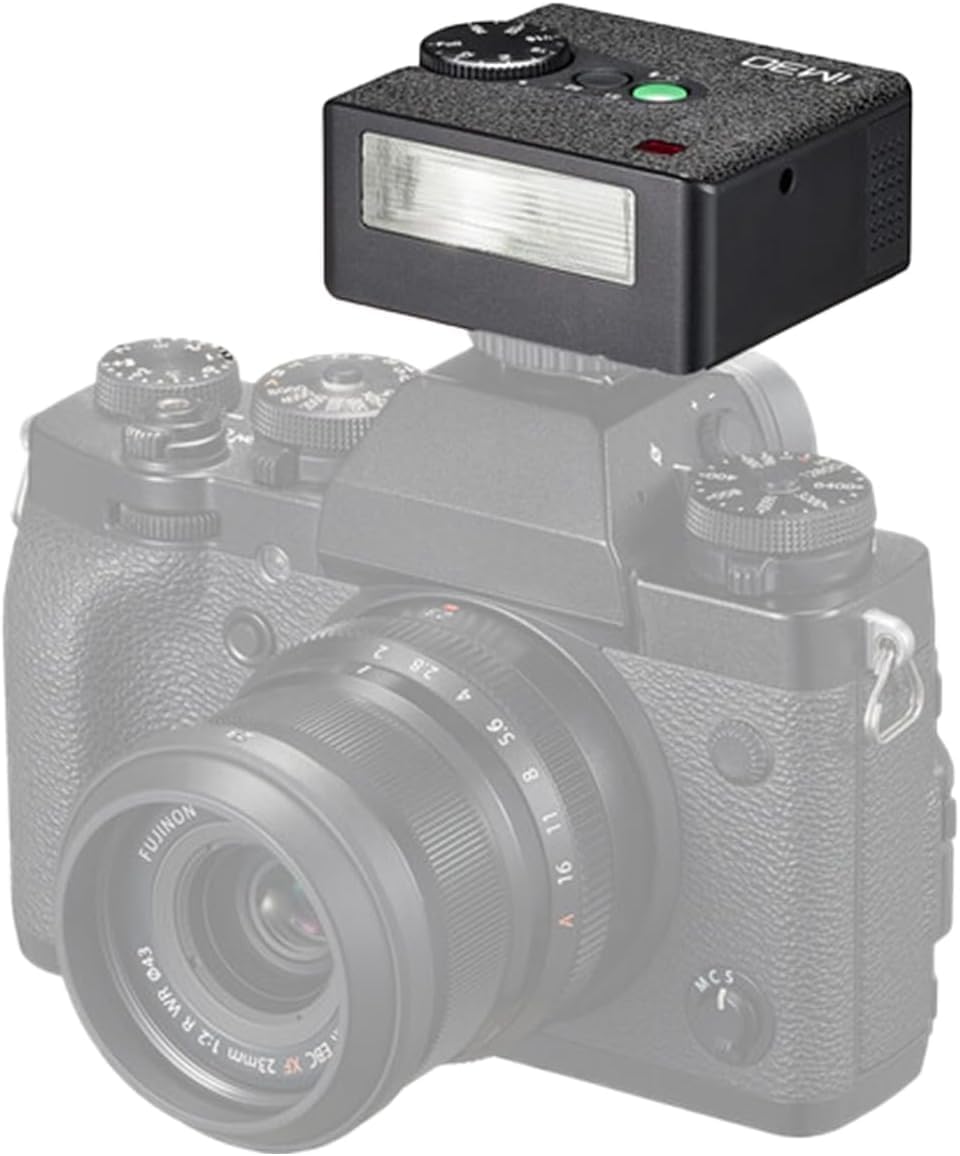
Figure 6: S1/S2 mode indicators.
4.4 Natural Lighting and Performance
With a guide number of 15 (ISO 100, meters), the iM30 provides brighter, more natural fill light compared to many built-in camera flashes, enhancing the quality of your photographs. A single charge of two AAA batteries can last for up to 230 full-power flashes.

Figure 7: The Godox IM30 provides natural fill light.

Figure 8: Up to 230 full-power flashes on a single charge.
4.5 Product Video
Video 1: Official product video demonstrating the Godox IM30 Camera Flash features and usage.
5. Maintenance
- Keep the flash unit dry. Do not expose it to moisture or rain.
- Clean the flash surface with a soft, dry cloth. Avoid using harsh chemicals or abrasive materials.
- When not in use for extended periods, remove the batteries to prevent leakage.
- Store the flash in a cool, dry place, away from direct sunlight and extreme temperatures.
6. Troubleshooting
| Problem | Possible Cause | Solution |
|---|---|---|
| Flash does not fire. |
|
|
| Flash output is too weak/strong. |
|
|
| Flash not syncing with other flashes (S1/S2). |
|
|
7. Specifications
| Feature | Detail |
|---|---|
| Model | IM30 |
| Guide Number | 15 (ISO 100, meters) |
| Power Levels | 7 (1/64 to Full) |
| Optical Slave Modes | S1, S2 |
| Power Source | 2 x AAA batteries (sold separately) |
| Full-Power Flashes | Approx. 230 |
| Item Weight | 7.7 ounces |
| Product Dimensions | 0.94 x 0.7 x 0.81 inches |
| Compatible Mountings | Canon, Sony, Nikon, Pentax, Panasonic, Olympus |
| Flash Sync Speed | 1/200 |
8. Warranty and Support
For warranty information and technical support, please refer to the official GODOX website or contact your local distributor. Keep your purchase receipt as proof of purchase for any warranty claims.
For further assistance, you may visit the GODOX Store on Amazon.


