
cnFaClu X3-LB16
cnFaClu 1080P HD Dome Camera User Manual
Model: X3-LB16
Introduction
Thank you for choosing the cnFaClu 1080P HD Dome Camera. This smart security camera is designed to provide reliable monitoring for your home, baby, or pets with its high-definition video, motion detection capabilities, and easy wireless connectivity. This manual will guide you through the setup, operation, and maintenance of your new device to ensure optimal performance and security.
Product Overview
The cnFaClu Dome Camera is a compact and versatile device, ideal for discreet placement and effective surveillance. Its small form factor allows for flexible positioning, while its advanced features ensure comprehensive monitoring.

Image: The compact cnFaClu Dome Camera, shown held in a hand to illustrate its small size, alongside a smartphone displaying a live feed from the camera, demonstrating its remote viewing capability for monitoring family activities.
Package Contents
- cnFaClu 1080P HD Dome Camera (Model X3-LB16)
- USB Charging Cable
- User Manual
- Mounting Accessories (if applicable, e.g., adhesive pad, bracket)
Setup Guide
1. Charging the Camera
Before first use, ensure the camera is fully charged. Connect the provided USB charging cable to the camera's charging port and a standard USB power adapter (not included) or a computer USB port. The charging indicator light will show the charging status.
The camera is equipped with a built-in large-capacity battery, offering approximately 2.5 hours of standby time. For continuous operation, it can be powered via external USB, a car charger, or a power bank.
2. App Installation
To control and view your camera, you need to install the dedicated mobile application on your smartphone. Search for the app name (refer to the packaging or quick start guide for the specific app name) in your device's app store (Google Play Store for Android or Apple App Store for iOS) and install it.
3. Connecting to Wi-Fi
Follow the in-app instructions to connect your camera to your 2.4G Wi-Fi network. This typically involves powering on the camera, opening the app, selecting "Add Device," and following the prompts to pair the camera with your Wi-Fi. The maximum effective distance between the camera's hotspot and the APP for direct connection is 33-49 feet (10-15 meters).

Image: The camera positioned on a desk, wirelessly connected to a laptop and a smartphone, demonstrating the ease of wireless setup and remote monitoring via the mobile application.
Operating Instructions
Live View
Once connected, open the mobile app to access the live video feed from your camera. You can view real-time footage from anywhere with an internet connection.
Motion Detection
The camera features intelligent motion detection. When a moving object is detected within the camera's field of view, the camera will automatically begin recording and send an instant notification to your mobile phone. This ensures you are immediately alerted to any significant activity.
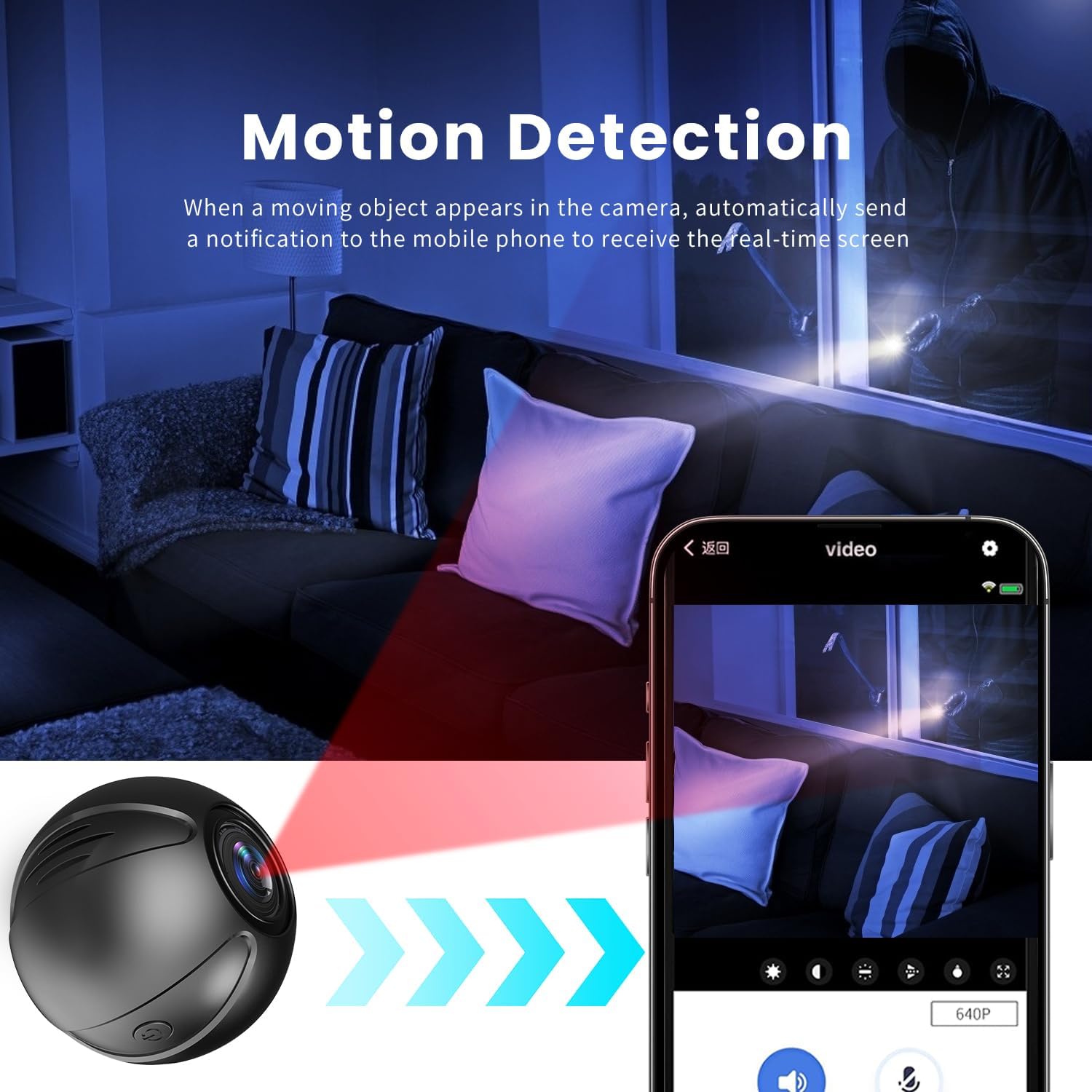
Image: The camera's motion detection feature in action, showing a red beam indicating detection and a smartphone screen displaying an alert, highlighting its ability to notify users of activity.
Night Vision
Equipped with an infrared device, the camera automatically switches to infrared mode in low-light environments. High-power infrared lights provide clear, high-definition video even in dim or dark conditions, ensuring 24/7 surveillance.

Image: A side-by-side comparison illustrating the camera's day and night vision capabilities, showing a clear color image during the day and a sharp black-and-white image at night, both of a sleeping baby.
Recording and Storage
The camera supports multiple storage methods, including local storage via a TF card (up to 32GB, not included) and mobile APP storage. You can view recordings and playback in real-time via the app when connected to a Wi-Fi hotspot.
The camera features loop recording, meaning when the memory card is full, the newest files will automatically overwrite the oldest ones, ensuring continuous recording without manual intervention.

Image: A visual representation of the loop recording function, depicting a circular flow of recorded events, ensuring continuous surveillance by overwriting older footage when storage is full.
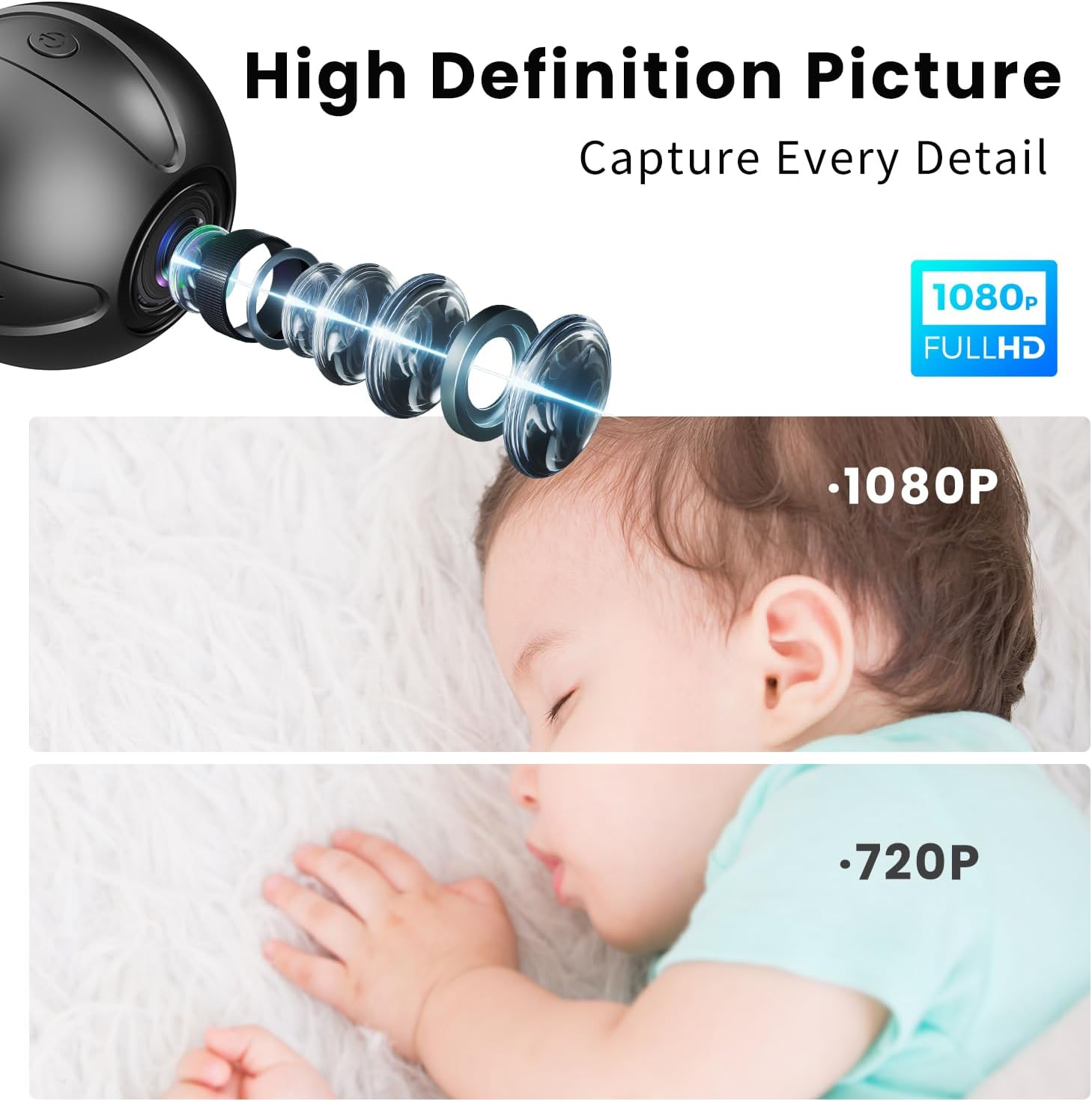
Image: A visual comparison demonstrating the superior clarity of 1080P Full HD video captured by the camera versus 720P, highlighting the detailed image quality, particularly visible in the depiction of a baby's face.
Maintenance
Cleaning
To maintain optimal image quality, regularly clean the camera lens with a soft, lint-free cloth. Do not use harsh chemicals or abrasive cleaners. For the camera body, wipe with a dry or slightly damp cloth.
Storage
When not in use for extended periods, store the camera in a cool, dry place away from direct sunlight and extreme temperatures. Ensure the battery is partially charged before storage to prolong its lifespan.
Troubleshooting
| Problem | Possible Solution |
|---|---|
| Camera not powering on. | Ensure the camera is fully charged or connected to a power source. Check the USB cable and power adapter. |
| Unable to connect to Wi-Fi. | Ensure your Wi-Fi network is 2.4Ghz. Check Wi-Fi password. Move camera closer to router. Restart camera and router. |
| No motion detection alerts. | Verify motion detection is enabled in the app settings. Check app notification permissions on your phone. Ensure camera is positioned correctly. |
| Poor image quality. | Clean the camera lens. Ensure sufficient lighting. Check network stability for live view. |
| Recording not saving. | Ensure a TF card is inserted and formatted correctly. Check if the TF card storage is full (loop recording should manage this, but verify). |
Technical Specifications
| Feature | Detail |
|---|---|
| Model Name | X3-LB16 |
| Brand | cnFaClu |
| Resolution | 1080P HD |
| Connectivity Technology | Wireless (Wi-Fi) |
| Wi-Fi Frequency | 2.4Ghz |
| Power Source | Battery Powered / External USB |
| Battery Standby Time | Approx. 2.5 hours |
| Storage Options | TF Card (up to 32GB), Mobile APP Storage |
| Special Features | HD Resolution, Motion Detection, Night Vision, Loop Recording |
| Recommended Use | Indoor Security, Baby/Pet Monitoring |
| Product Dimensions (L x W x H) | 1.57 x 1.57 x 1.57 inches |
| Item Weight | 4.8 ounces |
| Compatible Devices | Smartphone (Android, iOS) |
Warranty and Support
For warranty information and technical support, please refer to the product packaging or contact cnFaClu customer service through the contact details provided with your purchase or on the official brand website. Please have your model number (X3-LB16) and purchase details ready when contacting support.
For the latest updates and FAQs, visit the cnFaClu brand store on Amazon: cnFaClu Amazon Store
Ask a question about this manual
Ask about setup, troubleshooting, compatibility, parts, safety, or missing instructions. Manuals+ will review the question and use this page’s manual context to help answer it.