
1. Introduction
This manual provides instructions for the ciciglow Silicone Foldable Keyboard, model ciciglow4g9ebz8pd3-12. This portable, silent, and durable keyboard is designed for use with PCs, offering a comfortable typing experience in various environments. Its flexible silicone construction allows for easy portability and resistance to spills and dust.
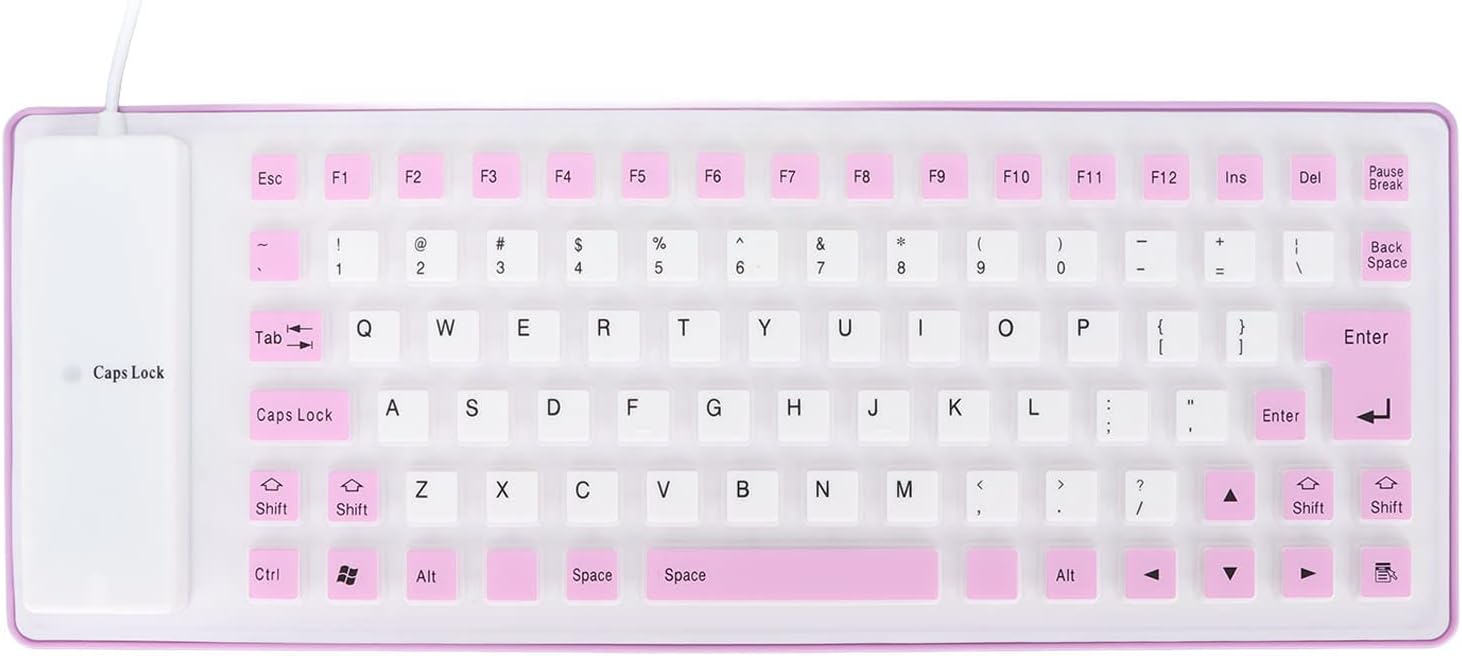
Figure 1: The ciciglow Silicone Foldable Keyboard, showcasing its compact design.
2. Setup
The ciciglow Silicone Foldable Keyboard is designed for simple plug-and-play operation. No additional drivers or software are required for most operating systems.
- Unpack the Keyboard: Carefully remove the keyboard from its packaging.
- Connect to Your PC: Locate an available USB port on your computer. Insert the USB connector of the silicone keyboard into the USB port.
- System Recognition: Your operating system should automatically detect and install the necessary generic drivers for the keyboard. This process typically takes a few seconds.
- Begin Typing: Once recognized, the keyboard is ready for immediate use.

Figure 2: The silicone keyboard in an office environment, connected and ready for use.
3. Operating Instructions
This silicone keyboard offers a standard 85-key layout for efficient typing. Its unique design provides several operational benefits:
- Silent Operation: The silicone material and design ensure minimal noise during typing, making it suitable for quiet environments where disturbing others is a concern.
- Comfortable Typing: The soft, flexible keys provide a comfortable tactile response, reducing finger fatigue during extended use. The rollable design also protects fingers from potential injury.
- Portability: The keyboard can be easily folded or rolled up for convenient storage and transport in a bag, saving space.

Figure 3: The flexible nature of the silicone keyboard, allowing it to be folded.
4. Maintenance
The ciciglow Silicone Foldable Keyboard is designed for durability and ease of cleaning, making it suitable for various environments.
- Cleaning: The keyboard is waterproof, oil-proof, and dustproof. To clean, simply wipe the surface with a damp cloth. For stubborn dirt, a mild soap solution can be used. Ensure the keyboard is completely dry before reconnecting it to a power source.
- Storage: When not in use, the keyboard can be rolled or folded for compact storage. Avoid sharp objects that could puncture the silicone material.
- Temperature Range: The keyboard is designed to operate within a temperature range of -40℃ to 80℃. Avoid exposing it to extreme temperatures outside this range.

Figure 4: The keyboard rolled up, demonstrating its compact storage capability.
5. Troubleshooting
If you encounter issues with your ciciglow Silicone Foldable Keyboard, refer to the following common troubleshooting steps:
| Problem | Possible Cause | Solution |
|---|---|---|
| Keyboard not recognized by PC | Loose USB connection, faulty USB port, or driver issue. |
|
| Keys not responding | Software glitch, physical damage, or debris under keys. |
|
| Unexpected characters or layout issues | Incorrect keyboard language/layout settings in the operating system. |
|
6. Specifications
Key technical details for the ciciglow Silicone Foldable Keyboard:
- Brand: ciciglow
- Model Name: ciciglow4g9ebz8pd3-12
- Item Type: Silicone Keyboard
- Material: Silicone
- Number of Keys: 85 Keys
- Function: Silent operation, waterproof, oil-proof, dustproof
- Interface: USB
- Temperature Range: -40℃ to 80℃
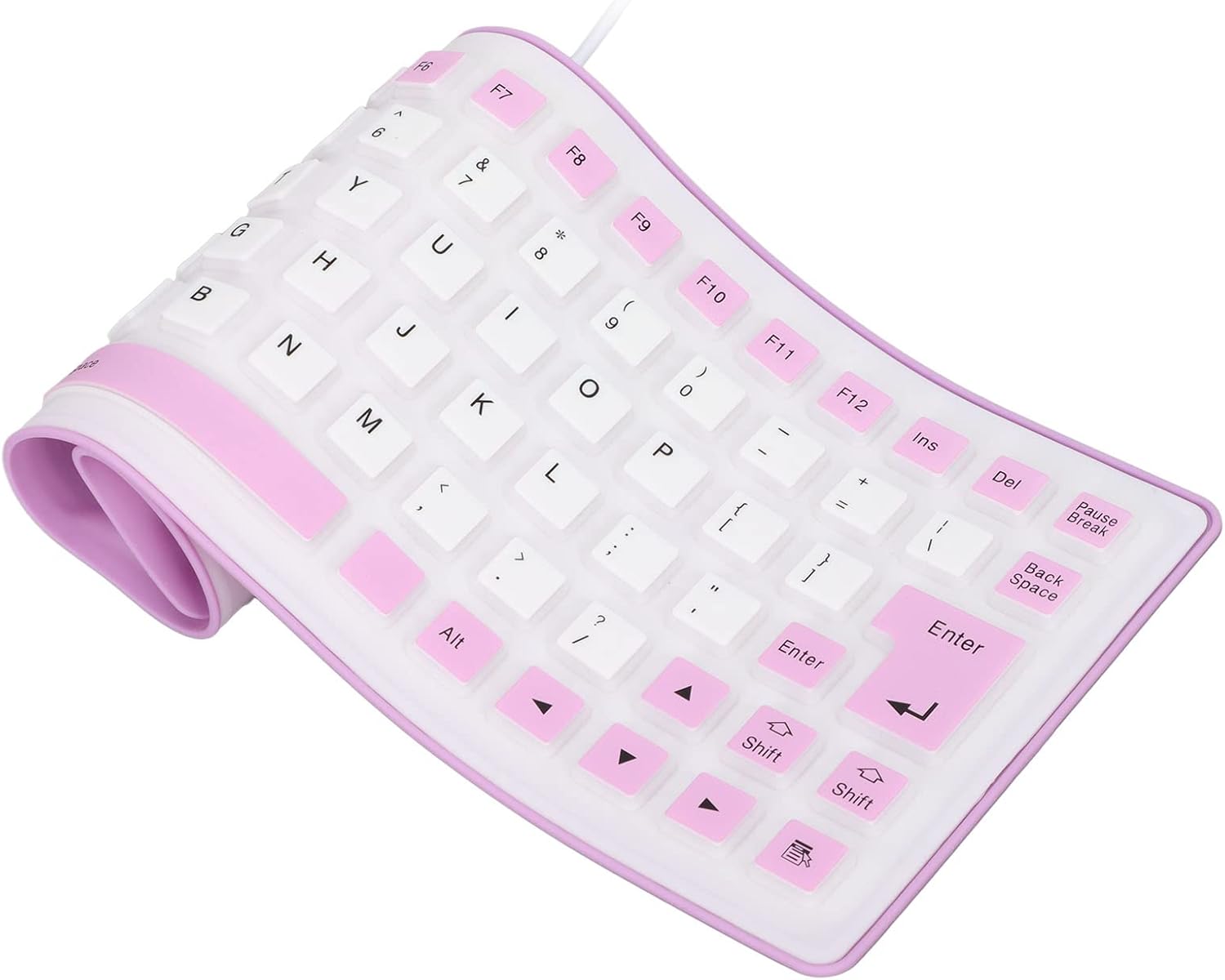
Figure 5: A clear view of the 85-key layout of the silicone keyboard.
7. Warranty & Support
For warranty information and customer support, please refer to the documentation included with your purchase or visit the official ciciglow website. Keep your proof of purchase for any warranty claims.
Online Support: For additional assistance, product updates, or frequently asked questions, please visit the manufacturer's support page.


