1. Introduction
Thank you for choosing the VITALWALK Apollo 11 Ultra Walking Pad Treadmill. This manual provides essential information for the safe and effective use of your new fitness equipment. Please read this manual thoroughly before operation and retain it for future reference.
2. Safety Information
To reduce the risk of serious injury, read all important precautions and instructions in this manual before using the treadmill. VITALWALK assumes no responsibility for personal injury or property damage sustained by or through the use of this product.
- Always place the treadmill on a level, stable surface.
- Keep children and pets away from the treadmill during operation.
- Ensure adequate clear space around the treadmill (at least 2 meters behind and 0.6 meters on each side).
- Wear appropriate athletic footwear. Do not operate barefoot or in socks.
- If you experience pain, dizziness, or shortness of breath, stop exercising immediately.
- Do not use the treadmill if it is damaged or malfunctioning.
- Unplug the treadmill from the power outlet when not in use or before cleaning/maintenance.
- The maximum user weight capacity for this treadmill is 350 lbs (approximately 158 kg).
3. Product Overview
The VITALWALK Apollo 11 Ultra is a portable walking pad treadmill designed for home and office use, featuring a wide running belt, auto incline, and smart app connectivity.
Key Features:
- Full-Deck Design: Motor-hidden design with an 18" x 43" wide running belt.
- Space-Saving: Stores vertically in 1.9 sq.ft with 4-wheel mobility.
- Powerful Motor: 3.0HP commercial motor supports speeds from 0.6 to 5 MPH.
- Auto Incline: 6-level, 12% auto incline for varied workout intensity.
- Shock Absorption: Vital+ 7-layer cushioning system reduces joint impact.
- Quiet Operation: Operates at less than 40dB, suitable for quiet environments.
- App Connectivity: Syncs with fitness apps like Apple Health/Strava for tracking and virtual courses.
- LED Display: Shows workout metrics including calories burned, distance, incline, speed, and time.
Included Components:
- Treadmill x 1
- Remote Control x 1
- Wrench x 2
- Power Cord x 1
- User Manual & Warranty Card x 1
4. Setup
The VITALWALK Apollo 11 Ultra treadmill is designed for minimal setup and is ready to use straight out of the box.
- Unboxing: Carefully remove the treadmill and all components from the packaging.
- Placement: Place the treadmill on a firm, level surface. Ensure there is sufficient space around the unit for safe operation and movement.
- Power Connection: Connect the power cord to the treadmill's power input and then plug it into a grounded electrical outlet.
- Initial Inspection: Before first use, inspect the treadmill for any visible damage or loose parts. Ensure the running belt is centered and tensioned correctly.
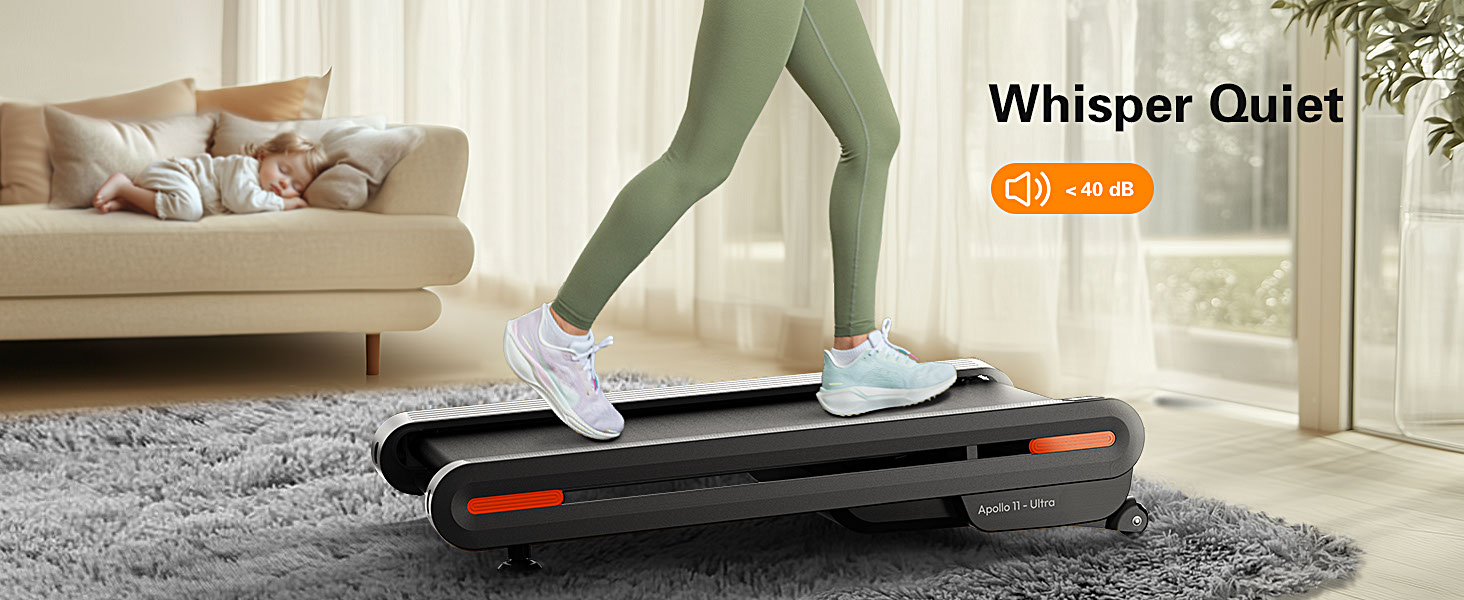
Image: All components included with the VITALWALK Apollo 11 Ultra treadmill, including the main unit, remote control, wrenches, power cord, and user manual.
5. Operating Instructions
Powering On/Off:
- To power on, plug in the treadmill and press the power button on the unit or remote control.
- To power off, press the power button again or unplug the unit.
Using the Remote Control:
The remote control allows you to adjust speed and incline during your workout.
- Start/Stop: Press to begin or end a workout.
- Speed Adjustment: Use the '+' and '-' buttons to increase or decrease speed (0.6-5 MPH).
- Incline Adjustment: Use the incline buttons to select one of the 6 auto incline levels (up to 12%).
App Connectivity:
Download the VITALWALK app to enhance your workout experience.
- Connect the treadmill to the app via Bluetooth.
- Track workout metrics such as calories, distance, speed, and time.
- Access virtual courses and remote HIIT programming.
- Sync data with Apple Health and Strava.
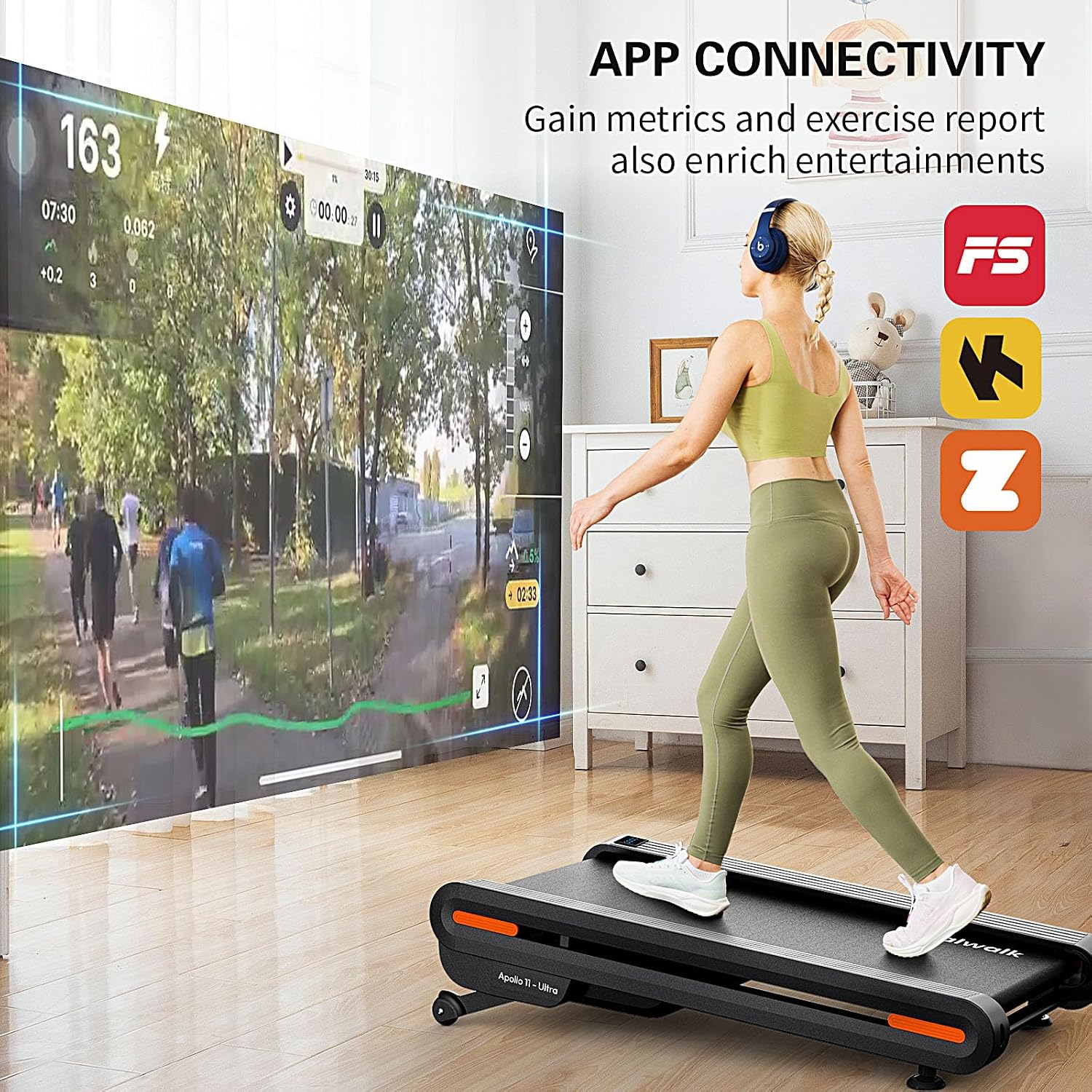
Image: The VITALWALK Apollo 11 Ultra treadmill demonstrating app connectivity, allowing users to track metrics and engage with virtual courses.
Auto Incline Feature:
The treadmill offers 6 levels of auto incline, reaching up to 12%, to simulate various terrains and increase workout intensity.
- Adjust incline via the remote control or the connected app.
- Incline levels 0-2 are suitable for flat mode, 2-4 for hill mode, and 4-6 for climb mode.

Image: Visual representation of the 6 auto incline options available on the VITALWALK Apollo 11 Ultra, illustrating different terrain simulations.
15-Second Auto-Pause:
This feature allows for brief pauses during your workout without losing your progress.
- Default Setting: Auto-Pause is disabled.
- Manual Activation: Long-press both the speed up (^) and speed down (v) buttons on the remote control for 5 seconds. The display will show "APA1" to confirm activation.

Image: Diagram explaining how to activate the 15-second auto-pause function on the VITALWALK Apollo 11 Ultra treadmill.
6. Maintenance
Regular maintenance ensures the longevity and optimal performance of your treadmill.
- Cleaning: Wipe down the treadmill surface with a damp cloth after each use. Avoid abrasive cleaners.
- Belt Lubrication: Periodically lubricate the running belt according to the instructions in the full user manual to reduce friction and wear.
- Belt Adjustment: Check the running belt for proper tension and alignment. Adjust as needed using the provided wrenches to prevent slipping or uneven wear.
- Storage: When not in use, the treadmill can be stored vertically to save space. Use the built-in wheels for easy movement.

Image: The VITALWALK Apollo 11 Ultra treadmill in its vertical storage position, highlighting its space-saving capabilities.

Image: Cross-section view of the 7-layer fur-patterned running belt, designed for reduced friction noise, extended lifespan, and comfort.
7. Troubleshooting
If you encounter issues with your VITALWALK Apollo 11 Ultra treadmill, refer to the following common solutions:
- Treadmill not powering on: Ensure the power cord is securely plugged into both the treadmill and a functional electrical outlet. Check the circuit breaker.
- Belt not moving: Verify the safety key is correctly inserted. Ensure the treadmill is not in pause mode.
- Unusual noises: Check for any loose parts. Ensure the running belt is properly lubricated and aligned.
- Remote control not responding: Replace the remote control batteries. Ensure there are no obstructions between the remote and the treadmill's receiver.
For persistent issues or problems not listed here, please contact VITALWALK customer support.
8. Specifications
| Feature | Specification |
|---|---|
| Model Number | TM05GY / Apollo 11 Ultra |
| Product Dimensions | 121.41 x 61.98 x 23.62 cm (47.8 x 24.4 x 9.3 inches) |
| Item Weight | 39.01 kg (86 lbs) |
| Running Belt Dimensions | 18" x 43" |
| Maximum User Capacity | 350 lbs |
| Horsepower | 3.0 HP Brushless |
| Speed Range | 0.6 - 5 MPH |
| Auto Incline | 6-level, up to 12% |
| Noise Level | < 40 dB |
| Display Type | LED (Calories Burned, Distance, Incline, Speed, Time) |
| Frame Material | Alloy Steel (Double Frame) |
| Power Source | Corded Electric |
| Special Features | APP Connectivity, Auto Incline, Double Frame, Full Deck Design, Upright Storage |
9. Warranty and Support
Warranty Information:
The VITALWALK Apollo 11 Ultra Treadmill comes with the following warranty:
- Frame: 5 Years of service.
- Motor: 2 Years of service.
Please retain your proof of purchase for warranty claims.
Customer Support:
For any questions, assistance, or warranty inquiries, please contact VITALWALK customer support through the platform where you purchased the product. You can typically find a 'Contact Seller' option in your order history or on the product page.

Image: Instructions on how to contact VITALWALK customer support through the Amazon platform, detailing steps via product page or order history.