
1. Safety Instructions
Before using the HJDFGSS D802 Under Desk Elliptical Machine, please read and understand all safety instructions. Improper use can lead to injury or damage to the device.
- Consult a physician before starting any new exercise program, especially if you have pre-existing medical conditions.
- Place the elliptical machine on a stable, flat surface. Ensure adequate space around the unit during operation.
- Keep children and pets away from the machine, especially during operation, to prevent accidents.
- Ensure all connections are secure before powering on the device.
- Do not stand on the elliptical machine. It is designed for seated use only.
- If you experience any pain, dizziness, or discomfort during exercise, stop immediately and consult a physician.

Warning label on the elliptical machine base, indicating to keep children and pets away from moving parts.
2. Product Overview
The HJDFGSS D802 is a compact and portable under-desk elliptical machine designed for low-impact exercise. It features adjustable speed settings, multiple operating modes, and a quiet motor for convenient use in various environments.
Key Components:
- Elliptical Machine Base with Pedals
- LCD Display Control Panel
- Wireless Remote Control
- Non-Slip Foot Straps (optional use)
- Power Adapter

The HJDFGSS D802 Under Desk Elliptical Machine, shown with its remote control and optional foot straps.
Features:
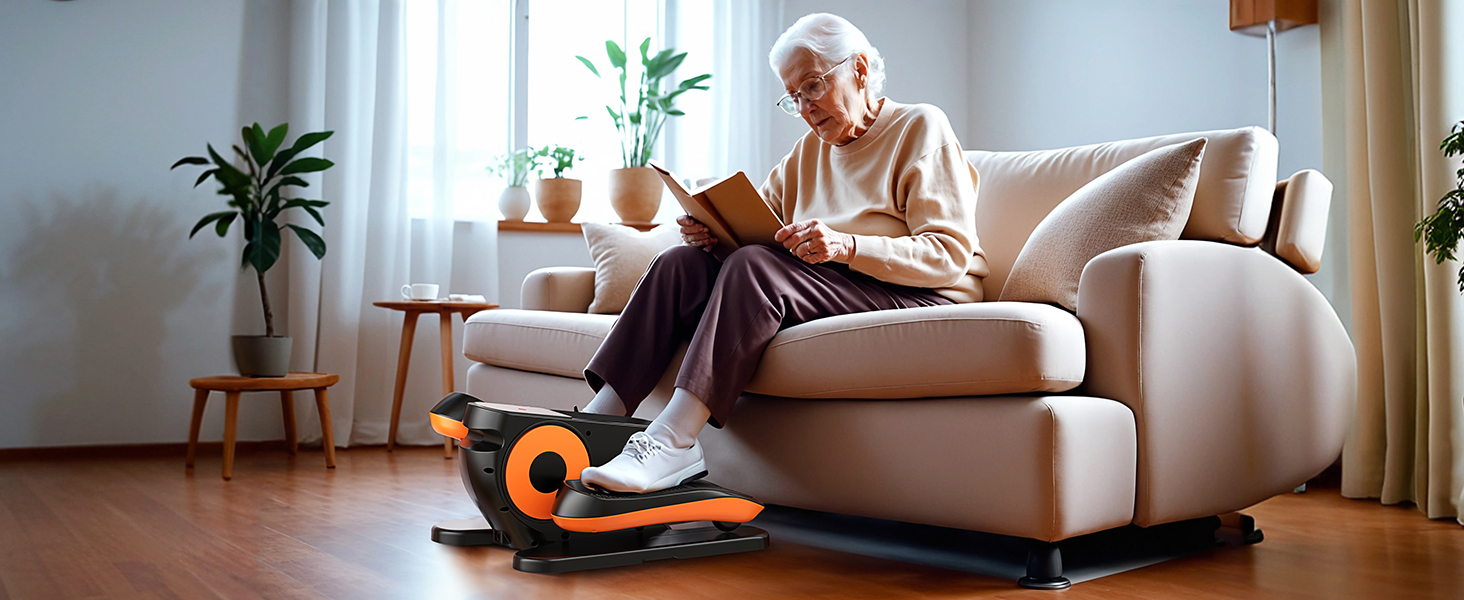
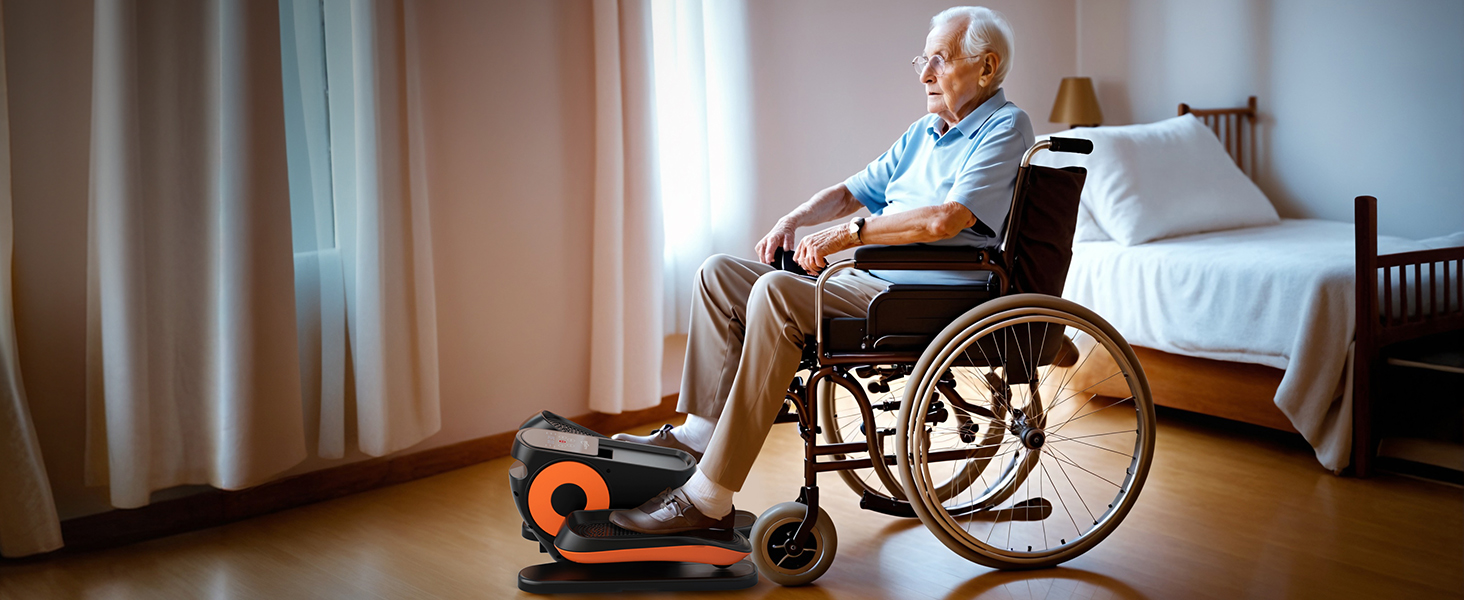
- Low-Impact Exercise: Ideal for sedentary individuals, seniors, or those in rehabilitation, providing gentle movement without high joint pressure.
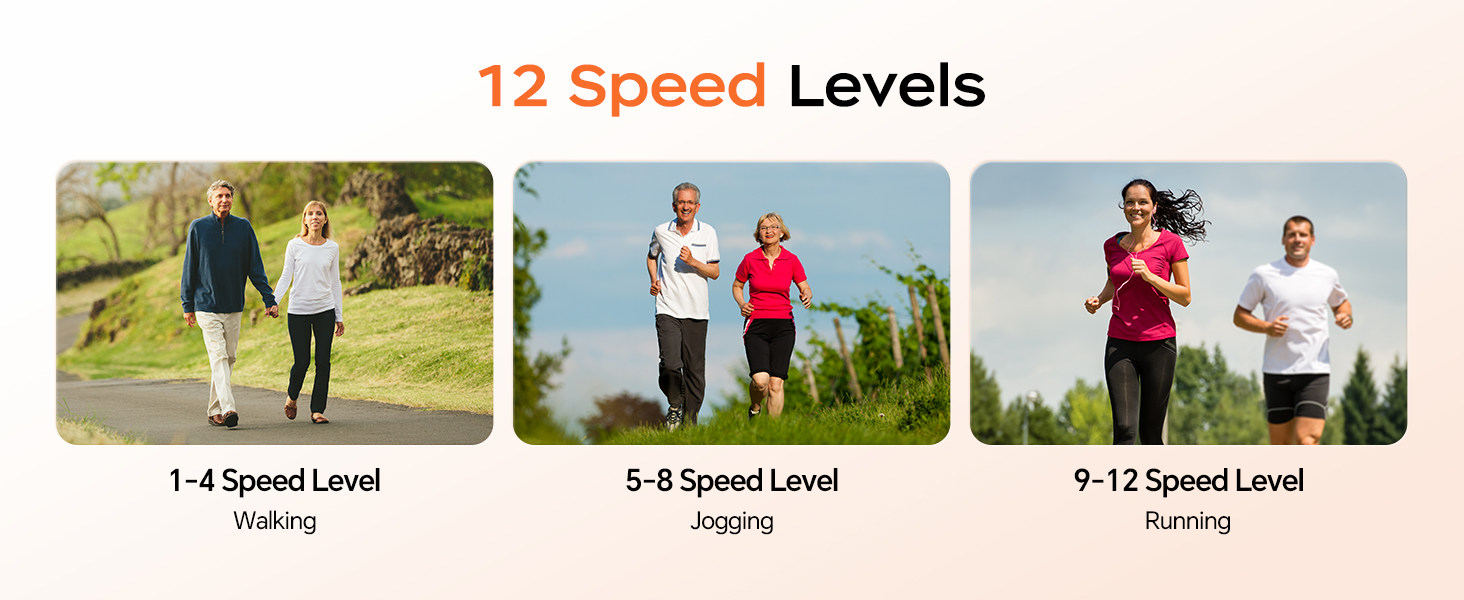
- 2-in-1 Auto or Manual Modes: Offers flexibility with 12 manual speed levels and preset 30-minute automatic programs (P1-P3) that adjust speed and direction.
- Silent Operation: Equipped with a silent wheel and advanced sound-dampening technology, operating below 15 decibels for quiet use.
- LCD Display & Remote Control: Easy-to-read screen displays time, distance, speed, calories, and counter. A wireless remote allows convenient adjustments.
- Portable Design: Lightweight and compact with a built-in handle for easy transport and storage. No assembly required.
3. Setup
The HJDFGSS D802 Under Desk Elliptical Machine requires no assembly, making it ready for use right out of the box.
Placement:
- Choose a flat, stable surface under your desk or in your preferred exercise area.
- Ensure there is enough clearance for your legs to move freely without obstruction.
- If using on smooth floors, consider placing a non-slip mat underneath to prevent movement during use.
The elliptical machine is shown in its packaging, emphasizing that no assembly is required for immediate use.
Power Connection:
- Connect the power adapter to the machine's power input port.
- Plug the adapter into a standard electrical outlet.
4. Operating Instructions
Familiarize yourself with the control panel and remote for optimal use.
Control Panel & Remote:
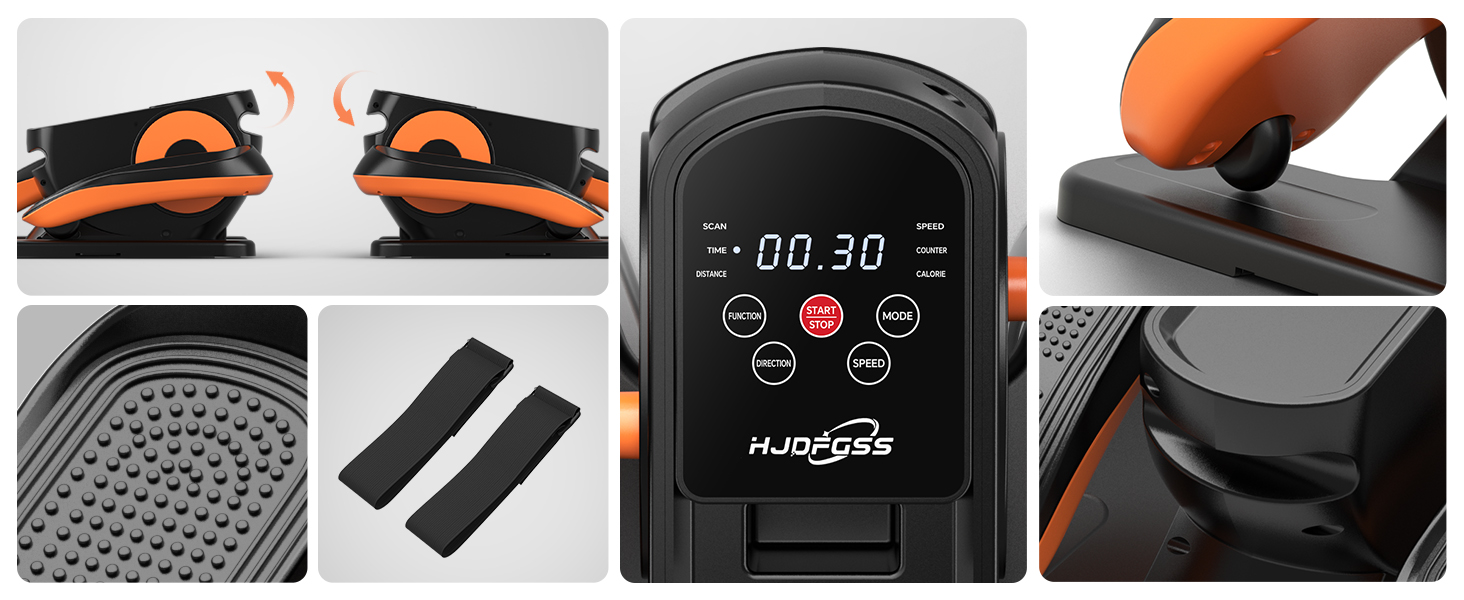
The control panel displays exercise data and offers buttons for Function, Start/Stop, Mode, Direction, and Speed.
- Start/Stop: Press to begin or end your exercise session.
- Function: Cycles through displayed data: Time, Distance, Speed, Counter, Calories.
- Mode: Switches between Manual (HR) and Automatic (P1, P2, P3) programs.
- Speed: Adjusts the speed level (1-12) in Manual mode or within Auto programs.
- Direction: Changes the pedal movement direction (forward or backward).
Using Manual Mode (HR):
- Select 'HR' using the Mode button.
- Use the Speed buttons (or remote) to choose from 12 adjustable speed levels.
- Use the Direction button (or remote) to switch between forward and backward pedaling.
Using Automatic Modes (P1, P2, P3):
- Select P1, P2, or P3 using the Mode button. Each program runs for 30 minutes with automatic speed and direction adjustments.
- These programs are designed to gradually adapt you to exercise and work multiple muscle groups.

The control panel illustrates the selection options for Auto Mode (P1/P2/P3) and Manual Mode (HR).
Visual representation of the 12 speed levels, categorized for walking (1-4), jogging (5-8), and running (9-12).
Foot Straps:
The non-slip foot straps can be used to secure your feet to the pedals for added stability and control, especially during higher speeds or for users with limited mobility.
Detailed view of the foot straps and the textured, non-slip pedals for secure foot placement.
Official Product Video:
This video demonstrates the operation of the HJDFGSS Under Desk Elliptical Machine, including mode and speed adjustments, and its quiet performance.
5. Maintenance
Proper maintenance ensures the longevity and optimal performance of your elliptical machine.
- Cleaning: Wipe the machine with a soft, damp cloth after each use. Avoid abrasive cleaners or solvents.
- Storage: Store the machine in a cool, dry place away from direct sunlight and extreme temperatures. Its compact design allows for convenient storage.
- Inspection: Periodically check for any loose parts or unusual noises. If any issues are detected, discontinue use and contact customer support.
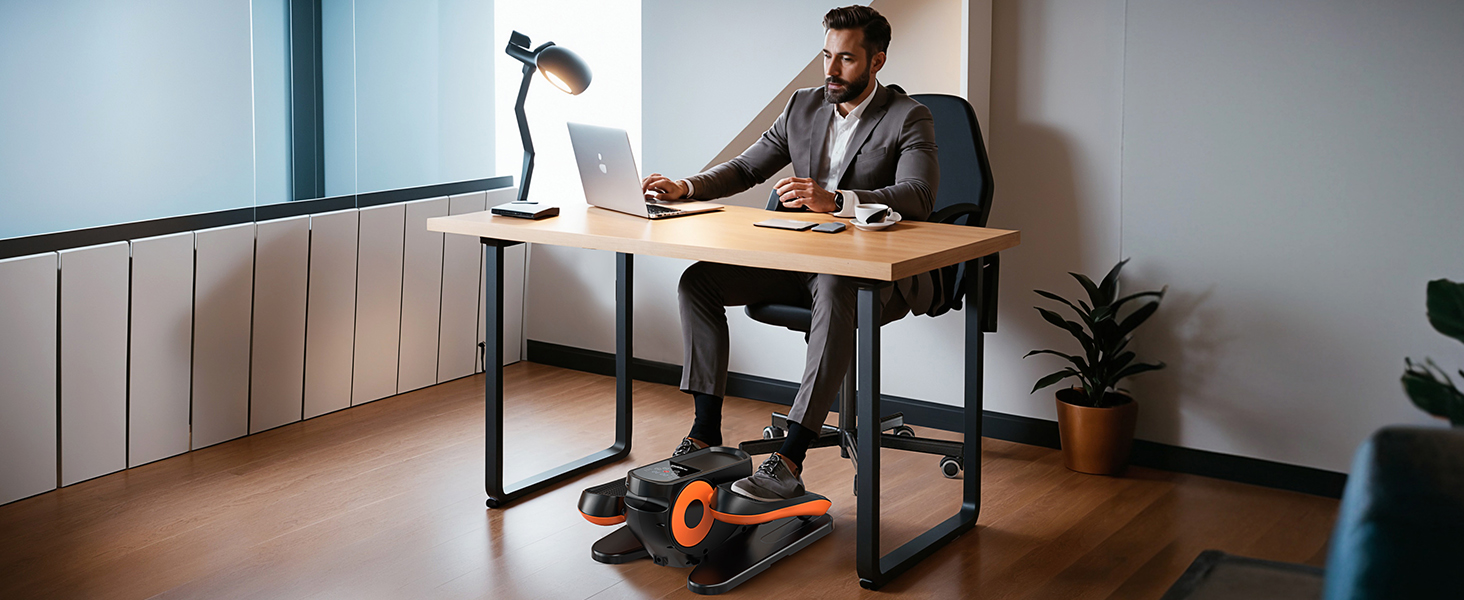
The ultra-quiet design of the elliptical machine allows for use without disturbing others, highlighting its suitability for various environments.
6. Troubleshooting
If you encounter any issues with your HJDFGSS D802, refer to the following common solutions:
- Machine does not power on: Ensure the power adapter is securely connected to both the machine and a working electrical outlet.
- Pedals are not moving: Check if the machine is powered on and a mode is selected. Ensure no obstructions are blocking the pedal movement.
- Remote control not working: Verify that the remote control batteries are correctly installed and not depleted. Ensure there are no obstructions between the remote and the machine's sensor.
- Unusual noises during operation: Stop using the machine immediately. Inspect for any loose parts or foreign objects. If the noise persists, contact customer support.
7. Specifications
| Attribute | Detail |
|---|---|
| Model Name | D802 |
| Brand | HJDFGSS |
| Color | Black |
| Product Dimensions | 17.3"D x 9.3"W x 15.4"H |
| Material | Plastic |
| Resistance Mechanism | Magnetic |
| Maximum Weight Recommendation | 15 Kilograms |
| Maximum Stride Length | 13 Inches |
| Item Weight | 7.51 Kilograms |
| Number of Resistance Levels | 12 |
| Included Components | Elliptical Machine |
8. Warranty and Support
The HJDFGSS D802 Under Desk Elliptical Machine comes with a 30-day free return policy.
For any product inquiries, technical support, or warranty claims beyond the return period, please contact HJDFGSS customer service directly through their official channels or the retailer where the product was purchased.