Introduction
This instruction manual provides detailed guidance for the installation, maintenance, and replacement of the Jpbaisqic accessories kit for the Honiture V8 Pro Robot Vacuum Cleaner. Regular replacement of these components ensures optimal performance and extends the lifespan of your robot vacuum.
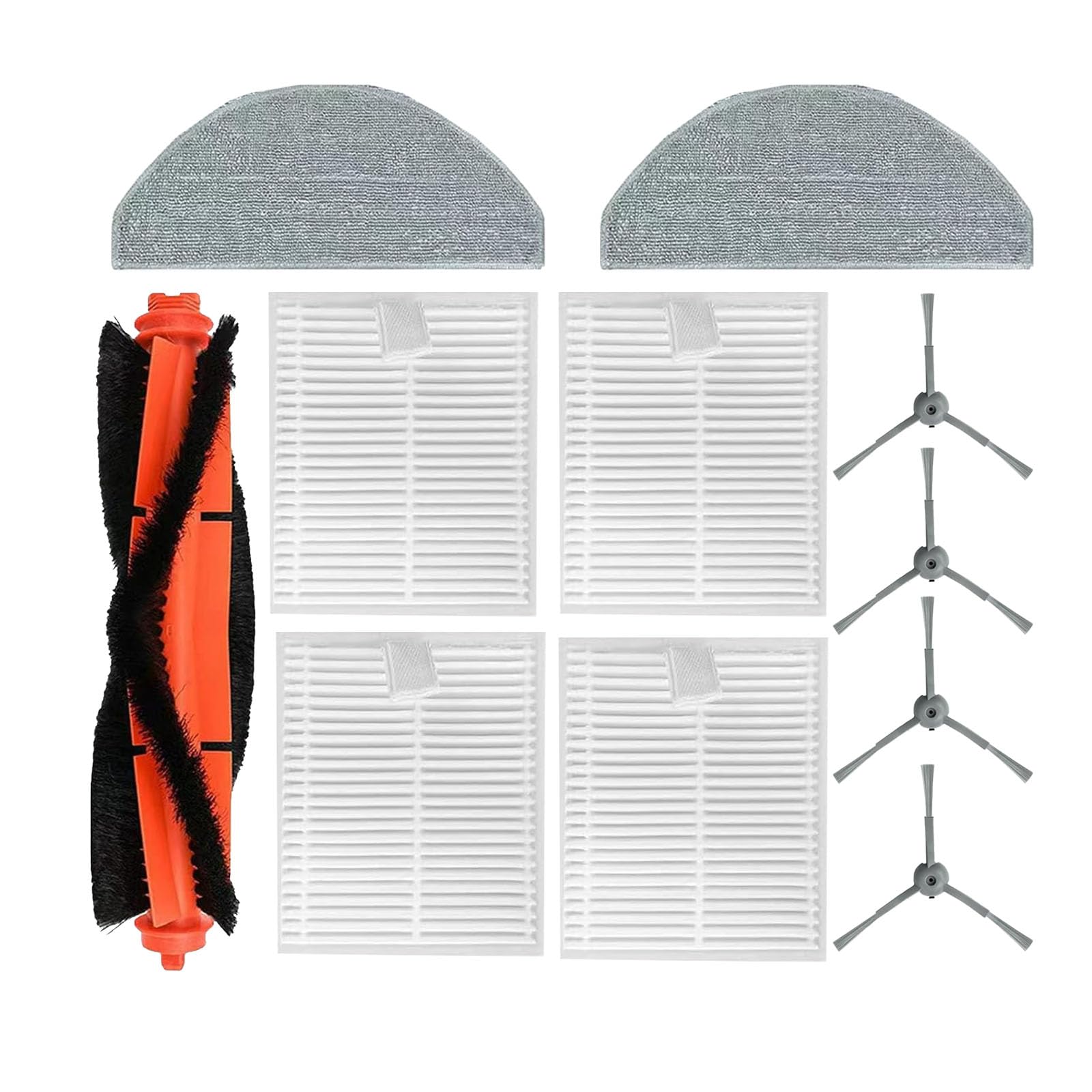
Image: Overview of the Jpbaisqic accessories kit, including main brush, side brushes, HEPA filters, and mop pads.
Components Overview
The Jpbaisqic accessories kit for Honiture V8 Pro includes the following replacement parts:
- 1 Main Brush Roller: Designed to effectively clean various floor types, made from high-quality rubber and soft bristles.
- 4 Side Brushes: Efficiently sweep debris and dust from edges and corners. Made from durable nylon.
- 4 HEPA Filters: High-efficiency filters composed of fine fibers, designed to capture large particles and adsorb small particles, removing at least 99.97% of 0.3 micron airborne particles.
- 2 Mop Pads: Ultra-fine fiber cloth for optimal absorption and cleaning of residual moisture and stains. Washable and reusable.
Main Brush Roller
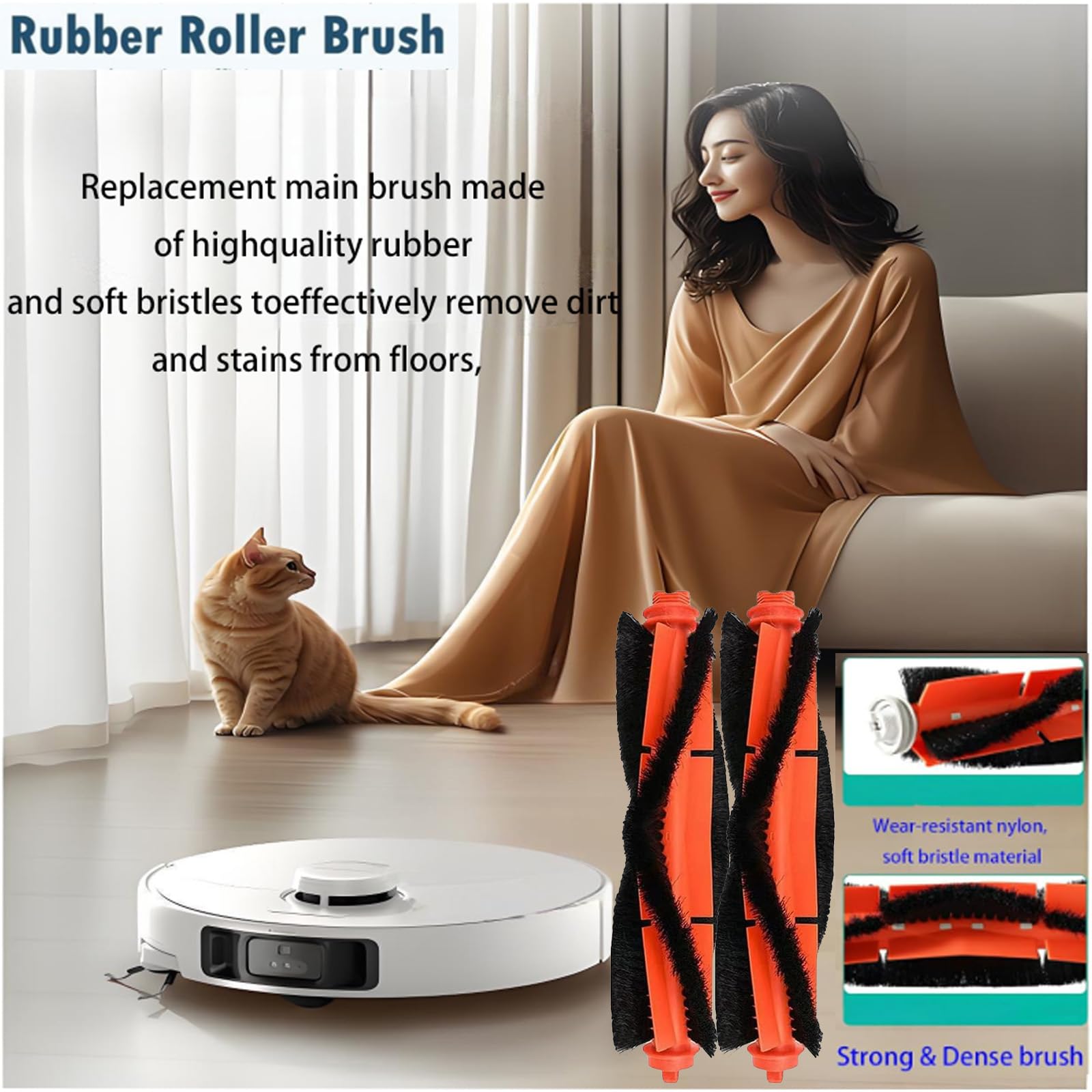
Image: The main brush roller, featuring durable rubber and soft bristles for effective floor cleaning.
The main brush is crucial for deep cleaning. It is constructed from high-quality rubber and soft bristles, allowing it to effectively remove dirt and stains from various floor surfaces. Its design ensures efficient cleaning without causing damage to floors.
Side Brushes
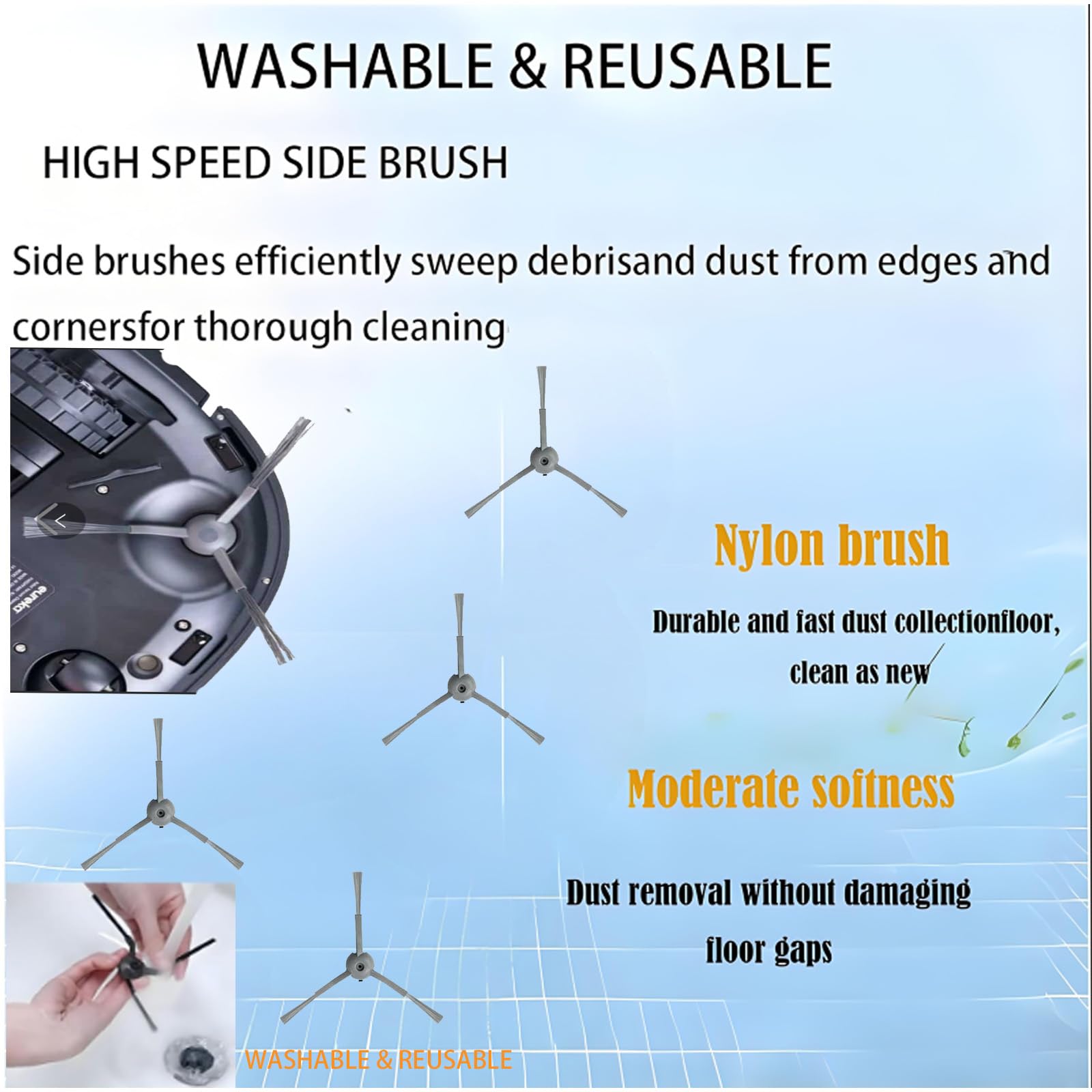
Image: Four side brushes, essential for cleaning along walls and in corners.
Side brushes are designed to reach into corners and along edges, sweeping dust and debris towards the main cleaning path of the robot vacuum. They are made from durable nylon for effective and gentle cleaning.
HEPA Filters
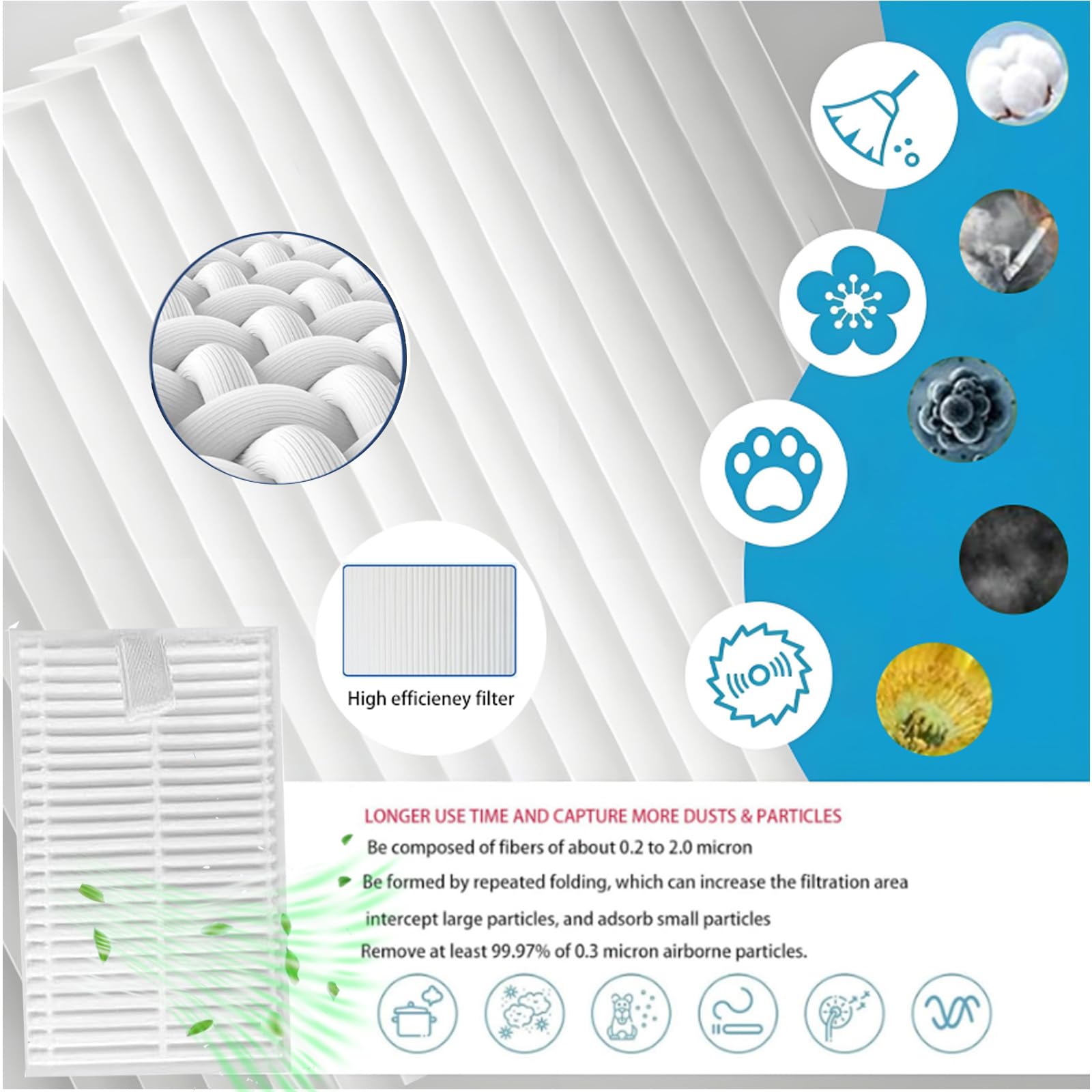
Image: Four HEPA filters, showing their pleated structure for enhanced filtration.
The HEPA filters are critical for maintaining air quality by trapping fine dust, pollen, and other allergens. They are constructed with a high-efficiency pleated material that captures particles as small as 0.3 microns, preventing them from recirculating into the air.
Mop Pads
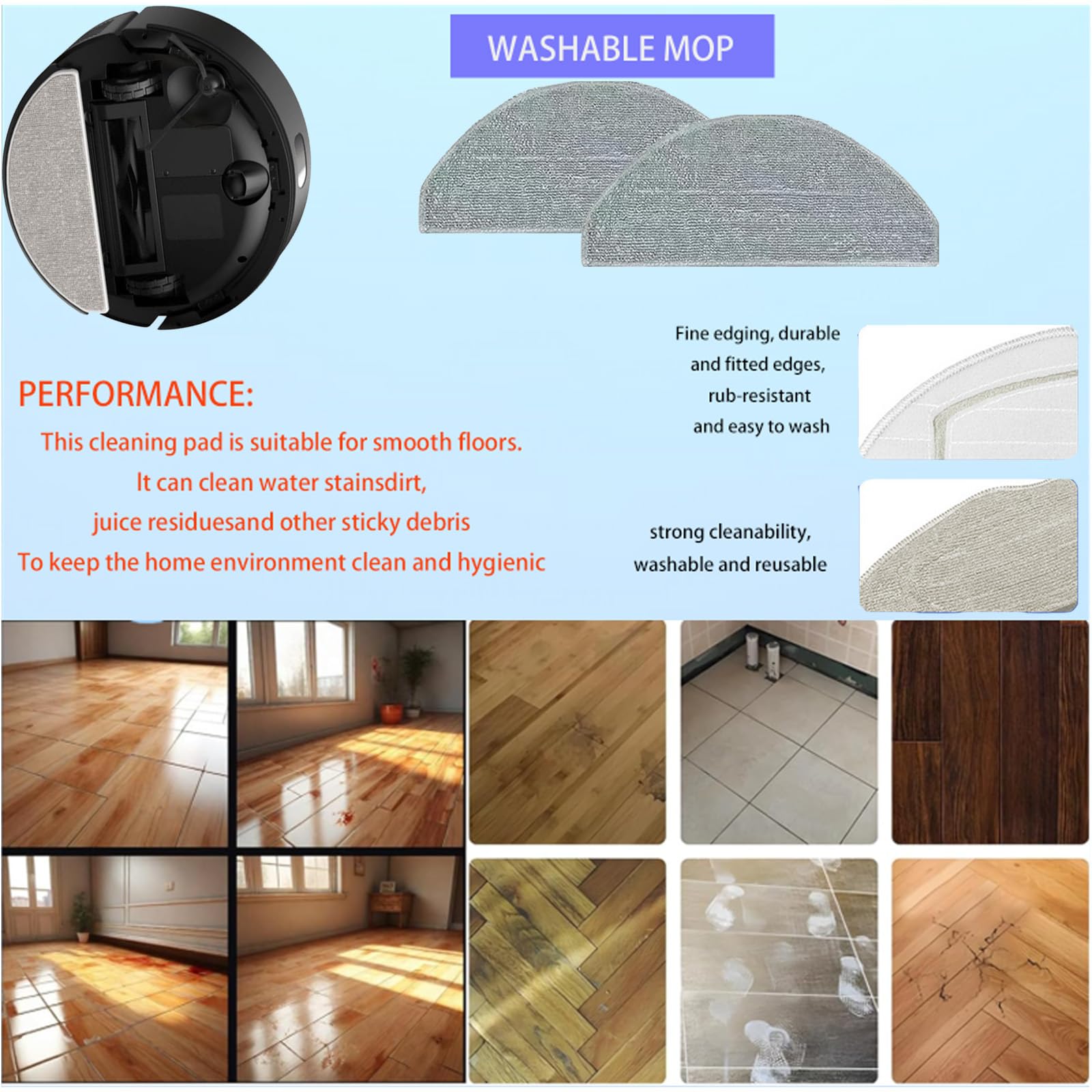
Image: Two ultra-fine fiber mop pads, used for wet cleaning and absorbing residual moisture.
Mop pads are made from ultra-fine fiber cloth, designed for optimal absorption and effective cleaning of residual moisture, water stains, and sticky debris from hard floors. They are washable and reusable, offering durability and value.
Installation Instructions
Follow these steps to replace the accessories on your Honiture V8 Pro Robot Vacuum Cleaner. Always ensure the robot vacuum is powered off before performing any maintenance.
1. Replacing the Main Brush Roller
- Turn the robot vacuum upside down on a flat surface.
- Locate the main brush cover, usually secured by clips or latches. Open or unlatch the cover.
- Remove the old main brush roller by lifting it out of its compartment.
- Clean any hair or debris from the brush compartment.
- Insert the new main brush roller into the compartment, ensuring the ends align with the slots.
- Close the main brush cover until it clicks securely into place.
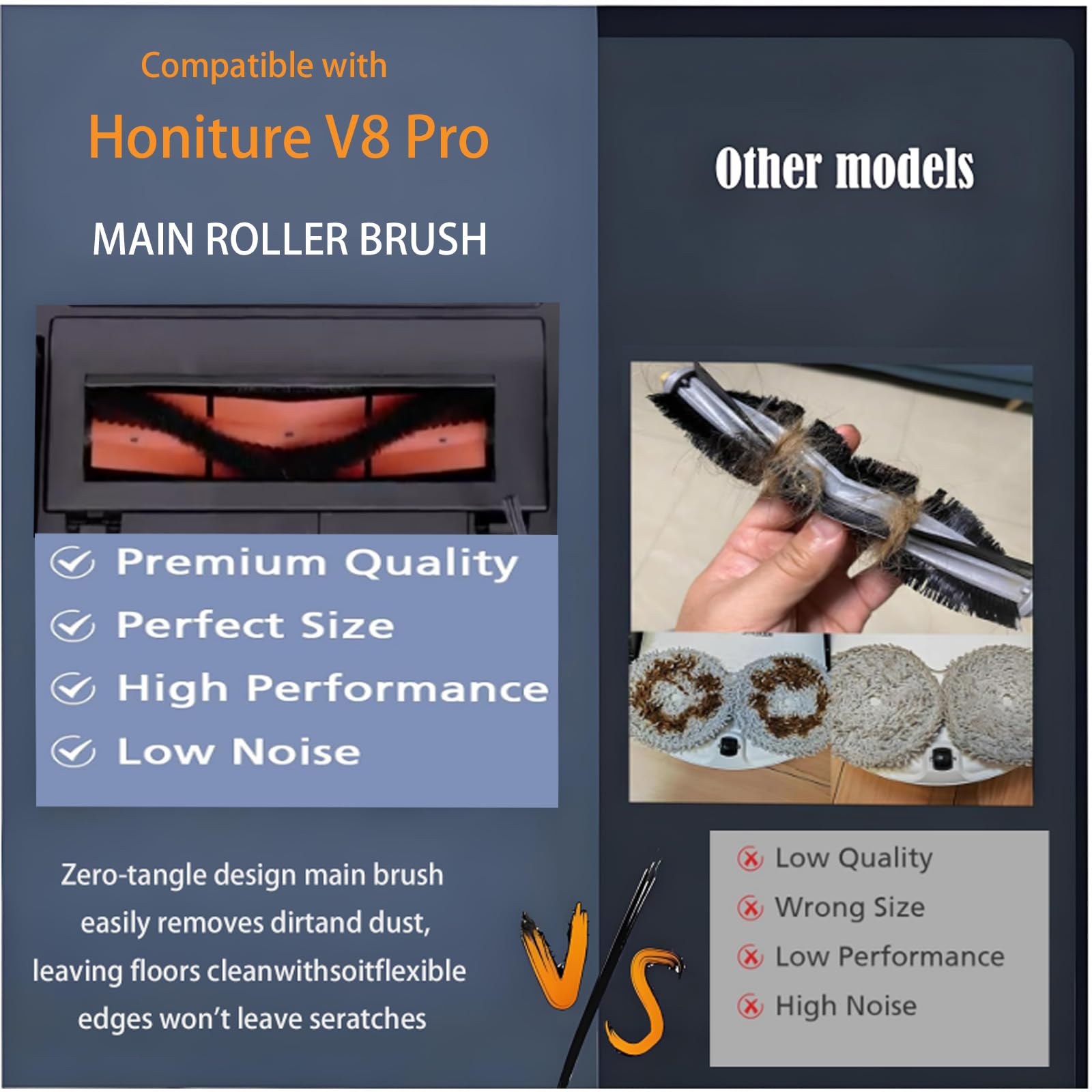
Image: Illustration of a main brush roller, indicating its placement and removal.
2. Replacing the Side Brushes
- With the robot vacuum still upside down, locate the side brushes.
- Each side brush is typically held by a screw. Use a screwdriver to remove the screw.
- Gently pull the old side brush upwards to remove it.
- Align the new side brush with the post and press it down firmly.
- Secure the new side brush with the screw.
Image: Steps for replacing side brushes, showing the screw mechanism.
3. Replacing the HEPA Filters
- Open the dustbin compartment of your robot vacuum.
- Remove the dustbin.
- Locate the filter assembly within the dustbin. Remove the old filter by pulling it out.
- Clean the dustbin thoroughly before inserting the new filter.
- Place the new HEPA filter into the designated slot in the dustbin, ensuring it fits snugly.
- Reinsert the dustbin into the robot vacuum until it locks into place.
Image: Illustration of a HEPA filter, showing its placement within the dustbin.
4. Attaching/Replacing Mop Pads
- Locate the mop pad attachment area on the underside of your robot vacuum, typically a water tank or a dedicated mopping module.
- If an old mop pad is present, detach it (usually via Velcro or clips).
- Align the new mop pad with the attachment area and press it firmly to secure it. Ensure it is evenly attached.
- Fill the water tank (if applicable) before starting a mopping cycle.
Image: Mop pads attached to the robot vacuum's mopping module.
Usage Guidelines
To ensure optimal cleaning performance and longevity of your Honiture V8 Pro robot vacuum and its accessories, consider the following guidelines:
- Regular Inspection: Periodically check all brushes and filters for wear, entanglement, or excessive dirt buildup.
- Replacement Frequency:
- Main Brush: Replace every 6-12 months, depending on usage and floor type.
- Side Brushes: Replace every 3-6 months, or if bristles become bent or damaged.
- HEPA Filters: Replace every 2-3 months to maintain filtration efficiency.
- Mop Pads: Replace as needed, typically every 1-3 months, or when cleaning effectiveness diminishes.
- Pre-Cleaning: For mopping, ensure the floor is vacuumed first to remove loose debris, maximizing the mop pad's effectiveness.
Maintenance
Proper maintenance of your accessories will prolong their life and ensure consistent cleaning results.
- Main Brush: Regularly remove hair and debris tangled around the brush and its ends. Use the cleaning tool provided with your vacuum (if any) or scissors.
- Side Brushes: Clean off any hair or string wrapped around the base of the side brushes. If bristles are bent, they can sometimes be straightened by soaking in warm water for a few minutes.
- HEPA Filters: Tap the filter gently over a trash can to remove loose dust. Do not wash HEPA filters with water unless explicitly stated by the vacuum manufacturer, as this can damage the filter material.
- Mop Pads: After each mopping cycle, remove the mop pad and wash it thoroughly with water. It can be hand-washed or machine-washed on a gentle cycle. Air dry completely before reattaching.
Image: Clean mop pads, ready for reuse after washing.
Troubleshooting
If you encounter issues after replacing accessories, consider the following:
- Reduced Cleaning Performance: Ensure all brushes are free of tangles and debris. Check if filters are clogged and replace if necessary. Verify mop pads are clean and properly attached.
- Unusual Noises: Inspect the main brush and side brushes for any foreign objects or hair that might be causing obstruction. Ensure brushes are correctly installed.
- Mop Pad Not Mopping Effectively: Ensure the mop pad is clean and wet. Check if the water tank (if applicable) is filled and properly installed.
- Parts Not Fitting: Double-check that the accessories are specifically designed for the Honiture V8 Pro model. Refer to the compatibility information.
Specifications
| Feature | Detail |
|---|---|
| Compatibility | Honiture V8 Pro Robot Vacuum Cleaner |
| Kit Contents | 1 Main Brush Roller, 4 Side Brushes, 4 HEPA Filters, 2 Mop Pads |
| Main Brush Material | High-quality rubber and soft bristles |
| Side Brush Material | Durable nylon |
| Mop Pad Material | Ultra-fine fiber cloth |
| Filter Efficiency | Captures at least 99.97% of 0.3 micron particles |
| Package Dimensions | 7 x 4 x 2 inches |
| Item Weight | 9.6 ounces |
| Manufacturer | JIN PENG |
Warranty and Support
For specific warranty information regarding this accessories kit, please refer to the documentation provided with your purchase or contact the seller directly. For support related to the Honiture V8 Pro Robot Vacuum Cleaner itself, please consult the vacuum's original manufacturer's manual or support channels.
Ensure you purchase genuine replacement parts to maintain product performance and warranty validity.