
1. Introduction
Thank you for choosing the Ailgely 2.4GHz WiFi Wall Touch Light Switch. This smart device integrates a light switch with a Type-C USB outlet, a standard USB outlet, and a US plug outlet, offering versatile control and charging capabilities. It supports 2-way light control, APP, and voice remote control, enhancing your smart home experience. This manual provides essential information for safe installation, operation, and maintenance.
2. Safety Information
WARNING: Risk of Electric Shock. Improper installation can lead to serious injury or death.
- Always cut off power at the circuit breaker before installing or servicing the switch.
- Installation must be performed by a qualified electrician or a person with a thorough understanding of electrical wiring.
- Ensure that the neutral wire is present and correctly installed. A neutral wire is required for this device.
- Verify that live and neutral wires are connected to their correct terminals.
- Tighten all screw terminals securely to prevent loose connections.
- This device only supports 2.4 GHz Wi-Fi networks. It is not compatible with 5 GHz networks.
3. Package Contents
Upon opening the package, please verify that all items are present and undamaged:
- 1 x Ailgely Smart Wall Touch Light Switch (2-Way Black US Plug)
- 1 x Set of Mounting Screws
- 1 x User Manual

Image: Package contents including the smart switch, mounting screws, and the user manual.
4. Product Features
- Integrated Design: Combines a smart light switch with a Type-C outlet, a USB outlet, and a standard US plug outlet for multiple functionalities.
- 2-Way Light Control: Designed to control two separate lights from a single location.
- Remote Control: Easy pairing via 2.4GHz Wi-Fi for APP and voice remote control.
- Smart Functions: Supports timing, scheduling, and shared control with family members through the smart APP.
- Modern Aesthetic: Features an anti-scratch tempered glass panel for sensitive touch control and a sleek design that complements various home styles.
5. Specifications
| Specification | Value |
|---|---|
| Color | Black US Plug |
| Type | 2 Way |
| Main Material | ABS + Glass |
| Input Voltage | 95-250V / AC 50-60Hz |
| Max. Load (Socket) | 16A |
| USB Output | 5V 2.1A |
| Wireless Connectivity | 802.11 b/g/n 2.4G Wi-Fi (Not 5 GHz) |
| Dimensions (L x W x D) | 120mm x 76mm x 34mm (4.72in x 2.99in x 1.33in) |
| Item Weight | 8.5 ounces |
| Wattage | 4000 watts |

Image: Detailed dimensions of the smart wall switch for installation planning.
6. Setup and Installation
Before you begin: Ensure the power is OFF at the circuit breaker. A neutral wire is required for installation.
- Power Disconnection: Locate the circuit breaker that controls the power to the switch you are replacing or the new installation location. Turn off the power completely. Verify power is off using a voltage tester.
- Remove Old Switch (if applicable): Carefully remove the existing wall plate and switch from the wall box. Disconnect the wires, noting their connections.
- Identify Wires: Identify the Live (Hot), Neutral, and Load wires in your wall box. This smart switch requires a neutral wire. If you are unsure, consult a qualified electrician.
- Wire Connection: Connect the wires from your wall box to the corresponding terminals on the Ailgely Smart Switch. Refer to the wiring diagram provided with the product for precise connections. Ensure all wires are securely tightened in their terminals.
- Mount the Switch: Gently push the wired switch into the wall box. Use the provided mounting screws to secure the switch to the wall box.
- Install Wall Plate: Attach the tempered glass wall plate to the switch.
- Restore Power: Turn the power back ON at the circuit breaker.
- Wi-Fi Pairing: Follow the instructions in the included manual to pair the switch with your smart home APP. Ensure your Wi-Fi network is 2.4 GHz.
7. Operating Instructions
7.1 Manual Touch Control
The tempered glass panel features touch-sensitive icons for controlling the lights. Simply touch the light bulb icons to toggle the connected lights ON or OFF. The power outlet icon controls the integrated US plug outlet.

Image: The tempered glass panel offers sensitive and durable touch control.
7.2 Smart APP Control
After successfully pairing the switch with your smart home APP (e.g., Tuya Smart, Smart Life), you can control the lights and outlets remotely from your smartphone or tablet.
- Remote ON/OFF: Turn lights and outlets on or off from anywhere.
- Timing & Schedule: Set schedules for lights to turn on/off automatically at specific times.
- Scene Creation: Create custom scenes to control multiple devices with a single command.
- Share Control: Share device control with family members through the APP.

Image: Demonstrates remote control of the smart switch using a mobile application.
7.3 Voice Control
The smart switch is compatible with popular voice assistants (e.g., Amazon Alexa, Google Assistant). Once integrated, you can use voice commands to control your lights and outlets.
- Example Commands:
- "Alexa, turn on the living room light."
- "Hey Google, turn off the kitchen light."
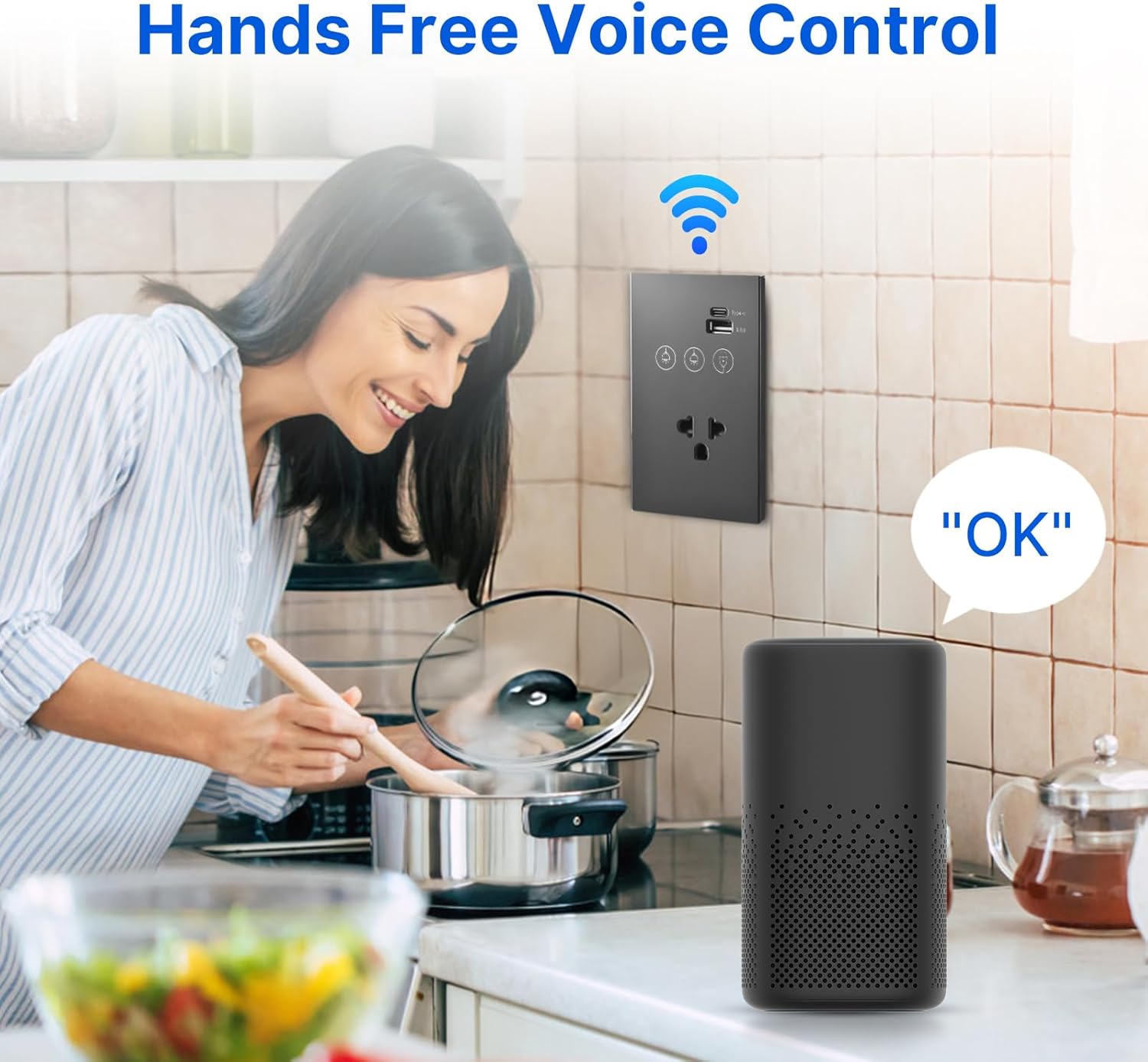
Image: Illustrates hands-free voice control of the smart switch.
8. Maintenance
- Cleaning: The tempered glass panel is anti-scratch and easy to clean. Use a soft, damp cloth to wipe the surface. Avoid abrasive cleaners or solvents that may damage the finish.
- Firmware Updates: Periodically check the smart home APP for available firmware updates for your device to ensure optimal performance and security.
- Connection Check: If experiencing connectivity issues, ensure your Wi-Fi router is functioning correctly and the switch is within range of the 2.4 GHz network.
9. Troubleshooting
- Switch Not Responding:
- Check if the circuit breaker is ON.
- Ensure all wiring connections are secure and correct (Live, Neutral, Load).
- If recently installed, double-check that the neutral wire is properly connected.
- Wi-Fi Connection Failure:
- Confirm your Wi-Fi network is 2.4 GHz. This device does not support 5 GHz Wi-Fi.
- Ensure the switch is within range of your Wi-Fi router.
- Restart your Wi-Fi router and try pairing again.
- Make sure you are entering the correct Wi-Fi password.
- APP Control Issues:
- Verify your smartphone has an active internet connection.
- Ensure the smart home APP is updated to the latest version.
- Try unpairing and re-pairing the device in the APP.
- Voice Control Not Working:
- Confirm the smart switch is successfully linked to your voice assistant account (e.g., Alexa, Google Home).
- Check if your voice assistant device is online and functioning correctly.
- Use the exact device names configured in your smart home APP.
10. Warranty and Support
This product comes with a standard manufacturer's warranty. For specific warranty terms and conditions, please refer to the documentation provided at the time of purchase or contact the retailer. For technical support, troubleshooting assistance, or inquiries regarding your Ailgely Smart Wall Touch Light Switch, please contact Ailgely customer service through the contact information provided on the product packaging or the official Ailgely website.