
Yuezhongoo Yuezhongoocrbt20fu94-11
ZIYOUHU Laser Rangefinder User Manual
Model: Yuezhongoocrbt20fu94-11 (600 meters)
Brand: Yuezhongoo
1. Introduction
Thank you for choosing the ZIYOUHU Laser Rangefinder. This device is a high-precision optical instrument designed for accurate distance, height, angle, and speed measurements. It is suitable for various applications including golf, outdoor sports, observation, and construction.
Important Safety Warning:
- Please do not observe the sun directly through the eyepiece, as this can cause severe eye damage.
- Ensure to use the appropriate battery type as specified. Incorrect battery usage can damage internal measurement components and lead to inaccurate results.
2. Package Contents
Please verify that all items listed below are included in your package:
- 1 x ZIYOUHU Laser Rangefinder
- 1 x Storage Bag
- 1 x User Manual (this document)
- 1 x Lens Cleaning Cloth
- 1 x USB Charging Cable

Figure 2.1: Contents of the product package, including the rangefinder, storage bag, charging cable, and lens cleaning cloth.
3. Product Features
- HD Eyepiece: Allows for clear observation for users with myopia or presbyopia without requiring glasses, providing clear images even in low light conditions.
- High-Quality Optical Lens: Ensures accurate measurements even in foggy conditions. The multi-layer coated lenses provide sharper target measurements and a clearer field of view.
- Durable Construction: Ergonomic design with industrial-grade soft rubber buttons for comfortable use, long service life, and resistance to wear and deformation.
- Versatile Applications: Ideal for professional applications such as hunting, bow hunting, golf, and general outdoor measurement.
- Manual Focusing: Allows for precise adjustment to find the target, leading to more accurate and stable measurement results.
- IP54 Protection: Rated as waterproof and dustproof, ensuring reliability in various outdoor environments.
- Speed Measurement: Capable of real-time measurement of moving objects, with a maximum speed measurement of up to 300 KM/h.
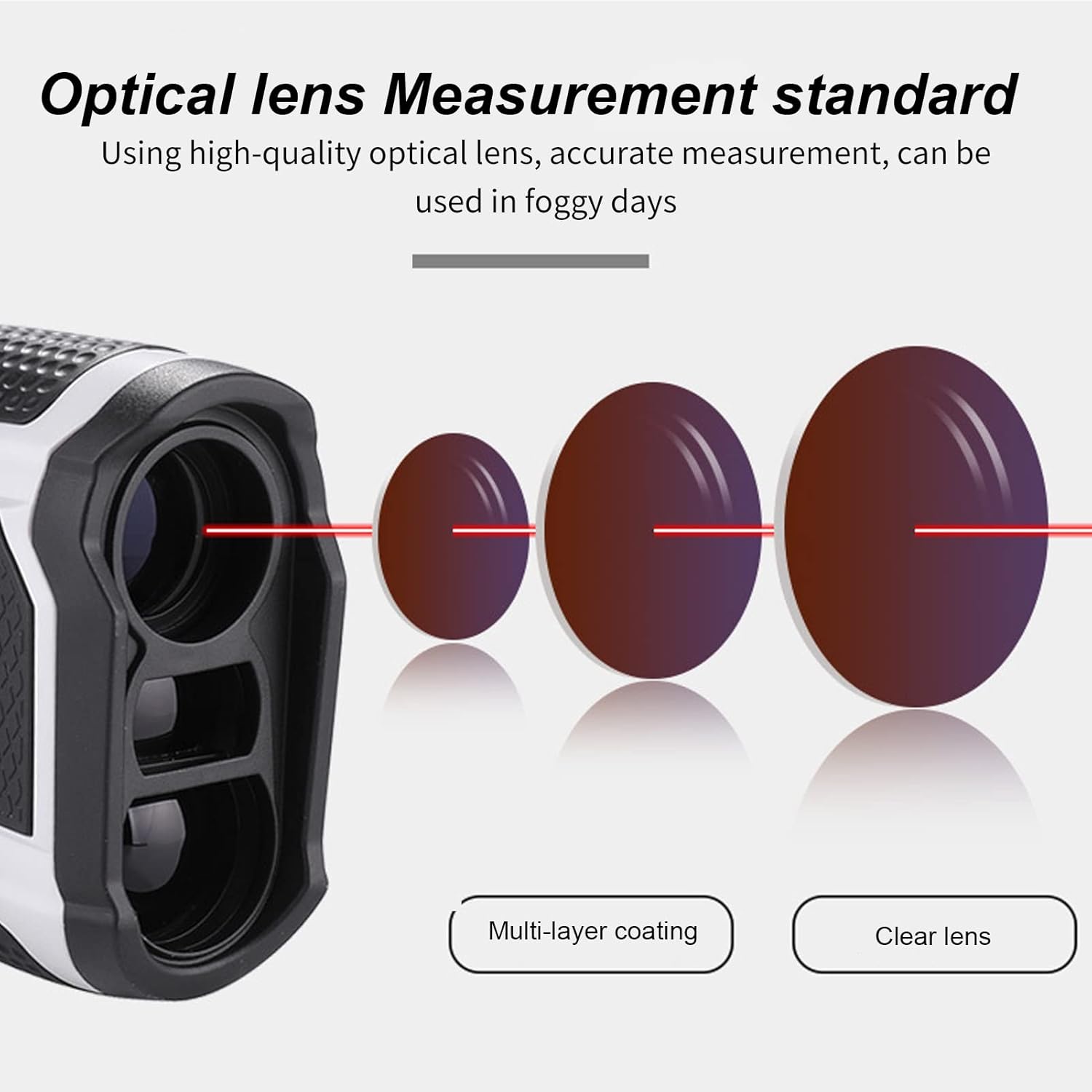
Figure 3.1: Diagram illustrating the high-quality optical lens system with multi-layer coating for clear and accurate measurements, even in foggy conditions.

Figure 3.2: Illustrations highlighting key technical features: diode laser ranging, 6x magnification lens, IP54 waterproof and dustproof rating, altitude measurement, ranging and speed measurement, and HD high-definition display.

Figure 3.3: Demonstration of the rangefinder's speed measurement capability, showing it can measure the speed of moving objects up to 300 KM/h.
4. Parts Diagram
Familiarize yourself with the different parts of your rangefinder:

Figure 4.1: Detailed diagram labeling the key components of the rangefinder.
- Objective Lens: The front lens through which light enters the device.
- Standalone Receiver: Component responsible for receiving the reflected laser signal.
- Mode Key: Used to cycle through different measurement modes.
- Power Button: Turns the device on/off and initiates measurements.
- Eyepiece Focusing Wheel: Adjusts the focus of the eyepiece for clear viewing.
- Eyepiece: The lens you look through to view the target and display.
- USB Interface: For charging the built-in lithium battery.
5. Setup
5.1 Charging the Battery
The rangefinder is equipped with a built-in 700 mAh Lithium Battery. Before first use, or when the battery indicator shows low power, charge the device using the provided USB charging cable.
- Connect the small end of the USB charging cable to the USB interface on the rangefinder.
- Connect the other end of the USB cable to a standard USB power adapter (not included) or a computer USB port.
- The charging indicator (if available, refer to on-screen display) will show charging status. Once fully charged, disconnect the cable.
5.2 Powering On/Off
- To power on the device, press the Power Button briefly.
- To power off the device, press and hold the Power Button for a few seconds until the display turns off. The device may also automatically power off after a period of inactivity to conserve battery.
5.3 Adjusting Focus
For a clear view of the target and the LCD display within the field of view, rotate the Eyepiece Focusing Wheel until the image appears sharp.
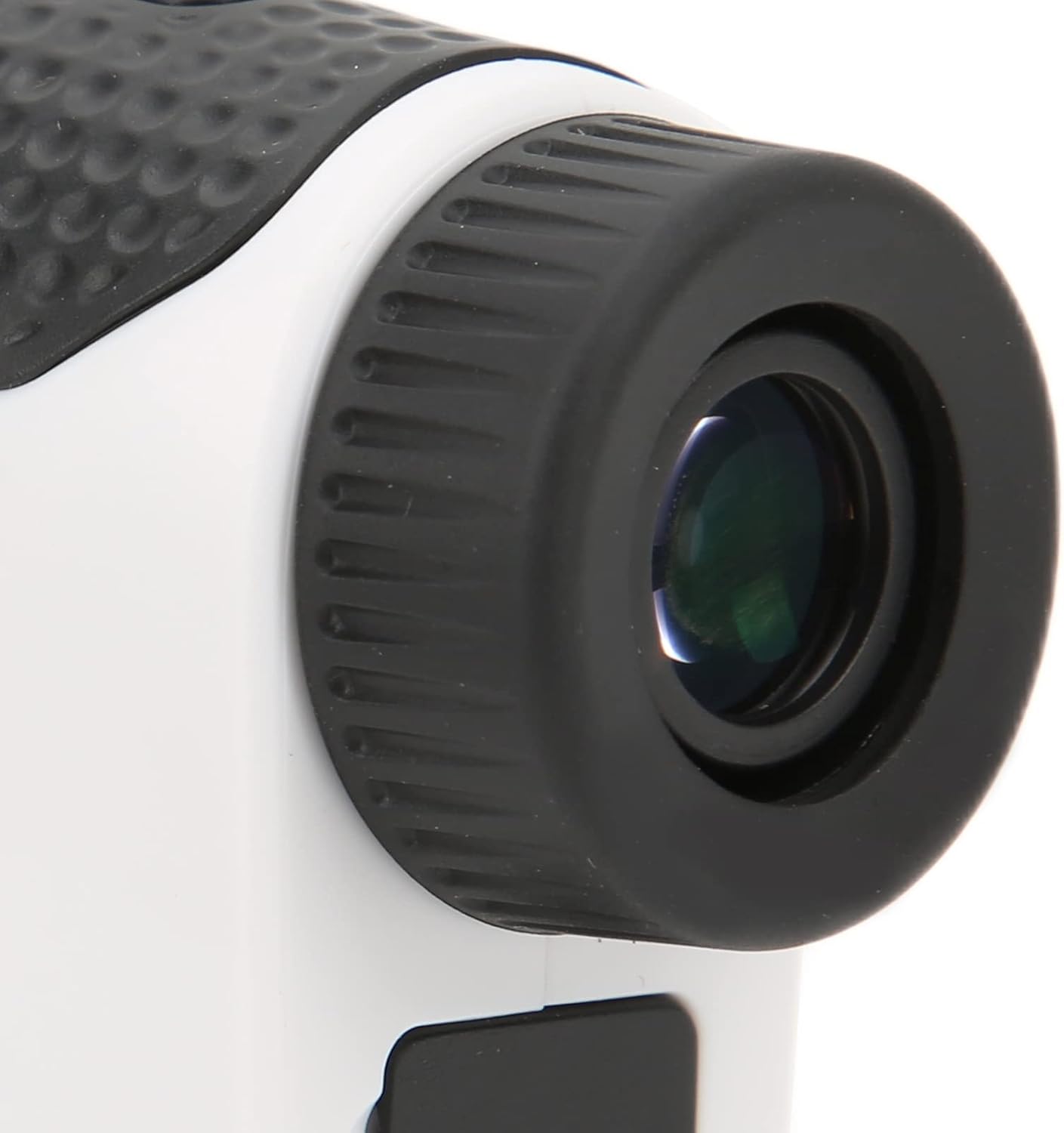
Figure 5.1: Close-up view of the eyepiece and focusing wheel of the rangefinder, designed for clear viewing.
6. Operation
The ZIYOUHU Laser Rangefinder uses semiconductor laser ranging and displays results through an LCD display in the field of view.
6.1 Selecting Measurement Modes
Press the Mode Key to cycle through the available measurement modes. The current mode will be indicated on the display.
- Ranging Mode (Standard): Measures the straight-line distance to a target.
- Height Measurement: Calculates the vertical height of a target.
- Angle Measurement: Measures the angle of inclination to a target.
- Speed Measurement: Measures the speed of a moving object.
- Continuous Measurement: Provides real-time, continuous distance readings as you pan across targets.
- Zero Measurement: (Specific function, refer to on-screen prompts for usage).
- Golf Mode: Optimized for golf, often includes features like flagstick lock and slope compensation.
- Data Memory: Allows for storage and recall of previous measurements.
6.2 Taking a Measurement
- Power on the device.
- Select the desired measurement mode using the Mode Key.
- Look through the eyepiece and aim the crosshairs at your target.
- Press the Power Button briefly to initiate the measurement.
- The measurement result will be displayed on the LCD screen within the eyepiece.

Figure 6.1: Overview of the rangefinder's applications, including golf, outdoor sports, observation, and construction, demonstrating its versatility.

Figure 6.2: Examples of the rangefinder in use for golf (measuring distance to a flag) and outdoor sports (measuring distance in a snowy mountain landscape).
7. Maintenance
7.1 Cleaning the Lenses
The optical lenses are delicate and require careful cleaning to maintain clear vision and accurate measurements.
- Use the provided lens cleaning cloth or a soft, lint-free cloth.
- Gently wipe the lens surfaces to remove dust or smudges.
- For stubborn dirt, a small amount of lens cleaning solution designed for optical instruments can be applied to the cloth, not directly to the lens.
- Avoid using abrasive materials, paper towels, or harsh chemicals, as these can scratch or damage the lens coatings.
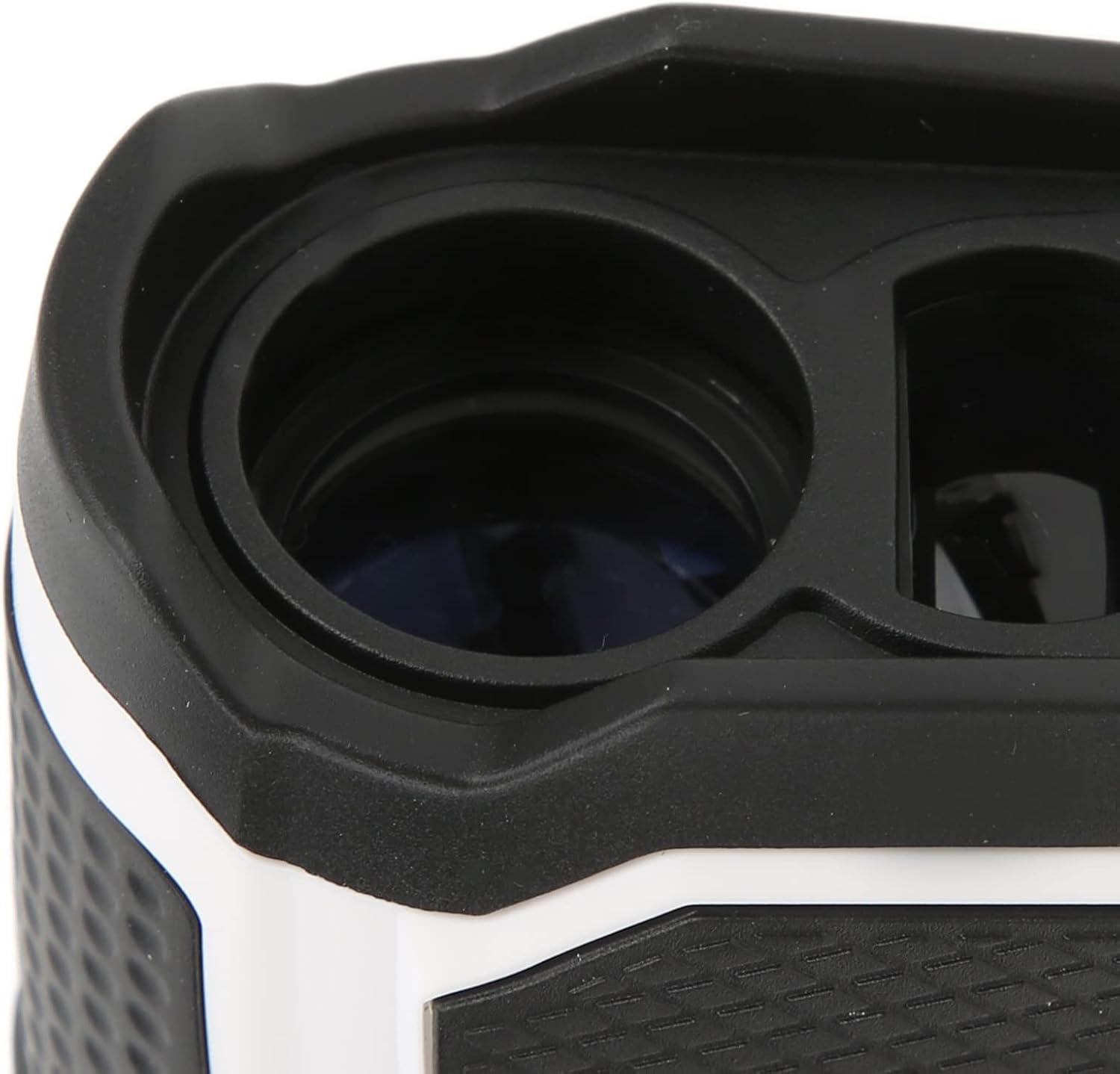
Figure 7.1: Close-up view of the objective lens of the rangefinder, showcasing its optical quality.
7.2 General Care and Storage
- Store the rangefinder in its protective storage bag when not in use to prevent dust and scratches.
- Avoid exposing the device to extreme temperatures, direct sunlight for prolonged periods, or high humidity.
- Do not drop or subject the device to strong impacts.
- Keep the device away from strong magnetic fields.
8. Troubleshooting
If you encounter issues with your rangefinder, please refer to the following common problems and solutions:
- Device does not power on:
- Ensure the battery is sufficiently charged. Connect the device to the charging cable and allow it to charge for a period.
- Press and hold the Power Button firmly for a few seconds.
- Inaccurate measurement results:
- Ensure the eyepiece is properly focused for a clear view of the target and display.
- Verify that the target is within the specified ranging capabilities (600 meters for this model).
- Environmental factors such as heavy fog, rain, or highly reflective/non-reflective surfaces can affect accuracy.
- Ensure the battery is not critically low, as this can impact performance.
- Avoid applying the device at night or in a dark environment, as it may not be able to measure or have large error.
- Display is dim or unclear:
- Adjust the eyepiece focusing wheel.
- Check battery level.
If the problem persists after trying these solutions, please contact customer support.
9. Specifications
| Item Type | Range Finder |
| Wavelength | 905 nm |
| Focusing Mode | Manual Focusing |
| Caliber | 25 mm / 1.0 in |
| Multiplier | 6x |
| Ranging Error | ±0.5 m / 0.5 yd |
| Range Resolution | 0.5 m / 0.5 yd |
| Measurement Angle Range | 0-90 Degrees |
| Angle Display Resolution | 0.5 Degree |
| Exit Pupil Diameter | 3.8mm / 0.15in |
| Exit Pupil Distance | 12mm / 0.47in |
| Lens Type | Multilayer Coating |
| Protection Grade | IP54 (Waterproof and Dustproof) |
| Battery Type | 700 mAh Lithium Battery (Built-In) |
| Ranging Mode | Semiconductor Laser Ranging |
| Ranging Display Mode | Through LCD Display In The Field |
| Standard Configuration Modes | Ranging, Height Measurement, Angle Measurement |
| Additional Modes | Speed Measurement, Continuous Measurement, Zero Measurement, Golf Mode, Data Memory |
| Item Package Dimensions | 5.91 x 4.33 x 2.36 inches |
| Package Weight | 323 Grams |
| Material | Soft glue + electronic components |
| Suggested Users | Unisex-adult |
| First Available Date | September 20, 2024 |
10. Warranty and Support
10.1 Manufacturer's Warranty
This product comes with a manufacturer warranty for 90 days from the date of purchase. This warranty covers defects in materials and workmanship under normal use. It does not cover damage caused by misuse, accidents, unauthorized modifications, or improper maintenance.
10.2 Customer Support
For technical assistance, warranty claims, or any questions regarding your ZIYOUHU Laser Rangefinder, please contact the seller or manufacturer through the platform where you purchased the product. Please have your purchase details and product model number ready when contacting support.
Ask a question about this manual
Ask about setup, troubleshooting, compatibility, parts, safety, or missing instructions. Manuals+ will review the question and use this page’s manual context to help answer it.