
1. Introduction
Thank you for choosing the JAOCDOEN USB Heated Blanket Shawl. This manual provides essential information for the safe and efficient operation, maintenance, and care of your heated blanket. Please read it thoroughly before first use and retain it for future reference.

Image 1.1: The JAOCDOEN USB Heated Blanket Shawl, folded. This image shows the blanket in its compact, stored state, highlighting its soft texture and integrated control button.
2. Safety Instructions
WARNING: To reduce the risk of burns, electric shock, fire, or injury, this product must be used in accordance with the following instructions.
- Do not use with an infant, a child, an incapacitated person, or anyone insensitive to heat.
- Do not use on areas of insensitive skin.
- Do not use if the blanket is wet.
- Never use pins or other metallic objects with this blanket.
- Do not use if the USB cable or control unit is damaged.
- Do not fold, crease, or bunch the blanket tightly during use, as this may cause overheating.
- Always disconnect the USB power source when not in use.
- Do not dry clean. Dry cleaning solvents may damage the insulation of the heating element.
- Store the blanket loosely folded in a cool, dry place when not in use.
- This blanket is for personal use only and not intended for medical use in hospitals.
3. Package Contents
Verify that all items are present in the package:
- 1 x JAOCDOEN USB Heated Blanket Shawl
- 1 x User Manual (this document)
4. Product Features
- Ultra-Soft Material: Constructed from polyester for comfort and warmth.
- Efficient Heating: Internal heating elements made of composite fibers ensure quick and stable warmth.
- Adjustable Heat Settings: Features 3 temperature levels, ranging from 45℃ to 65℃ (113°F to 149°F), controlled by a single button.
- Safety Mechanisms: Equipped with temperature control, overheating protection, and short circuit protection.
- Convenient USB Power: Easily powered via any standard USB port (e.g., a 5V/2A power bank, laptop, wall adapter).
- Versatile Use: Suitable for various environments including camping, travel, outdoor activities, office, and home.

Image 4.1: Diagram illustrating the layered structure of the heated blanket. It shows an outer layer resisting cold, carbon fiber heating wire, and an inner layer locking in heat, demonstrating the blanket's thermal design.
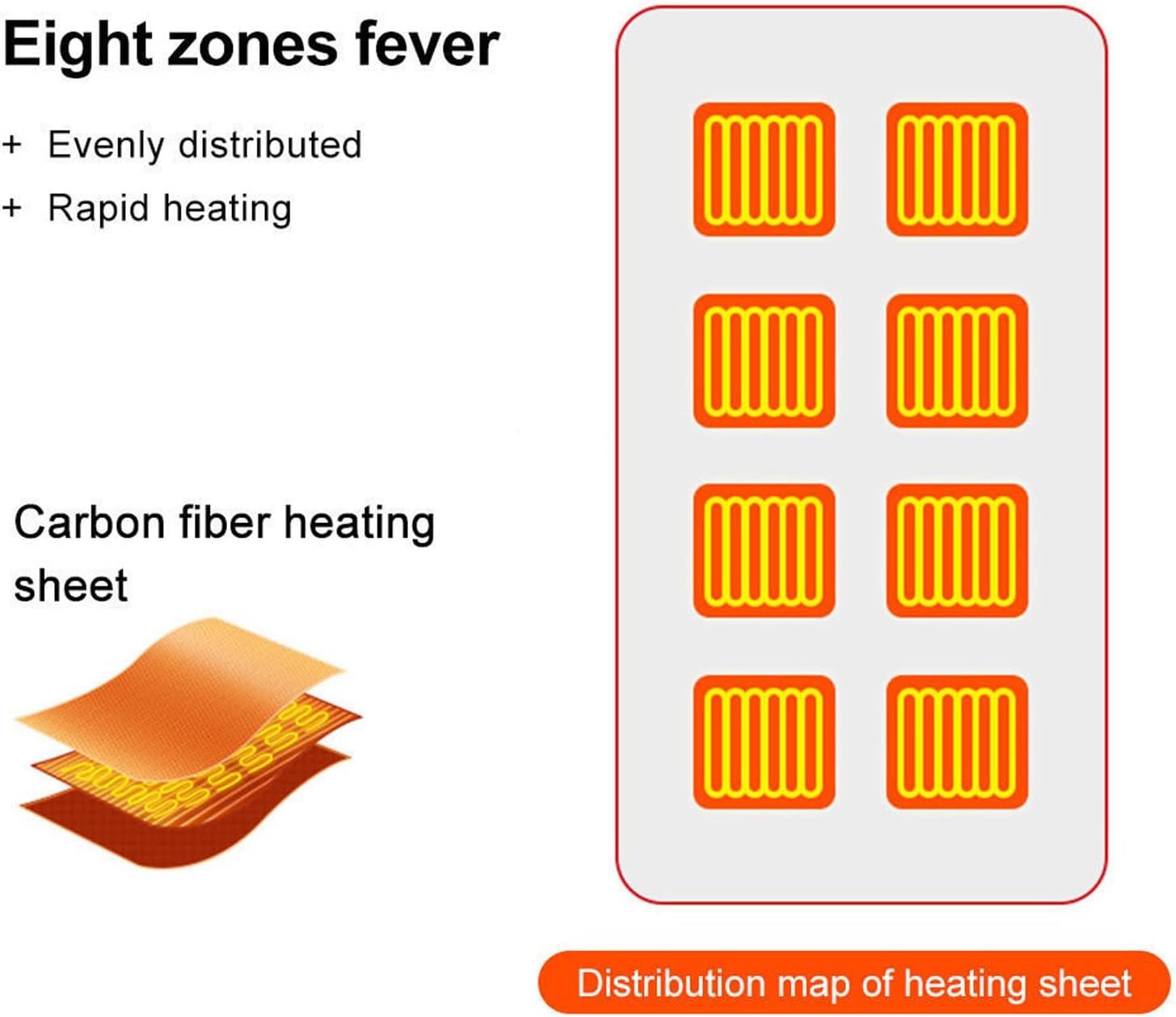
Image 4.2: Diagram showing the distribution of eight heating zones within the blanket. This highlights the even and rapid heating capability provided by the carbon fiber heating sheets.
5. Setup
- Unpack: Carefully remove the heated blanket from its packaging.
- Inspect: Examine the blanket and USB cable for any signs of damage. Do not use if damaged.
- Connect Power: Locate the USB connector on the blanket. Plug it into a compatible USB power source (e.g., a 5V/2A power bank, USB wall adapter, or computer USB port). Ensure the connection is secure.
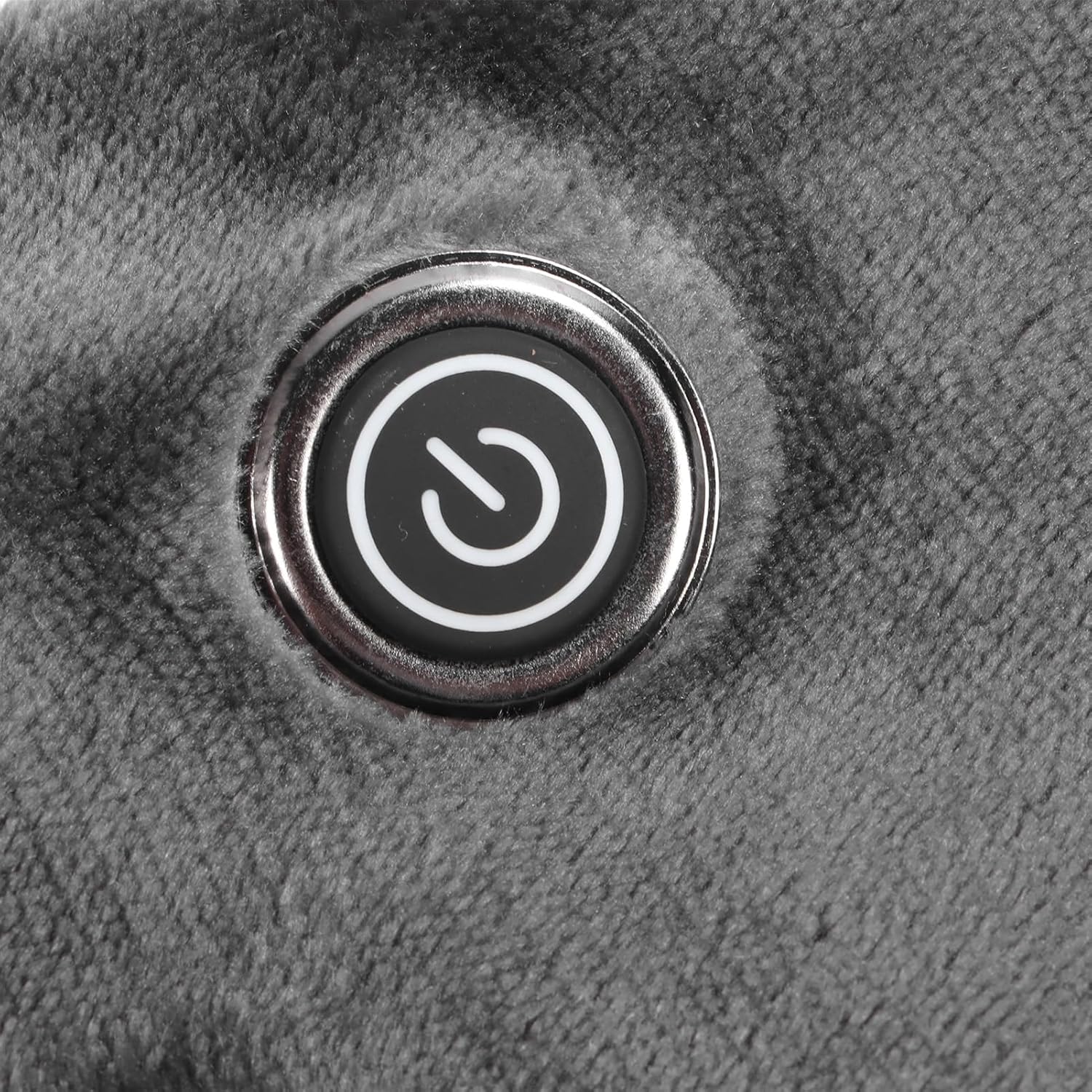
Image 5.1: The folded blanket with a visible control button. This image helps users locate the power and temperature control interface.
6. Operating Instructions
The heated blanket features a single control button for power and temperature adjustment.
Image 6.1: A close-up view of the power and temperature control button. The button features a clear power symbol, indicating its function.
- Power On: Press and hold the control button for approximately 3 seconds to turn on the blanket. The indicator light will illuminate, and the blanket will begin heating at the default setting.
- Adjust Heat Setting: Briefly press the control button to cycle through the 3 available heat settings. Each press will change the temperature level. The indicator light may change color or intensity to reflect the current setting (refer to product specifics for color codes if available).
- Power Off: Press and hold the control button for approximately 3 seconds to turn off the blanket. The indicator light will extinguish.
Temperature Levels:
- Low: Approximately 45℃ (113°F)
- Medium: Approximately 55℃ (131°F)
- High: Approximately 65℃ (149°F)

Image 6.2: Visual guide demonstrating how the electric heating blanket can be used to warm different body areas such as shoulders, abdomen, and knees, highlighting its versatile design.
7. Maintenance
Proper care ensures the longevity and safe operation of your heated blanket.
- Cleaning: The blanket is machine washable. Before washing, ensure the USB cable is disconnected from the power source and the blanket. Wash on a gentle cycle with cold water. Do not bleach or iron.
- Drying: Tumble dry on low heat or air dry. Ensure the blanket is completely dry before reconnecting to power or storing.
- Storage: When not in use, store the blanket loosely folded in a cool, dry place. Avoid placing heavy objects on top of the blanket, which could damage the heating elements.
8. Troubleshooting
| Problem | Possible Cause | Solution |
|---|---|---|
| Blanket does not heat up. |
|
|
| Blanket heats unevenly. |
|
|
| Indicator light is off, but blanket is connected. |
|
|
9. Specifications
| Item Type | USB Heated Blanket Shawl |
| Model Number | JAOCDOENty0obezhcv |
| Material | Polyester |
| Weight | Approx. 687g / 1.51 lbs |
| Heat Settings | 3 levels (45℃-65℃ / 113°F-149°F) |
| Power Source | USB (5V/2A recommended) |
| Care Instructions | Machine Wash |
| Manufacturer | JAOCDOEN |
10. Warranty and Support
For any questions, concerns, or issues regarding your JAOCDOEN USB Heated Blanket Shawl, please contact the manufacturer or your retailer for assistance. Please have your model number (JAOCDOENty0obezhcv) and purchase information ready when contacting support.
Refer to your purchase documentation for specific warranty terms and conditions.