
1. Product Overview
The SVPRO 11.6MP-V100 Autofocus Camera Module is a high-performance USB camera designed for various applications including computer vision, industrial inspection, and embedded systems. It features a 1/2.3" IMX577 CMOS 12MP image sensor, offering high-resolution imaging and flexible frame rates.
Key Features:
- HD Resolution: Utilizes a 1/2.3" IMX577 CMOS 12MP image sensor, achieving a maximum still resolution of 3840x3040 pixels.
- High Speed: Supports programmable frame rates up to 120fps at 1080p resolution and 30fps at 4K resolution.
- Autofocus: Automatically adjusts focus for objects at varying distances without manual lens adjustment.
- Compact Size: Measures 38x38mm, suitable for embedded applications and secondary development.
- Wide Compatibility: Works with PC computers, laptops, Raspberry Pi, and Android boards. Supports OTG for USB-C devices.
- USB Plug and Play: UVC compliant, compatible with Windows, Linux, Mac OS, and Android systems without requiring extra drivers.
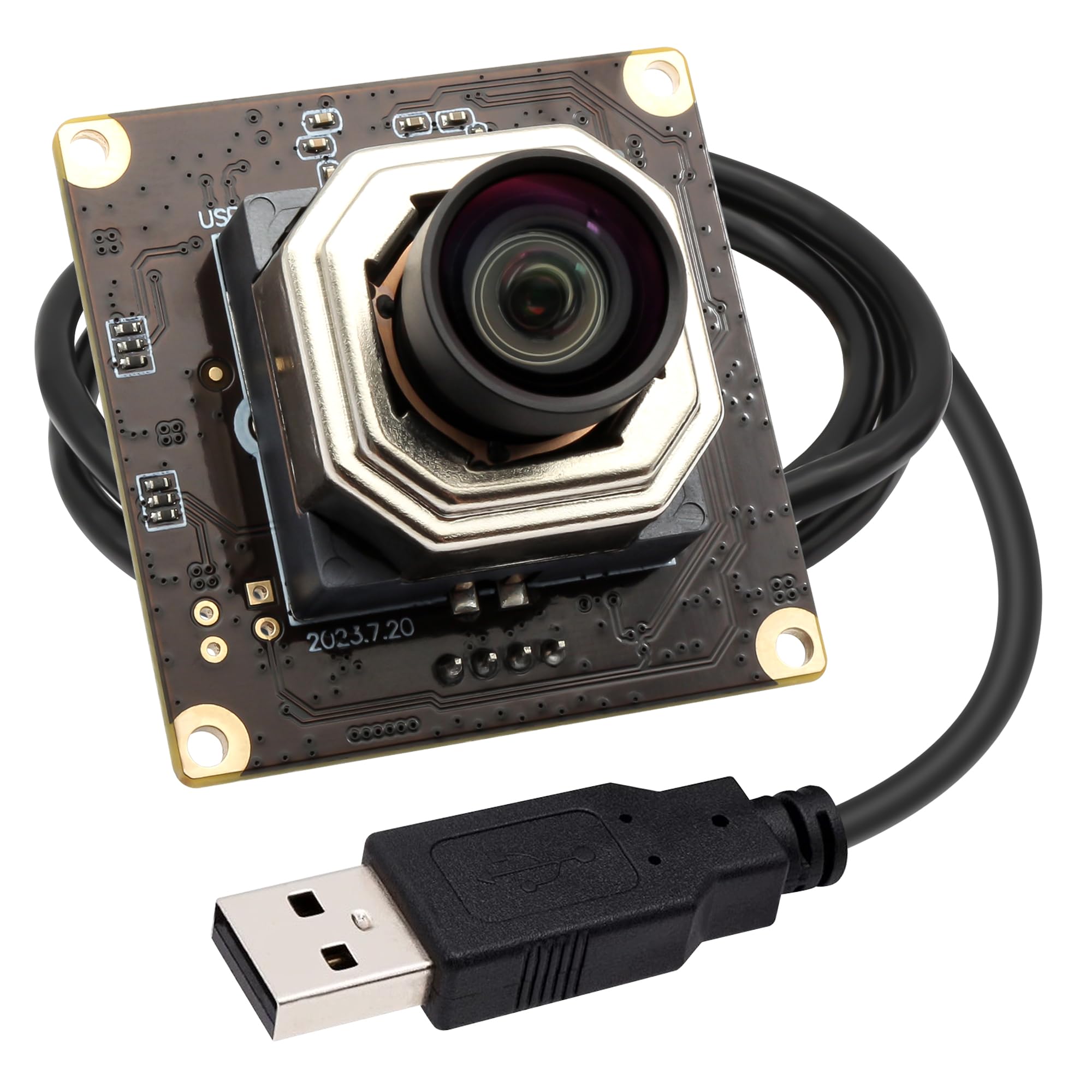
Figure 1: SVPRO 11.6MP-V100 Autofocus Camera Module.
Package Contents:
- 1x Camera Module (11.6MP-V100)
- 1x 1-meter USB Cable
- 1x Instruction Manual
2. Setup Instructions
The SVPRO camera module is designed for simple plug-and-play operation, requiring no additional drivers for most operating systems.
Connecting the Camera:
- Connect one end of the provided USB cable to the camera module.
- Connect the other end of the USB cable to an available USB port on your computer (PC, laptop, Raspberry Pi) or Android device (using an OTG adapter if necessary).
- The operating system should automatically detect and install the camera as a standard UVC (USB Video Class) device.
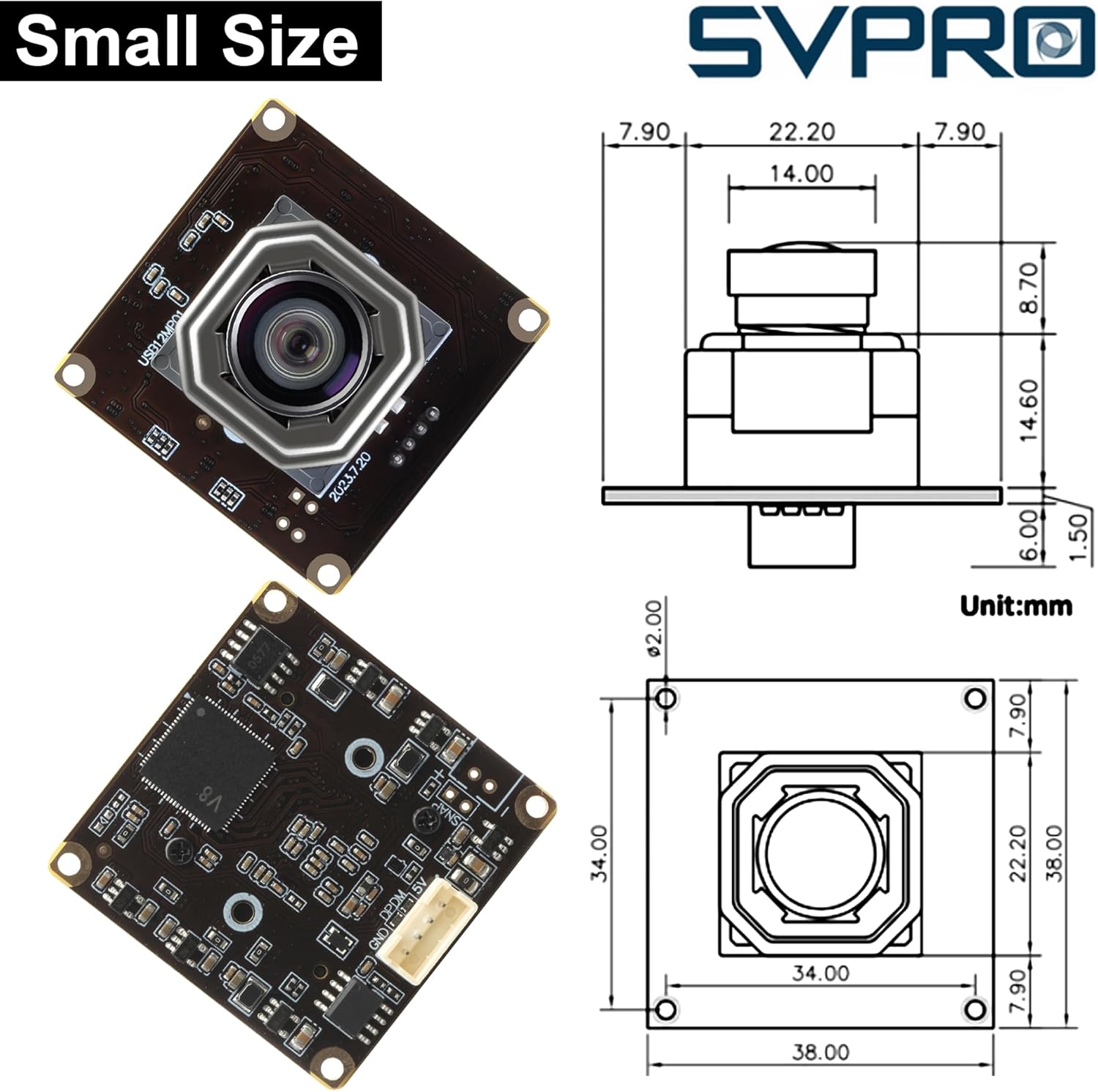
Figure 2: Camera module connected to a laptop.

Figure 3: Camera module connected to a Raspberry Pi.
System Compatibility:
The camera is UVC compliant and compatible with:
- Windows operating systems
- Linux operating systems (including Raspberry Pi)
- Mac OS
- Android systems (with OTG support)
It can be used with various webcam software applications such as Facetime, OBS, Zoom, VLC, and other PC default webcam software.
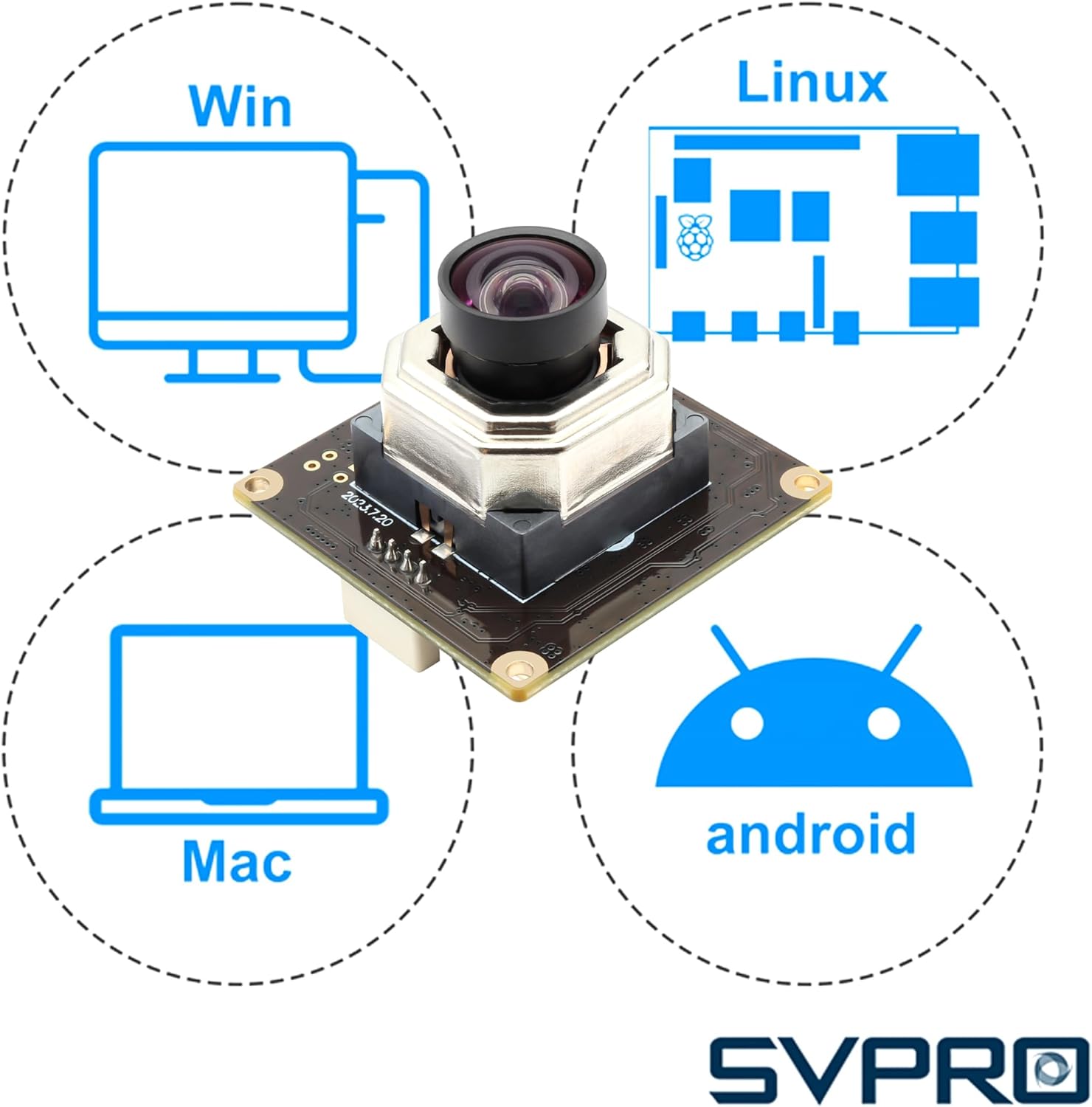
Figure 4: USB Plug and Play compatibility with various software and operating systems.
3. Operating Instructions
Using Autofocus:
The camera module features an autofocus lens that automatically adjusts to bring subjects into sharp focus. This allows for clear imaging of objects at varying distances, from close-up to distant, without manual intervention. Ensure adequate lighting for optimal autofocus performance.

Figure 5: Autofocus in action, focusing on a dragonfly.
Resolution and Frame Rate Settings:
The camera supports multiple resolutions and frame rates. These settings can typically be adjusted within your chosen webcam software or application.
- Maximum Still Resolution: 3840x3040 pixels (11.6MP)
- Video Capture Resolutions:
- 1920x1080 (1080p) at up to 120 frames per second (fps)
- 3840x2160 (4K) at up to 30 frames per second (fps)
- Other resolutions like 3840x3040 at 20fps, 3840x2880 at 30fps are also supported.

Figure 6: Supported resolutions and frame rates.

Figure 7: Visual comparison of 60FPS vs 120FPS for capturing fast-moving subjects.
4. Maintenance
To ensure the longevity and optimal performance of your SVPRO camera module, follow these maintenance guidelines:
- Cleaning: Gently wipe the lens with a soft, lint-free cloth. For stubborn smudges, use a lens cleaning solution specifically designed for optical surfaces. Avoid abrasive materials or harsh chemicals.
- Storage: Store the camera module in a clean, dry environment away from direct sunlight, extreme temperatures, and high humidity.
- Handling: Handle the camera module by its edges to avoid touching the lens or electronic components. Protect it from physical shocks or drops.
- Cable Care: Avoid bending or twisting the USB cable excessively, as this can damage the internal wires.
5. Troubleshooting
If you encounter issues with your camera module, refer to the following common problems and solutions:
- Camera Not Detected:
- Ensure the USB cable is securely connected to both the camera and the computer/device.
- Try connecting the camera to a different USB port.
- Restart your computer or device.
- Verify that your operating system is compatible (Windows, Linux, Mac OS, Android).
- Autofocus Issues (Blurry Image):
- Ensure the subject is well-lit. Autofocus performance can be affected by low light conditions.
- Check if there are any obstructions in front of the lens.
- Some applications may offer manual focus override; consult your software's documentation.
- Poor Image Quality in Low Light:
- While the IMX577 sensor performs well, optimal image quality requires sufficient lighting. Increase ambient light if possible.
- Adjust exposure settings within your webcam software if available.
- Application Not Recognizing Camera:
- Ensure the application is updated to its latest version.
- Check the application's settings to select the SVPRO camera as the video input device.
- Close other applications that might be using the camera.
If these steps do not resolve the issue, please contact SVPRO customer support for further assistance.
6. Specifications
| Feature | Specification |
|---|---|
| Brand | SVPRO |
| Model Name | SV-USB12MP01-AFV100 |
| Sensor Type | CMOS (IMX577) |
| Photo Sensor Resolution | 12 MP |
| Effective Still Resolution | 11.6 MP |
| Video Capture Resolution | 2880p, 2160p, 1080p |
| Continuous Shooting Speed | 120 FPS (at 1080p) |
| Focus Type | Autofocus |
| Real Angle of View | 100 Degrees |
| Connectivity Technology | USB |
| Compatible Devices | Laptop, Personal Computer, Smartphone, Tablet |
| Item Dimensions (D x W x H) | 1.49"D x 1.49"W x 1.15"H (38x38x29.2mm) |
| Exposure Control Type | Automatic |
| Shooting Modes | Automatic, Manual |
| File Format | JPEG, MJPEG |
| Audio Recording | No |
| Water Resistance Level | Not Water Resistant |
7. Warranty and Support
For warranty information and technical support, please refer to the documentation included with your product or visit the official SVPRO website. If you require assistance with setup, operation, or troubleshooting beyond the scope of this manual, please contact SVPRO customer service.