1. Introduction and Overview
The MOSTOOL M8 is a high-performance portable car battery jump starter designed for reliability and versatility. It delivers a powerful 6000A peak current, capable of starting all 12V vehicles, including cars, trucks, SUVs, RVs, motorcycles, and diesel generators up to 12.0L engines. Equipped with a smart HD display, PD 60W fast charging, and a robust 10-layer safety system, the M8 ensures safe and efficient operation in various conditions. Beyond jump-starting, it functions as a power bank for electronic devices and features a multi-mode LED light for emergencies.

Image: The MOSTOOL M8 Jump Starter unit with smart jumper clamps.
2. What's in the Box
Your MOSTOOL M8 package includes the following items:
- MOSTOOL M8 Jump Starter Unit
- Heavy Duty Smart Jumper Clamps
- USB Type-C Charging Cable
- Durable EVA Storage Case
- User Manual

Image: All components included in the MOSTOOL M8 Jump Starter kit.
3. Setup
3.1 Charging the Jump Starter
Before initial use, fully charge the MOSTOOL M8 unit. The device supports PD 60W fast charging, allowing it to be fully recharged in approximately 1.5 hours. For optimal performance and battery longevity, it is recommended to recharge the unit every 2–3 months, even when not in use. An AC adapter is not included and must be purchased separately.
3.2 Connecting the Smart Clamps
The smart jumper clamps are designed for easy and safe connection. Plug the blue end of the smart clamps into the EC5 output port on the jump starter. Ensure the connection is firm and secure. The smart clamps feature a directional design to prevent incorrect insertion.
3.3 Quick Start Guide for Jump Starting
Follow these steps to quickly jump start your vehicle:
- Step 1: Plug the Jumper to EC5 Output. Insert the blue end of the smart clamps into the jump starter's EC5 port.
- Step 2: Attach Clamps. Connect the red clamp to the vehicle's positive (+) battery terminal and the black clamp to the vehicle's negative (-) battery terminal or a suitable ground point on the engine block.
- Step 3: Ready. The jump starter's display will show "READY" and the indicator light will turn green when correctly connected. If an error occurs, the display will show alerts.
- Step 4: Start the Engine. Once "READY" is displayed, start your vehicle's engine.

Image: Visual guide for the 4-step quick start process.
4. Operating Instructions
4.1 Jump Starting a Vehicle
The MOSTOOL M8 provides 6000A peak current to start 12V vehicles in approximately 2 seconds. It is compatible with all 12V gasoline engines and diesel engines up to 12.0L. The smart HD display shows real-time battery capacity and status indicators, including error warnings for enhanced safety. After successfully starting the vehicle, promptly remove the smart clamps from the battery terminals.

Image: MOSTOOL M8 Jump Starter connected to a vehicle battery, ready to start.
4.2 Using as a Power Bank
The M8 unit doubles as a portable power bank with a 24,000mAh high-capacity battery. It features multiple output ports:
- PD 60W Fast Charging: For rapid charging of smartphones, laptops, iPads, and other electronic devices.
- 12V–16.8V/10A DC Output: To power compressors, inverters, and other essential equipment.
The smart LCD display shows the remaining battery capacity, ensuring you are aware of the power level for your devices.

Image: The MOSTOOL M8 Jump Starter used as a power bank for multiple devices.
4.3 Using the LED Light
The built-in 400-lumen LED light offers three modes for various situations:
- Constant Light: For general illumination during vehicle checks or repairs.
- Flashing Light: For signaling or attracting attention.
- SOS Mode: For emergency signaling.
The LED light can provide illumination for up to 24 hours on a single charge.
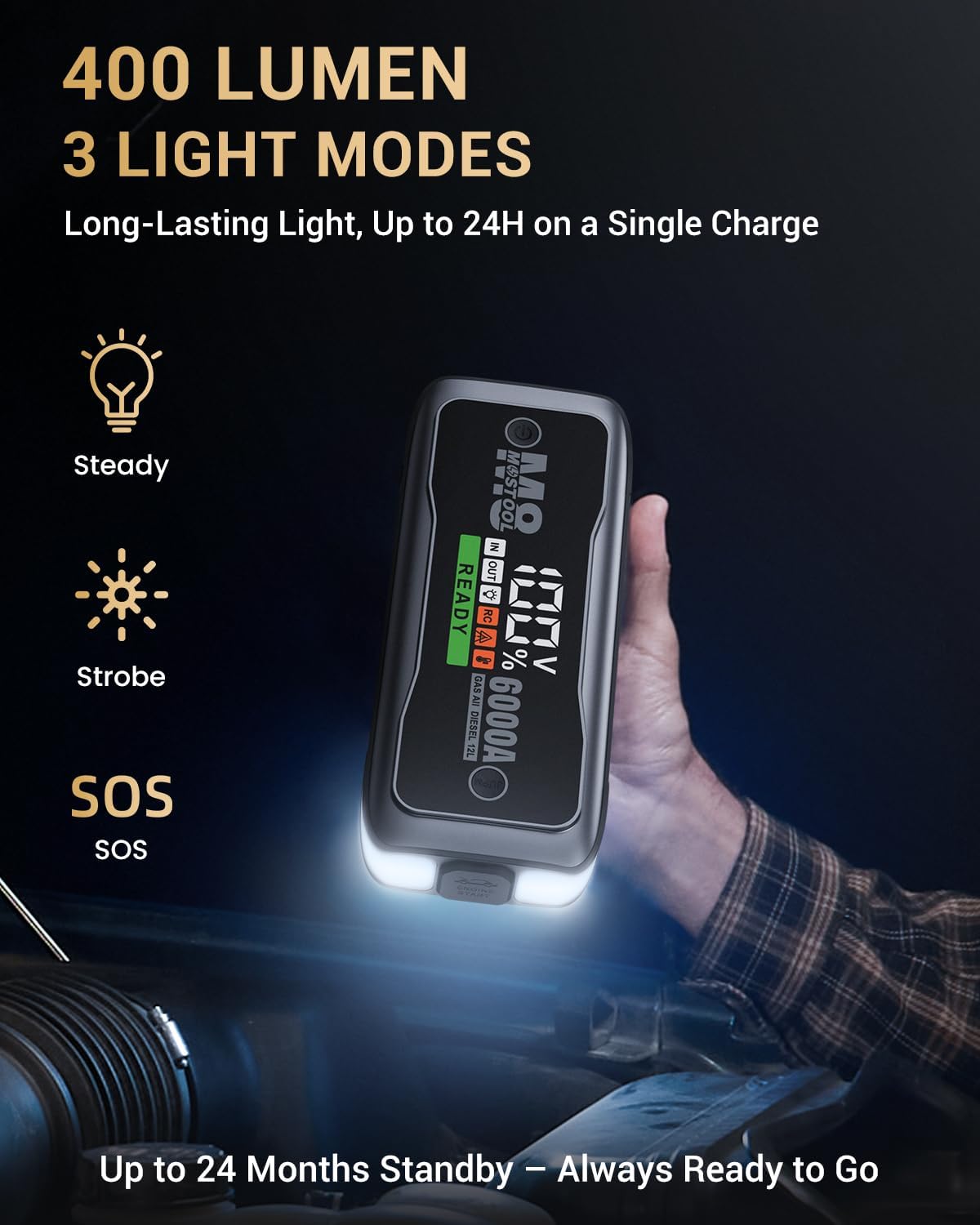
Image: A person using the MOSTOOL M8 Jump Starter's LED light under a vehicle hood.
5. Safety Features
The MOSTOOL M8 incorporates a comprehensive 10-layer advanced safety system to ensure secure operation:
- Reverse-Polarity Protection
- Overcurrent Protection
- Overload Protection
- Overcharging Protection
- Short-Circuit Protection
- Overvoltage Protection
- Low-Voltage Protection
- Reverse-Charging Protection
- Over-Temperature Protection
- Spark-Proof Protection
Built-in buzzers and indicator lights provide instant alerts for any detected issues. The reinforced smart clamps feature extended copper contacts and high-quality metal springs for a strong, reliable grip, and reinforced connectors to prevent breakage.

Image: Diagram illustrating the 10-layer safety protection of the MOSTOOL M8 Jump Starter.
6. Maintenance
To ensure optimal performance and extend the lifespan of your MOSTOOL M8 Jump Starter, it is recommended to recharge the unit every 2–3 months. This helps maintain the battery's charge level and readiness for use. Store the unit in its EVA carrying case in a cool, dry place.
7. Troubleshooting
If the jump starter does not operate as expected, consider the following:
- Unit Not Turning On: Ensure the power button is pressed and held for a few seconds. Check the battery level on the HD display; if it's too low, recharge the unit.
- Vehicle Not Starting: Verify that the smart clamps are correctly connected to the vehicle battery terminals (red to positive, black to negative/ground). Check the display for any error messages. If the battery is extremely drained, the unit may require a few moments to establish a connection before indicating "READY."
- Error Indicators: Refer to the smart HD display for specific error codes or indicator lights. The user manual provides a detailed explanation for each error and its corresponding solution.
- No Power Output from USB/DC Ports: Ensure the jump starter unit is powered on. Check the cables and devices for proper connection and functionality.
8. Specifications
| Feature | Specification |
|---|---|
| Brand | MOSTOOL |
| Model | M8 |
| Peak Output Current | 6000 Amps |
| Battery Capacity | 24,000mAh (Lithium Ion) |
| Engine Compatibility | All 12V Gas & up to 12.0L Diesel Engines |
| Fast Charging | PD 60W (Input/Output) |
| DC Output | 12V–16.8V/10A |
| LED Light Output | 400 Lumens (Constant, Flashing, SOS) |
| Operating Temperature | -4°F to 140°F (-20°C to 60°C) |
| Product Dimensions | 9.2"H x 3.9"D x 1.9"W |
| Item Weight | 1.9 Pounds |
9. Warranty and Support
The MOSTOOL M8 Jump Starter comes with two years of professional support and attentive customer service. For any inquiries, technical assistance, or warranty claims, please refer to the contact information provided in the full user manual or visit the official MOSTOOL website.
10. Official Product Videos
MOSTOOL 6000A Car Battery Jumpstarter
Video: A detailed overview of the MOSTOOL 6000A Car Battery Jumpstarter, demonstrating its features and functionality.
MOSTOOL Battery Jumper Starter
Video: A demonstration of the MOSTOOL Battery Jumper Starter in action, highlighting its ease of use.
MOSTOOL 6000A Car Battery Jumpstarter with LED Display
Video: A review showcasing the MOSTOOL 6000A Car Battery Jumpstarter, focusing on its LED display and overall design.
Close Look M8 Vehicle Battery Jump Starter with LCD Display
Video: A close-up examination of the MOSTOOL M8 Vehicle Battery Jump Starter, highlighting its LCD display and compact form factor.