
Introduction
Welcome to the user manual for your new IOWODO Smartwatch W40. This guide provides detailed instructions to help you set up, operate, and maintain your device, ensuring you can fully utilize all its features. Please read this manual carefully before using your smartwatch.
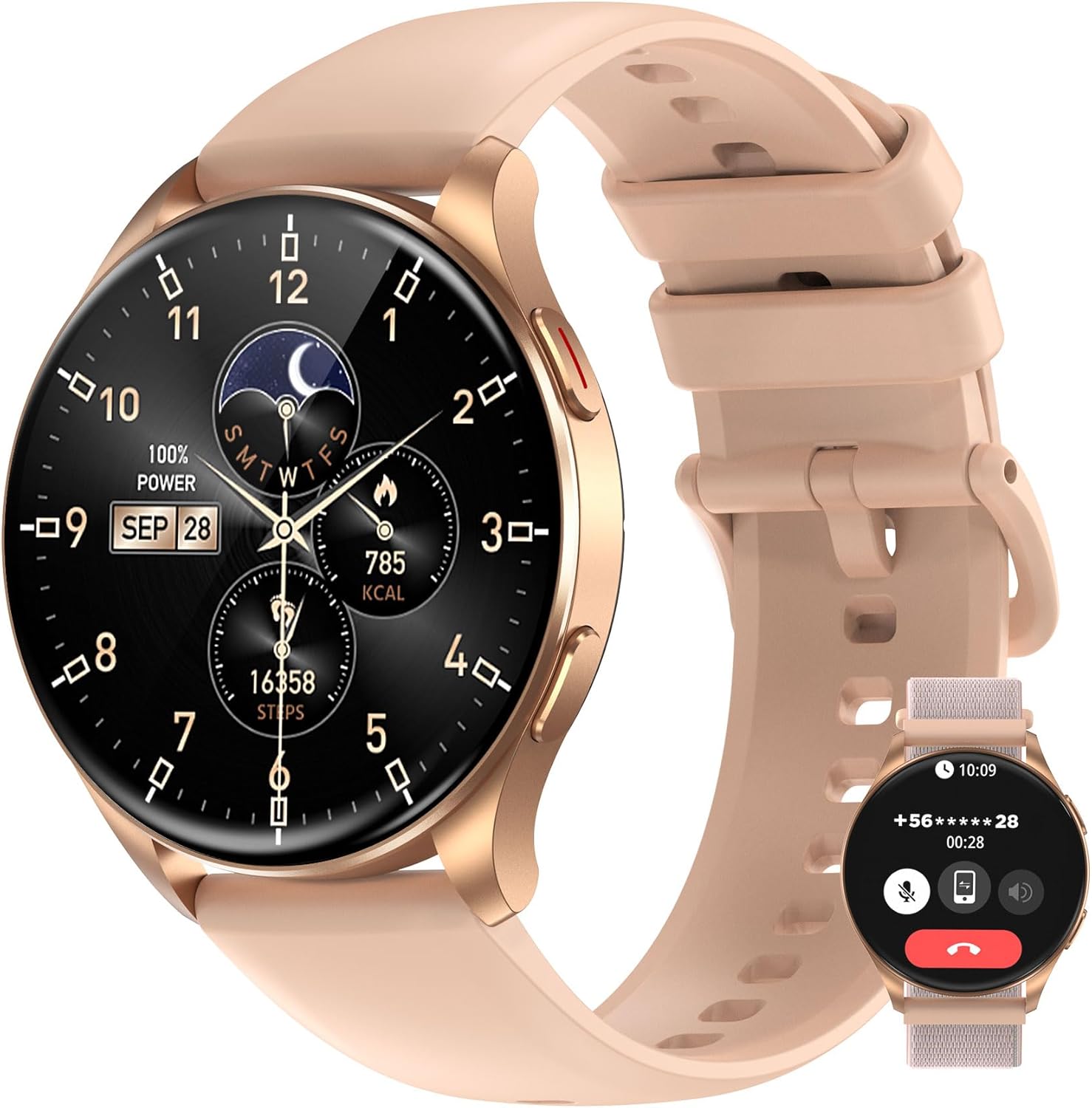
Figure 1: IOWODO Smartwatch W40 - Main View. The watch features a round display showing various metrics and a secondary image demonstrating its call function.
What's in the Box
Upon opening the package, please ensure all the following items are present:
- IOWODO Smartwatch W40 (with pre-installed silicone band)
- Magnetic Charging Cable
- Spare Sport Band (often a velcro or nylon type)
- Quick Start Guide / Instruction Manual (this document)
Setup
1. Charging the Smartwatch
Before first use, fully charge your IOWODO Smartwatch W40. Connect the magnetic charging cable to the charging points on the back of the watch. Plug the USB end into a standard USB power adapter (not included) or a computer USB port.
- A full charge typically takes approximately 2 hours.
- The watch display will indicate charging status.
2. Downloading the Companion App
To unlock the full functionality of your smartwatch, you need to download the dedicated companion application on your smartphone. Scan the QR code provided in the quick start guide or on the watch packaging, or search for the app name (usually "IOWODO" or specified in the manual) in your phone's app store (App Store for iOS, Google Play Store for Android).
3. Pairing with Your Smartphone
Once the app is installed, open it and follow the on-screen instructions to pair your smartwatch:
- Ensure Bluetooth is enabled on your smartphone.
- Open the companion app and create an account or log in.
- Navigate to the device pairing section within the app.
- The app will search for available devices. Select "IOWODO W40" from the list.
- Confirm the pairing request on both your phone and the smartwatch if prompted.
- Once paired, the app will synchronize data and allow for further customization.
Operating Instructions
Basic Navigation
- Touchscreen: Swipe left/right, up/down to navigate through menus and features. Tap to select.
- Side Buttons: The watch typically has one or more physical buttons on the side. These buttons are used for power on/off, returning to the home screen, or quick access to specific functions (e.g., sport modes). Refer to the on-screen prompts for specific button functions.
Customizing Watch Faces
The IOWODO W40 offers a variety of watch faces to personalize your device. You can change watch faces directly on the watch by long-pressing the home screen and swiping, or more extensively through the companion app. The app provides a wider selection of downloadable watch faces.
Notifications
Once paired with your smartphone, the smartwatch can receive notifications for calls, messages, and app alerts. Ensure notification permissions are enabled in both your phone's settings and the companion app.
Always-On Display (AOD)
The IOWODO W40 features an Always-On Display (AOD) function, which allows the time to be visible on the screen even when the main display is off, similar to a traditional watch. This feature can be enabled or disabled in the watch settings or via the companion app.

Figure 2: Key Features of IOWODO Smartwatch W40. This image illustrates the vibrant AMOLED display, AOD functionality, Bluetooth calling, health tracking, extended battery life, and various modes.
Health Monitoring Features
The IOWODO W40 is equipped with advanced sensors to help you monitor your health and fitness. Data collected by the watch is synchronized with the companion app for detailed analysis and historical tracking.
- Heart Rate Monitoring: Continuously tracks your heart rate throughout the day. You can view real-time data on the watch and detailed graphs in the app.
- Blood Oxygen (SpO2) Monitoring: Measures your blood oxygen saturation levels, providing insights into your respiratory health.
- Sleep Tracking: Automatically monitors your sleep patterns, including deep sleep, light sleep, and awake times. Review your sleep quality and duration in the app.
- Stress Level Monitoring: Assesses your stress levels based on heart rate variability.
- Steps and Activity Tracking: Records your daily steps, distance traveled, and calories burned. Set daily goals and track your progress.

Figure 3: Automatic Sleep Monitoring. The watch tracks sleep patterns and displays health metrics like heart rate during rest.
Sport Modes
The IOWODO W40 supports over 100 sport modes to accurately track your workouts. Select the appropriate mode before starting an activity to get precise data on duration, calories burned, heart rate, and more.
- Common modes include: Running, Walking, Cycling, Swimming, Yoga, and many others.
- Access sport modes from the main menu on your watch.
- Review detailed workout summaries in the companion app after syncing.

Figure 4: Accurate Training Data Monitoring. The smartwatch tracks various metrics during physical activity, such as running time, steps, and calories.
Bluetooth Calling
With its built-in microphone and speaker, the IOWODO W40 allows you to make and answer calls directly from your wrist when connected to your smartphone via Bluetooth. This feature provides convenience, especially when your phone is not easily accessible.
- Ensure the watch is properly paired for Bluetooth calls in the app settings.
- You can view incoming call alerts and choose to answer or reject calls on the watch.
- Dial numbers or access recent contacts directly from the watch interface.
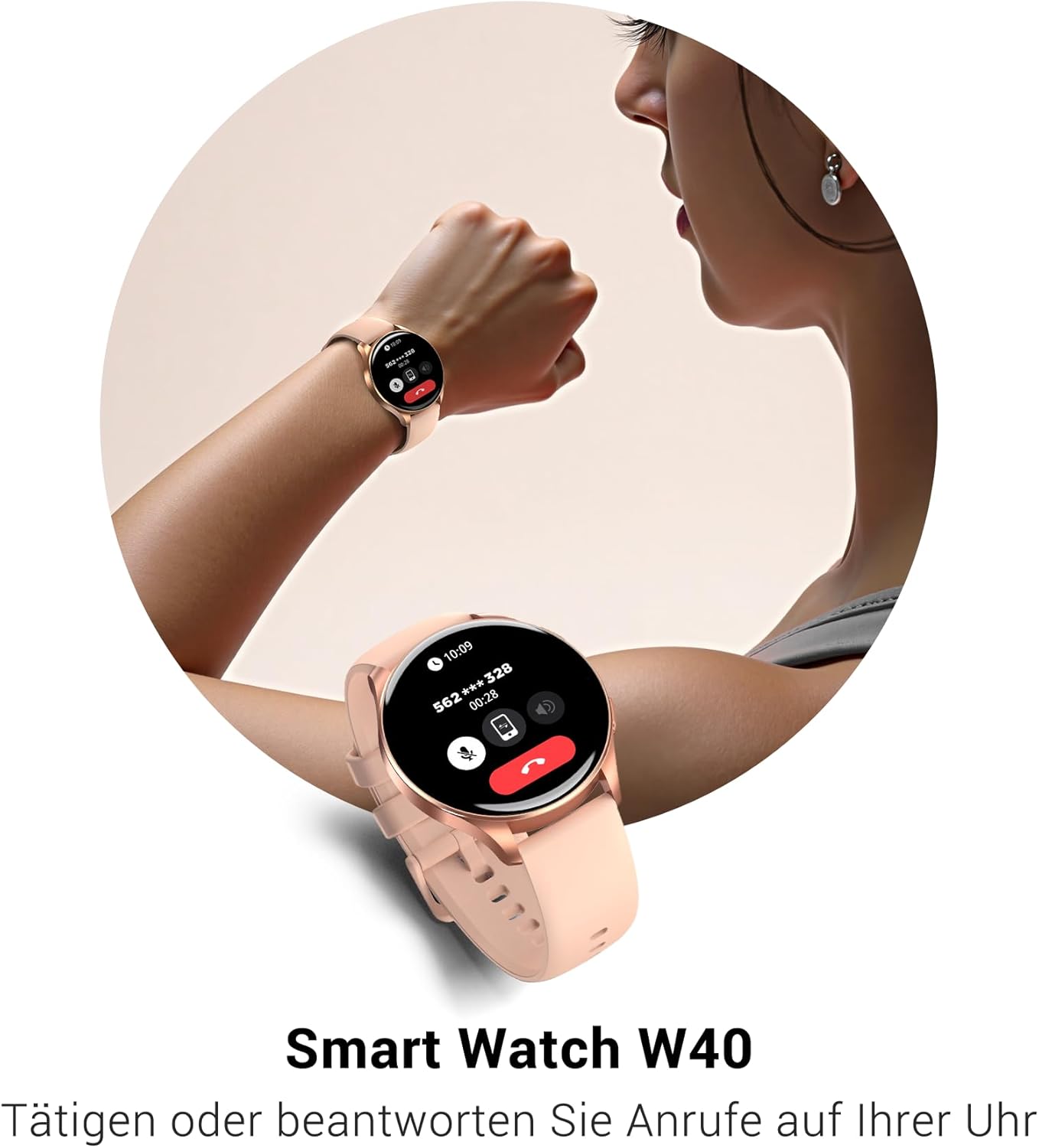
Figure 5: Make or Answer Calls on Your Watch. The smartwatch provides a convenient interface for managing phone calls directly from your wrist.
Maintenance
Cleaning Your Smartwatch
Regular cleaning helps maintain the appearance and functionality of your watch:
- Wipe the screen and body with a soft, lint-free cloth.
- For stubborn stains, dampen the cloth slightly with water. Avoid using harsh chemicals or abrasive materials.
- Clean the charging contacts periodically to ensure proper charging.
Water Resistance (IP68)
The IOWODO W40 is rated IP68 for water resistance, meaning it is protected against dust ingress and can withstand immersion in water up to 1.5 meters for 30 minutes. It is suitable for daily use, hand washing, and light rain. However, it is not recommended for hot showers, saunas, or diving, as steam and hot water can compromise the seals.
Battery Care
To maximize battery lifespan:
- Avoid fully discharging the battery frequently.
- Charge the watch using the provided magnetic cable.
- Store the watch in a cool, dry place when not in use for extended periods.
- The watch boasts up to 25 days of battery life under typical usage conditions.
Troubleshooting
If you encounter issues with your IOWODO Smartwatch W40, try the following common solutions:
- Watch not turning on: Ensure the watch is fully charged. Connect it to the charger for at least 10 minutes.
- Cannot pair with phone:
- Ensure Bluetooth is enabled on your phone and the watch.
- Make sure the watch is within range of your phone.
- Restart both your phone and the smartwatch.
- Try unpairing and re-pairing the device through the app.
- Inaccurate health data:
- Ensure the watch is worn snugly on your wrist, not too loose or too tight.
- Clean the sensors on the back of the watch.
- Ensure your personal information (height, weight, age) is accurately entered in the companion app.
- Notifications not appearing:
- Check notification permissions for the companion app in your phone's settings.
- Ensure the app is running in the background and not being closed by your phone's battery optimization.
- Verify that "Do Not Disturb" mode is not active on either the watch or your phone.
For further assistance, refer to the help section within the companion app or contact IOWODO customer support.
Specifications
| Feature | Detail |
|---|---|
| Brand | IOWODO |
| Model | W40 |
| Display Size | 1.43 Inches |
| Display Type | AMOLED (as per image/reviews) |
| Connectivity | Bluetooth |
| Battery Type | 1 Lithium Ion (included) |
| Typical Battery Life | Up to 25 days |
| Water Resistance Rating | IP68 |
| ASIN | B0DHFYDLTK |
| Manufacturer | IOWODO |

Figure 6: Smartwatch Dimensions. This image provides detailed measurements of the watch and its band.
Warranty and Support
IOWODO products are designed for reliability and performance. For information regarding warranty coverage, please refer to the warranty card included with your product or visit the official IOWODO website.
For technical support, troubleshooting assistance, or any inquiries, please utilize the chat function within the companion app or visit the support section of the IOWODO website. Providing your product model (W40) and ASIN (B0DHFYDLTK) will help expedite support requests.


