
1. Introduction
This manual provides essential information for the safe and efficient use of your LG OLED48B4 48-inch 4K OLED TV. Please read it thoroughly before operating the product and retain it for future reference. Your LG OLED TV delivers highly detailed and realistic images through self-emitting pixels, enhanced by the α8 AI 4K Processor, Dolby Vision, and Dolby Atmos audio.
2. Safety Information
Always follow basic safety precautions to reduce the risk of fire, electric shock, and personal injury.
- Do not expose the TV to rain or moisture.
- Ensure proper ventilation; do not block ventilation openings.
- Use only the power cord supplied by LG.
- Do not overload wall outlets or extension cords.
- Keep the TV away from heat sources and direct sunlight.
- Do not attempt to service the TV yourself. Refer all servicing to qualified service personnel.
3. What's in the Box
Verify that all components are present:
- LG OLED48B4 48-inch 4K OLED TV
- Power cable
- TV Stand (foot)
- Magic Remote Control
- Batteries for Remote Control
- User Manual (this document)
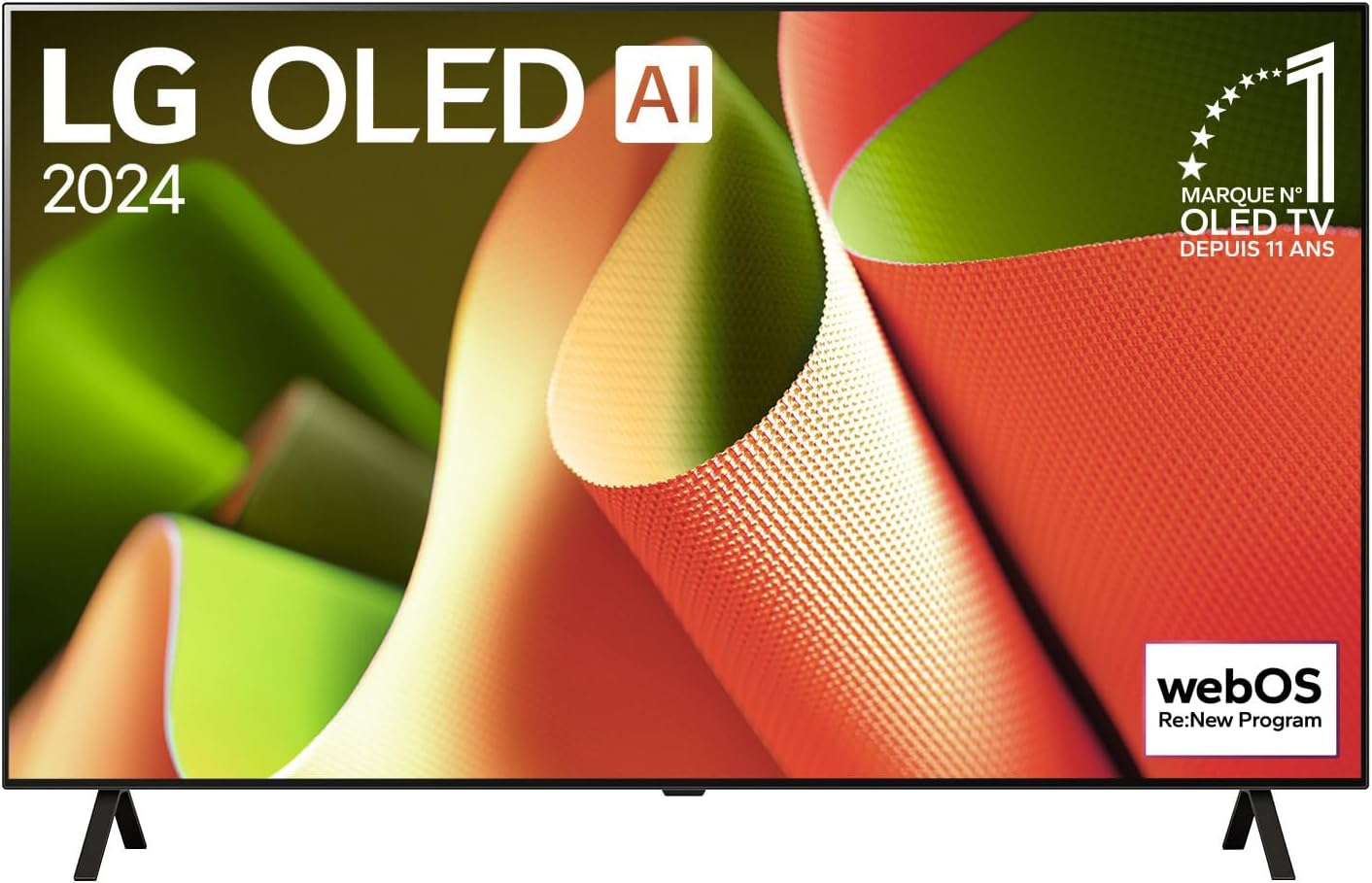
Image 3.1: Front view of the LG OLED48B4 TV, showcasing its slim bezel and display.
4. Setup
4.1 Unpacking
Carefully remove the TV and all accessories from the packaging. It is recommended to keep the original packaging for future transport or service needs.
4.2 Stand Assembly
If you are not wall-mounting the TV, attach the included stand. Follow these steps:
- Place the TV screen-down on a soft, flat surface to prevent damage.
- Align the stand base with the mounting holes on the bottom of the TV.
- Secure the stand using the provided screws. Ensure it is firmly attached.

Image 4.1: Angled front view of the LG OLED48B4 TV, showing the attached stand.
4.3 Wall Mounting (Optional)
For wall mounting, use a VESA-compliant wall mount kit (sold separately). Refer to the wall mount kit's instructions for proper installation. Ensure the wall can support the weight of the TV.
4.4 Connecting External Devices
Connect your external devices (e.g., Blu-ray player, game console, soundbar) to the appropriate ports on the back of the TV.
- HDMI Ports: For high-definition audio and video.
- USB Ports: For connecting USB storage devices.
- Ethernet Port: For a wired network connection.
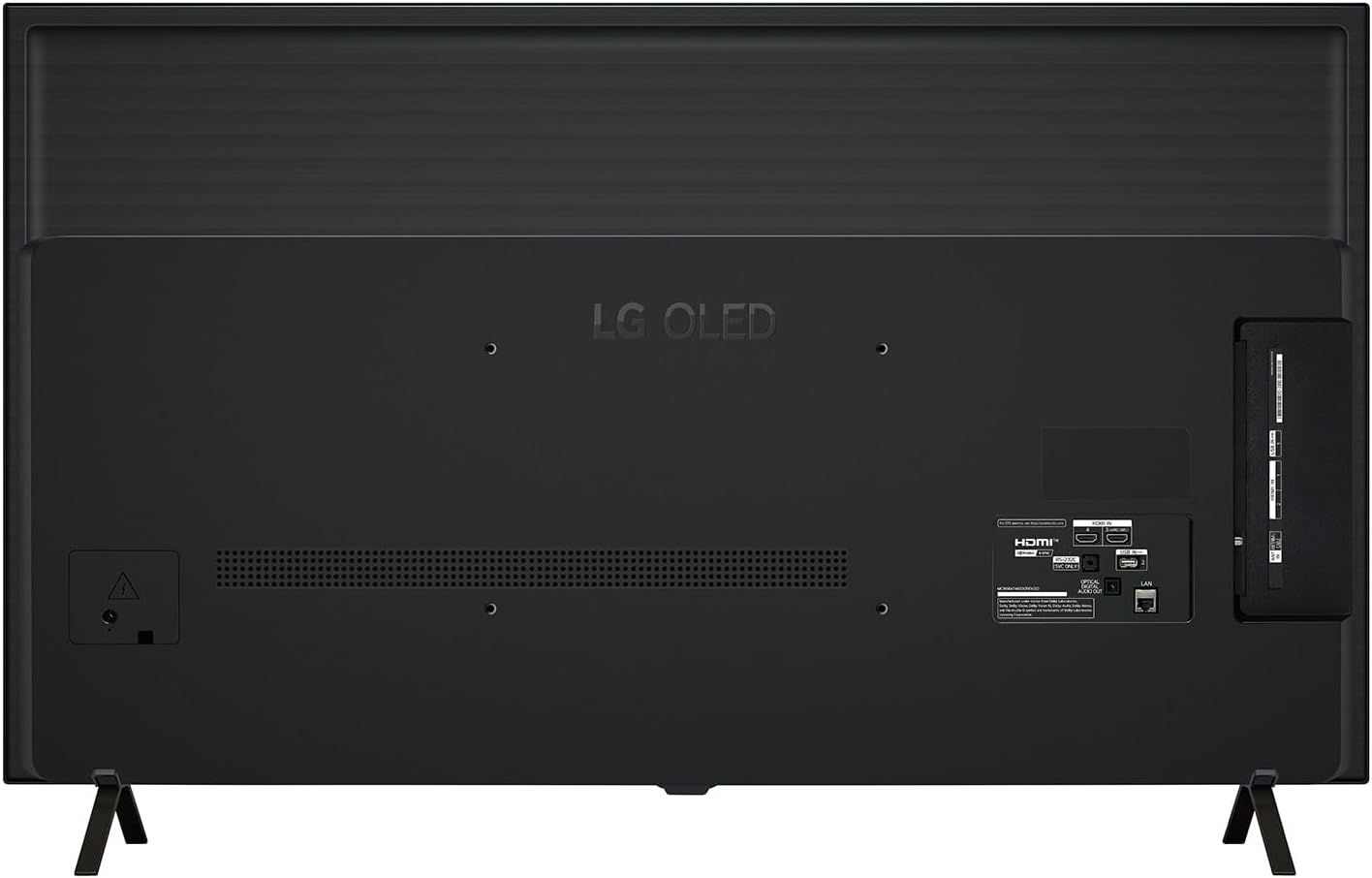
Image 4.2: Rear view of the LG OLED48B4 TV, highlighting the HDMI, USB, and Ethernet ports.
4.5 Power Connection
Once all devices are connected, plug the power cable into the TV's power inlet and then into a wall outlet.
4.6 Initial Setup Wizard
Upon first power-on, the TV will guide you through an initial setup process. This includes language selection, network connection, channel tuning, and agreeing to terms and conditions.
5. Operating the TV
5.1 Magic Remote Control
The Magic Remote allows for intuitive control using pointing, clicking, scrolling, and voice commands. Insert two AA batteries into the remote control.
5.2 Basic Functions
- Power: Press the power button to turn the TV on or off.
- Volume: Use the volume buttons to adjust the sound level.
- Channel: Use the channel buttons to change TV channels.
- Home: Press the Home button to access the webOS Smart TV launcher.
5.3 Smart TV Features (webOS)
Your LG OLED TV runs on the webOS platform, providing access to a wide range of streaming apps, content, and smart features. Navigate using the Magic Remote's pointer or directional pad.
5.4 Picture and Sound Settings
Access the settings menu to customize picture and sound modes. The TV supports Dolby Vision for enhanced HDR picture quality and Dolby Atmos for immersive audio.
5.5 AI Features
The α8 AI 4K Processor optimizes picture and sound quality in real-time. AI Upscaling enhances lower-resolution content to near 4K quality.
5.6 Voice Control (Alexa)
Your TV integrates with Alexa. Press the microphone button on your Magic Remote and speak commands to control the TV, search for content, or get information.
5.7 Connectivity
The TV supports Bluetooth for wireless audio devices and Wi-Fi for wireless internet access.
6. Maintenance
6.1 Cleaning the TV
- Screen: Gently wipe the screen with a soft, dry microfiber cloth. For stubborn marks, slightly dampen the cloth with water or a specialized screen cleaner. Do not spray liquid directly onto the screen.
- Body: Wipe the TV frame and stand with a soft, dry cloth.
- Always unplug the TV before cleaning.
6.2 Software Updates
Ensure your TV's software is up to date for optimal performance and security. The TV can be set to update automatically or you can check for updates manually through the settings menu.
6.3 Pixel Care (OLED Specific)
OLED TVs have features to protect against image retention (burn-in). These include Pixel Refresher and Screen Shift. It is recommended to allow the TV to perform these functions periodically, especially after extended use.
7. Troubleshooting
If you encounter issues with your TV, refer to the following common problems and solutions:
| Problem | Possible Solution |
|---|---|
| No power | Check if the power cord is securely plugged into the TV and the wall outlet. Try a different outlet. |
| No picture, but sound is present | Check the input source. Ensure external devices are powered on and connected correctly. |
| No sound, but picture is present | Check the volume level. Ensure external audio devices are connected and configured correctly. Check TV audio output settings. |
| Remote control not working | Replace the batteries. Ensure there are no obstructions between the remote and the TV. Re-pair the Magic Remote if necessary. |
| Network connection issues | Check your router and modem. Restart them if needed. Verify Wi-Fi password. Try a wired Ethernet connection. |
8. Specifications
| Feature | Specification |
|---|---|
| Brand | LG |
| Model Number | OLED48B46LA |
| Screen Size | 48 Inches (121 cm) |
| Display Technology | OLED |
| Resolution | 4K (3840 x 2160) |
| Refresh Rate | 120 Hz |
| Processor | α8 AI 4K Processor |
| Special Features | OLED, Dolby Vision & Atmos, AI Upscaling, Alexa Support |
| Connectivity Technology | Bluetooth, Ethernet, HDMI, USB, Wi-Fi |
| Aspect Ratio | 16:9 |
| Product Dimensions (DxWxH) | 9.25 x 42.13 x 26.93 inches |
| Item Weight | 31.9 pounds |
9. Warranty and Support
Your LG OLED48B4 TV comes with a standard manufacturer's warranty. For detailed warranty information, please refer to the warranty card included with your product or visit the official LG website.
For technical support, service inquiries, or to purchase accessories, please contact LG Customer Service. You can find contact information on the LG website or in the documentation provided with your TV.
LG Customer Support: www.lg.com/us/support