
Electrolux EXP26U339CW
Electrolux Comfort 600 Portable Air Conditioner User Manual
Model: EXP26U339CW (Reference: 950011600)
Brand: Electrolux
Introduction
This user manual provides comprehensive instructions for the safe and efficient operation, installation, and maintenance of your Electrolux Comfort 600 Portable Air Conditioner, model EXP26U339CW. Please read this manual thoroughly before using the appliance and keep it for future reference.

Figure 1: Electrolux Comfort 600 Portable Air Conditioner.
Safety Information
Always follow basic safety precautions when using electrical appliances to reduce the risk of fire, electric shock, and injury to persons. This appliance is for indoor use only. Do not operate the unit with a damaged cord or plug. Ensure proper grounding. Keep children and pets away from the unit.
Package Contents
Before installation, check that all components are present and in good condition:
- Electrolux Comfort 600 Portable Air Conditioner Unit
- Remote Control
- User Manual
- Hot Air Exhaust Hose
- Adapters (for hose connection)
Setup and Installation
1. Placement
Place the air conditioner on a flat, stable surface, ensuring there is at least 30 cm (12 inches) of clear space around the unit for proper airflow. Avoid placing it near heat sources or in direct sunlight.
2. Window Kit Installation
The unit comes with a window kit for exhausting hot air. This is crucial for efficient cooling.
- Attach the exhaust hose to the air conditioner's exhaust outlet.
- Extend the window kit to fit your window opening.
- Connect the other end of the exhaust hose to the window kit adapter.
- Secure the window kit in the window to prevent hot air from re-entering the room.

Figure 2: Easy window kit installation for exhaust.
3. Power Connection
Plug the power cord into a grounded electrical outlet (240 Volts). Do not use extension cords or adapters.
Operating Instructions
1. Control Panel and LED Display
The unit features an intuitive LED display and control panel on top for direct operation.
2. Remote Control
The included remote control allows for convenient adjustment of settings from a distance.
3. Operating Modes (3-in-1 Function)
- Cooling Mode: For powerful air conditioning. Adjust the target temperature using the +/- buttons.
- Dehumidifier Mode: Reduces humidity in the room.
- Fan Mode: Circulates air without cooling. Adjust fan speed as desired.
4. Silent Mode
Activate Silent Mode for reduced noise levels (64 dB), ideal for quiet environments or nighttime use.

Figure 3: The unit's silent operation ensures a comfortable environment.
5. Wi-Fi Connectivity and App Control
The unit supports Wi-Fi connectivity, allowing you to control and monitor your air conditioner remotely via a smartphone application. Refer to the app's instructions for pairing and usage.

Figure 4: Remote control via smartphone app.
Maintenance
1. Air Filter Cleaning
The antibacterial filter should be cleaned regularly (every two weeks or as needed) to maintain optimal performance and air quality.
- Unplug the unit from the power outlet.
- Locate and remove the air filter (usually at the back or side).
- Clean the filter with a vacuum cleaner or wash it gently with warm water and mild detergent.
- Allow the filter to dry completely before reinserting it.
2. Water Drainage
During dehumidification or in high humidity conditions, water will collect inside the unit. The unit has an internal water tank that may require manual drainage. Refer to the specific instructions in the full manual for continuous drainage options if available.
3. Storage
When storing the unit for an extended period, ensure it is completely drained of water, clean the filters, and cover it to protect from dust. Store in a dry, cool place.
Environmental Considerations
This appliance uses R290 natural gas as a refrigerant, which has a significantly lower climate impact (99.8% less) compared to R410a. Electrolux is committed to sustainable solutions.
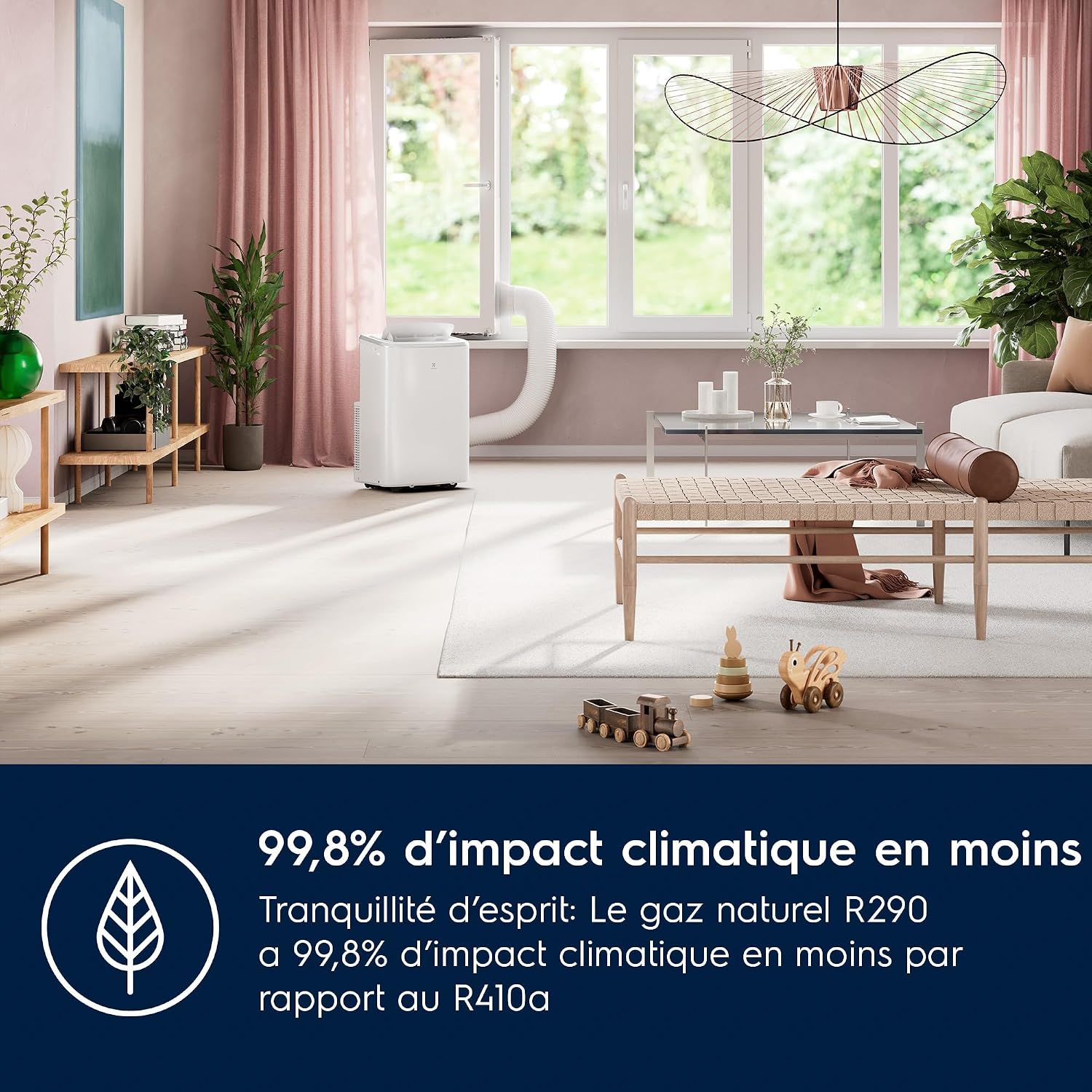
Figure 5: Reduced environmental impact with R290 refrigerant.
Troubleshooting
| Problem | Possible Cause | Solution |
|---|---|---|
| Unit does not turn on | No power, power cord unplugged, circuit breaker tripped. | Check power connection, ensure plug is fully inserted, reset circuit breaker. |
| Insufficient cooling | Dirty air filter, exhaust hose not properly installed, room too large, windows/doors open. | Clean air filter, ensure hose is sealed and not kinked, close windows/doors, verify room size suitability for unit's capacity. |
| Unit is noisy | Unit not on a flat surface, fan obstruction, dirty filter. | Place on a flat, stable surface, check for obstructions in air inlets/outlets, clean filter. |
| Water leakage | Water tank full, drainage hose blocked or improperly connected. | Drain water tank, check drainage hose for kinks or blockages and ensure secure connection. |
Specifications
| Feature | Value |
|---|---|
| Brand | Electrolux |
| Model Name | Comfort 600 |
| Model Number | EXP26U339CW (950011600) |
| Cooling Capacity | 9000 BTU (2.6 kW) |
| Dimensions (L x W x H) | 38.3 x 47.2 x 70.5 cm |
| Weight | 31.5 kg |
| Energy Efficiency Rating | A |
| Annual Energy Consumption | 500 kWh per year |
| Noise Level | 64 dB |
| Voltage | 240 Volts |
| Filter Type | Antibacterial filter |
| Refrigerant | R290 (Natural Gas) |
Warranty and Support
For warranty information and customer support, please refer to the warranty card included with your product or visit the official Electrolux website. Keep your purchase receipt as proof of purchase for any warranty claims.
For further assistance, you may contact Electrolux customer service through their official channels. Details are typically provided in the product packaging or on the brand's website.
Related Documents - EXP26U339CW
 |
Electrolux Portable Air Conditioner User Manual User manual for Electrolux portable air conditioners, covering safety information, unit description, installation, operation, care, and troubleshooting. |
 |
Electrolux Portable Air Conditioner User Manual User manual for Electrolux portable air conditioners, covering safety information, unit description, installation, operation, care, cleaning, troubleshooting, and environmental concerns. |
 |
Electrolux Portable Air Conditioner User Manual User manual for Electrolux portable air conditioners, covering safety information, unit description, installation, operation, care, and troubleshooting. |
 |
Electrolux Vacuum Cleaner User Manual and Guide This document provides a comprehensive guide to using and maintaining your Electrolux vacuum cleaner. It includes instructions on assembly, operation, maintenance, and troubleshooting. |
 |
Electrolux Portable Air Conditioner User Manual This user manual provides essential safety information, operating instructions, and maintenance guidelines for Electrolux portable air conditioners, including models like EXP26U339AW and others. Learn how to use your appliance safely and efficiently. |
 |
Electrolux 600 Series Cordless Vacuum Cleaner Instruction Manual Comprehensive instruction manual for the Electrolux 600 Series cordless vacuum cleaner, covering models Clean 600, Animal 600, and Hygienic 600. Includes assembly, usage, maintenance, and safety information. |
Ask a question about this manual
Ask about setup, troubleshooting, compatibility, parts, safety, or missing instructions. Manuals+ will review the question and use this page’s manual context to help answer it.