
1. Important Safety Instructions
Please read all instructions carefully before operating the POMORON MJ005H Air Purifier. Retain this manual for future reference.
- Always unplug the air purifier before cleaning, maintenance, or when not in use.
- Do not operate the appliance near water or in excessively humid environments.
- Keep the air purifier out of reach of children and pets.
- Ensure the air intake and outlet vents are not blocked during operation.
- Use only official POMORON replacement filters for optimal performance and to avoid voiding the warranty.
- Do not attempt to repair or disassemble the unit yourself. Contact customer support for assistance.
2. Product Overview
The POMORON MJ005H Air Purifier is designed to provide clean and fresh air in your home. It features a high-performance air duct system and a comprehensive 4-stage filtration system.
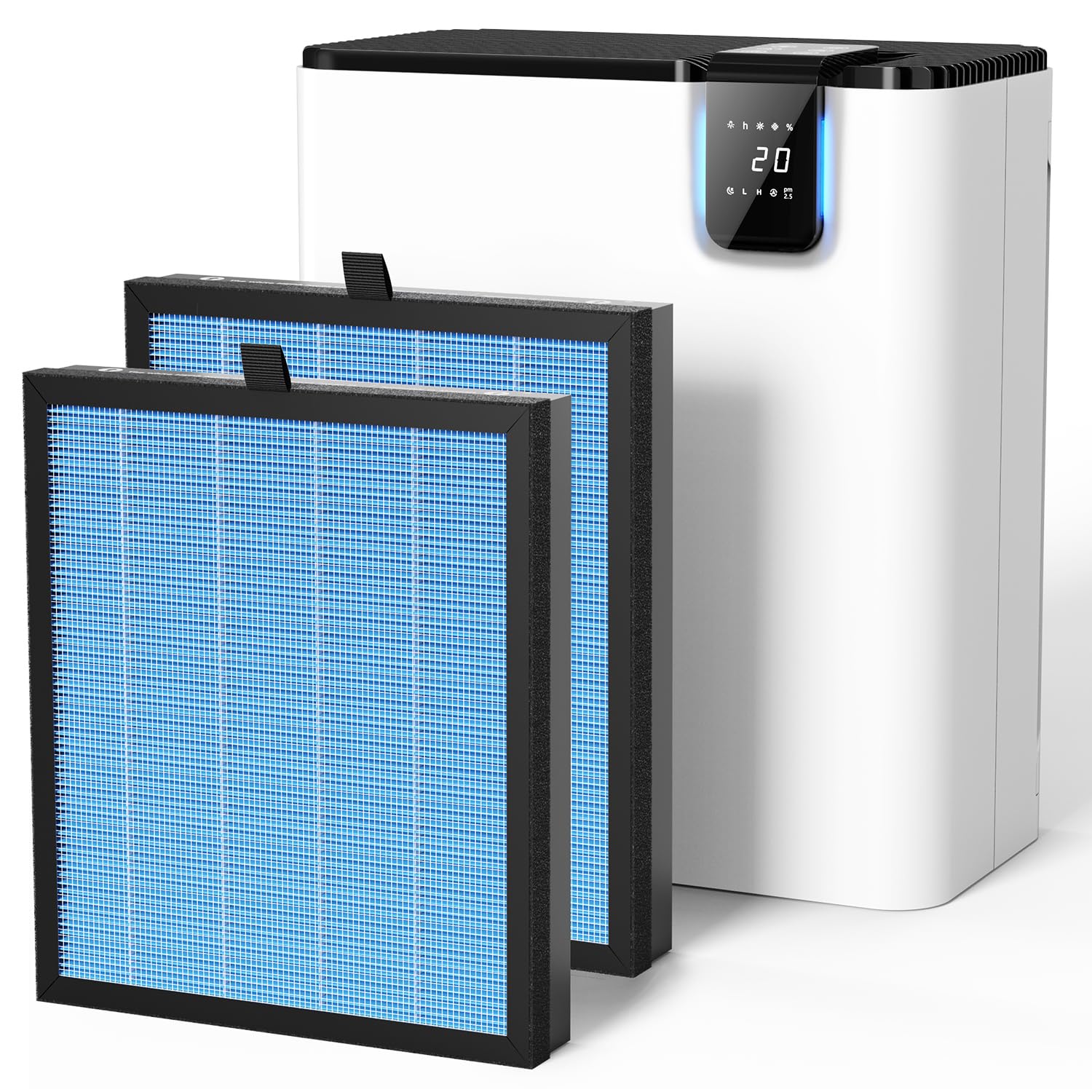
Key features include:
- High Performance: Capable of purifying a 1076 sq ft room once per hour, or a 215 sq ft room five times per hour.
- Smart Auto Mode: Equipped with a PM2.5 sensor to monitor real-time air quality and automatically adjust fan speed.
- 4-Stage Filtration System: Includes a pre-filter, silver ion layer, H13 True HEPA filter, and activated carbon filter to capture 99.9% of airborne particles as small as 0.3 microns and reduce odors.

The filtration system effectively targets dust, pollen, smoke, odors, and pet dander, enhancing your indoor air quality.
3. Setup
Follow these steps to set up your air purifier for the first time or when replacing the filter.

- Pull out the filter cover: Gently pull the back cover of the air purifier to remove it.
- Remove the plastic package: Take out the new filter and remove all plastic packaging. Ensure no plastic remains on the filter.
- Put the filter back into the air purifier and close the filter cover: Insert the filter into the designated slot, ensuring it fits securely. Then, reattach the filter cover.
- Long-press the filter reset button for 3 seconds to reset the indicator: After installation, plug in the unit and long-press the filter reset button (often indicated by a fan or filter icon) for approximately 3 seconds to reset the filter life indicator.
4. Operating Instructions
Learn how to use the various functions of your POMORON MJ005H Air Purifier.
Power On/Off
Press the power button on the control panel to turn the air purifier on or off.
Fan Speed Adjustment
Use the fan speed button to cycle through different fan speed settings (e.g., Low, Medium, High). Select the speed that best suits your needs.
Smart Auto Mode
Press the 'Auto' button to activate Smart Auto Mode. In this mode, the built-in PM2.5 sensor will continuously monitor the air quality and automatically adjust the fan speed to maintain optimal purification.
Real-Time Air Quality Display
The digital display shows the current PM2.5 concentration in your environment. An indicator light changes color to provide a quick visual reference of air quality:
- Blue: Very Good Quality (0-40ug/m³)
- Green: Good Quality (41-80ug/m³)
- Yellow: Moderate Quality (81-120ug/m³)
- Red: Bad Quality (>120ug/m³)

5. Maintenance
Regular maintenance ensures the longevity and efficiency of your air purifier.
Filter Replacement
The air filter should be replaced every 3-6 months. This interval may vary depending on usage frequency and air quality in your environment. The unit will typically indicate when a filter change is due.
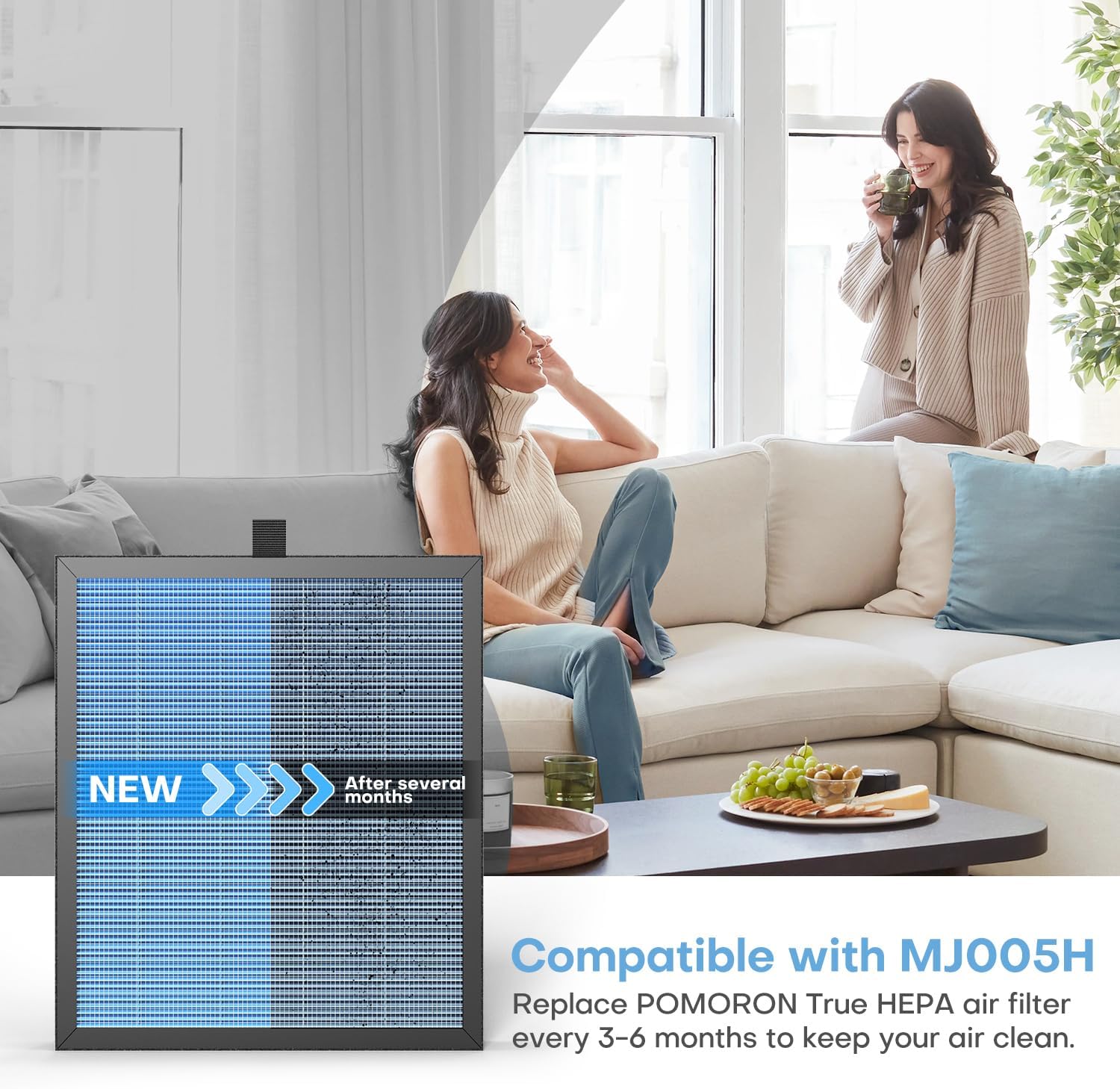
To replace the filter, follow the steps outlined in the Setup section. Always use official POMORON MJ005H replacement filters to maintain performance and warranty validity.
Cleaning the Unit
Wipe the exterior surfaces of the air purifier with a soft, dry cloth. Do not use water, abrasive cleaners, or solvents, as these can damage the unit.
6. Troubleshooting
If you encounter any issues with your air purifier, refer to the following common problems and solutions:
| Problem | Possible Cause | Solution |
|---|---|---|
| Unit does not turn on | Power cord not plugged in; Filter cover not closed properly | Ensure the power cord is securely plugged into a working outlet. Verify the filter cover is fully closed and latched. |
| Poor air quality reading or no air flow | Air intake/outlet blocked; Filter is dirty or clogged | Check for obstructions around the air intake and outlet. Replace the air filter if it is dirty or past its lifespan. |
| Unusual noise during operation | Filter not installed correctly; Foreign object inside unit | Ensure the filter is seated properly. Unplug the unit and carefully check for any foreign objects. |
| Filter replacement indicator remains on after changing filter | Filter reset button not pressed | Long-press the filter reset button for 3 seconds to reset the indicator. |
If the problem persists after attempting these solutions, please contact POMORON customer support.
7. Specifications
- Manufacturer: POMORON
- Model Number: MJ005H
- Control Method: Touch
- Filter Type: 4-Layer (Pre-filter, Silver Ion, H13 True HEPA, Activated Carbon)
- Controller Type: Digital buttons
- Coverage Area: Up to 1076 sq ft (1 air change per hour), 215 sq ft (5 air changes per hour)
8. Warranty and Support
For detailed warranty information, product registration, or technical assistance, please visit the official POMORON store or contact their customer support directly.
Official POMORON Store: Visit POMORON Store on Amazon
