
1. Introduction
This manual provides instructions for the assembly, installation, and care of your Ceybo Original TV Stand, model 229907. This stand is designed to provide stable support for compatible television models, allowing for tabletop placement without the need for wall mounting.

Image: This image illustrates the benefit of using a TV stand, eliminating the need for drilling holes into walls for mounting.
2. Safety Information
- Ensure the television is placed on a soft, clean, and stable surface (e.g., a blanket or foam) during assembly to prevent scratches or damage to the screen.
- Always assemble the stand with the TV lying flat on its screen.
- Verify that all screws are securely tightened before placing the television upright.
- Do not exceed the weight capacity of the stand. This stand is designed for specific TV models as listed in this manual.
- Keep small parts, such as screws, out of reach of children to prevent choking hazards.
3. Package Contents
Please check the package to ensure all components are present:
- Two (2) Ceybo Original TV Stand Legs (Left and Right)
- Mounting Screws (Quantity as required for compatible models)
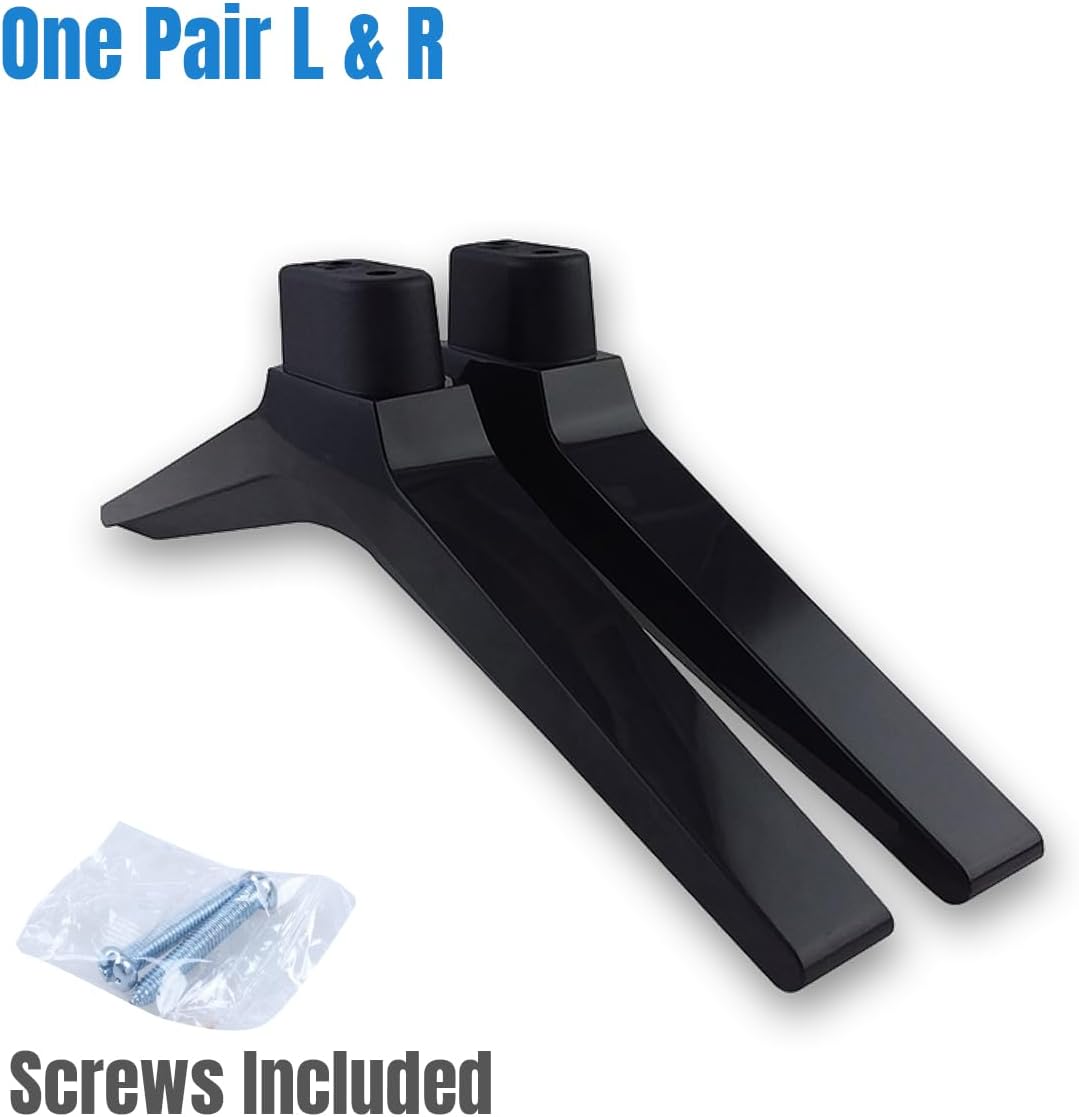
Image: Two Ceybo Original TV Stand legs, one left and one right, with a small bag of mounting screws. This illustrates the complete package contents.
4. Compatible Television Models
This Ceybo Original TV Stand (Part Number: 229907) is compatible with the following television models:
- 50H6E
- 50R6E
- 55H6E
- 55R6000E
- 55R6E
- 58H6550E
- 58R6E
- 58R7E1
- FM50H6E
- LC50Q7030U
- M50H6E
- 50R31
- 40A45H
- 50R6E1
- 58R6E1
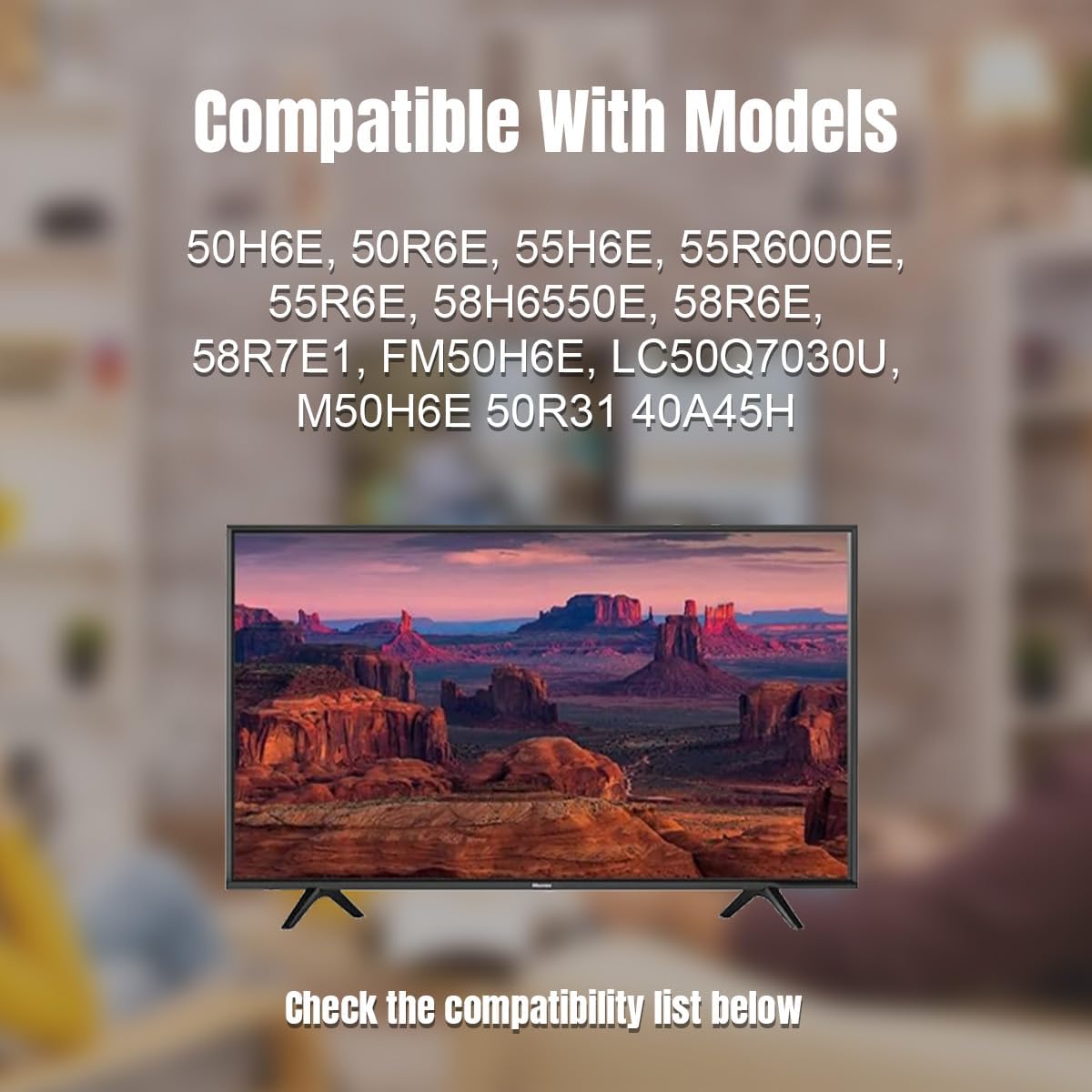
Image: A visual representation of a television supported by the Ceybo TV stand, with a text overlay listing compatible models. This helps confirm visual compatibility.
5. Setup and Installation
Follow these steps to correctly install the TV stand:
- Prepare the TV: Carefully place your television screen-down on a clean, soft, and flat surface. This prevents damage to the screen during installation.
- Identify Stand Orientation: The stand legs are typically marked "L" for Left and "R" for Right. Ensure you align them correctly with the corresponding mounting holes on the back of your television. The wider part of the stand base usually faces outwards for stability.
- Attach the Legs: Align the mounting holes on each stand leg with the screw holes on the bottom of your television. Insert the provided screws into the holes and tighten them securely with a Phillips head screwdriver. Do not overtighten.
- Verify Stability: Once both legs are attached, gently lift the television and place it upright on a stable, level surface. Ensure the stand is firm and the television does not wobble.
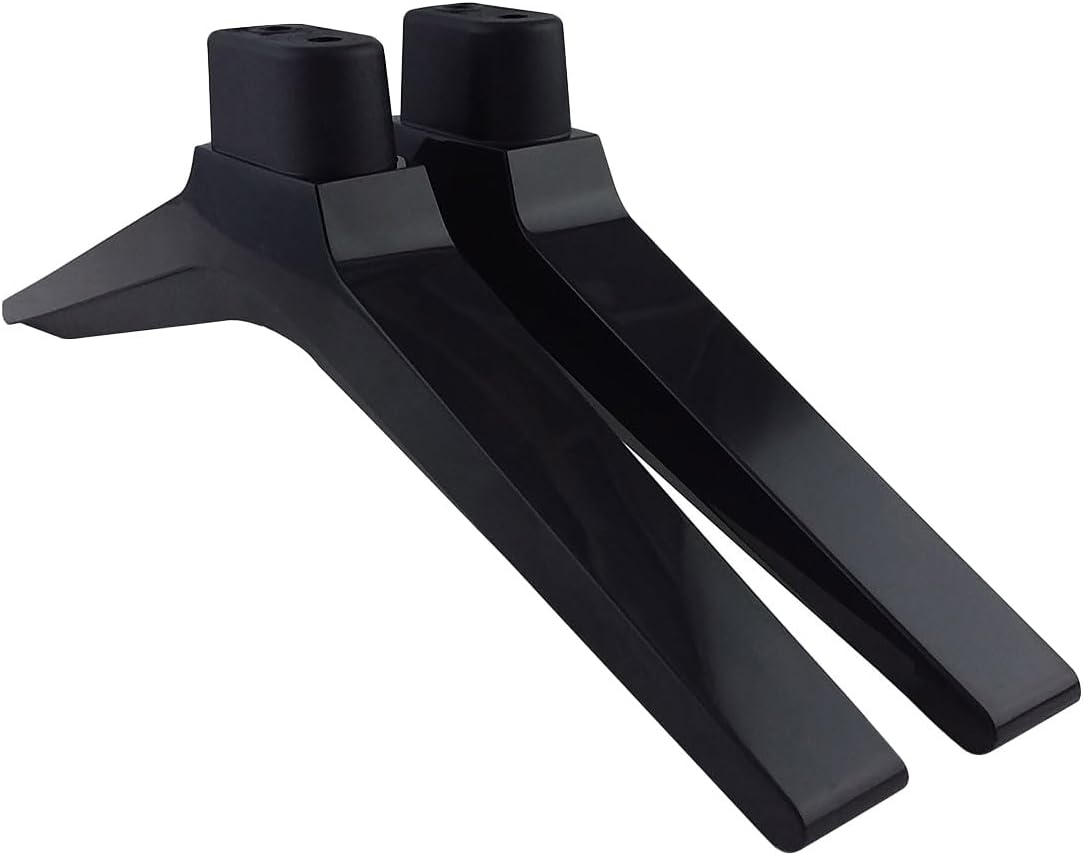
Image: A pair of Ceybo Original TV Stand legs, illustrating their design and how they would appear before attachment to the television.
6. Usage Considerations
Once installed, the Ceybo Original TV Stand provides a stable base for your television. Consider the following for optimal use:
- Placement: Position the television on a flat, level, and sturdy surface, such as a TV cabinet or entertainment unit. Ensure the surface can support the combined weight of the TV and stand.
- Accessibility: The stand design allows for easy access to the TV's ports and cables at the back, facilitating maintenance and connections without needing to detach the TV from a wall mount.
- Stability: The stand is designed for stability. Avoid placing the TV in high-traffic areas where it might be accidentally bumped.
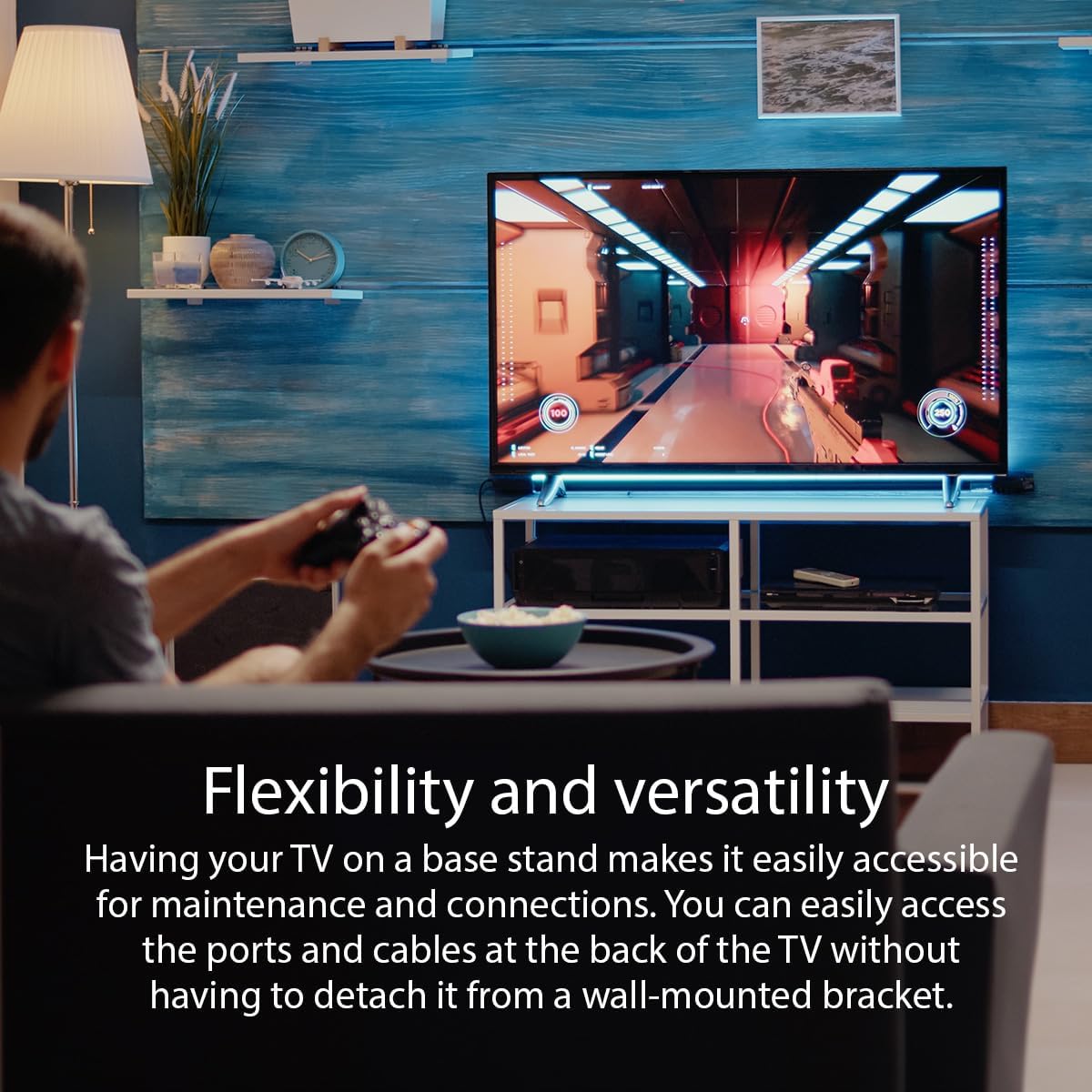
Image: This image highlights the flexibility and versatility of using a TV stand, allowing for easy access to connections and maintenance.
7. Maintenance and Care
To ensure the longevity and appearance of your TV stand:
- Cleaning: Wipe the stand with a soft, dry, or slightly damp cloth. Avoid using harsh chemicals, abrasive cleaners, or solvents, as these can damage the finish.
- Inspection: Periodically check the mounting screws to ensure they remain tight. If the TV appears wobbly, re-tighten the screws.
- Storage: If the stand is removed for storage, keep it in a dry place, away from direct sunlight and extreme temperatures.
8. Troubleshooting
If you encounter issues with your TV stand, refer to the following common solutions:
- TV is Wobbly:
- Ensure all mounting screws are securely tightened.
- Verify that the television is placed on a flat and level surface.
- Confirm that the stand legs are correctly oriented (Left and Right) and fully inserted into the TV's mounting slots.
- Stand Does Not Fit:
- Double-check your television's model number against the list of compatible models in Section 4.
- Ensure you are using the correct screws provided with the stand.
9. Specifications
| Brand | Ceybo |
| Model Number | 229907 |
| Material | Resin Material |
| Color | Black |
| Mounting Type | Tabletop Mount |
| Movement Type | Stationary |
| Item Weight | 11.2 ounces (approx. 317 grams) |
| Package Dimensions | 10 x 3 x 1 inches (approx. 25.4 x 7.6 x 2.5 cm) |
| UPC | 732777359592 |
10. Warranty and Support
For information regarding warranty coverage or technical support, please refer to the original product packaging or contact Ceybo customer service directly. Contact details are typically available on the manufacturer's official website or through your point of purchase.