1. Introduction
This document provides comprehensive instructions for the assembly, setup, and use of your Generic Meshtastic T-Deck Case. This case is designed to house your T-Deck device, offering robust protection and compatibility with GPS modules and SMA antennas. Please read this manual thoroughly to ensure proper installation and optimal performance of your device.
2. Package Contents
Verify that all items listed below are included in your package:
- 1x T-Deck Case (Front and Back sections)
- 1x Set of Screws
- 1x Set of Nuts
- 1x Switch Extender
- 1x SMA Hole Cover
3. Product Overview
The T-Deck case is engineered for durability and functionality, providing a secure enclosure for your Meshtastic T-Deck device. It features dedicated space for a GPS module and an SMA antenna connector, enhancing the device's capabilities for outdoor communication and tracking.

Figure 1: Fully assembled T-Deck case with an attached antenna, showcasing its compact and rugged design.
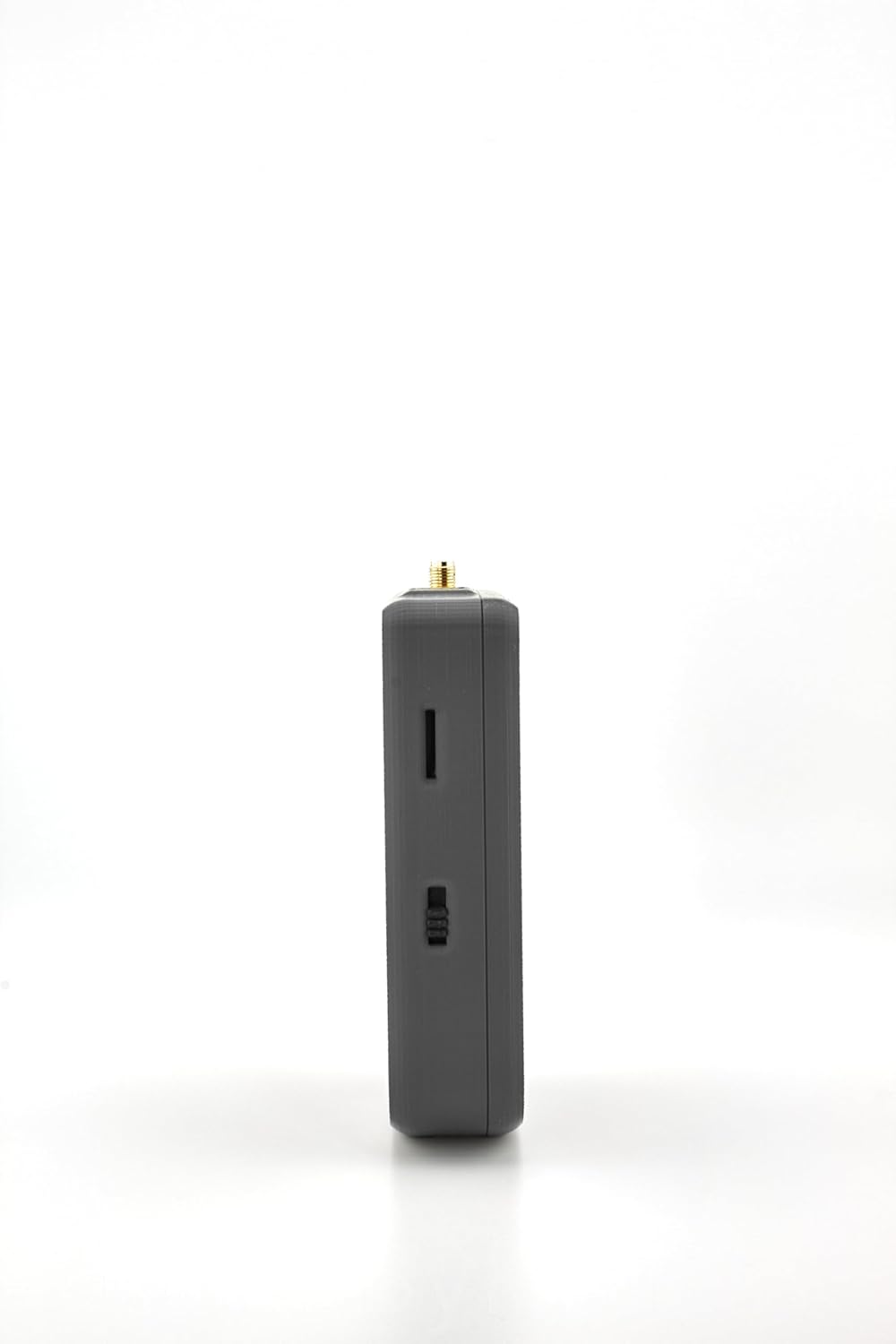
Figure 2: Side view of the T-Deck case, highlighting the access point for the device's switch.

Figure 3: Opposite side view of the T-Deck case, featuring the integrated speaker grill for audio output.
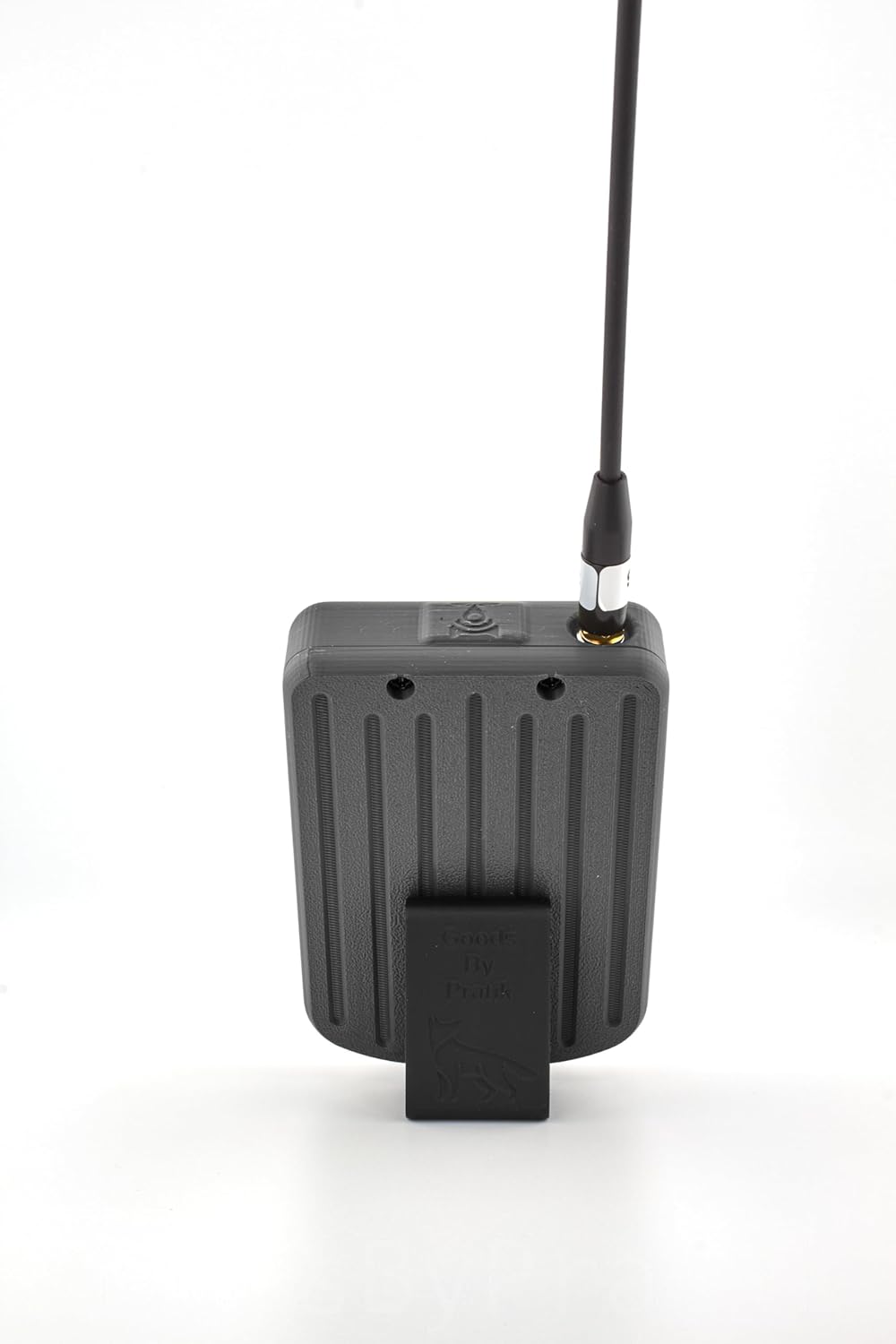
Figure 4: Rear view of the T-Deck case, showing the textured back panel and an optional stand attachment.

Figure 5: Internal view of the T-Deck case, illustrating the designated compartments for a LiPo 126090 8000mAh battery and an HGLRC M100 Mini GPS module. Note: Electronics are not included and are for visual reference only.
4. Assembly Instructions
Follow these steps to assemble your T-Deck case. Ensure you have all components listed in the package contents section.
- Install the Antenna Connector: Carefully thread the SMA antenna connector through the designated hole in the case.
- Mount the Mainboard: Secure the T-Deck mainboard inside the case using the provided screws. Ensure the board is properly aligned with the ports and mounting points.
- Connect the Battery: Connect your compatible LiPo battery (e.g., LiPo 126090 8000mAh) to the mainboard. Position the battery securely within the designated space.
- Attach the Case Back: Align the back section of the case with the front section and secure it using the remaining screws.
- Install Switch Extender and SMA Hole Cover: Insert the switch extender into its slot and, if not using an external antenna, place the SMA hole cover to protect the port from dust and debris.
Video 1: Detailed assembly guide for an ESP32 LoRa V3 board with a 3000mAh battery and N35 case, demonstrating similar steps for installing components into a 3D-printed enclosure.
5. Setup and Configuration
After assembling the hardware, the next step is to configure the Meshtastic firmware and connect your device.
- Firmware Installation: Ensure your T-Deck device has the latest Meshtastic firmware installed. Refer to the official Meshtastic documentation for detailed flashing instructions specific to your T-Deck model.
- Meshtastic App Setup: Download and install the Meshtastic application on your smartphone (available for Android and iOS).
- Bluetooth Pairing: Power on your T-Deck device. Open the Meshtastic app on your smartphone and follow the on-screen instructions to pair via Bluetooth. You may need to enter a default PIN (e.g., 123456) if prompted.
- Initial Configuration: Once connected, use the app to set your device's name, region, and other basic settings.
Video 2: Tutorial on how to install Meshtastic firmware onto a LILYGO T-Echo device, providing a general guide for firmware setup on compatible hardware.
6. Operating Instructions
Your Meshtastic T-Deck device, housed in its protective case, is now ready for operation. Use the integrated keyboard for text input and the joystick/select button for navigation.
- Sending Messages: Navigate to the messaging interface on your T-Deck or connected smartphone app. Type your message and send it over the Meshtastic network.
- GPS Tracking: With the GPS module installed, your device can transmit its location data to other nodes in the network, enabling tracking and location-based services.
- Network Monitoring: The OLED display on your T-Deck will show network status, connected nodes, and received messages.
Video 3: Demonstration of LoRa communication using an ESP32 V3 board, illustrating how messages and sensor data can be transmitted and received across devices.
7. Maintenance
- Cleaning: Use a soft, dry cloth to clean the exterior of the case. Avoid abrasive materials or harsh chemicals.
- Battery Care: Follow the manufacturer's guidelines for your LiPo battery to ensure longevity and safe operation.
- Firmware Updates: Periodically check the official Meshtastic website for firmware updates to ensure optimal performance and access to new features.
8. Troubleshooting
- Device Not Powering On: Ensure the battery is correctly connected and charged. Check the physical on/off switch.
- No Bluetooth Connection: Verify Bluetooth is enabled on your smartphone and the T-Deck. Ensure the device is within range and not paired with another device.
- Poor Signal Strength: Check that the SMA antenna is securely attached. Ensure there are no obstructions between devices. Consider using a higher-gain antenna if range is consistently poor.
- Case Warping: While the case is designed to be durable, extreme temperatures can affect 3D printed materials. Store the device in a moderate environment.
9. Specifications
| Feature | Detail |
|---|---|
| Product Dimensions | 4.5 x 3 x 2 inches |
| Item Weight | 1.44 ounces |
| Material | PLA +, PETG |
| Special Feature | Heavy Duty Protection, GPS Space, SMA Compatibility |
| Included Components | Case, Screws, Nuts, Switch Extender, SMA Hole Cover |
10. Warranty and Support
This product is manufactured by GoodsbyPratik. For any inquiries or support needs, please refer to the seller's contact information on the platform where the product was purchased. Specific warranty details may vary and should be confirmed with the seller.


