
Introduction
Thank you for choosing the TJ ANC Bluetooth Over-Ear Headphones. These headphones are designed to provide a high-fidelity audio experience with advanced Active Noise Cancellation (ANC) technology, ensuring clear sound for music, calls, and various activities. The ergonomic design with soft leather ear cushions offers comfort for extended listening sessions. This manual provides detailed instructions for setup, operation, maintenance, and troubleshooting to help you get the most out of your headphones.
What's in the Box
- TJ ANC Bluetooth Over-Ear Headphones
- USB Type-C Charging Cable
- 3.5mm Audio Cable
- User Manual

Image: Contents of the TJ ANC Bluetooth Over-Ear Headphones package.
Product Features
- Premium Audio & Noise Cancellation: Immerse yourself in rich, high-fidelity sound with advanced noise-cancelling technology.
- Wireless Freedom & Seamless Connectivity: Enjoy hassle-free Bluetooth pairing with fast, stable connections.
- All-Day Comfort & Ergonomic Fit: Designed with soft leather ear cushions and an adjustable headband for comfortable wear.
- Long Battery Life & Fast Charging: Up to 27 hours of playback and USB Type-C fast charging.
- Multi-Device Compatibility & Wired Option: Works with various Bluetooth-enabled devices and includes a 3.5mm audio cable for wired listening.
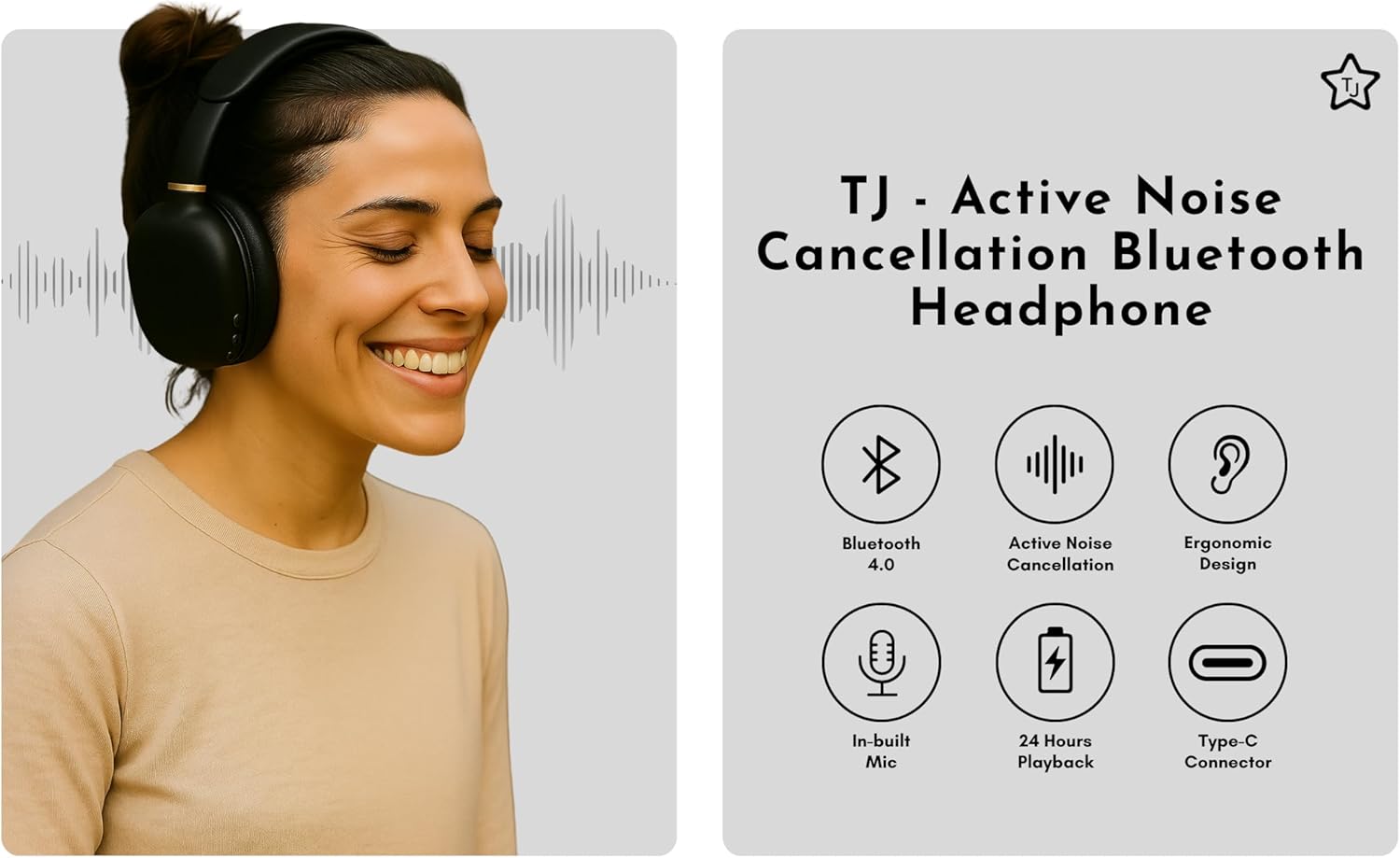
Image: Overview of key features including Bluetooth 4.0, Active Noise Cancellation, Ergonomic Design, In-built Mic, 24 Hours Playback, and Type-C Connector.
Setup
Charging the Headphones
Before first use, fully charge your headphones. Connect the provided USB Type-C charging cable to the charging port on the headphone and the other end to a USB power source (e.g., computer, wall adapter). The LED indicator will show charging status. A full charge takes approximately 2-2.5 hours and provides up to 27 hours of playback time.
Bluetooth Pairing
- Ensure the headphones are powered off.
- Press and hold the Power button until the LED indicator flashes blue and red, indicating pairing mode.
- On your device (smartphone, tablet, laptop), enable Bluetooth and search for available devices.
- Select "TJANC6056D" from the list of devices.
- Once connected, the LED indicator will turn solid blue or flash blue slowly.
Operating Instructions
Controls Overview
The headphones feature intuitive on-ear controls for easy management of audio and calls.

Image: Detailed view of the control buttons on the right earcup.
Active Noise Cancellation (ANC)
To activate or deactivate the Active Noise Cancellation feature, locate the dedicated ANC switch on the earcup. Slide the switch to the ON position to engage noise cancellation, blocking out ambient sounds for an immersive listening experience. Slide it to OFF to disable ANC.

Image: Location and function of the ANC ON/OFF button.
Wired Mode and Gaming Mode
For wired listening, connect the provided 3.5mm audio cable to the AUX port on the headphone and to your audio device. This allows for listening even when the battery is depleted. To activate the dedicated Gaming Mode, press the ON/OFF button three times. This mode optimizes audio for gaming, enhancing your experience.
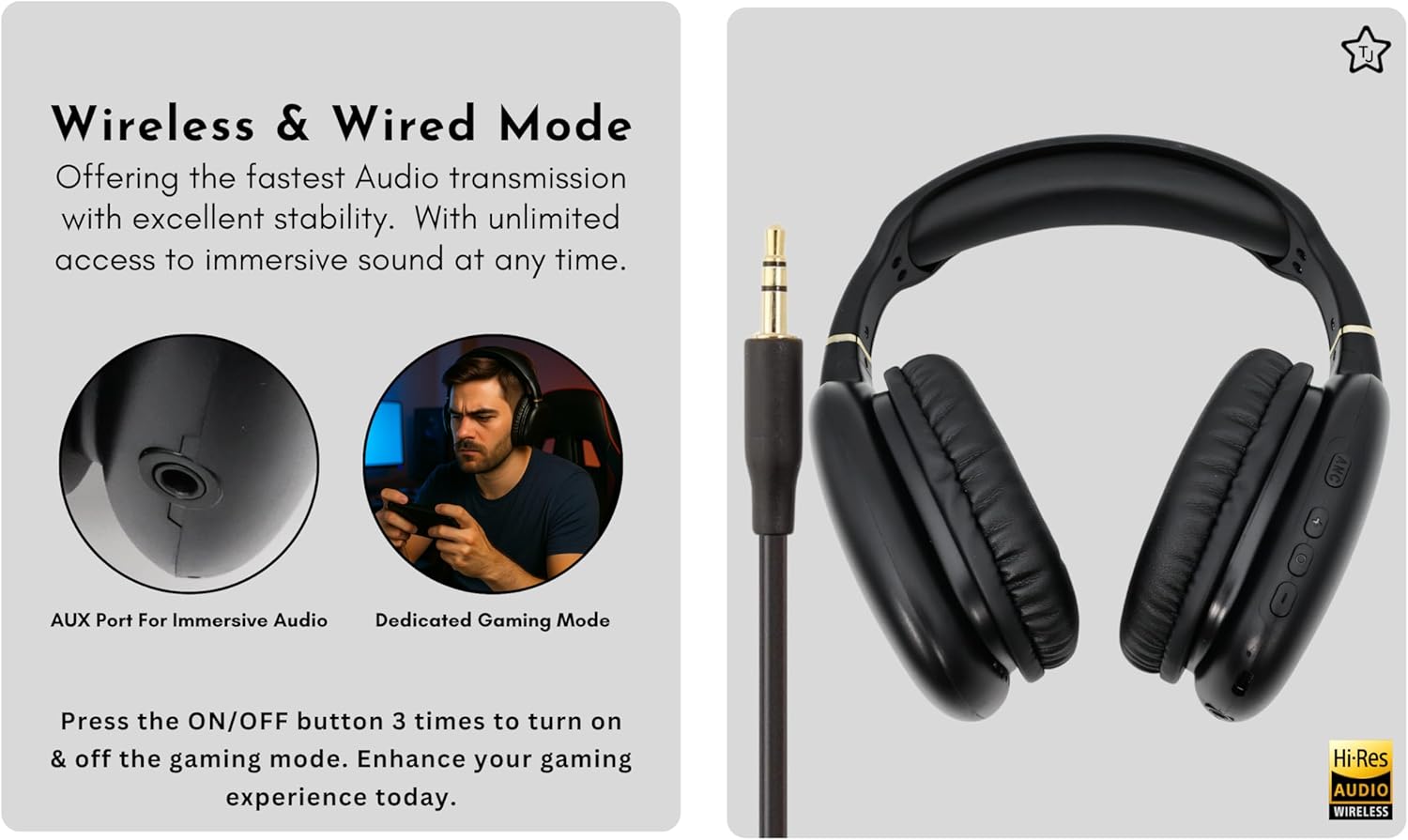
Image: AUX port for wired audio and instructions for activating Gaming Mode.
Crystal-Clear Calls
The built-in high-quality microphone enhances voice pick-up, ensuring your voice is clear during calls. Enjoy convenient, hands-free communication with these wireless headphones.

Image: Location of the high-quality microphone for clear calls.
Maintenance
- Cleaning: Use a soft, dry cloth to clean the headphones. Do not use harsh chemicals or abrasive materials.
- Storage: When not in use, store the headphones in a cool, dry place. Avoid extreme temperatures.
- Battery Care: To prolong battery life, avoid fully discharging the headphones frequently. Charge them regularly, even if not in constant use.
- Water Resistance: These headphones are not water-resistant. Avoid exposure to liquids.
Troubleshooting
| Issue | Possible Solution |
|---|---|
| Headphones won't turn on | Ensure the headphones are charged. Connect to a power source using the USB Type-C cable. |
| Cannot pair via Bluetooth | Make sure headphones are in pairing mode (flashing blue/red LED). Ensure Bluetooth is enabled on your device and it's within 10 meters. Forget previous pairings on your device and try again. |
| No sound or low volume | Check volume levels on both headphones and the connected device. Ensure headphones are properly paired or the 3.5mm cable is securely connected. |
| ANC not working effectively | Ensure the ANC switch is in the ON position. ANC is most effective against low-frequency ambient noise. |
Specifications
| Feature | Detail |
|---|---|
| Brand | TJ |
| Model Number | TJANC6056D |
| Color | Black |
| Ear Placement | Over Ear |
| Connectivity Technology | Bluetooth, Wired, Wireless |
| Bluetooth Version | 4.0 |
| Bluetooth Range | Up to 10 Meters |
| Noise Control | Active Noise Cancellation |
| Battery Average Life | 27 Hours |
| Charging Port | USB Type-C |
| Charging Time | 2.0-2.5 Hours |
| Standby Time | Up to 30 Days |
| Driver Size | 40mm |
| Impedance | 32 Ohms |
| Sensitivity | 96 dB |
| Frequency Range | 20-20,000 Hz |
| Headphone Jack | 3.5 mm Jack |
| Enclosure Material | Leather |
Warranty and Support
The TJ ANC Bluetooth Over-Ear Headphones come with a 1-year warranty from the manufacturer, TJ. For any support inquiries, please refer to the contact information provided with your purchase or visit the official TJ website.
Product Videos
TJ Black ANC Bluetooth Over-the-Head Headset Overview
Video: An official overview of the TJ Black ANC Bluetooth Over-the-Head Headset, demonstrating its features and design.