
STOBAZA 2126A1007M
STOBAZA Fan Pedestal Screws Instruction Manual
Model: 2126A1007M
1. Product Overview
The STOBAZA Fan Pedestal Screws are a set of two iron fasteners designed for securely attaching the base of a pedestal fan. These screws are crafted from durable iron materials, ensuring long-term reliability and performance for various fan models.
Their straightforward design facilitates quick and easy installation, making them a convenient solution for fan assembly, repair, or maintenance tasks.

Image 1.1: Two STOBAZA fan pedestal screws, showcasing their design and material.
2. Safety Information
- Always ensure the fan is unplugged from the power source before attempting any installation, repair, or maintenance.
- Keep screws and small parts out of reach of children to prevent choking hazards.
- Use appropriate tools for installation to avoid stripping the screw heads or damaging the fan components.
- Do not overtighten the screws, as this may damage the fan's base or the screws themselves.
- If any part is damaged or missing, do not proceed with installation. Contact customer support for assistance.
3. Package Contents
Verify that all items are present and undamaged before proceeding with installation.
- 2 x STOBAZA Fan Pedestal Screws (Model: 2126A1007M)

Image 3.1: The two fan pedestal screws included in the package.
4. Setup and Installation
These screws are designed for quick and easy assembly of your fan's pedestal base.
- Prepare the Fan Base: Ensure the fan's pedestal pole and base are correctly aligned and ready for attachment. Identify the screw holes on both components.
- Insert the Screws: Carefully insert one STOBAZA fan pedestal screw into the designated hole, aligning it with the corresponding threaded insert in the fan base.
- Tighten the Screws: Using a suitable screwdriver (not included), gently turn the screw clockwise until it is snug. Repeat for the second screw. Do not overtighten. The flat head design ensures a flush fit.
- Verify Stability: Once both screws are installed, gently test the stability of the fan base to ensure it is securely attached and does not wobble.
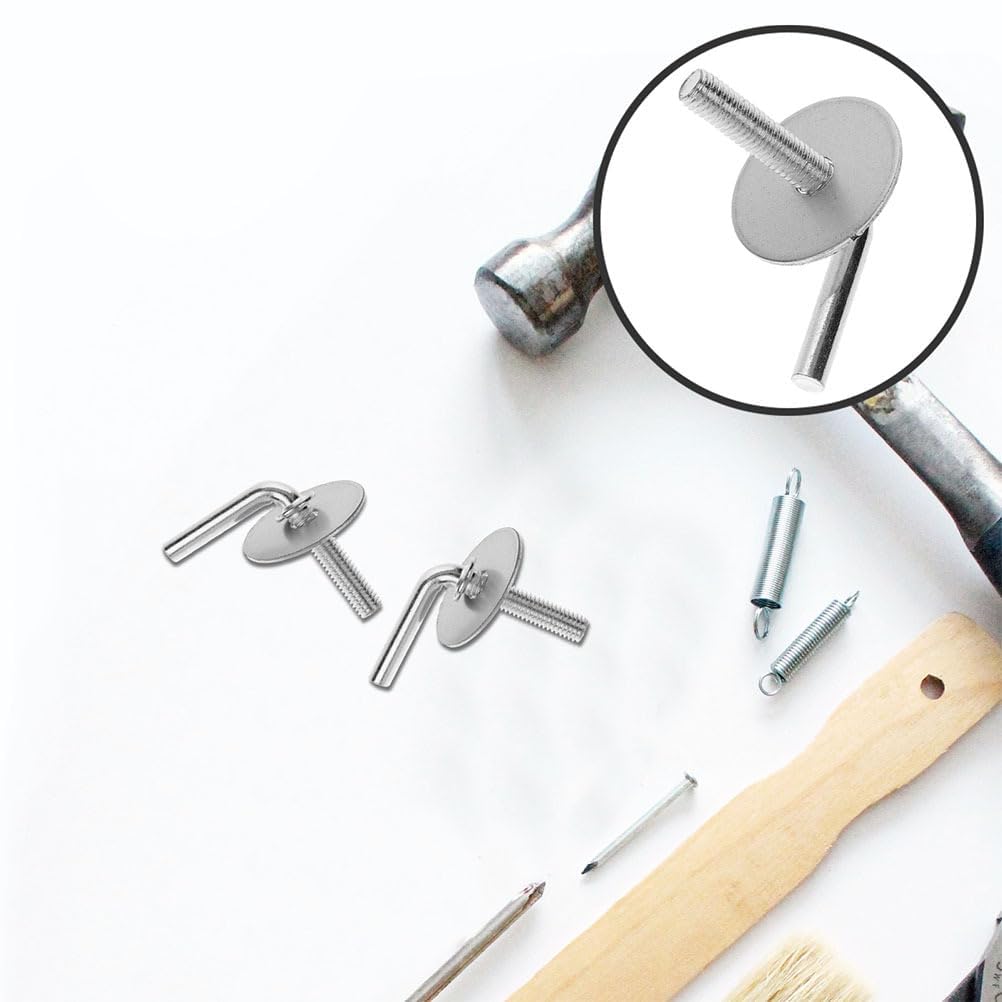
Image 4.1: The screws are designed for straightforward installation with common tools.
5. Operating Instructions
These screws are components for fan assembly and do not have operational functions themselves. Once installed, they secure the fan's base, allowing the fan to operate as intended. Ensure the fan is placed on a stable, flat surface after assembly.
6. Maintenance
- Regular Inspection: Periodically check the screws to ensure they remain tight and secure. If any looseness is detected, gently retighten them.
- Cleaning: If necessary, wipe the screws with a dry or slightly damp cloth to remove dust or debris. Avoid using harsh chemicals or abrasive cleaners.
- Storage: If the screws are removed for fan disassembly, store them in a dry place to prevent rust or corrosion.
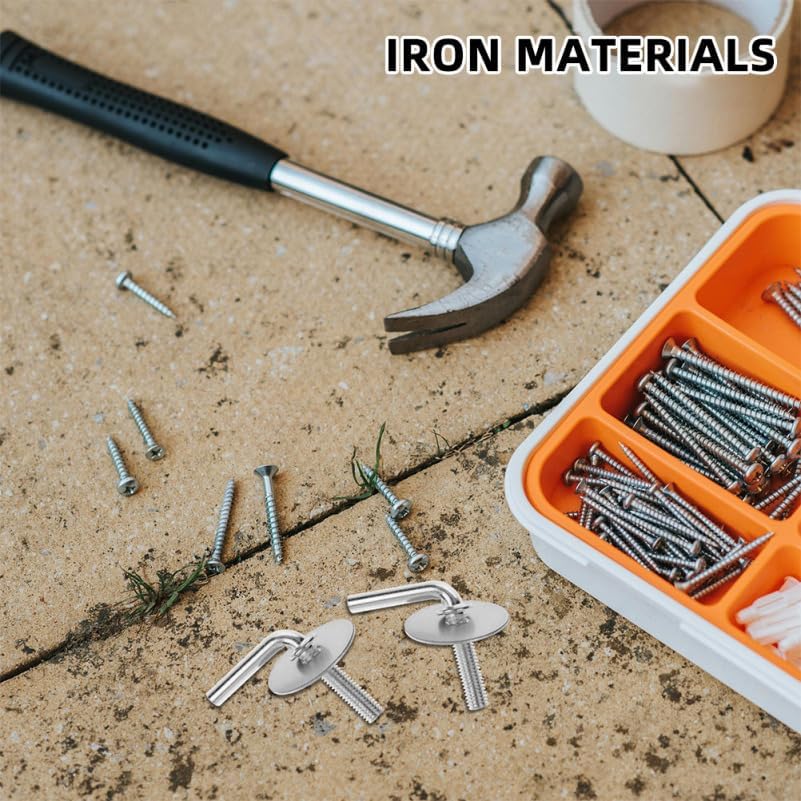
Image 6.1: The iron material of the screws ensures durability, but proper storage is recommended.
7. Troubleshooting
| Problem | Possible Cause | Solution |
|---|---|---|
| Screws do not fit | Incompatible fan model or incorrect screw size. | Verify the compatibility of the screws with your fan model. These screws are designed for universal application but may not fit all fan types. |
| Fan base is wobbly after installation | Screws are not tightened sufficiently or are stripped. | Gently retighten the screws. If they spin freely without tightening, they may be stripped or the fan's internal threading is damaged. Consider replacing the screws or consulting a professional. |
| Screws are difficult to turn | Misalignment or cross-threading. | Ensure the screws are perfectly aligned with the threaded holes before turning. Do not force them. If resistance is met, unscrew and realign. |
8. Specifications
| Feature | Detail |
|---|---|
| Product Dimensions (L x W x H) | 1.96 x 1.96 x 1.96 inches (approx. 5 x 5 x 5 cm) |
| Item Weight | 2.88 ounces (for the set) |
| Material | Iron |
| Head Style | Flat |
| Model Number | 2126A1007M |
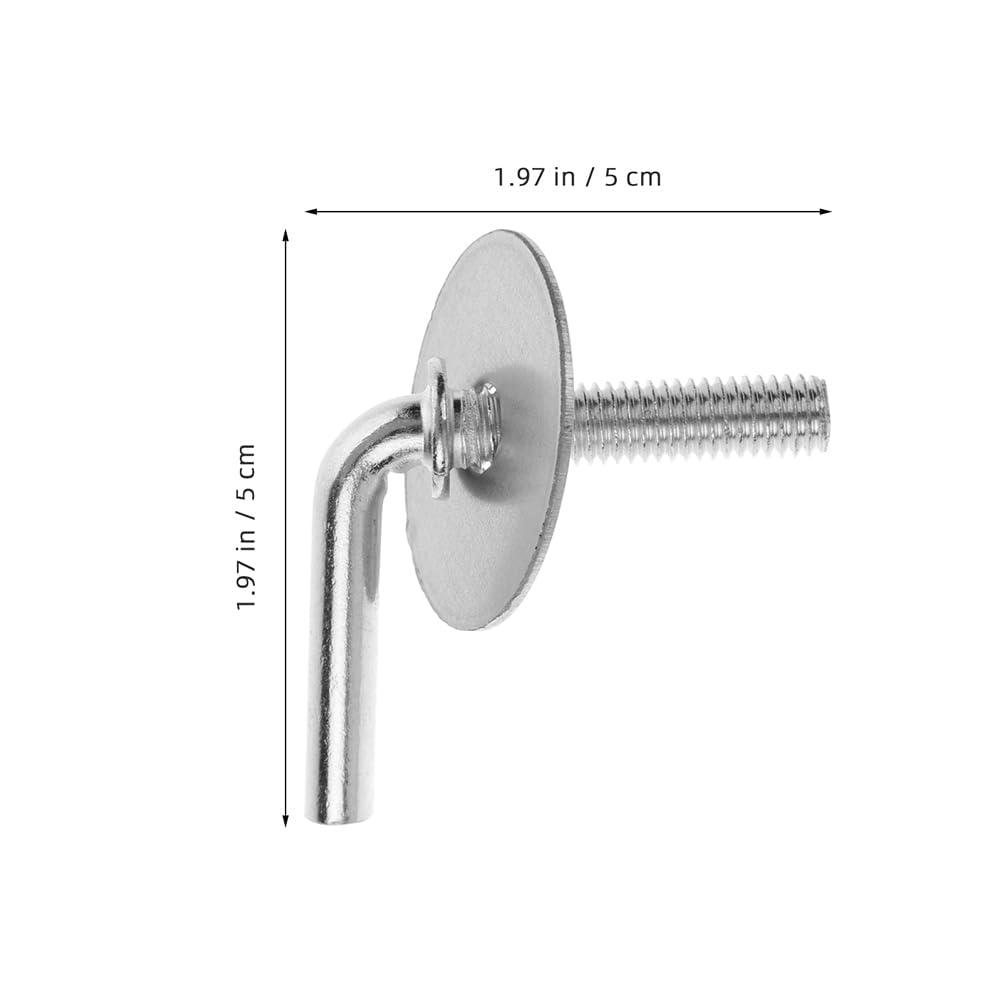
Image 8.1: Dimensional view of a single screw.
9. Warranty and Support
For warranty information or technical support regarding your STOBAZA Fan Pedestal Screws, please refer to the product packaging or contact STOBAZA customer service directly.
You can typically find contact details on the official STOBAZA brand store page or through your point of purchase.
STOBAZA Brand Store: Visit STOBAZA Store on Amazon
Ask a question about this manual
Ask about setup, troubleshooting, compatibility, parts, safety, or missing instructions. Manuals+ will review the question and use this page’s manual context to help answer it.