
1. Product Overview
The Qcwwy Electric Cleaning Brush is a versatile and powerful tool designed to simplify your cleaning tasks. With its ergonomic design, dual-speed motor, and IPX7 water resistance, it offers an efficient and comfortable cleaning experience for various surfaces.

2. Package Contents
Please check the package carefully to ensure all items are present and in good condition:
- 1 x Portable Electric Cleaning Brush
- 1 x USB Charging Cable
- 1 x Lanyard
- 1 x Instruction Manual (this document)
- 3 x Replacement Brush Heads (various types for different cleaning needs)
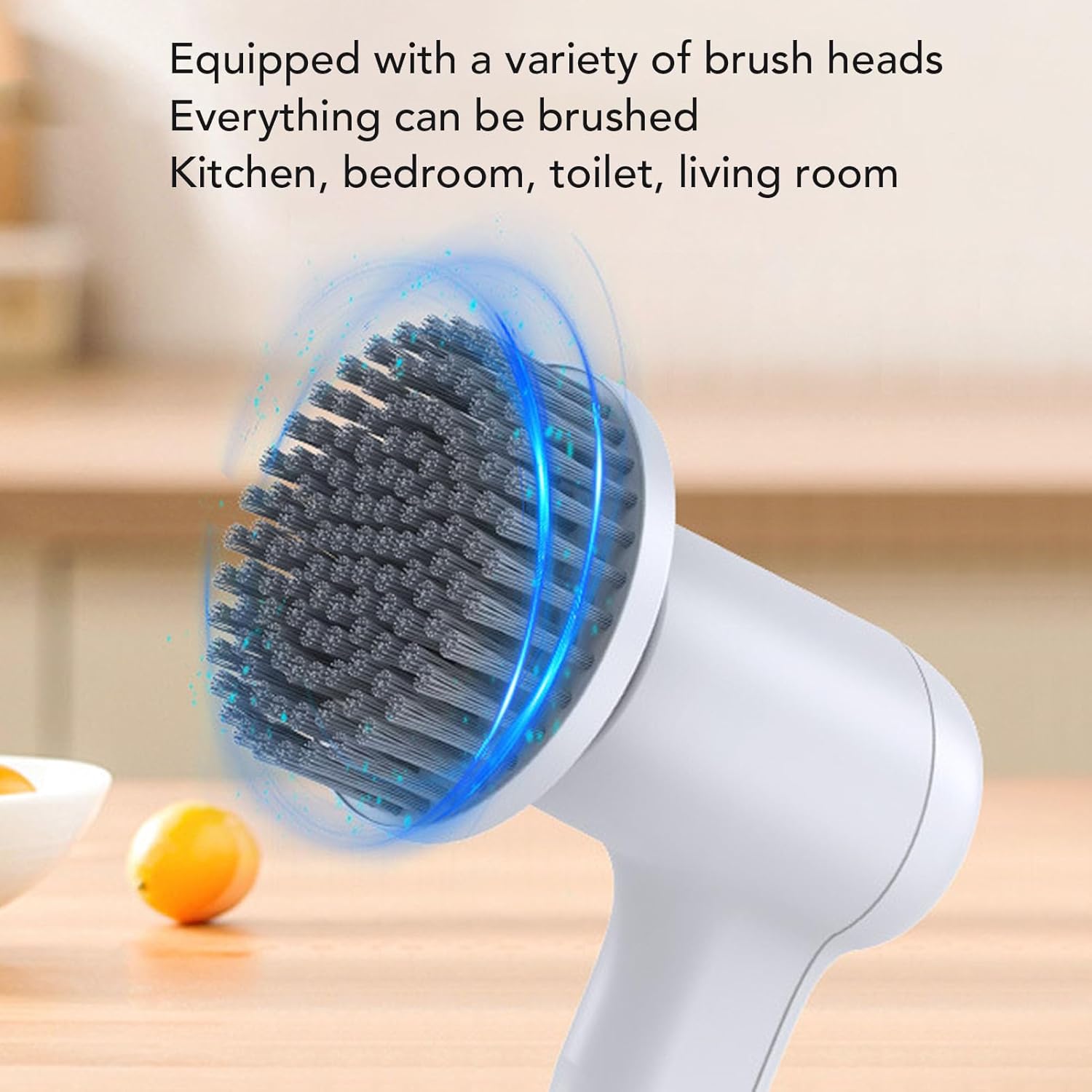
3. Features
- Time and Effort Saving: Designed to reduce the physical strain and time associated with traditional cleaning methods, thanks to its ergonomic design and efficient motor.
- Battery Level Display: A digital display clearly indicates the remaining battery capacity, ensuring you are aware of the power status and can plan your cleaning tasks without interruption. A full charge takes approximately 2 hours and provides up to 180 minutes of continuous operation.
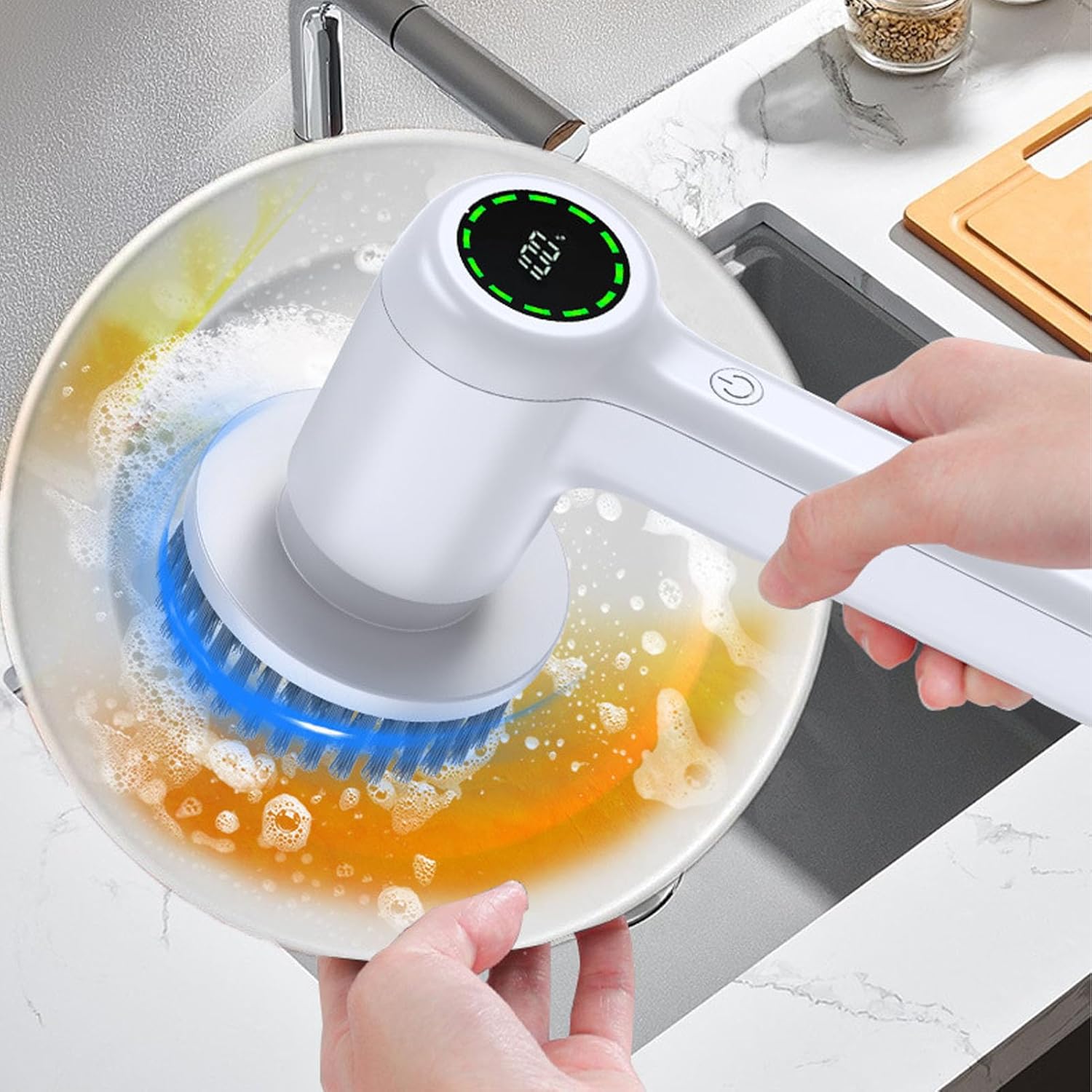
Figure 3.1: The digital display on the brush shows the battery level, here indicating 100% charge. - Interchangeable Brush Heads: Comes with multiple brush heads to cater to diverse cleaning needs, including bathrooms, tubs, floors, toilets, car wheels, and dishes. These heads are designed for easy and secure attachment.

Figure 3.2: The multi-function electric cleaning brush effectively cleans various surfaces like faucets. - Dual Speed Modes: Equipped with an upgraded motor that can reduce cleaning time by up to 70%. It offers two adjustable spin speeds: 350 RPM for normal cleaning and 400 RPM for intensive cleaning. Speeds can be switched with a single button press.

Figure 3.3: Internal view of the high-speed, silent motor, providing strong power for effective cleaning. - IPX7 Water Resistant: Its lightweight and cordless design enhances flexibility and ease of use. The IPX7 water resistance rating allows for safe operation in various wet environments. The device can be rinsed under running water for easy cleaning after use.

Figure 3.4: The IPX7 water-resistant design ensures safe and reliable use in wet conditions.
4. Setup
- Unpacking: Carefully remove all components from the packaging. Retain the packaging for future storage or transport.
- Charging: Before first use, fully charge the electric cleaning brush. Connect the USB charging cable to the charging port on the device and to a suitable USB power adapter (not included). The battery display will indicate charging progress.
- Attaching Brush Head: Select the appropriate brush head for your cleaning task. Align the brush head with the main unit and push it firmly until it clicks into place. Ensure it is securely attached to prevent detachment during operation.
5. Operating Instructions
Follow these steps to operate your electric cleaning brush:
- Power On: Press and hold the power button (usually marked with a power symbol) for a few seconds to turn on the device. It will typically start in the default low-speed mode (350 RPM).

Figure 5.1: Instructions for adjusting speed and powering the device on/off. - Adjusting Speed: To switch to the high-speed mode (400 RPM), press the power button again briefly. The brush will increase its rotation speed. Pressing it a third time will turn off the device.
- Cleaning: Apply a small amount of cleaning solution to the surface or the brush head. Gently press the rotating brush against the surface you wish to clean. Move the brush in a steady motion to effectively remove dirt and grime.

Figure 5.2: The brush effectively cleans windows, leaving them sparkling. 
Figure 5.3: The brush is suitable for cleaning various floor types, including tiles. - Power Off: After cleaning, press and hold the power button again until the device turns off.
6. Maintenance
Proper maintenance ensures the longevity and optimal performance of your electric cleaning brush:
- Cleaning the Brush Heads: After each use, detach the brush head and rinse it thoroughly under running water to remove any residue. Allow it to air dry completely before storing.
- Cleaning the Main Unit: Due to its IPX7 water resistance, the main unit can be rinsed under running water. Wipe the body with a clean, damp cloth to remove any dirt. Do not submerge the entire unit for extended periods. Ensure the charging port cover is securely closed before rinsing.
- Storage: Store the electric cleaning brush and its accessories in a cool, dry place, away from direct sunlight and extreme temperatures.
- Battery Care: To maintain battery health, avoid completely draining the battery frequently. Charge the device regularly, even if not in use for extended periods (e.g., once every 3 months).
7. Troubleshooting
If you encounter any issues with your electric cleaning brush, please refer to the following common problems and solutions:
| Problem | Possible Cause | Solution |
|---|---|---|
| Brush does not turn on. | Low battery; Power button not pressed correctly. | Charge the device fully. Press and hold the power button firmly for a few seconds. |
| Brush head stops spinning or spins slowly. | Low battery; Brush head clogged; Excessive pressure applied. | Recharge the device. Clean the brush head. Reduce pressure on the surface. |
| Water enters the device. | Charging port cover not sealed; Device submerged for too long. | Ensure the charging port cover is securely closed before use in wet environments. Avoid prolonged submersion. If water ingress occurs, turn off immediately and allow to dry completely before attempting to use again. |
If the problem persists after trying these solutions, please contact customer support.
8. Specifications
| Feature | Detail |
|---|---|
| Brand | Qcwwy |
| Model | Qcwwynt87o2w4xh |
| Item Type | Portable Electric Cleaning Brush |
| Material | ABS, PP |
| Water Resistance | IPX7 |
| Speed Modes | 2 (350 RPM, 400 RPM) |
| Product Dimensions | Approx. 12 x 19 cm (4.7 x 7.5 inches) |
| Item Weight | 425 g |
| Unit Count | 1.0 Count |
9. Warranty and Support
For warranty information and customer support, please refer to the documentation provided with your purchase or contact the retailer/manufacturer directly. Keep your proof of purchase for any warranty claims.
Manufacturer: Qcwwy