1. Setup and Package Contents

Image: The RK ROYAL KLUDGE S85 keyboard shown with its included accessories: USB cable, keycap puller, replacement switches, and user manual.
What's in the Box
- S85 Wireless Mechanical Keyboard
- USB Cable
- Keycap Puller
- Replacement Switch (x4)
- Dust Cover (x1)
Initial Charging
The keyboard is equipped with a 7200mAh battery. For optimal performance, fully charge the keyboard before first use. Connect the provided USB-C cable to the keyboard's USB-C port and the other end to a power source (e.g., computer USB port, USB wall adapter).
Battery life: Up to 41 hours with RGB lighting, or up to 240 hours without RGB lighting.
2. Connectivity
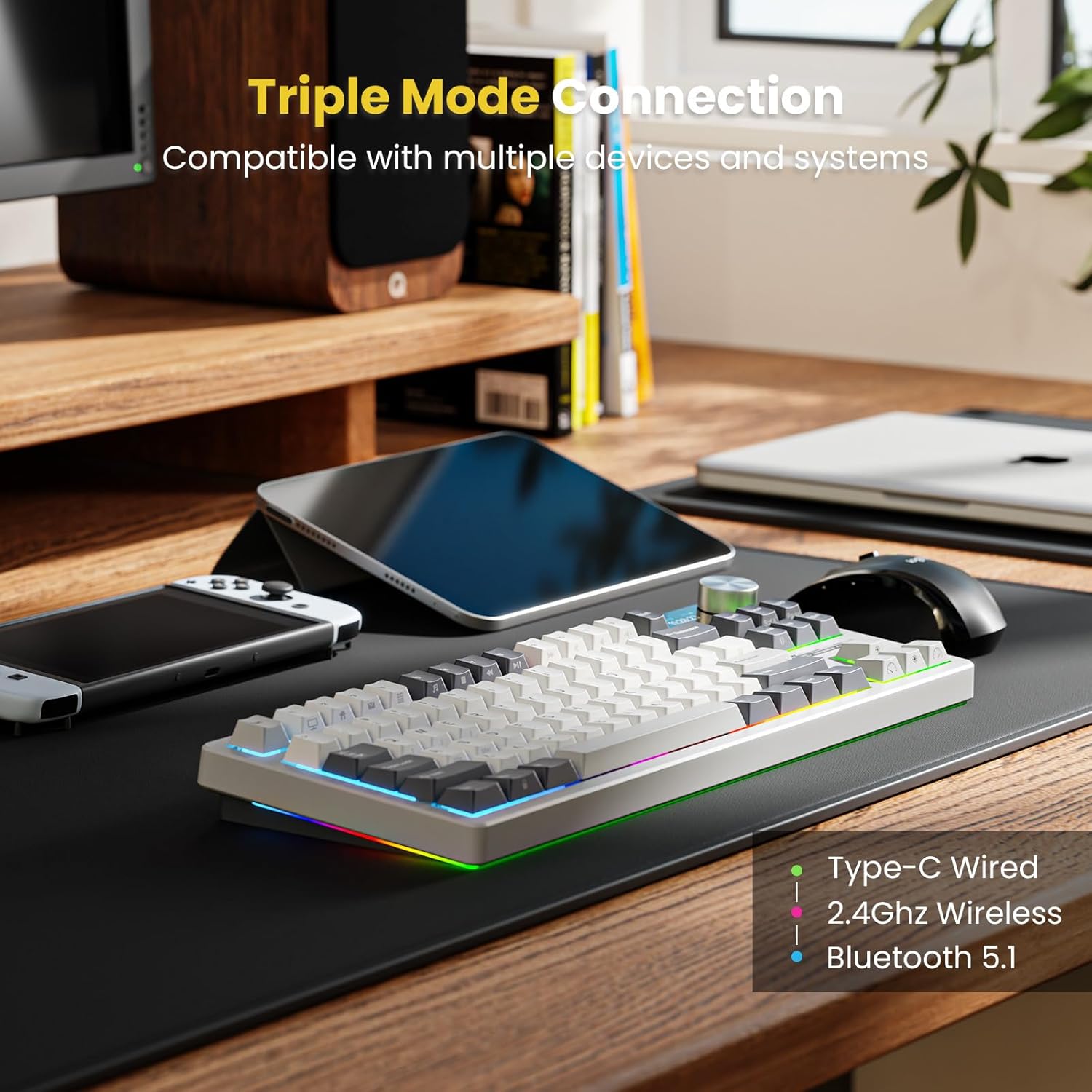
Image: The RK ROYAL KLUDGE S85 keyboard demonstrating its triple-mode connectivity options: Type-C Wired, 2.4GHz Wireless, and Bluetooth 5.1.
The RK ROYAL KLUDGE S85 supports triple-mode connectivity, allowing seamless switching between up to 5 devices.
2.1. USB-C Wired Connection
- Connect the provided USB-C cable to the keyboard and your computer.
- The keyboard will automatically switch to wired mode.
2.2. 2.4GHz Wireless Connection
- Locate the 2.4GHz USB dongle (usually stored in a slot on the keyboard).
- Plug the dongle into an available USB port on your computer.
- Toggle the switch on the keyboard to 2.4GHz mode.
- The keyboard should connect automatically.
2.3. Bluetooth Connection
- Toggle the switch on the keyboard to Bluetooth mode.
- Press and hold Fn + Q, Fn + W, or Fn + E to select a Bluetooth channel (BT1, BT2, or BT3). The corresponding key will flash rapidly, indicating pairing mode.
- On your device (computer, tablet, smartphone), search for Bluetooth devices and select
Related Documents - S85

RK ROYAL KLUDGE R87 Pro 75% Mechanical Keyboard User Guide | Hot-swappable, QMK/VIA, RGB
Comprehensive user guide for the RK ROYAL KLUDGE R87 Pro wired mechanical keyboard. Learn about its 75% TKL layout, hot-swappable switches, gasket mount, RGB backlighting, QMK/VIA customization, and MDA profile keycaps.
RK ROYAL KLUDGE RK84 75% Mechanical Keyboard User Manual
User manual for the RK ROYAL KLUDGE RK84 75% Triple Mode Hot Swappable Mechanical Keyboard. This guide covers charging, wired and wireless connectivity, Bluetooth pairing, battery level indication, backlight customization, system switching between Windows and MAC, multimedia key functions, system requirements, and regulatory compliance information.
RK ROYAL KLUDGE M75 Wireless Mechanical Keyboard: User Manual & Specifications
Comprehensive user manual and technical specifications for the RK ROYAL KLUDGE M75 Wireless Mechanical Keyboard. Learn about its 75% layout, 81 keys, gasket mount, OLED display, RGB backlighting, and connectivity options (2.4Ghz, Bluetooth 5.1, USB-C).
RK ROYAL KLUDGE S87 Mechanical Keyboard User Manual
Comprehensive user manual for the RK ROYAL KLUDGE S87 Typewriter Mechanical Keyboard, covering packing list, wired mode, backlight customization, multimedia functions, and system compatibility for Windows and Mac.
RK ROYAL KLUDGE RK96 Mechanical Wireless Keyboard User Manual
User manual for the RK ROYAL KLUDGE RK96 mechanical wireless keyboard, detailing features like Bluetooth, 2.4GHz, and USB-C connectivity, customizable backlighting, multimedia controls, and system requirements.
RK ROYAL KLUDGE RK837 Mechanical Wireless Keyboard User Manual
Comprehensive user manual for the RK ROYAL KLUDGE RK837 mechanical wireless keyboard. Learn how to connect via Bluetooth, 2.4GHz, or wired mode, control RGB backlighting, use multimedia keys, and check system compatibility.