
Introduction
This manual provides essential instructions for the safe and effective use of your Sony LinkBuds Fit Truly Wireless Noise Canceling Earbud Headphones. Please read this manual thoroughly before using the product and retain it for future reference.
The Sony LinkBuds Fit earbuds offer unparalleled comfort, excellent sound quality, and clear call performance. Featuring an improved Ambient Sound Mode and advanced noise canceling, these earbuds are designed to keep you connected and aware of your surroundings.
What's in the Box
Verify that all items are present in your product packaging:
- Sony LinkBuds Fit Earbuds (Left and Right)
- Charging Case
- Air Fitting Supporters (various sizes)
- Soft Fitting Earbud Tips (SS/S/M/L, 2 each)
- USB Type-C Cable (USB-A to USB-C)

Image: All components included in the Sony LinkBuds Fit product box.
Setup
1. Charging the Earbuds and Case
Before first use, fully charge the earbuds and the charging case. Place the earbuds into the charging case. Connect the supplied USB Type-C cable to the charging case and a USB power source. The indicator light on the case will show charging status.

Image: LinkBuds Fit earbuds and charging case, highlighting battery life and quick charge capabilities.

Image: LinkBuds Fit earbuds placed inside the open charging case for charging.
2. Fitting the Earbuds
Select the appropriate size of Air Fitting Supporters and earbud tips for a secure and comfortable fit. The correct fit is crucial for optimal sound quality and noise canceling performance. Gently twist the earbuds into your ears until they feel snug.

Image: Diagram illustrating the correct placement of the earbud and Air Fitting Supporter in the ear.

Image: A user wearing a LinkBuds Fit earbud, showcasing its comfortable and secure design.
3. Bluetooth Pairing
- Open the charging case with the earbuds inside.
- The earbuds will automatically enter pairing mode.
- On your device (smartphone, tablet, etc.), go to Bluetooth settings and select 'LinkBuds Fit' from the list of available devices.
- Once connected, you will hear an audio confirmation.
4. Sony | Headphones Connect App
For full functionality and customization, download the Sony | Headphones Connect app from your device's app store. The app allows you to adjust sound settings, customize controls, and manage noise canceling features.
Operating Instructions
Power On/Off
- Power On: Remove the earbuds from the charging case. They will automatically power on and attempt to connect to the last paired device.
- Power Off: Place the earbuds back into the charging case and close the lid. They will automatically power off and begin charging.
Controls
The LinkBuds Fit feature intuitive touch controls. You can customize these controls via the Sony | Headphones Connect app. Default functions typically include:
- Play/Pause: Single tap on either earbud.
- Next Track: Double tap on the right earbud.
- Previous Track: Double tap on the left earbud.
- Answer/End Call: Single tap on either earbud.
- Activate Voice Assistant: Triple tap on either earbud.
For advanced control customization, refer to the Sony | Headphones Connect app.

Image: A user interacting with their devices while wearing LinkBuds Fit, demonstrating hands-free control.
Noise Canceling
The LinkBuds Fit are equipped with advanced noise canceling technology, featuring dual noise sensors and an Auto Noise Canceling Optimizer. This system filters exterior sound and adjusts to your surroundings for optimal audio performance.

Image: A user experiencing the noise canceling feature in a busy environment.
Ambient Sound Mode
When activated, the improved Ambient Sound Mode allows you to hear your surroundings while still enjoying your audio. This feature automatically adjusts to your environment, reducing excess noise while keeping you aware of important sounds like announcements or conversations.

Image: Users interacting while wearing LinkBuds Fit, showcasing the Ambient Sound Mode.
Call Management
Enjoy exceptional call quality even in noisy environments. The earbuds are designed to provide clear voice transmission and reception.
- Answer/End Call: Single tap on either earbud.
- Reject Call: Press and hold either earbud.
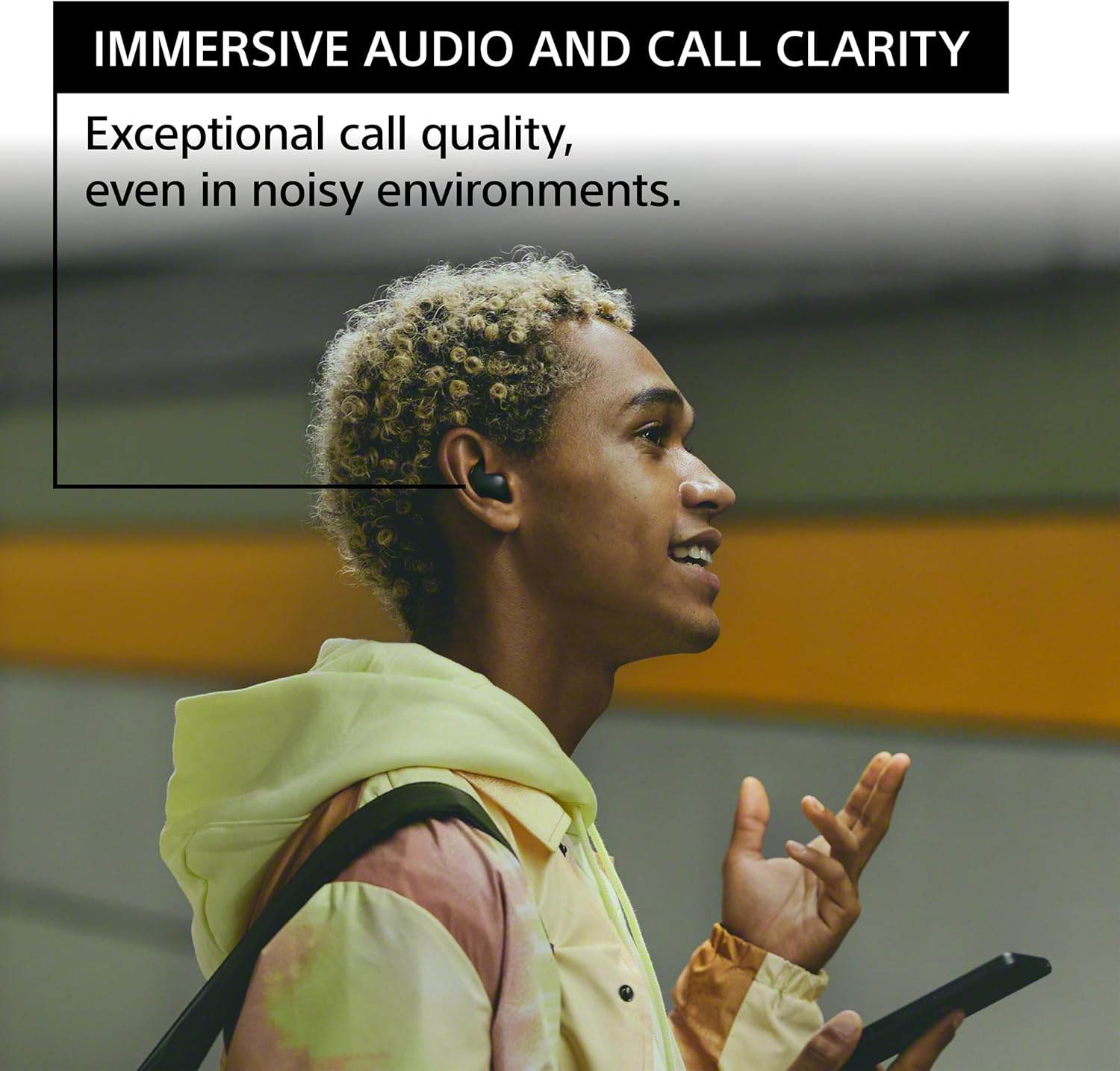
Image: A user making a call with LinkBuds Fit, highlighting the clear call quality.
Multipoint Connection
The LinkBuds Fit support multipoint connection, allowing you to connect to two devices simultaneously. This enables seamless switching between devices, for example, from music on your computer to a call on your smartphone.
Maintenance
Cleaning
- Regularly clean the earbuds and charging case with a soft, dry cloth.
- Remove earbud tips and clean them with mild soap and water if necessary, ensuring they are completely dry before reattaching.
- Gently clean the charging contacts on both the earbuds and the case to ensure proper charging.
Storage
When not in use, store the earbuds in their charging case to protect them and ensure they remain charged.
Water Resistance (IPX4 Rating)
The LinkBuds Fit earbuds have an IPX4 rating, meaning they are protected against sweat and splashes of water from any direction. This makes them suitable for workouts and outdoor activities. Note: The charging case is not water-resistant.

Image: A user engaging in physical activity with LinkBuds Fit, demonstrating their sweat and splash resistance.
Troubleshooting
If you encounter issues with your LinkBuds Fit, try the following steps:
- No Sound: Ensure earbuds are charged, properly paired, and volume is adjusted on both the earbuds and your connected device.
- Cannot Pair: Make sure the earbuds are in pairing mode. Turn off and on Bluetooth on your device. Try forgetting the device and re-pairing.
- Poor Sound Quality: Check earbud fit and try different sized ear tips. Ensure there are no obstructions in the earbud nozzles.
- Noise Canceling Not Effective: Ensure earbuds are properly seated in your ears. Adjust settings in the Sony | Headphones Connect app.
- Earbuds Not Charging: Ensure charging contacts on both earbuds and case are clean and dry. Check USB cable connection.
For more detailed troubleshooting, refer to the Sony | Headphones Connect app or the official Sony support website.
Specifications
| Feature | Specification |
|---|---|
| Model Name | LinkBuds Fit |
| Item Model Number | WFLS910NB.UC |
| Noise Control | Active Noise Cancellation |
| Connectivity Technology | Bluetooth 5.3 |
| Bluetooth Range | 10 Meters |
| Battery Life (Earbuds) | Up to 5.5 Hours |
| Battery Life (with Case) | Up to 15.5 Hours (additional) |
| Quick Charge | 5 minutes charge for up to 60 minutes playback |
| Water Resistance Level | IPX4 (Earbuds only) |
| Item Weight | 10 Grams (earbuds) |
| Material | Plastic (made with recycled materials) |
| Audio Driver Type | Dynamic Driver |
| Audio Driver Size | 8.4 Millimeters |
| Frequency Range | 20 Hz - 20,000 Hz |
| Impedance | 11 Ohm |
Warranty and Support
Your Sony LinkBuds Fit are covered by a manufacturer's warranty. For specific warranty terms, registration, and support, please visit the official Sony support website or contact Sony customer service. Keep your proof of purchase for warranty claims.
Online Support: www.sony.com/electronics/support