1. Introduction
The Anytrox Wireless CarPlay Adapter converts your car's wired CarPlay system into a wireless connection, allowing seamless integration of your iPhone with your vehicle's infotainment system. This adapter features an advanced 5G chip for fast and stable connectivity, enhancing your driving experience with convenient access to navigation, music, calls, and Siri without the need for cables.
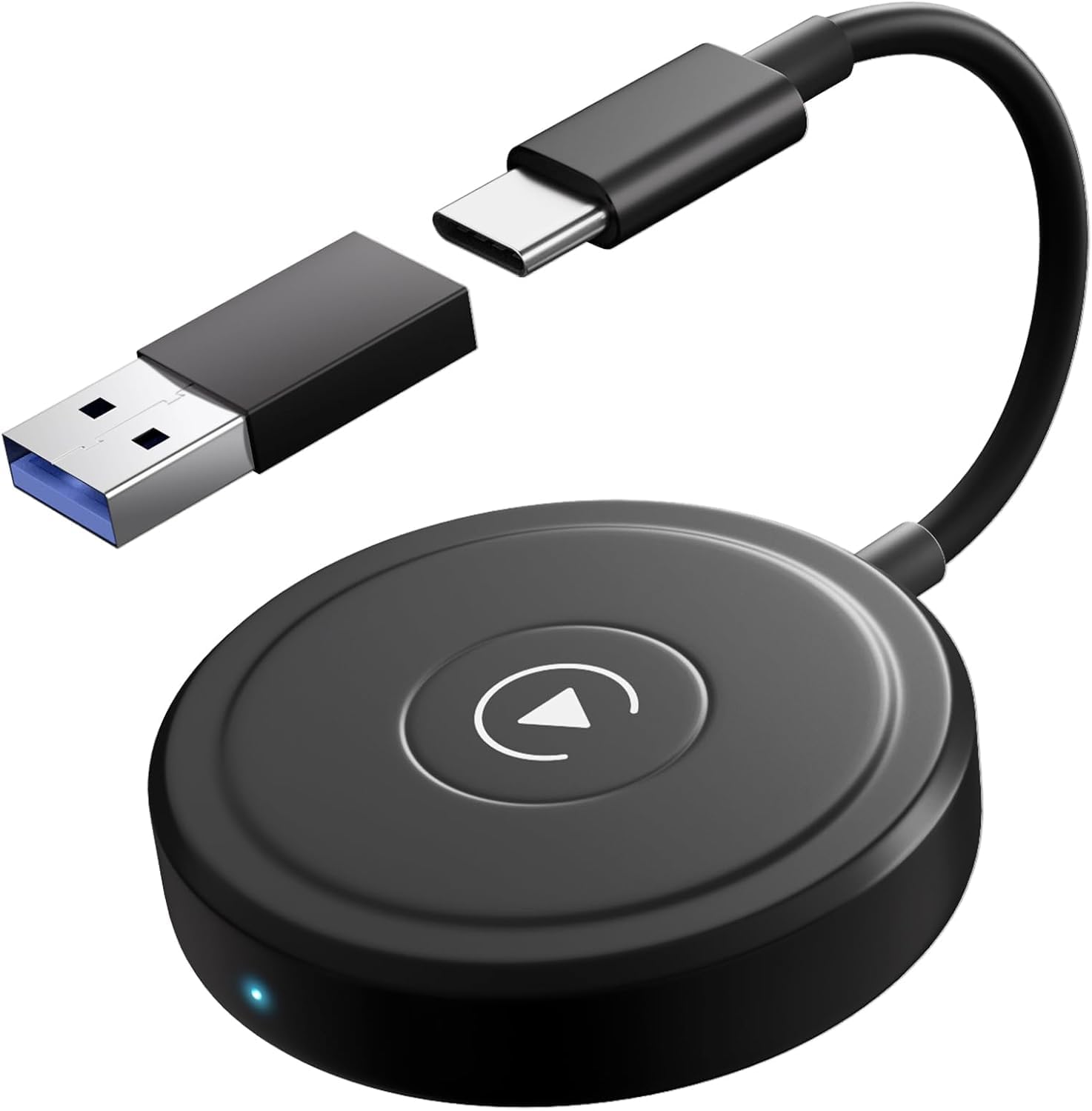
Image 1: The Anytrox Wireless CarPlay Adapter, showing its compact design and included USB and USB-C connectors.
2. Setup Instructions
Follow these steps to connect your Anytrox Wireless CarPlay Adapter:
- Connect the Adapter: Plug the wireless CarPlay adapter into your car's USB or USB-C port. Ensure the port supports data transfer, not just charging.
- Activate iPhone Features: On your iPhone, enable both Bluetooth and Wi-Fi.
- Pair with iPhone: Search for the adapter's Bluetooth signal on your iPhone and select it for pairing.
- Confirm CarPlay: Wait for the prompt on your iPhone and select "Use CarPlay" to establish the wireless connection.
Important Notes for Setup:
- Your vehicle must have a factory-installed wired CarPlay system for this adapter to function.
- Your iPhone must be running iOS 13 or a newer version.
- Ensure Siri is enabled on your iPhone. Wireless CarPlay will not be available if Siri is disabled.
- Before connecting, verify that your iPhone's Bluetooth and Wi-Fi are active and that your car's Bluetooth is not currently occupied by other devices.
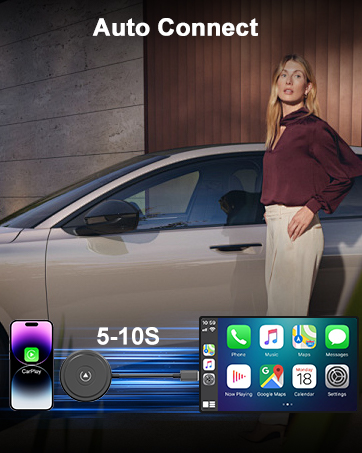
Image 2: Visual representation of the adapter enabling automatic wireless connection between an iPhone and the car's display within 5-10 seconds.
3. Operating Instructions
Once connected, the Anytrox Wireless CarPlay Adapter allows you to utilize your iPhone's CarPlay features directly on your car's display. The adapter provides a fast and stable connection via Bluetooth and a 5 GHz Wi-Fi module.
- Automatic Connection: After the initial pairing, the adapter will automatically connect to CarPlay when you start your car.
- Access CarPlay Functions: Enjoy all standard CarPlay functionalities, including navigation, music playback, making phone calls, and using Siri voice commands.
- Responsive Control: The adapter ensures quick information processing and high-frequency real-time data transfer, minimizing latency for a smooth and responsive user experience.
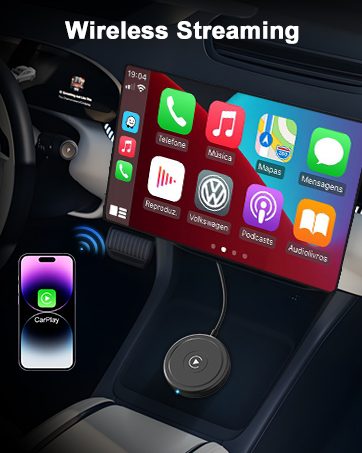
Image 3: An iPhone wirelessly streaming its CarPlay interface to the car's infotainment screen, illustrating the adapter's core function.
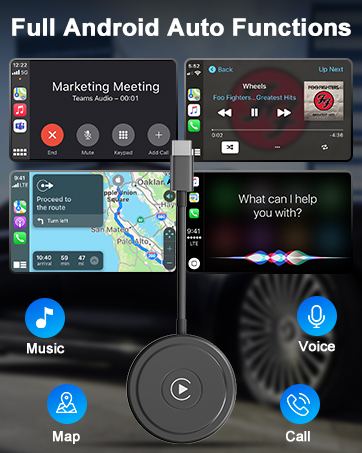
Image 4: The CarPlay interface displaying key functions such as music, navigation, voice control, and phone calls, accessible through the adapter.
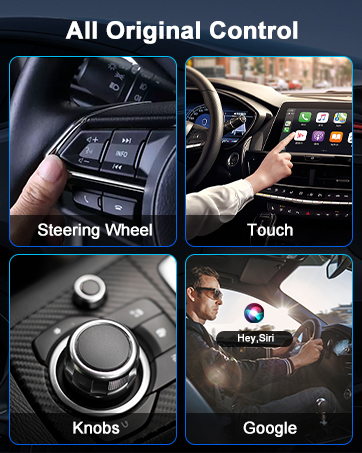
Image 5: Demonstrating control methods for CarPlay, including steering wheel buttons, touch screen, rotary knobs, and Siri voice commands.
4. Compatibility
The Anytrox Wireless CarPlay Adapter is designed for broad compatibility with specific vehicle and iPhone requirements:
- Vehicle Compatibility: Compatible with approximately 98% of cars that feature factory-installed wired CarPlay. This includes vehicles manufactured between 2017 and 2023. Known compatible brands include Audi, Volvo, Porsche, Benz, and Ford.
- iPhone Compatibility: Requires an iPhone running iOS 13 or a newer operating system.
- Connectivity: The adapter includes a USB to USB-C adapter, offering flexibility for various car port types.
5. Troubleshooting
If you encounter issues during setup or operation, consider the following:
- No Wireless CarPlay: Ensure Siri is enabled on your iPhone. If Siri is disabled, wireless CarPlay functionality will not be available.
- Connection Issues: Verify that your iPhone's Bluetooth and Wi-Fi are both active. Also, confirm that your car's Bluetooth system is not currently connected to or occupied by other devices.
- Initial Connection Failure: Double-check that your car has a factory-installed wired CarPlay system. The adapter is not compatible with vehicles that do not have wired CarPlay.
6. Specifications
| Feature | Detail |
|---|---|
| Brand | Anytrox |
| Model Number | THT-020-5-1 |
| Color | Black (Wireless Carplay Adapter) |
| Connector Type | USB Type C (includes USB to USB-C adapter) |
| Compatible Devices | Car stereo systems with factory wired CarPlay (e.g., Audi, Volvo, Porsche, Benz, Ford) |
| iPhone OS Requirement | iOS 13+ |
| Dimensions (L x W x H) | 15.1 x 6.8 x 1.7 cm |
| Number of Ports | 1 |
| Power Plug Type | None (powered via car's USB port) |
| Rechargeable Battery | No |
7. Warranty and Support
Anytrox provides the following for this product:
- Warranty: 1-year quality assurance warranty.
- Returns: 7-day no-reason return, refund, or replacement policy.
- Customer Service: 24-hour online customer service is available to assist you.
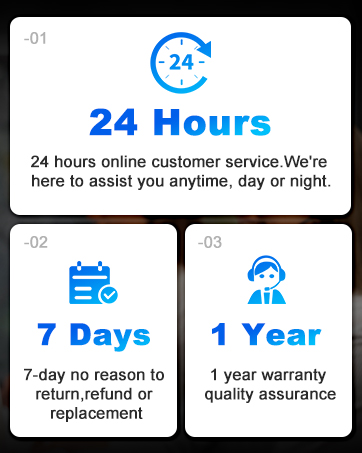
Image 6: Overview of Anytrox customer support, including 24-hour service, 7-day return policy, and 1-year warranty.


