
findtime 2197
findtime Men's Digital Watch
Instruction Manual
Product Overview
The findtime Men's Digital Watch, Model 2197, is a versatile tactical sport watch designed for outdoor enthusiasts and daily wear. It features a pedometer, compass, pacer, stopwatch, countdown timer, and LED backlight, all housed in a durable, 5ATM waterproof design. This manual provides detailed instructions to help you get the most out of your watch.

Image: The findtime Men's Digital Watch with a black silicone band, showcasing its digital display and rugged design.
Key Features
- Pedometer Watch: Tracks walking steps, calorie consumption, distance, and exercise minutes for comprehensive activity monitoring.
- Compass Watch: A built-in compass function assists in determining direction and navigation, useful for outdoor activities without relying solely on GPS.
- Pacer Function: Features a metronome mode to help stabilize running speed and rhythm during exercise.
- Waterproof Design (5ATM): Withstands swimming, washing hands, cold showering, and rain. Note: Do not press buttons underwater.
- Multifunctionality: Includes stopwatch, countdown timer, alarm, LED backlight, 12/24H time format, week, and calendar.
- Durable and Comfortable: Features an alloy bezel, ABS case, and a breathable, skin-friendly silicone strap for extended wear during any activity.
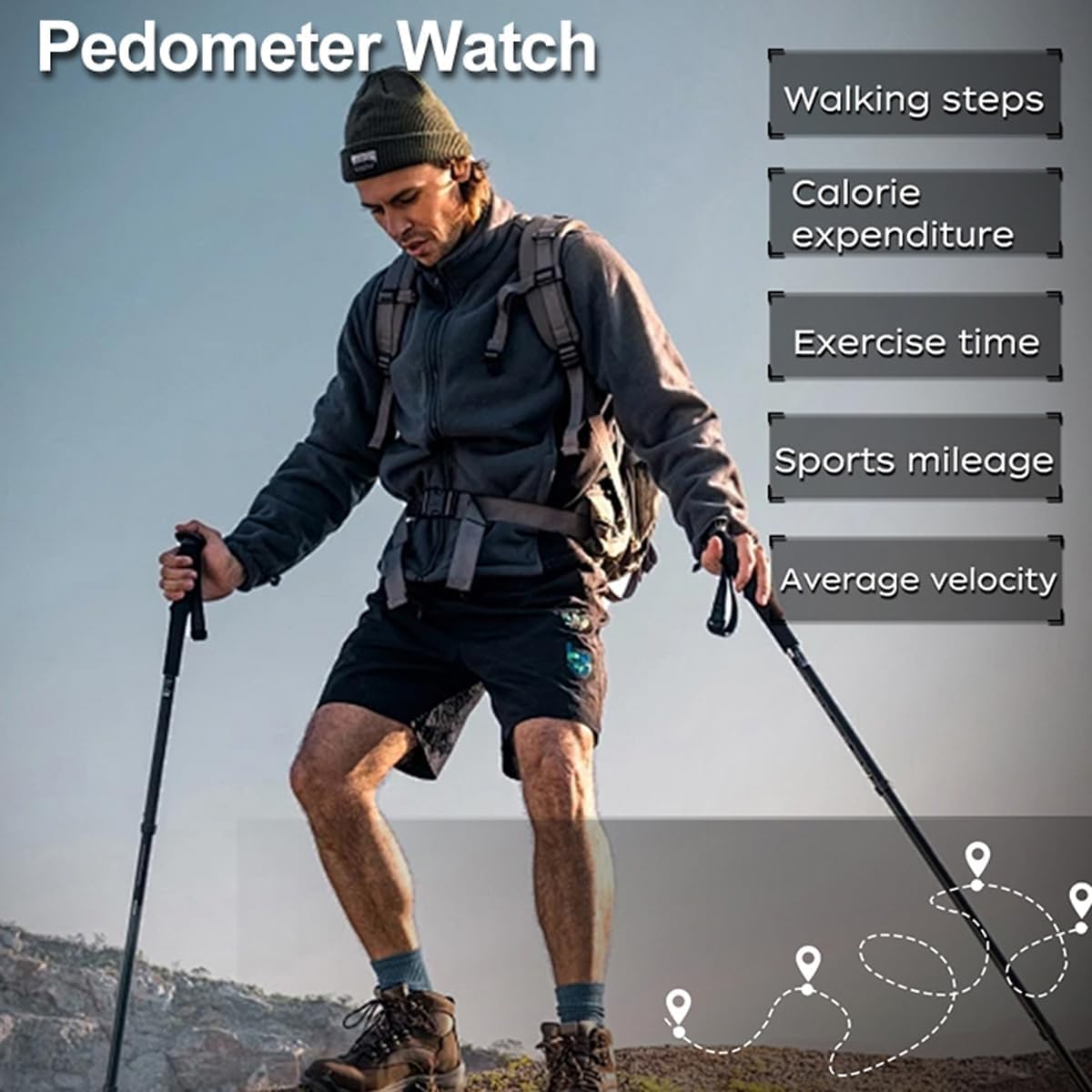
Image: A person hiking, illustrating the pedometer watch tracking walking steps, calorie expenditure, exercise time, sports mileage, and average velocity.

Image: A close-up of the watch face showing the compass display with directional indicators, guide direction, current time, and azimuth angle, superimposed over a person wearing the watch.

Image: The watch display showing 'PACER' mode with metronome mode, rhythm count, and beat frequency, with a runner in the background.

Image: The watch partially submerged in water with splashes, emphasizing its waterproof capability.
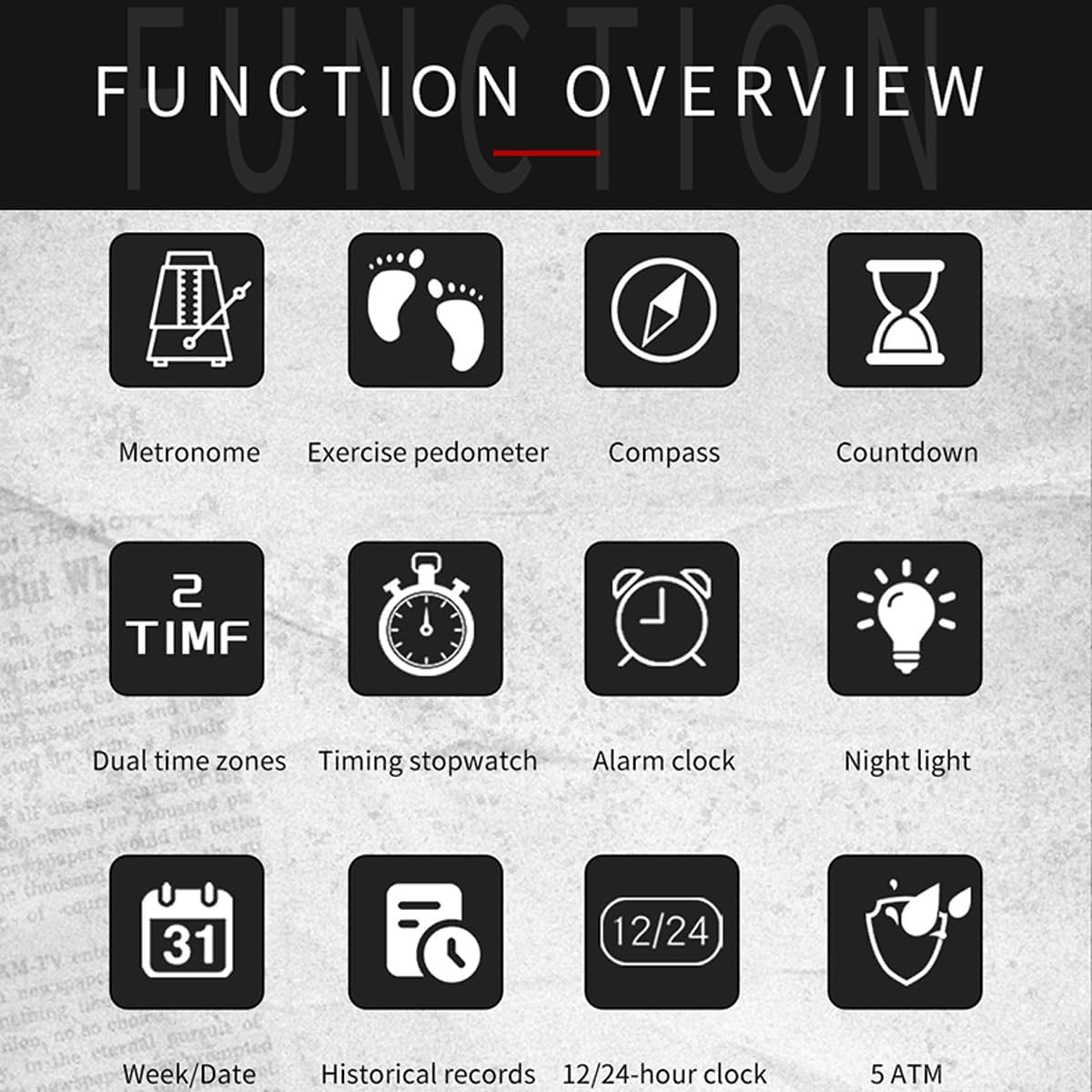
Image: A grid of icons representing various watch functions: Metronome, Exercise Pedometer, Compass, Countdown, Dual Time Zones, Timing Stopwatch, Alarm Clock, Night Light, Week/Date, Historical Records, 12/24-hour Clock, and 5 ATM water resistance.
Product Demonstration Video
Video: A demonstration of the findtime digital watch, showcasing its various functions such as time display, backlight activation, stopwatch, and the process of attaching and wearing the strap. Multiple watch colors and strap types are visible.
Initial Setup
Before first use, ensure the watch is properly set up. Refer to the buttons on your watch: typically 'LIGHT', 'MODE', 'START', and 'DOWN'.
- Power On/Initial Display: The watch should display the current time upon activation. If the display is blank, ensure the battery is active.
- Setting Time and Date:
- Press the 'MODE' button repeatedly until you enter the Time Setting mode (often indicated by flashing digits).
- Use the 'START' and 'DOWN' buttons to adjust the hours, minutes, year, month, and day.
- Press 'MODE' again to confirm each setting and move to the next.
- Once all settings are complete, press 'MODE' to exit the Time Setting mode.
- 12/24 Hour Format: In Time Setting mode, you may be able to toggle between 12-hour and 24-hour formats using the 'START' or 'DOWN' button when the hour digits are flashing.
Operating Instructions
Mode Navigation
Press the 'MODE' button to cycle through different functions: Time, Pedometer, Compass, Pacer, Stopwatch, Countdown, and Alarm.
Pedometer Function
- Navigate to the Pedometer mode using the 'MODE' button.
- The watch will automatically track your steps, calories burned, and distance.
- To reset the pedometer data, consult the specific instructions in your watch's full manual, as this often involves holding a button in Pedometer mode.
Compass Function
- Switch to Compass mode using the 'MODE' button.
- Hold the watch flat and level. The display will show directional indicators and an azimuth angle.
- Calibrate the compass periodically for accuracy, especially after significant magnetic interference or travel. Refer to the full manual for calibration steps.
Pacer Function
- Enter Pacer mode via the 'MODE' button.
- Use 'START' to begin the metronome.
- Use 'DOWN' to adjust the desired beat frequency (e.g., steps per minute).
- Press 'START' again to pause, and 'MODE' to exit.
Stopwatch Function
- Access Stopwatch mode with the 'MODE' button.
- Press 'START' to begin timing.
- Press 'START' again to pause.
- Press 'DOWN' to reset the stopwatch to zero.
Countdown Timer
- Go to Countdown mode using the 'MODE' button.
- Use 'START' and 'DOWN' to set the desired countdown time.
- Press 'START' to begin the countdown. An alarm will sound when the time reaches zero.
- Press 'START' to pause, and 'MODE' to exit.
Alarm Function
- Enter Alarm mode with the 'MODE' button.
- Use 'START' and 'DOWN' to set the alarm time.
- Activate or deactivate the alarm using a specific button (often 'START' or 'DOWN' when in Alarm setting mode). An alarm icon will typically appear on the display when active.
LED Backlight
Press the 'LIGHT' button to illuminate the display in low-light conditions. The backlight duration is preset.
Care and Maintenance
- Water Resistance: The watch is 5ATM waterproof, suitable for washing hands, cold showering, and swimming. However, do not press any buttons underwater, as this can compromise the seal and lead to water ingress.
- Temperature: Avoid exposing the watch to extreme temperatures (hot water, steam, direct sunlight for prolonged periods) as this can affect its internal components and battery life.
- Cleaning: Clean the watch regularly with a soft, damp cloth. For the silicone band, mild soap and water can be used. Ensure the watch is completely dry before wearing.
- Storage: When not in use for extended periods, store the watch in a cool, dry place away from direct sunlight and strong magnetic fields.
Troubleshooting
| Problem | Possible Cause | Solution |
|---|---|---|
| Display is blank or dim. | Low battery or battery needs replacement. | Replace the battery. If new, check if a protective tab needs removal. |
| Time is inaccurate. | Time not set correctly or watch exposed to strong magnetic fields. | Reset the time and date. Keep watch away from strong magnets. |
| Pedometer/Compass readings are inaccurate. | Improper calibration or environmental interference. | Ensure watch is worn correctly for pedometer. Recalibrate the compass as per full manual instructions. |
| Buttons are unresponsive. | Water ingress (if used underwater) or internal malfunction. | Ensure watch is dry. If issue persists, contact customer support. |
Technical Specifications
| Attribute | Detail |
|---|---|
| Brand | findtime |
| Model Number | 2197 |
| Product Dimensions | 10 x 1.89 x 0.55 inches |
| Item Weight | 2.22 ounces |
| Movement | Quartz |
| Band Material | Silicone |
| Clasp Type | Buckle |
| Water Resistance | 5 ATM (50 meters / 165 feet) |
Warranty and Support
This findtime watch comes with a 12-month warranty from the date of purchase, covering manufacturing defects. Please retain your proof of purchase for warranty claims.
For any questions, technical assistance, or warranty service, please contact the seller or manufacturer directly through the platform where the product was purchased. Provide your product model number (2197) and a detailed description of the issue for prompt support.