
1. Introduction
This manual provides essential information for the proper handling, installation, operation, and maintenance of the CG CHIPS GATE A68064 AND Logic Gate. The A68064 is a fundamental electronic component designed for various industrial and commercial applications, ensuring reliable logic processing within circuits.
CG CHIPS GATE, established in 2010, specializes in supplying industrial automation equipment, including PLC modules, motor drives, control systems, and integrated circuits like the A68064. The company is committed to maintaining consistent product standards through careful sourcing and quality checks.
Official video from CG CHIPS GATE, showcasing their role as a supplier of industrial automation equipment, modules, and IC chips. This provides an overview of the company's operations and commitment to quality.
2. Setup and Installation
Proper handling and installation are crucial for the longevity and correct functioning of the A68064 AND Logic Gate. Electronic components are sensitive to electrostatic discharge (ESD) and physical damage.

Electronic components like the A68064 are packaged in these anti-static bags to protect them from electrostatic discharge (ESD), which can cause damage during handling and transport. Always handle components in an ESD-safe environment.
2.1 Handling Precautions
- Always wear an anti-static wrist strap when handling the component.
- Work on an ESD-safe mat.
- Keep the component in its anti-static packaging until ready for installation.
- Avoid touching the pins directly.
2.2 Installation Steps
- Identify the correct orientation of the A68064 on the circuit board or socket. Refer to the datasheet for pin assignments and notch/dot indicators.
- Carefully insert the pins into the designated holes or socket. Ensure all pins are aligned before applying gentle, even pressure.
- If soldering, use appropriate soldering techniques to avoid overheating the component.
- Verify all connections are secure and correctly wired according to your circuit design.
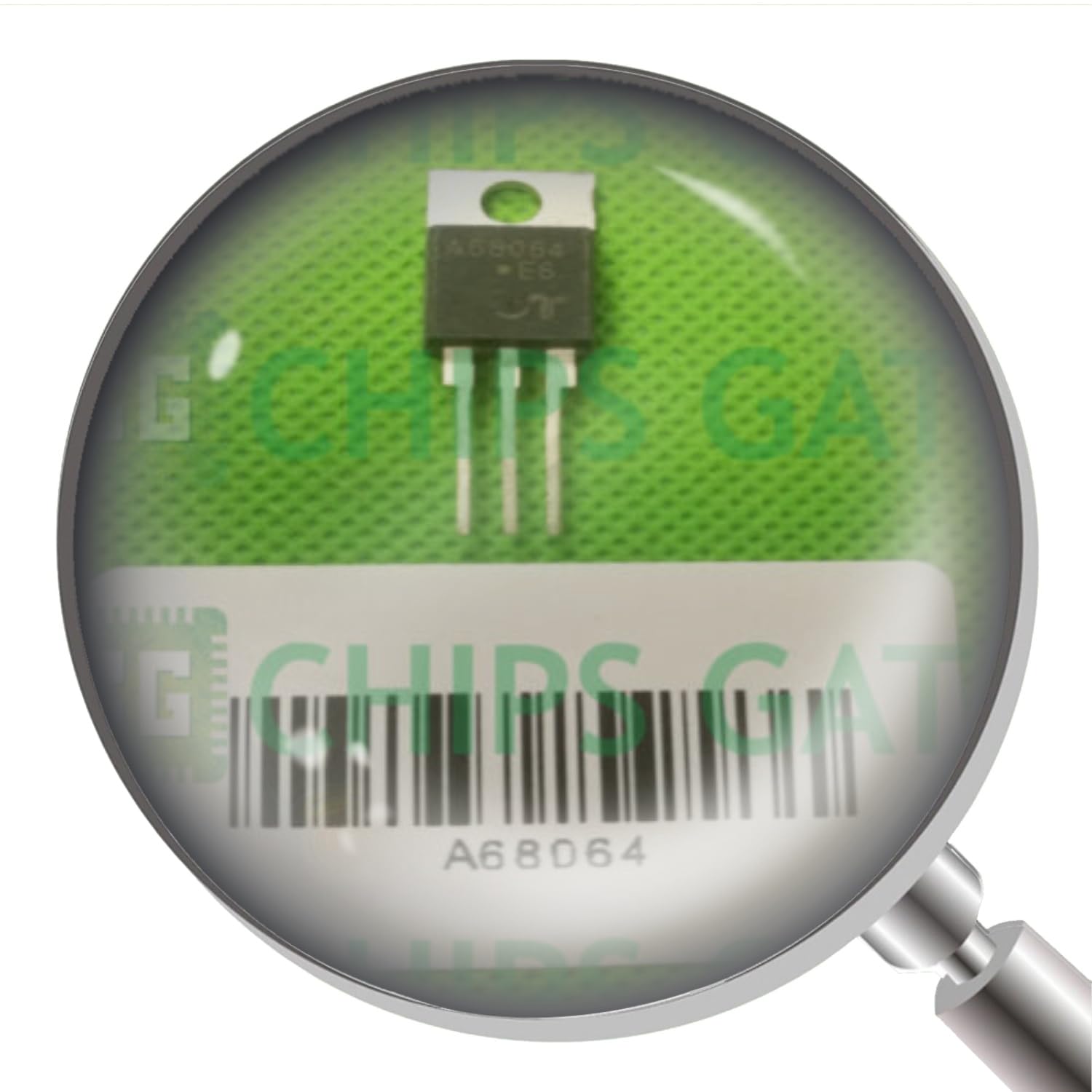
This image displays the A68064 AND Logic Gate, an electronic component. The magnification highlights the model number and a barcode, indicating its identification.
3. Operating Principles
The A68064 functions as an AND Logic Gate. An AND gate is a basic digital logic gate that implements logical conjunction. It produces a high output (1) only if all its inputs are high (1). If any input is low (0), the output will be low (0).
3.1 Truth Table for a 2-Input AND Gate
| Input A | Input B | Output (A AND B) |
|---|---|---|
| 0 (Low) | 0 (Low) | 0 (Low) |
| 0 (Low) | 1 (High) | 0 (Low) |
| 1 (High) | 0 (Low) | 0 (Low) |
| 1 (High) | 1 (High) | 1 (High) |
The specific number of inputs for the A68064 will be detailed in its full datasheet. Ensure your circuit design provides the correct input signals and power supply voltage as specified for the component.
4. Maintenance
The A68064 AND Logic Gate is a solid-state electronic component and generally requires minimal maintenance once properly installed. However, adhering to good practices can extend its lifespan and ensure reliable operation.
- Cleanliness: Keep the operating environment free from dust, dirt, and moisture. Accumulation of contaminants can lead to short circuits or poor heat dissipation.
- Temperature: Ensure the component operates within its specified temperature range. Excessive heat can degrade performance and shorten lifespan.
- Physical Inspection: Periodically inspect the component and its connections for any signs of physical damage, corrosion, or loose solder joints.
- Storage: If storing unused components, keep them in their original anti-static packaging in a cool, dry place.
5. Troubleshooting
If the A68064 AND Logic Gate is not functioning as expected, consider the following troubleshooting steps:
- Power Supply: Verify that the correct voltage and current are being supplied to the component's power pins. Incorrect power can prevent operation or cause damage.
- Input Signals: Check the input signals to ensure they are within the specified voltage levels (high/low) and are stable. Use a multimeter or oscilloscope if available.
- Connections: Inspect all wiring and solder joints for continuity and proper connection. A loose or incorrect connection is a common cause of malfunction.
- Orientation: Confirm the component is installed with the correct orientation. Incorrect insertion can lead to immediate failure upon power-up.
- Circuit Design: Review your circuit design against the component's datasheet to ensure compatibility and correct implementation of the logic function.
- Component Failure: If all other checks pass, the component itself may be faulty. Replace it with a new one, ensuring proper ESD precautions during replacement.
6. Specifications
The following specifications are provided for the CG CHIPS GATE A68064 AND Logic Gate:
- Item Model Number: A68064--CG
- Manufacturer: CG CHIPS GATE
- ASIN: B0DGQ59CF8
- Date First Available: September 11, 2024
- Product Type: AND Logic Gate (Semiconductor Product)
For detailed electrical characteristics, pin configurations, and operating conditions, please refer to the official datasheet provided by the manufacturer.
7. Warranty and Support
For information regarding product warranty, returns, or technical support, please refer to the terms and conditions provided at the point of purchase or contact CG CHIPS GATE directly through their official channels. CG CHIPS GATE is dedicated to customer satisfaction and product quality.
You can visit the official CG CHIPS GATE Store for more information and contact options.