
1. Introduction
This manual provides comprehensive instructions for the VINABTY Replacement Soundbar Remote Control, models COV33552438 and COV33552433. This remote is designed as a direct replacement for LG Sound Bar SK1 models, offering immediate functionality without complex setup procedures. Please read this manual carefully to ensure proper use and longevity of your remote control.
2. Product Overview
The VINABTY Replacement Remote Control is an ergonomic device designed for seamless operation of your LG Sound Bar SK1. It features all essential functions for controlling your soundbar's audio settings.

Figure 2.1: Front view of the VINABTY Replacement Remote Control. This image displays the layout of all control buttons, including power, volume, input selection, and sound modes.
Key Features:
- No setup required: Ready to use directly out of the package.
- Ergonomic design for comfortable handling.
- Direct replacement for original LG Sound Bar SK1 remote controls (COV33552438, COV33552433).
3. Setup
3.1 Battery Installation
The remote control requires two AAA batteries (not included) for operation. Follow these steps to install the batteries:
- Locate the battery compartment on the back of the remote control.
- Slide the battery compartment cover downwards to open it.
- Insert two AAA batteries, ensuring the positive (+) and negative (-) terminals align correctly with the markings inside the compartment.
- Slide the battery compartment cover back into place until it clicks securely.

Figure 3.1: Back view of the remote control with the battery compartment. This image illustrates where to insert the AAA batteries.
3.2 Initial Use
This replacement remote control is pre-programmed and does not require any pairing or setup procedures. Once batteries are installed, it is ready for immediate use with compatible LG Sound Bar SK1 models.
4. Operating Instructions
Point the remote control directly at your LG Sound Bar SK1 to ensure proper signal transmission. Below is a guide to the main functions:
- Power Button (⏻): Turns the soundbar on or off.
- VOL + / -: Increases or decreases the volume level.
- Mute Button (🔇): Mutes or unmutes the sound.
- OPTICAL: Selects the optical input source.
- PORT.IN: Selects the portable input source.
- Bluetooth Button (☋): Activates or deactivates Bluetooth pairing mode.
- STANDARD: Selects the standard sound effect mode.
- BASS BLAST: Enhances bass output for a more dynamic sound.
- DRC ON / OFF: Toggles Dynamic Range Control (DRC) on or off. DRC adjusts the dynamic range of audio to make quiet sounds louder and loud sounds quieter, suitable for late-night listening.
- Previous Track (⏮): Skips to the beginning of the current track or the previous track.
- Play/Pause (⏸): Plays or pauses audio playback.
- Next Track (⏭): Skips to the next track.
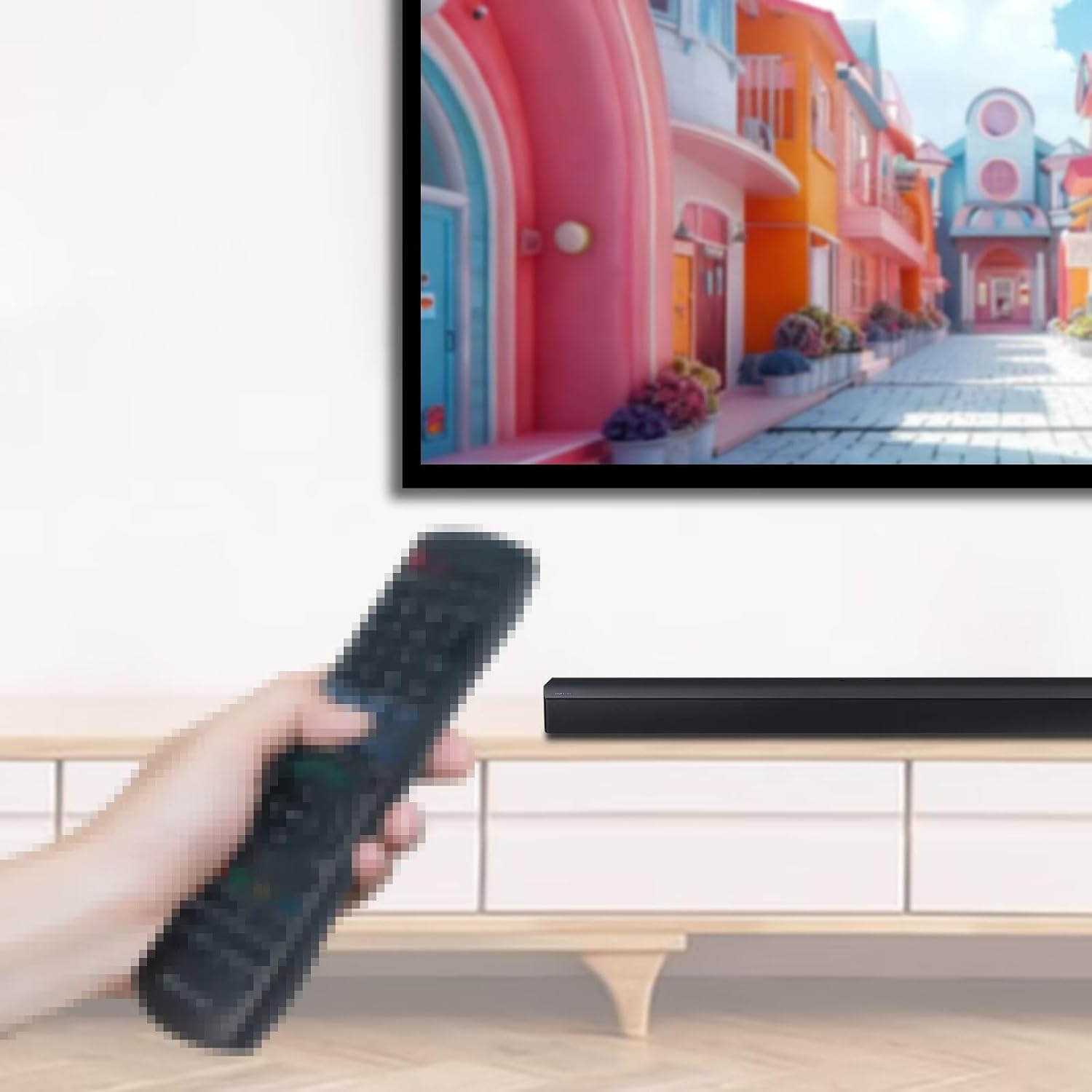
Figure 4.1: Remote control in use with a soundbar. This image demonstrates the typical usage scenario, showing the remote being pointed at the soundbar.
5. Maintenance
5.1 Cleaning
To clean the remote control, use a soft, dry cloth. Do not use liquid cleaners, abrasive pads, or chemical solvents, as these may damage the surface or internal components.
5.2 Battery Replacement
Replace batteries when the remote control becomes unresponsive or its range decreases. Always replace both AAA batteries at the same time with new ones. Do not mix old and new batteries, or different types of batteries.
5.3 Storage
Store the remote control in a cool, dry place away from direct sunlight and extreme temperatures. If the remote will not be used for an extended period, remove the batteries to prevent leakage and potential damage.
6. Troubleshooting
- Remote not responding:
- Check if the batteries are inserted correctly with the correct polarity.
- Replace the batteries with new AAA batteries.
- Ensure there are no obstructions between the remote control and the soundbar's infrared receiver.
- Confirm the remote is pointed directly at the soundbar.
- Limited range:
- Replace the batteries. Low battery power can reduce the remote's effective range.
- Ensure no strong light sources (e.g., direct sunlight, fluorescent lights) are interfering with the IR signal.
7. Specifications
| Feature | Detail |
|---|---|
| Brand | VINABTY |
| Model Numbers | COV33552438, COV33552433 |
| Compatible Devices | LG Sound Bar SK1 (Home Theater) |
| Power Source | 2 x AAA Batteries (not included) |
| Product Dimensions | 5 x 2 x 0.55 inches |
| Item Weight | 1.9 ounces |
| Color | Black |
| Special Feature | Ergonomic |
8. Warranty and Support
Warranty information for this product is not provided within this manual. For details regarding warranty coverage or technical support, please refer to the product packaging or contact the manufacturer, VINABTY lnc, directly.