
1. Introduction
Thank you for choosing the Nemlistey Rechargeable Book Light. This versatile reading light is designed to provide optimal illumination for various activities such as reading, studying, and working, without disturbing others. Its innovative design, adjustable features, and multiple lighting modes ensure a comfortable and eye-friendly experience.

Image 1.1: The Nemlistey Rechargeable Book Light in use, demonstrating its design and lighting capabilities.
2. Key Features
- Optimal Night Lighting: Features a unique horizontal head design with 6 high-brightness lamp beads for expanded and uniform lighting. The ABS lampshade ensures soft light, reducing eye fatigue during prolonged use.
- Versatile Lighting Modes: Offers three color temperature modes (white light, warm light, warm white light) and stepless dimming brightness. Easily switch modes with a short press and adjust brightness with a long press. Includes a memory function to retain previous settings.
- Flexible and Secure Design: Equipped with a 360° flexible goose-neck tube for multi-angle lighting. The clip features an anti-skid pad for firm attachment to books, shelves, or tables. A magnetic base allows direct adsorption on iron surfaces.
- Rechargeable Battery: Comes with a USB charging cable for convenient recharging. A full charge takes 2-3 hours, providing extended wireless reading time.
- Portable and Lightweight: Compact and easy to carry, making it an ideal companion for travel, camping, work, and bedtime reading.
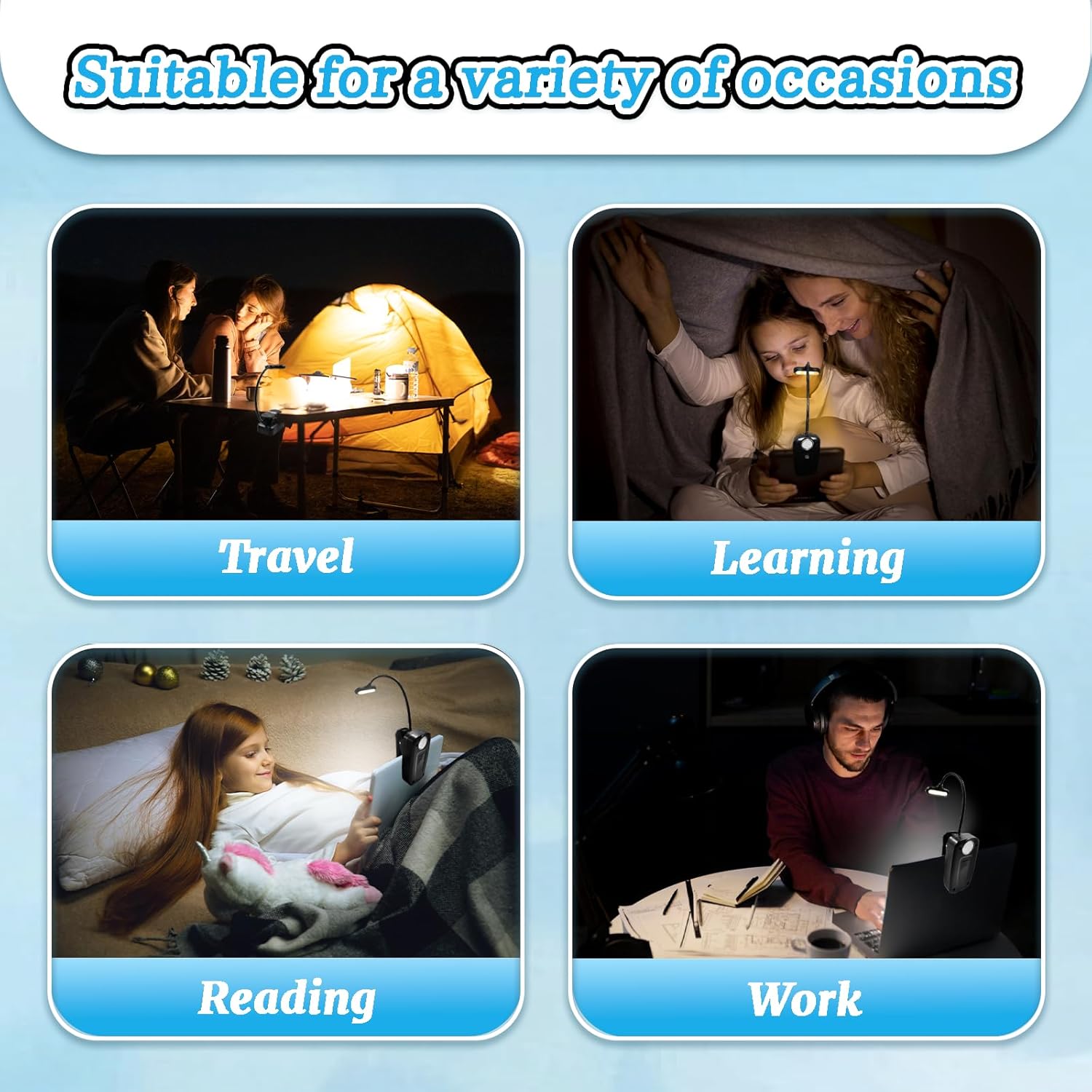
Image 2.1: The book light is suitable for various occasions, including travel, learning, reading, and work.
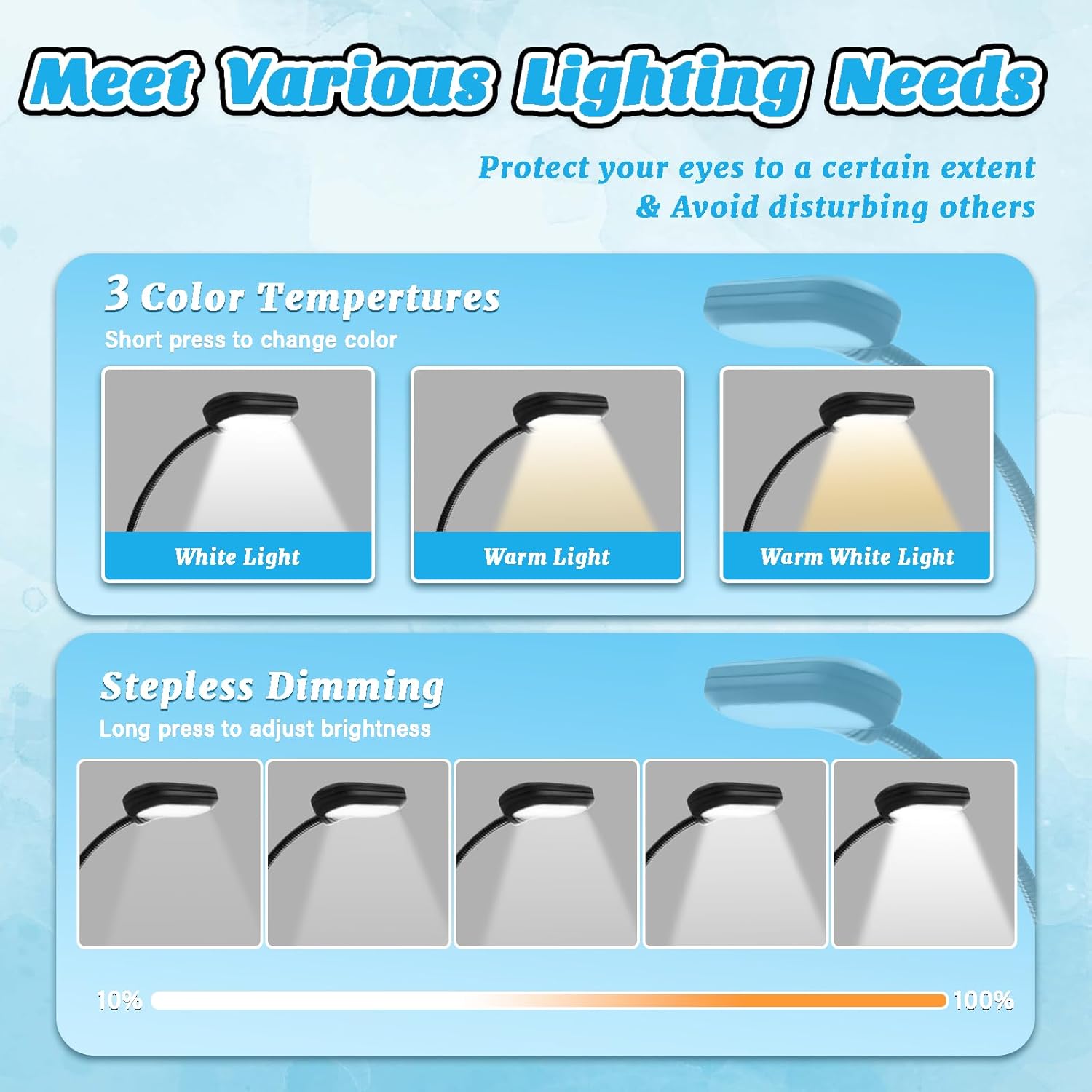
Image 2.2: The light offers three color temperatures and stepless dimming to meet various lighting needs.
3. Setup
3.1 Charging the Book Light
- Locate the USB charging port on the book light.
- Connect the provided USB charging cable to the light's port.
- Plug the other end of the USB cable into a compatible USB power source (e.g., laptop, USB adapter, power bank).
- The charging indicator light (if present) will illuminate during charging and turn off or change color when fully charged.
- A full charge typically takes 2-3 hours.

Image 3.1: The book light features a USB charging port for convenient power replenishment.
3.2 Attaching the Book Light
- Clip-on: Use the integrated clip to firmly attach the light to a book, e-reader, bookshelf, or table edge. The anti-skid pad ensures stability.
- Magnetic Suction: The round bottom of the clip contains a magnet. You can directly attach the light to any iron or ferrous metal surface, such as a metal headboard or desk.
4. Operating Instructions
4.1 Power On/Off
Locate the switch button on the light head.
- To Power On: Short press the switch button.
- To Power Off: Short press the switch button again until the light turns off.
4.2 Changing Color Temperature
The light offers three color temperature modes: White Light, Warm Light, and Warm White Light.
- While the light is on, short press the switch button repeatedly to cycle through the color temperature modes.
4.3 Adjusting Brightness (Stepless Dimming)
Each color temperature mode supports stepless dimming from weak to strong brightness.
- While the light is on, long press the switch button. The brightness will gradually increase or decrease. Release the button when the desired brightness is reached.
4.4 Memory Function
The book light features a memory function. When you turn the light on again, it will automatically resume the last used brightness level and color temperature setting.
4.5 Adjusting the Gooseneck
The 360° flexible goose-neck allows you to position the light exactly where you need it for optimal illumination.
- Gently bend and twist the flexible neck to direct the light beam.
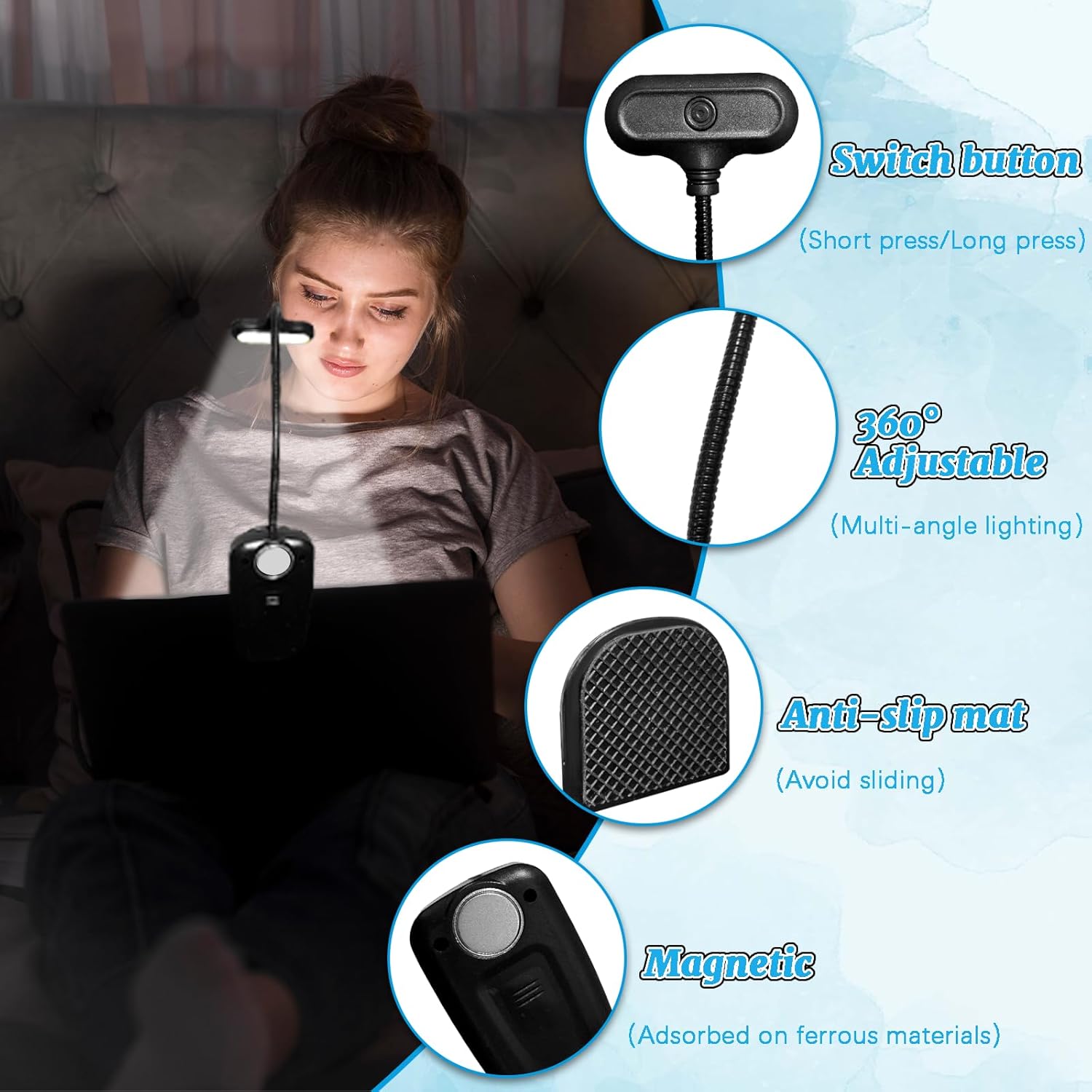
Image 4.1: Key operational features including the switch, 360° adjustable neck, anti-slip mat, and magnetic base.
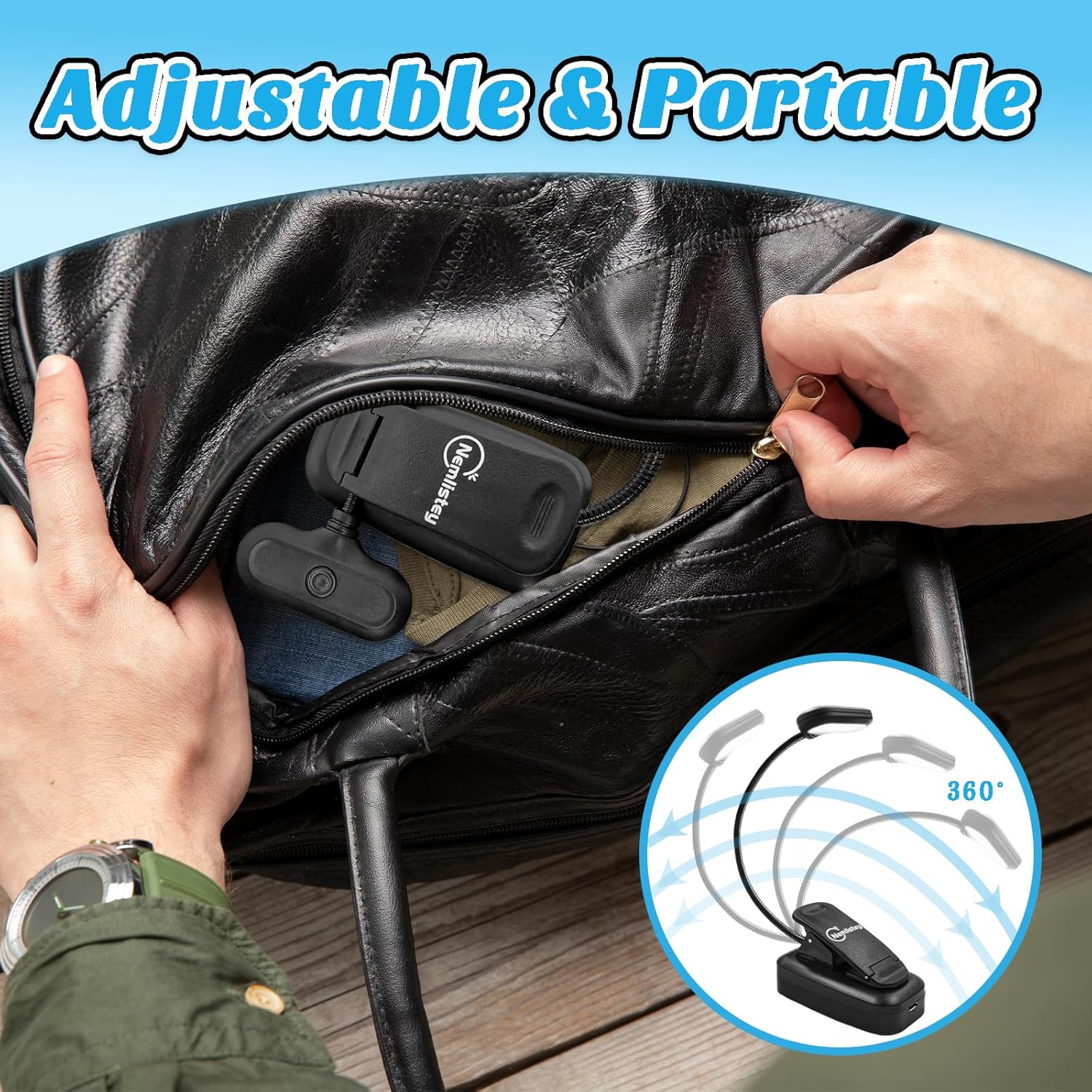
Image 4.2: The light's adjustable and portable design, showing it can be easily folded and carried.
5. Maintenance
- Cleaning: Use a soft, dry cloth to wipe the surface of the light. Do not use abrasive cleaners or solvents, as they may damage the finish.
- Storage: When not in use for extended periods, store the book light in a cool, dry place. It is recommended to fully charge the battery before storing to maintain battery health.
- Battery Care: To prolong battery life, avoid completely draining the battery frequently. Recharge the light when the brightness noticeably diminishes.
6. Troubleshooting
| Problem | Possible Cause | Solution |
|---|---|---|
| Light does not turn on. | Battery is depleted. | Charge the book light for 2-3 hours. |
| Light is dim or flickers. | Low battery. | Recharge the book light. |
| Cannot change color temperature or brightness. | Incorrect button press. | Ensure you are short pressing for color change and long pressing for brightness adjustment. |
| Light does not hold charge. | Battery degradation or faulty charging cable/adapter. | Try a different USB charging cable and adapter. If the issue persists, contact customer support. |
7. Specifications
| Attribute | Value |
|---|---|
| Model | B0DGLCBPRL |
| Finish Type | Matte |
| Base Material | Acrylonitrile Butadiene Styrene |
| Product Dimensions | 2.75"D x 2.67"W x 3.93"H |
| Item Weight | 0.18 Pounds |
| Lamp Type | Desk Lamp |

Image 7.1: Detailed dimensions and ultra-light weight of the book light.
8. Warranty and Support
For any questions, concerns, or technical support regarding your Nemlistey Rechargeable Book Light, please contact our customer service team. We are committed to providing excellent support and ensuring your satisfaction.
Please refer to your purchase documentation for specific warranty details and contact information.
Thank you for choosing Nemlistey.