
1. Introduction
Welcome and thank you for choosing the Matast DY210 Portable Charger Power Bank. This manual provides essential information for the safe and efficient use of your device. Please read it thoroughly before operation and retain it for future reference.
2. Important Safety Instructions
To ensure safe operation and prevent damage, please observe the following precautions:
- Do not expose the power bank to extreme temperatures (above 60°C/140°F or below 0°C/32°F).
- Avoid dropping, disassembling, or attempting to repair the device yourself.
- Keep the power bank away from water, moisture, and flammable materials.
- Use only certified charging cables and adapters.
- Do not use the power bank if it is damaged, swollen, or leaking.
- Keep out of reach of children.
- Dispose of the power bank according to local regulations; do not discard with household waste.
3. Product Overview
The Matast DY210 is a compact and versatile 10000mAh portable power bank designed for on-the-go charging. It features both magnetic wireless charging and wired charging capabilities, along with a digital display for battery status.
Device Components
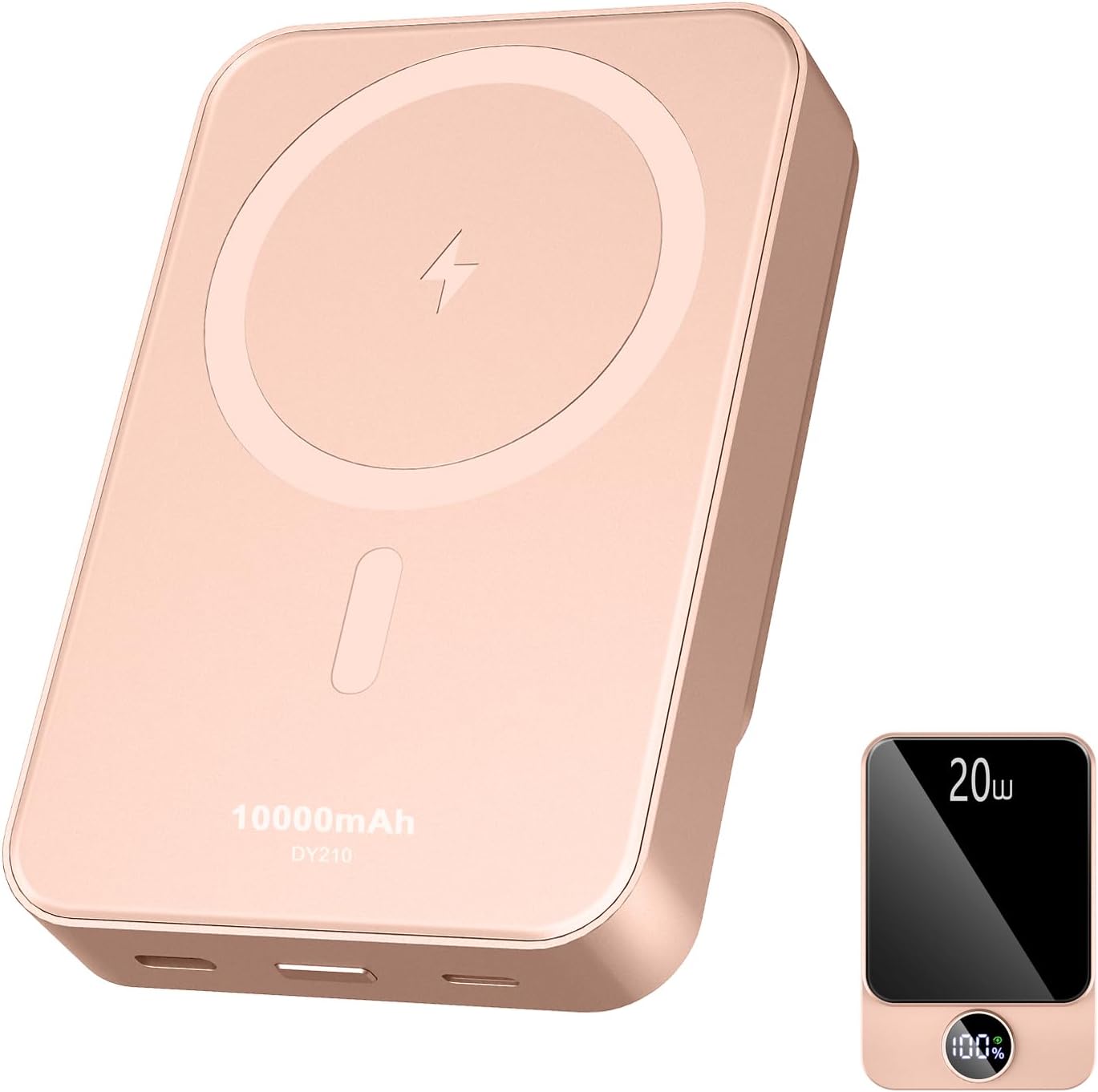
A front view of the Matast DY210 Portable Charger Power Bank, showcasing its compact design and digital display.
- Magnetic Wireless Charging Pad: For compatible devices.
- USB Type-C Port (Input/Output): For charging the power bank and charging devices.
- Micro USB Port (Input): For charging the power bank.
- Power Button: To activate the power bank and check battery status.
- Digital Display: Shows remaining battery percentage and charging status.
4. Setup
Initial Charging of the Power Bank
Before using your Matast DY210 for the first time, it is recommended to fully charge it.
- Connect a USB-C cable to the Type-C port on the power bank.
- Connect the other end of the cable to a compatible USB wall adapter (not included).
- The digital display will show the charging progress, indicating 100% when fully charged.
5. Operating Instructions
Charging Devices Wirelessly (Magnetic)
The Matast DY210 supports magnetic wireless charging for compatible devices.
- Press the power button once to activate the power bank.
- Align your compatible smartphone (e.g., iPhone 12 series or newer with MagSafe) with the magnetic charging area on the power bank. The magnets will automatically snap into place.
- Ensure the device is properly aligned for optimal charging. The digital display may show a charging indicator.
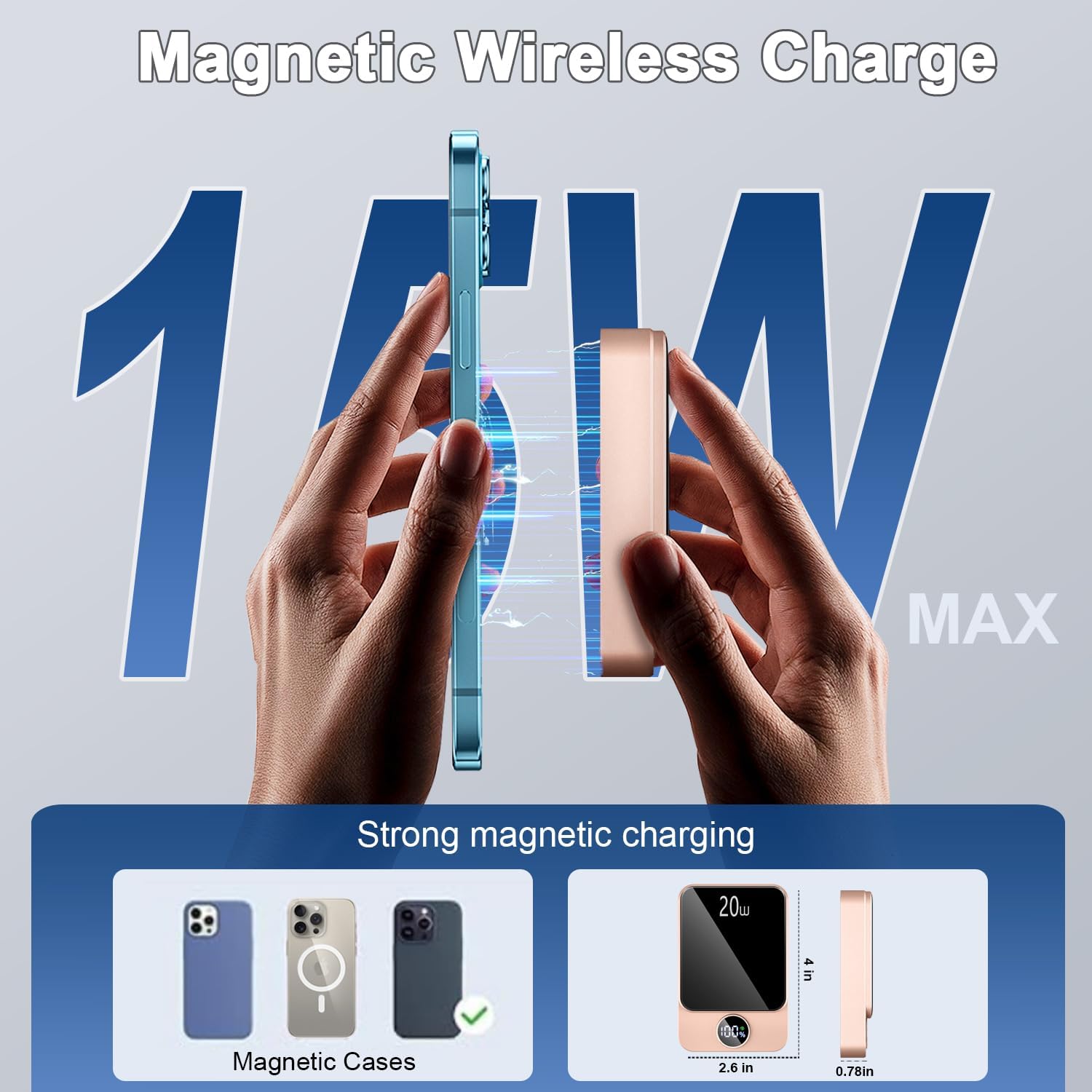
This image demonstrates the magnetic wireless charging feature, showing a smartphone securely attached to the power bank while charging.

This image emphasizes the strong magnetic attachment, showing the power bank securely fastened to a smartphone for convenient, wire-free charging.
Charging Devices via Cable
The power bank can charge devices using its USB Type-C port.
- Press the power button once to activate the power bank.
- Connect your device to the power bank using a compatible USB-C to USB-C or USB-C to Lightning cable.
- The power bank can charge two devices simultaneously (one wirelessly, one via cable).
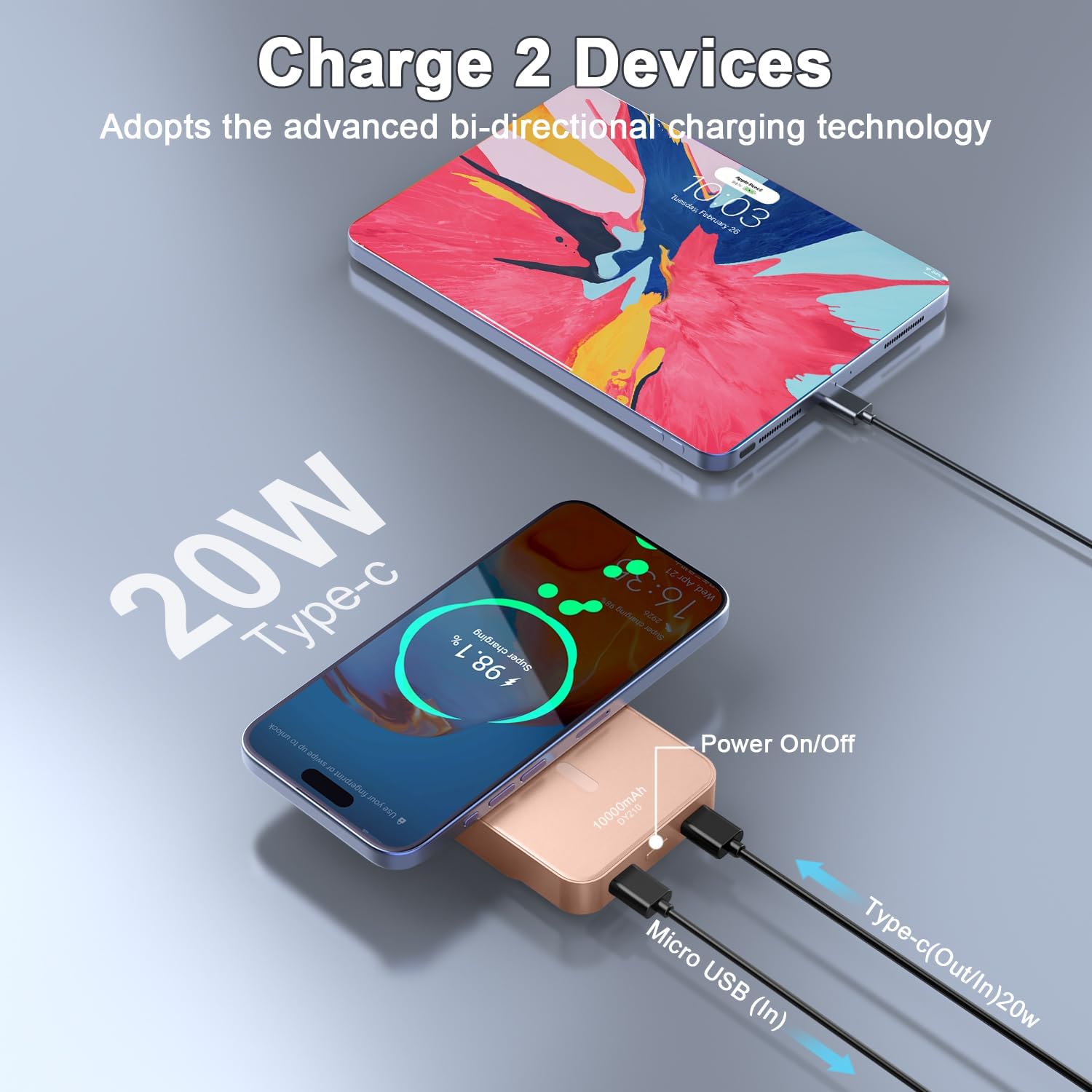
The power bank is shown charging two devices concurrently: one wirelessly and another through its USB-C port, demonstrating its dual-charging capability.
Recharging the Power Bank
When the power bank's battery is low, recharge it using either the USB Type-C or Micro USB input.
- Connect a USB-C or Micro USB cable to the corresponding input port on the power bank.
- Connect the other end of the cable to a power source (e.g., wall adapter, computer USB port).
- The digital display will show the charging percentage.
Digital Display
The integrated digital display provides real-time information:
- Battery Percentage: Shows the remaining charge level of the power bank.
- Charging Indicator: May show an icon or specific text when a device is being charged or when the power bank itself is recharging.
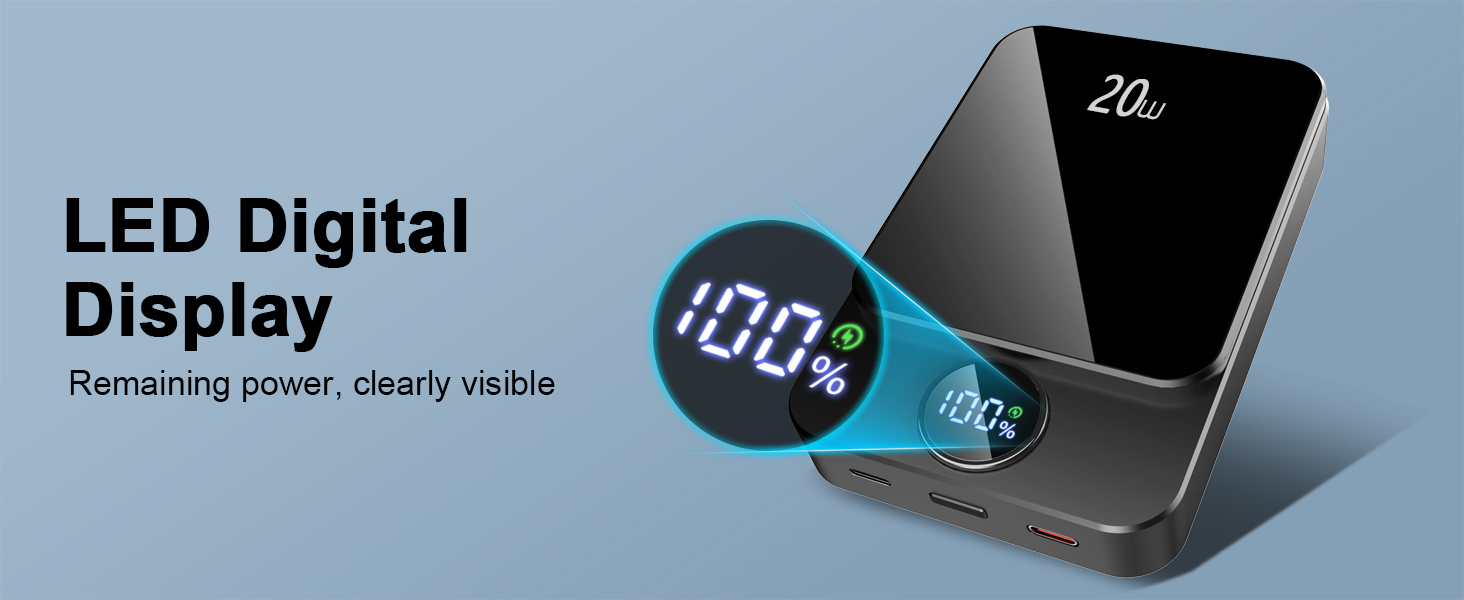
A close-up of the Matast DY210's LED digital display, clearly showing the remaining power percentage.
6. Maintenance
Care and Storage
- Cleaning: Use a soft, dry cloth to clean the power bank. Do not use liquid cleaners or aerosols.
- Storage: Store the power bank in a cool, dry place away from direct sunlight and extreme temperatures.
- Battery Longevity: For optimal battery life, fully charge and discharge the power bank at least once every three months if not in regular use.
7. Troubleshooting
Common Issues and Solutions
| Problem | Possible Cause | Solution |
|---|---|---|
| Power bank not charging device | Power bank is off; low battery; incompatible cable/device; poor magnetic alignment. | Press power button; recharge power bank; use a compatible cable/device; adjust magnetic alignment. |
| Power bank not recharging | Faulty charging cable/adapter; power source issue. | Try a different cable/adapter; ensure power source is active. |
| Slow charging | Cable/adapter not fast charging compatible; device drawing high power. | Use a fast-charging compatible cable/adapter; close background apps on device. |
| Device overheating | Environmental factors; prolonged use; device case interference. | Remove device case; ensure good ventilation; discontinue use if excessive. |
8. Specifications
| Feature | Detail |
|---|---|
| Model Number | DY210 |
| Battery Capacity | 10000 Milliamp Hours (mAh) |
| Product Dimensions | 2 x 2 x 3 inches |
| Item Weight | 9.1 ounces |
| Connector Type | USB Type C, Micro USB |
| Special Feature | Digital Display |
| Manufacturer | Shenzhen Guangxun Lishen Technology Co., Ltd. DongguanTangxia Branch |
| Date First Available | September 10, 2024 |
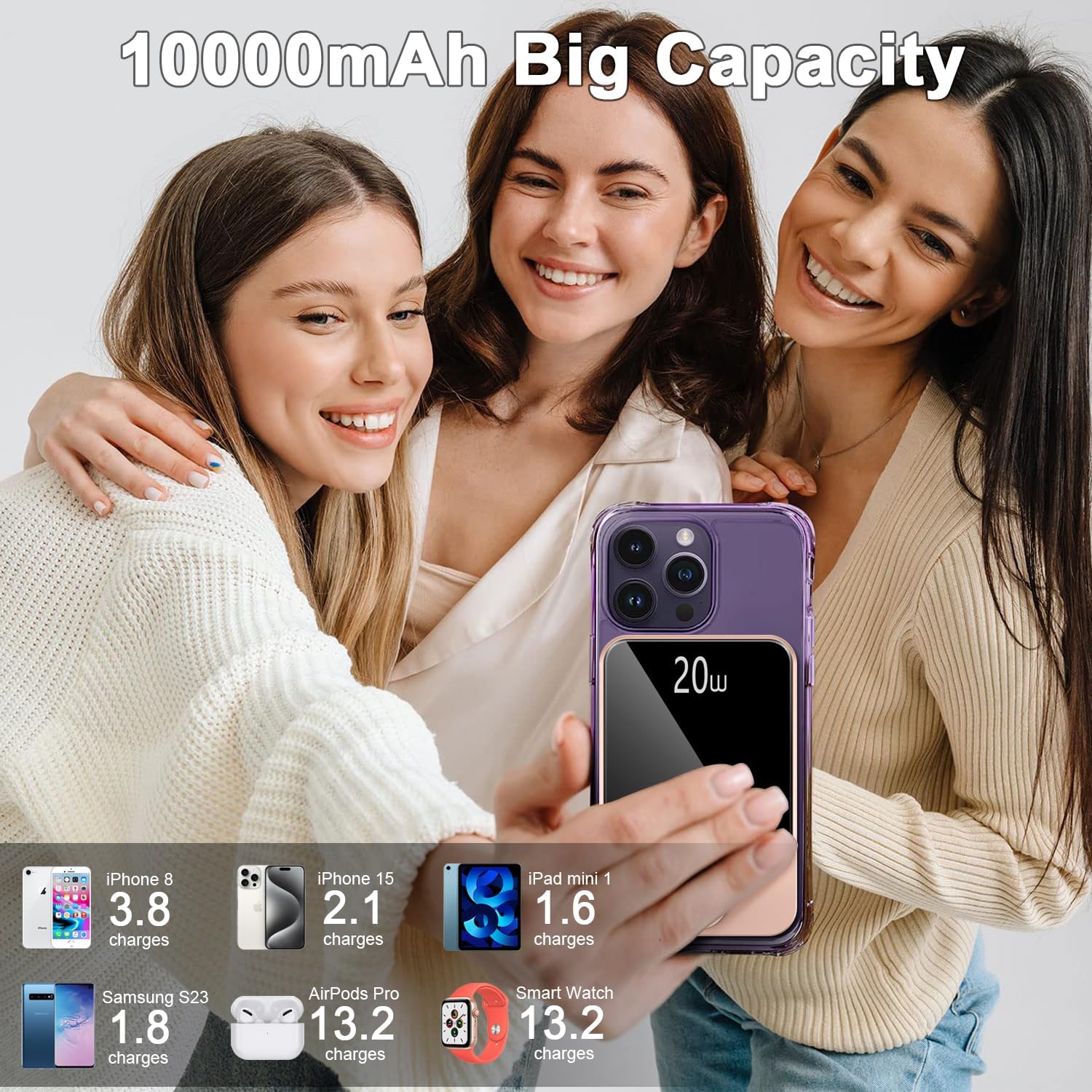
An illustration of the 10000mAh capacity, showing how many times the power bank can charge different devices such as an iPhone, AirPods Pro, and a Smart Watch.

This image highlights the multiple safety protections built into the Matast DY210, including safeguards against overcharge, short circuits, temperature fluctuations, and overvoltage.

This collage illustrates the versatility of the power bank, depicting its use in diverse environments such as travel, office, camping, and climbing, emphasizing its portability.
9. Warranty and Support
Warranty Information
The Matast DY210 Portable Charger Power Bank comes with a standard manufacturer's warranty. Please refer to the product packaging or the official Matast website for specific warranty terms and conditions.
Customer Support
For technical assistance, warranty claims, or any questions regarding your Matast DY210, please contact our customer support team:
- Email: support@matast.com
- Website: Matast Official Store