
1. Product Overview
The WMSNUH MF-230 MF230 toner cartridges are designed as a compatible replacement for use with specific Canon IC MF series printers. These cartridges are engineered to provide consistent print quality for text and images, offering a high page yield suitable for various printing needs.

Figure 1: WMSNUH MF-230 MF230 Toner Cartridge. This image displays the toner cartridge, highlighting its upgraded chip for compatibility and performance, and its design for higher page yield and excellent print quality.
2. Compatibility
These WMSNUH MF-230 MF230 toner cartridges are compatible with the following Canon IC MF series printer models:
- Canon IC MF230
- Canon IC MF233n
- Canon IC MF236n
- Canon IC MF232w
- Canon IC MF-230
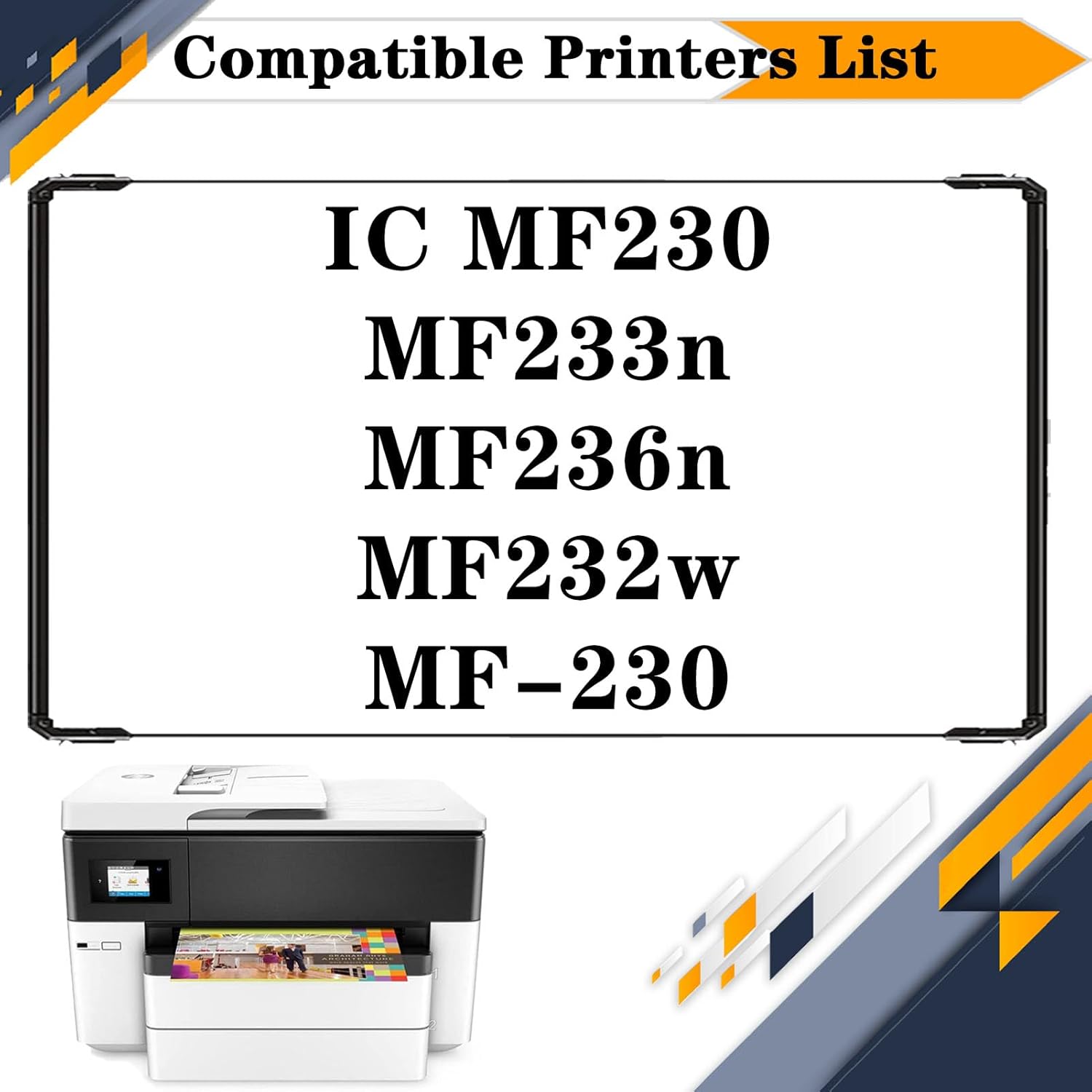
Figure 2: Compatible Printers List. This image visually confirms the list of Canon IC MF series printers that are compatible with the WMSNUH MF-230 MF230 toner cartridges.
3. Key Features
- High Page Yield: Each black cartridge is designed to produce approximately 2,400 pages at 5% coverage on A4 paper, ensuring extended use.
- Reliable Print Quality: Engineered to deliver crisp text, clear images, and stable compatibility, preventing issues such as fading, powder leakage, or streaks.
- Advanced Chip Technology: Equipped with intelligent chips for accurate toner level monitoring and seamless communication with compatible printers.
- Consistent Performance: Utilizes high-quality materials and manufacturing processes to ensure consistent and reliable printing results with pure color and high definition.

Figure 3: High Yield Information. This image illustrates the high page yield of 2,400 pages per black cartridge, based on 5% coverage of A4 paper.
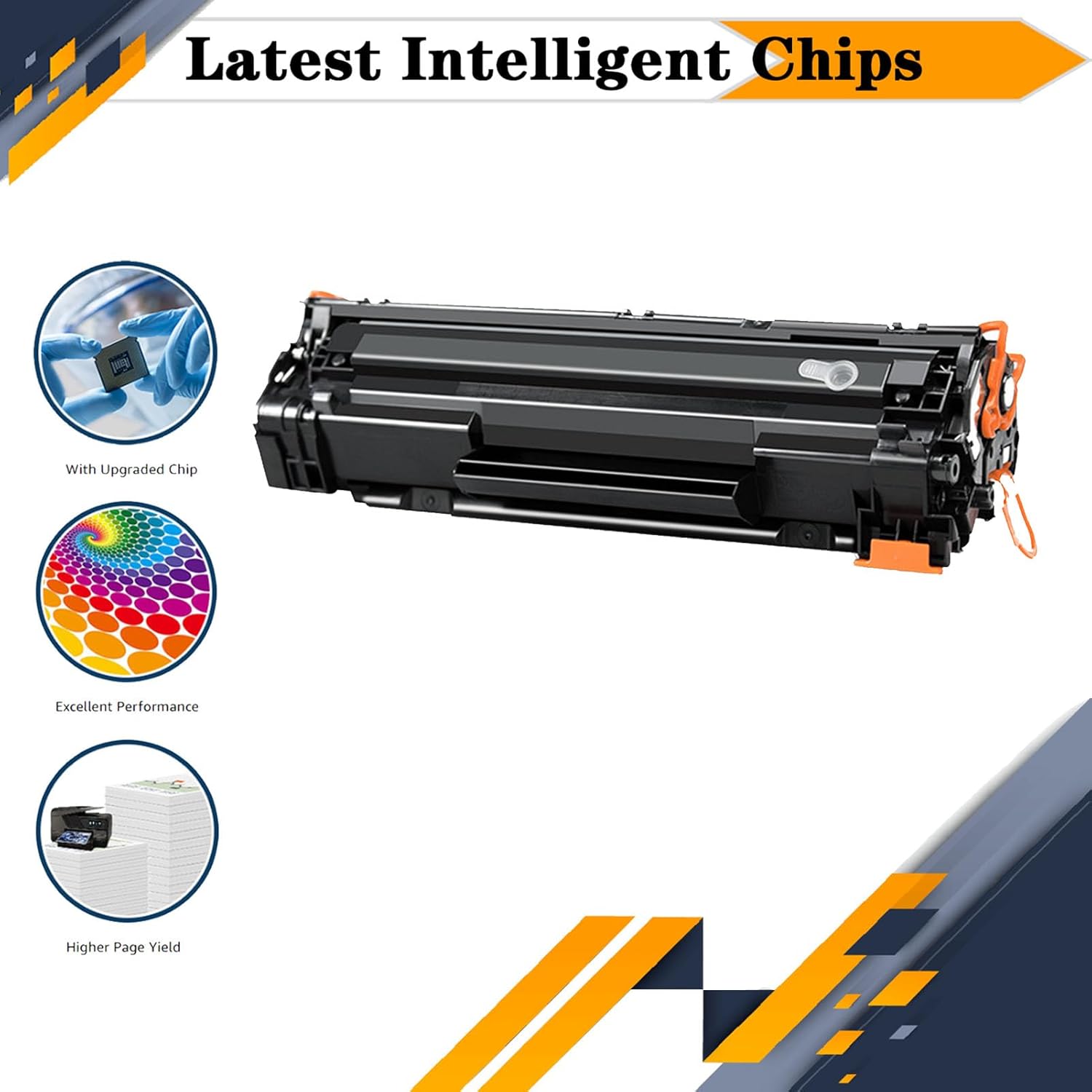
Figure 4: Latest Intelligent Chips. This image highlights the integrated intelligent chip, which ensures proper function and communication with the printer, contributing to excellent performance and higher page yield.
4. Setup and Installation
Follow these general steps to install your WMSNUH MF-230 MF230 toner cartridge. Always refer to your printer's specific manual for detailed instructions.
- Power Off Printer: Ensure your printer is turned off and unplugged from the power source for safety.
- Open Printer Cover: Open the front cover or access panel of your Canon printer to expose the toner cartridge compartment.
- Remove Old Cartridge: Carefully grasp the handle of the old toner cartridge and pull it straight out of the printer. Place it in a protective bag for recycling.
- Unpack New Cartridge: Remove the new WMSNUH toner cartridge from its packaging. Gently shake the cartridge horizontally 5-6 times to distribute the toner evenly.
- Remove Protective Materials: Remove any orange protective clips, tapes, or seals from the new cartridge. Be careful not to touch the drum or chip.
- Insert New Cartridge: Align the new cartridge with the guides inside the printer and push it firmly until it clicks into place.
- Close Printer Cover: Close the printer's front cover or access panel.
- Power On Printer: Plug in and power on your printer. The printer may perform a calibration cycle.
Note: If the printer displays an error message after installation, ensure all protective materials have been removed and the cartridge is seated correctly. Restarting the printer may also resolve minor issues.
5. Operating Instructions
Once the WMSNUH MF-230 MF230 toner cartridge is installed, your printer is ready for operation. Follow these guidelines for optimal printing:
- Print Settings: Adjust print quality settings (e.g., draft, normal, best) in your printer's software or control panel according to your needs. Higher quality settings consume more toner.
- Paper Type: Use appropriate paper types and sizes as recommended by your printer manufacturer for best results.
- Toner Level Monitoring: Monitor toner levels through your printer's utility software or control panel. Replace cartridges when the "low toner" or "replace toner" message appears to avoid print quality degradation.
- Environmental Conditions: Operate the printer in a stable environment, avoiding extreme temperatures or humidity, which can affect toner performance.
6. Maintenance
Proper maintenance helps ensure the longevity of your WMSNUH toner cartridges and consistent print quality.
- Storage: Store unused toner cartridges in their original, sealed packaging in a cool, dry place away from direct sunlight and extreme temperatures.
- Handling: Avoid touching the drum unit or electrical contacts on the cartridge to prevent damage or print quality issues.
- Printer Cleaning: Periodically clean the interior of your printer, especially around the toner cartridge area, to remove any accumulated toner dust. Refer to your printer's manual for cleaning instructions.
- Recycling: Recycle empty toner cartridges responsibly. Many manufacturers and retailers offer recycling programs.
7. Troubleshooting Common Issues
If you encounter issues while using your WMSNUH MF-230 MF230 toner cartridges, consider the following solutions:
| Issue | Possible Cause | Solution |
|---|---|---|
| Poor Print Quality (Faded, Streaky, or Light Prints) | Low toner level, uneven toner distribution, dirty drum unit, incorrect print settings. |
|
| Printer Not Recognizing Cartridge | Cartridge not seated correctly, protective materials not fully removed, dirty chip contacts. |
|
| Toner Leakage | Damaged cartridge, improper installation. |
|
If these steps do not resolve the issue, please contact customer support.
8. Specifications
| Attribute | Detail |
|---|---|
| Product Name | WMSNUH MF-230 MF230 Toner Cartridges |
| Model Number | MF-230 MF230 |
| Compatible Printers | Canon IC MF230, MF233n, MF236n, MF232w, MF-230 |
| Cartridge Type | Compatible Toner Cartridge |
| Color | Black |
| Page Yield | Up to 2,400 pages per cartridge (at 5% coverage on A4 paper) |
| Quantity | 2 cartridges per pack |
9. Customer Support and Warranty
For any questions, technical assistance, or warranty inquiries regarding your WMSNUH MF-230 MF230 toner cartridges, please contact your retailer or the manufacturer directly. Keep your purchase receipt as proof of purchase.
WMSNUH is committed to providing quality products and customer satisfaction. Please refer to the packaging or the seller's information for specific warranty terms and contact details.