
Narcid P98
NARCI Smart Watch User Manual
Model: P98
Introduction
Welcome to your new Narcid Smart Watch. This manual provides detailed instructions to help you set up, operate, and maintain your device, ensuring you get the most out of its features. Please read this manual thoroughly before using your watch.
What's in the Box
- Narcid Smart Watch (Model P98)
- Charging Cable
- Access to FitCloudPro app (for setup and tracking)
Setup
Initial Charging
Before first use, fully charge your Narcid Smart Watch. Connect the charging cable to the watch's charging port and a USB power source. A full charge typically takes about 2 hours.
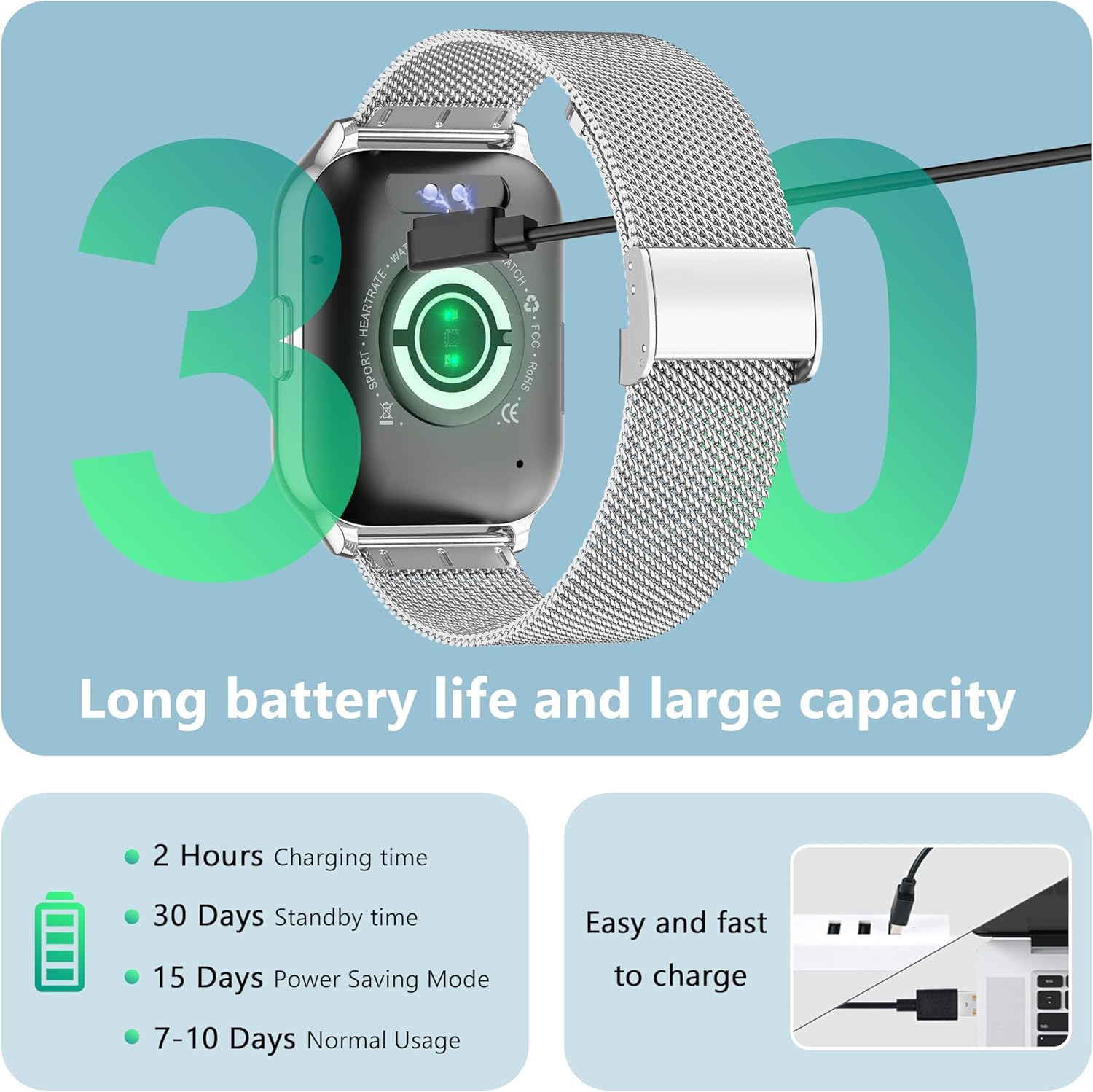
Image: The back of the Narcid Smart Watch showing the charging cable connected, indicating the long battery life and easy charging.
App Installation
Download and install the "FitCloudPro" app from your smartphone's app store (available for Android and iOS). This app is essential for managing your watch's settings and data.
Pairing with Your Smartphone
- Ensure Bluetooth is enabled on your smartphone.
- Open the FitCloudPro app and follow the on-screen instructions to add your device.
- Select "P98" or "NARCI Smart Watch" from the list of available devices.
- Confirm the pairing request on both your watch and smartphone.
Operating Instructions
Basic Navigation
The watch features a 1.5-inch LCD touchscreen. Swipe left, right, up, or down to navigate through menus and functions. Press the side button to return to the home screen or wake the device.
Making/Receiving Calls
Once paired via Bluetooth, you can make and receive calls directly from your watch. Access the call function through the main menu. The watch supports hands-free communication.
Notifications
Sync notifications from your smartphone for calls, messages, and social media alerts. Configure notification settings within the FitCloudPro app to receive alerts directly on your wrist.
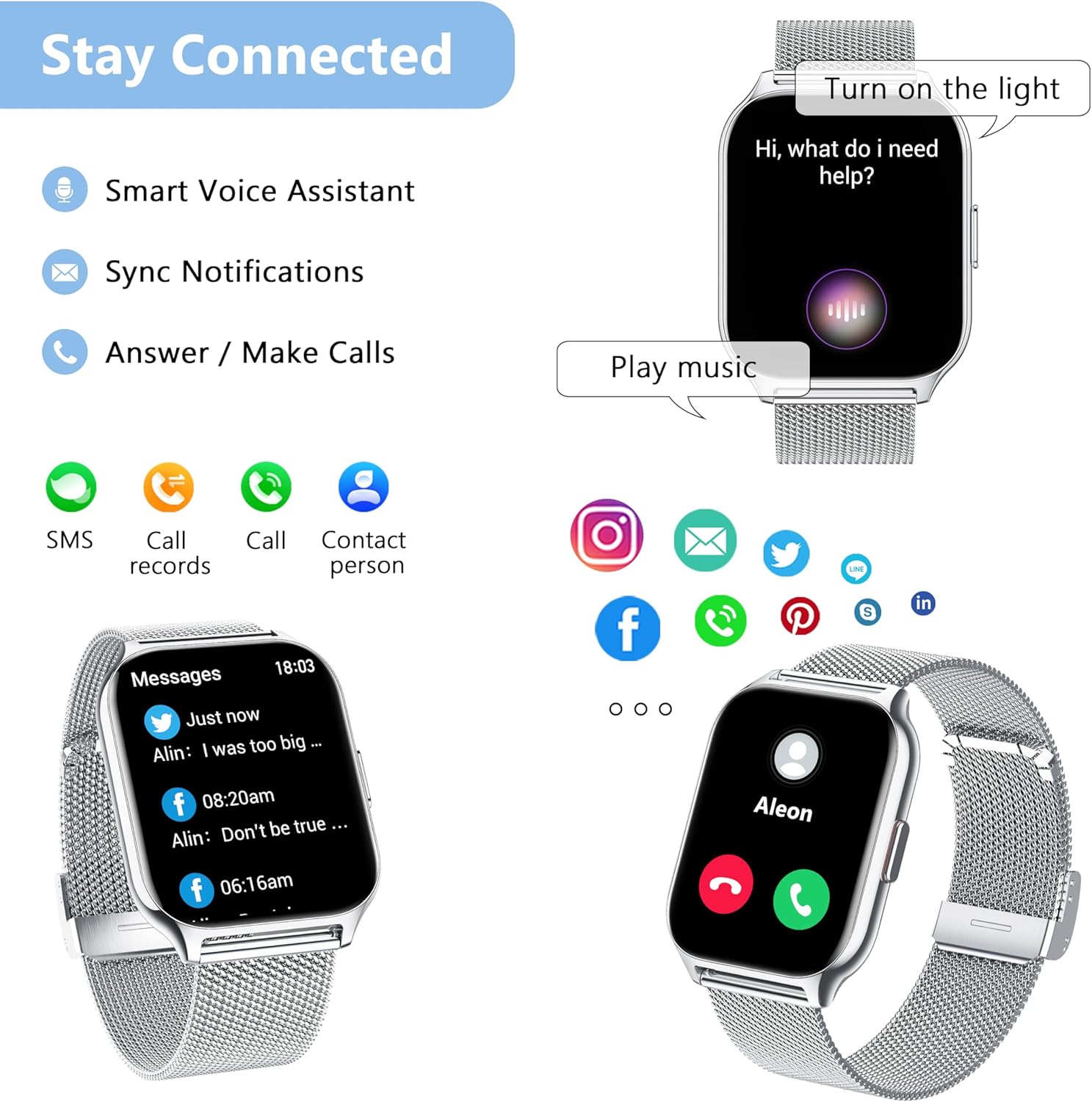
Image: The 'Stay Connected' features of the Narcid Smart Watch, including smart voice assistant, synced notifications, and the ability to answer/make calls.
Health Monitoring
The Narcid Smart Watch provides comprehensive health tracking features to help you monitor your well-being.
Heart Rate Monitoring
The watch continuously tracks your heart rate. View real-time data on the watch or detailed historical data in the FitCloudPro app.

Image: Displays the 24/7 heart rate tracking and sleep analysis features of the watch, showing how it monitors heart rate data and tracks sleep time and quality.
Blood Oxygen (SpO2) Monitoring
Track your blood oxygen levels. Ensure the watch is worn snugly on your wrist for accurate readings. These readings are for reference only and not for medical diagnosis.

Image: Illustrates the blood oxygen monitoring and blood pressure tracking capabilities of the watch, allowing users to track SpO2 levels and changes in blood pressure.
Sleep Tracking
Monitor your sleep duration and quality, including deep sleep and light sleep phases. Access detailed sleep reports in the FitCloudPro app.
Sedentary Reminder
The watch can remind you to move after periods of inactivity. This feature can be enabled and configured in the FitCloudPro app to promote a more active lifestyle.
Fitness Tracking
The watch supports over 100 sports modes to help you track various physical activities and exercise scientifically.
Activity Tracking
Track daily steps, distance covered, calories burned, and active minutes throughout your day. Your progress can be viewed on the watch and in the FitCloudPro app.
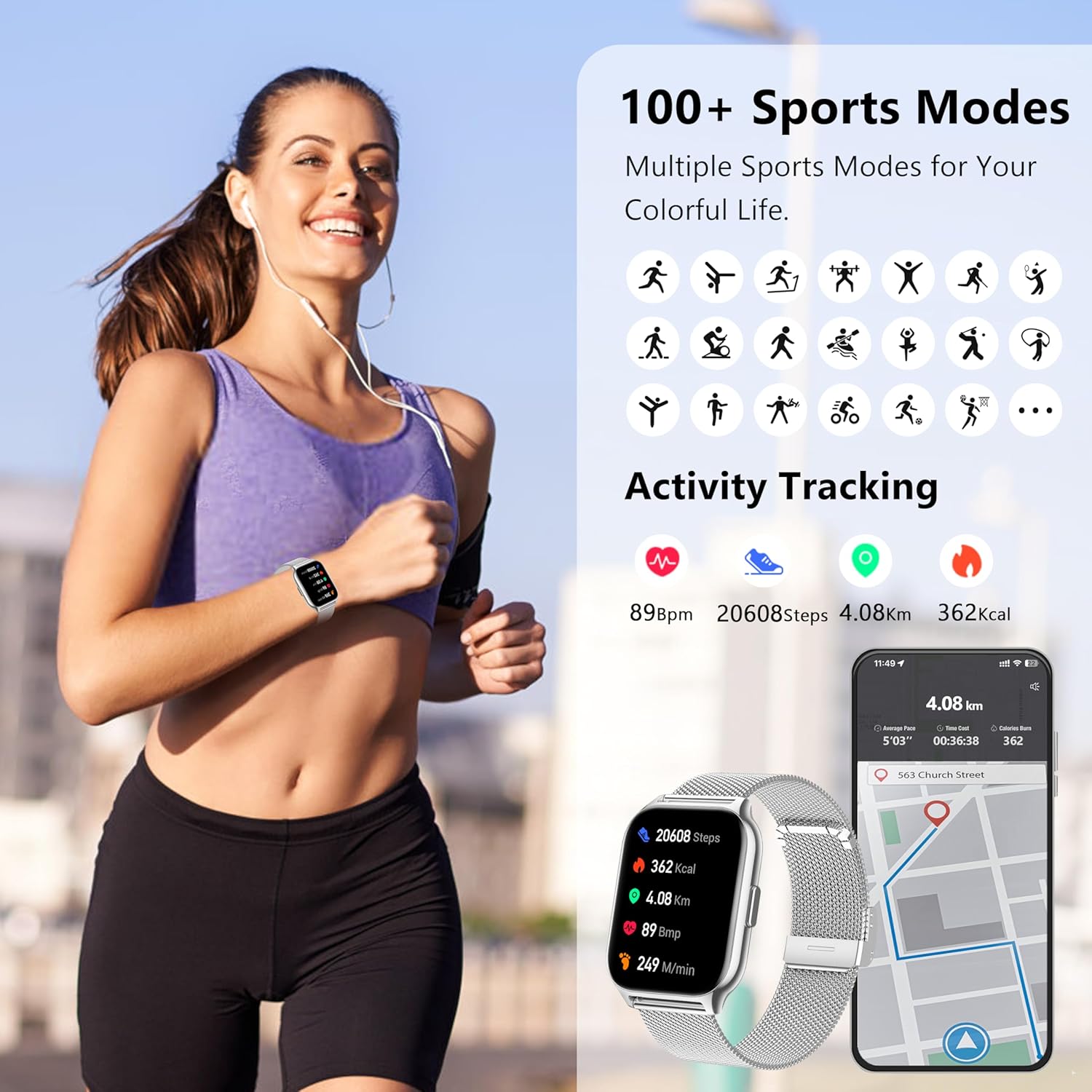
Image: Highlights the activity tracking features and over 100 sports modes available on the Narcid Smart Watch, helping users track their fitness journey.
Sports Modes
Select a specific sports mode before starting an exercise to get tailored metrics for activities like running, cycling, walking, and more. This helps in analyzing your performance accurately.
Multifunctional Features
Your Narcid Smart Watch offers a variety of additional useful functions to enhance your daily life.
- Smart Voice Assistant: Use voice commands for various tasks and inquiries.
- Alarm Clock: Set alarms directly from your watch to help you stay on schedule.
- Timer/Stopwatch: Convenient timing tools for workouts or daily tasks.
- Music Control: Control music playback on your connected smartphone directly from your wrist.
- Weather: Get real-time weather updates for your location.
- Watch Faces: Customize your watch face to match your style or mood.
- Find Phone: Locate your misplaced smartphone by triggering an alert from your watch.
- Breath Training: Guided breathing exercises for relaxation and stress reduction.
- Business Card: Store and display your digital business card.
- Drinking Reminder: Receive reminders to stay hydrated throughout the day.
- Watch Password: Set a password for added security.

Image: An overview of the multifunctional features of the Narcid Smart Watch, including various utility apps and customization options.
Battery Life and Charging
The Narcid Smart Watch is equipped with a Lithium Polymer battery designed for long-lasting use.
- Charging Time: Approximately 2 hours for a full charge.
- Normal Usage: 7-10 days.
- Power Saving Mode: Up to 15 days.
- Standby Time: Up to 30 days.
Image: Illustrates the long battery life and easy charging capabilities of the Narcid Smart Watch.
Maintenance
Cleaning
Wipe the watch and strap regularly with a soft, dry cloth. Avoid using harsh chemicals, abrasive materials, or strong detergents, as these can damage the watch's finish and components.
Water Resistance
Important: The Narcid Smart Watch is NOT water-resistant. Avoid exposure to water, including showering, swimming, heavy rain, or submersion, to prevent damage to the device.
Storage
Store the watch in a cool, dry place when not in use. Avoid extreme temperatures and direct sunlight, which can affect battery life and overall performance.
Troubleshooting
Watch Not Turning On
- Ensure the watch is fully charged. Connect it to the charging cable and a power source for at least 30 minutes.
- Press and hold the side button for several seconds to attempt a forced restart.
Unable to Pair with Phone
- Ensure Bluetooth is enabled on your phone.
- Make sure the watch is within Bluetooth range (typically 10 meters).
- Restart both the watch and your phone.
- Try unpairing and re-pairing the device in the FitCloudPro app and your phone's Bluetooth settings.
Inaccurate Health Readings
- Ensure the watch is worn snugly on your wrist, not too loose or too tight.
- Clean the sensors on the back of the watch regularly.
- Readings can be affected by skin tone, movement, and environmental factors. These are for reference only and not for medical diagnosis.
Short Battery Life
- Reduce screen brightness.
- Limit the number of notifications received.
- Disable continuous heart rate monitoring if not needed.
- Ensure no background apps are excessively draining power.
Specifications
| Feature | Detail |
|---|---|
| Model Name | P98 |
| Brand | Narcid |
| Screen Size | 1.5 Inches |
| Connectivity | Bluetooth 5.2 |
| Battery Type | Lithium Polymer |
| Operating System | Proprietary OS |
| Special Features | Sedentary Reminder, Activity Tracker, Voice Control, Phone Call, Notifications |
| Package Dimensions | 27.8 x 9.2 x 1.9 cm |
| Item Weight | 160 g |
| Water Resistance | No |
| GPS | No |
Warranty and Support
For warranty information and technical support, please refer to the official Narcid website or contact their customer service. Keep your purchase receipt as proof of purchase for any warranty claims.
Ask a question about this manual
Ask about setup, troubleshooting, compatibility, parts, safety, or missing instructions. Manuals+ will review the question and use this page’s manual context to help answer it.