
1. Introduction
This manual provides essential information for the proper use and maintenance of your Zopsc USB C to USB C Cable. This full-function cable supports high-speed data transfer, fast charging, and 8K video output, designed for a wide range of USB C compatible devices.
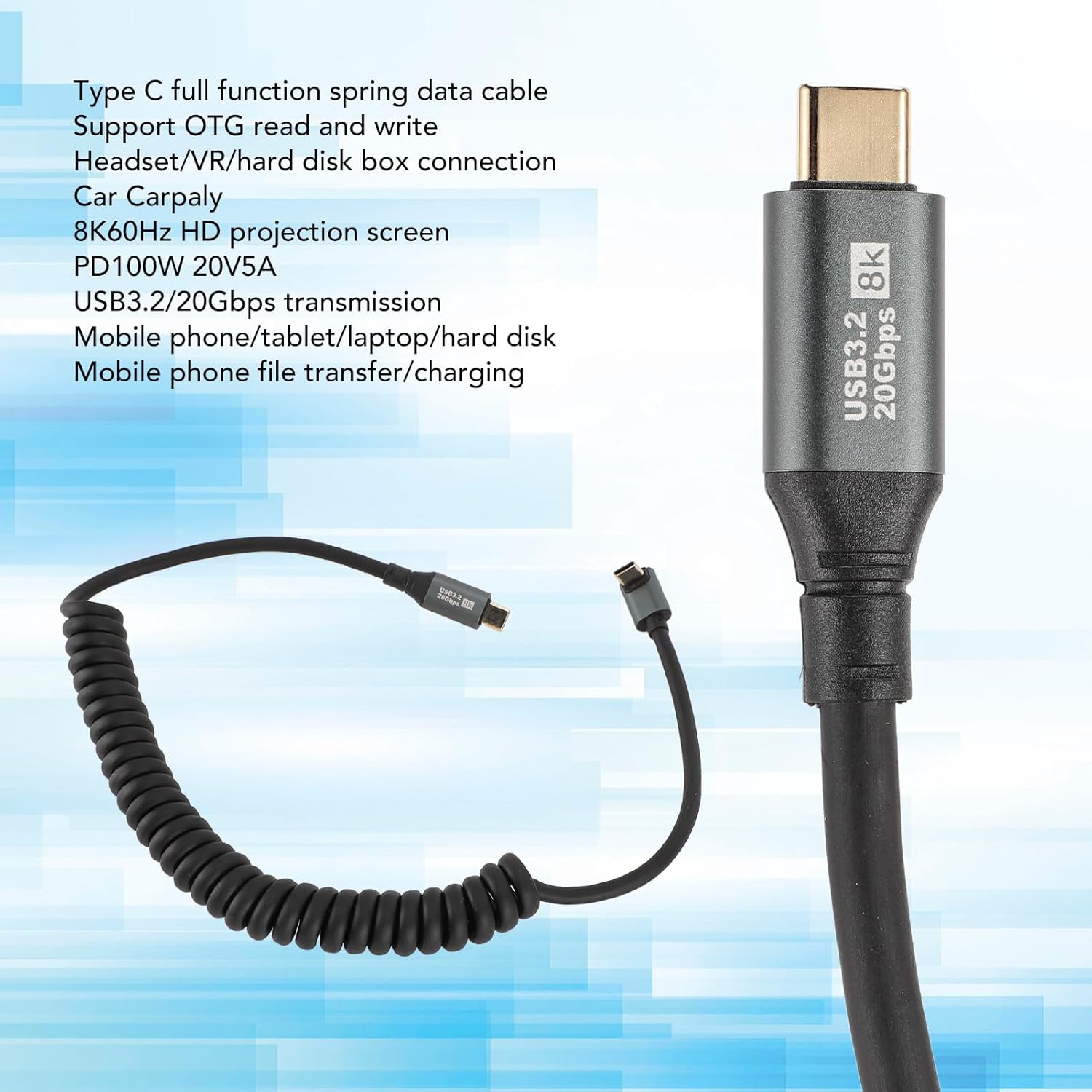
A general view of the Zopsc USB C to USB C spring cable, showcasing its coiled design and connectors.
2. Product Features
- Applicable Model: Compatible with almost all USB C port devices, including Thunderbolt 3, OS tablets, laptops, mobile phones, PD fast chargers, and car systems.
- Flexible Stretch Design: Features a durable spring coil design that stretches from approximately 50cm (19.69in) to 180cm (70.87in), preventing cable clutter and entanglement.
- High Performance Technical Parameters: Supports up to 20Gbps data transfer and 8K at 60Hz sound and video output. Ideal for use with USB C hub multi-port adapters or Thunderbolt 3 cables for high-speed data transfer.
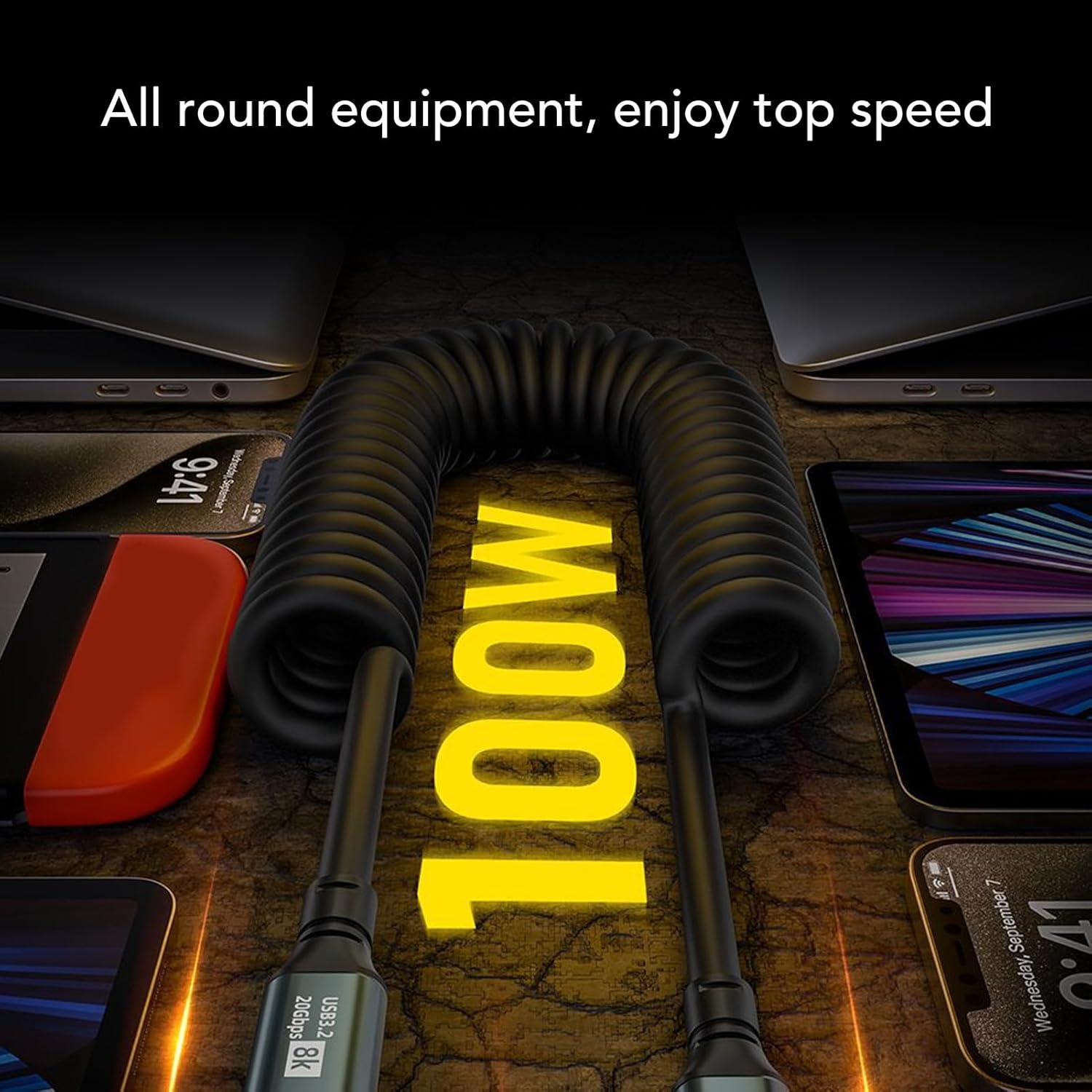
- Multiple Extensions: Double-head Type C full-function woven data cable with PD100W charging power. Supports OTG, screen projection, headsets, VR devices, hard disk boxes, and docking stations.
- Portable for Travel: Compact and easy to carry, making it suitable for connecting computers to smartphones or tablets for simultaneous charging and data transfer. Features an aluminum alloy shell connector with a built-in E-marker smart chip.

The coiled design of the Zopsc USB C cable, showing its flexibility and ability to stretch and retract, preventing tangles.

An image demonstrating the cable's support for 8K at 60Hz video output, enabling high-resolution display connections.
A visual representation of the cable's various functions, including OTG, projection, headset, VR, hard disk box, and docking station compatibility.

A close-up view of the cable's connector, highlighting the integrated E-marker smart chip for intelligent power management and data transfer.
3. Specifications
| Parameter | Value |
|---|---|
| Brand | Zopsc |
| Model Name | Zopscdqayn3p9go-14 |
| Material | Woven line and aluminum alloy |
| Length (before stretch) | Approx. 50cm / 19.69in |
| Length (after stretch) | Approx. 180cm / 70.87in |
| Input Output Interface | Type C |
| Voltage | 20V 5A |
| Power | 100W |
| Transfer Rate | 20Gbps (USB3.2) |
| Resolution Support | 8K at 60Hz |
| Functions | Charging, data transfer, screen projection, OTG, headset/VR/hard disk box connection |

A diagram illustrating the cable's bidirectional transmission capabilities, showing the "C Male straight head" and "C Male 3D elbow head" and indicating stretch lengths (50cm before, 180cm after).
4. Setup
The Zopsc USB C to USB C Cable is designed for plug-and-play functionality. No special drivers or software installation are required.
- Identify Ports: Ensure your devices (e.g., laptop, tablet, smartphone, monitor, docking station) have compatible USB C ports.
- Connect: Insert one end of the USB C cable into the USB C port of your source device (e.g., laptop).
- Connect Second Device: Insert the other end of the USB C cable into the USB C port of your target device (e.g., monitor, external hard drive, charging adapter).
- Verify Connection: Confirm that both devices recognize the connection. For charging, ensure the charging indicator activates. For data transfer, check if the external device appears on your computer. For video output, verify the display is extended or mirrored.
5. Operating Instructions
This cable supports multiple functions simultaneously or individually, depending on the capabilities of your connected devices.
- Charging: Connect the cable between a USB C power adapter (PD100W compatible for optimal speed) and your device. The cable will deliver up to 100W of power.
- Data Transfer: Connect the cable between two USB C devices (e.g., computer and external SSD). Data transfer speeds can reach up to 20Gbps.
- Video Output: Connect the cable from a USB C device with DisplayPort Alternate Mode (Alt Mode) support to a compatible USB C monitor or display. The cable supports resolutions up to 8K at 60Hz.
- OTG (On-The-Go) Functionality: If your smartphone or tablet supports OTG, you can connect peripherals like USB drives, keyboards, or mice using this cable.
- Docking Stations/Hubs: Use the cable to connect your laptop to a USB C docking station or hub to expand connectivity options.

Image illustrating the cable's capability to deliver 100W of power, suitable for fast charging various devices.
6. Maintenance
To ensure the longevity and optimal performance of your Zopsc USB C to USB C Cable, follow these maintenance guidelines:
- Storage: When not in use, gently coil the cable. Avoid sharp bends or kinks, especially near the connectors. The spring coil design helps in neat storage.
- Cleaning: Use a soft, dry cloth to wipe the cable and connectors. Avoid using liquid cleaners or abrasive materials.
- Handling: Always grasp the connector housing when plugging or unplugging the cable. Do not pull on the cable itself, as this can damage the internal wires.
- Environment: Keep the cable away from extreme temperatures, direct sunlight, and moisture.
7. Troubleshooting
If you encounter issues with your Zopsc USB C to USB C Cable, try the following steps:
- No Power/Slow Charging:
- Ensure both devices and the power adapter support USB Power Delivery (PD).
- Verify the power adapter provides sufficient wattage for your device.
- Try connecting the cable to different ports or devices to rule out port issues.
- No Data Transfer:
- Check if both connected devices are powered on and configured for data transfer.
- Ensure the cable is fully inserted into both ports.
- Restart the connected devices.
- No Video Output:
- Confirm that your source device's USB C port supports DisplayPort Alt Mode.
- Ensure your monitor is set to the correct input source.
- Update graphics drivers on your computer.
- Test with another known-working USB C to USB C cable if available.
- Intermittent Connection:
- Inspect the cable and connectors for any visible damage.
- Ensure ports are clean and free of debris.
- Avoid excessive bending or tension on the cable during use.
8. Warranty and Support
Zopsc products are manufactured to high-quality standards. For specific warranty information, please refer to the documentation provided with your purchase or contact Zopsc customer support.
If you require further assistance or have questions not covered in this manual, please reach out to Zopsc customer service through their official channels.