
UGREEN X515
UGREEN 30W 3-Port GaN Fast Charger User Manual
Model: X515
1. Introduction
This user manual provides essential information for the safe and efficient operation of your UGREEN 30W 3-Port GaN Fast Charger. Please read this manual thoroughly before using the product and retain it for future reference.
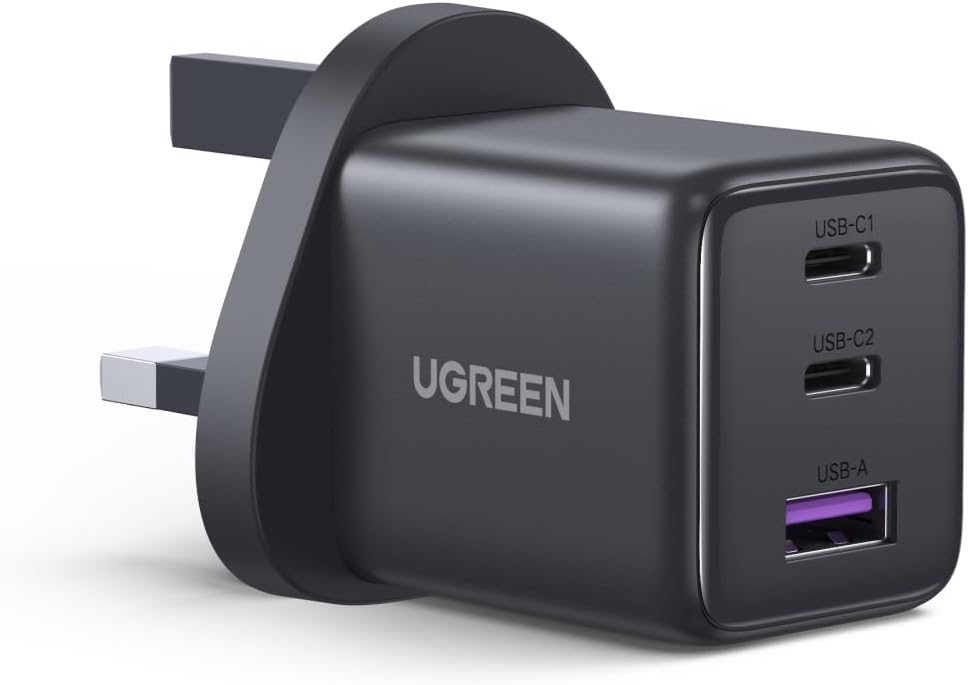
Figure 1: UGREEN 30W 3-Port GaN Fast Charger (Model X515)
2. Product Features
- Superior Fast Charging: Delivers up to 30W via a single USB-C port for rapid device charging.
- 3-Port Flexibility: Features two USB-C ports and one USB-A port for simultaneous charging of multiple devices.
- Advanced GaN Technology: Utilizes Gallium Nitride (GaN) technology for a compact design, high efficiency, and reduced heat generation.
- Compact & Portable: Significantly smaller than standard chargers, making it ideal for travel.
- Enhanced Safety: Built-in protections against over-voltage, overheating, and short-circuits.
- Eco-Friendly Design: Constructed with recycled materials to minimize environmental impact.

Figure 2: GaN Technology for compact size, greater energy efficiency, and less heat generation.
3. Package Contents
Verify that all items are present and in good condition upon opening the package:
- 1 x UGREEN 30W 3-Port USB C Charger (Model X515)
- 1 x User Manual
4. Setup
- Unpack the Charger: Carefully remove the UGREEN 30W 3-Port GaN Fast Charger from its packaging.
- Inspect for Damage: Before use, visually inspect the charger for any signs of physical damage. Do not use if damaged.
- Connect to Power Outlet: Plug the charger into a standard wall power outlet (100-240V).
- Connect Devices: Use appropriate USB-C or USB-A cables (not included) to connect your devices to the corresponding ports on the charger.

Figure 3: Connecting multiple devices to the UGREEN 3-port charger.
5. Operating Instructions
The UGREEN 30W 3-Port GaN Fast Charger is designed for simple plug-and-play operation. It automatically detects the connected device and delivers the optimal charging current.
5.1 Charging Single Devices
For maximum charging speed for a single device, connect it to either of the USB-C ports. The charger can deliver up to 30W from a single USB-C port.
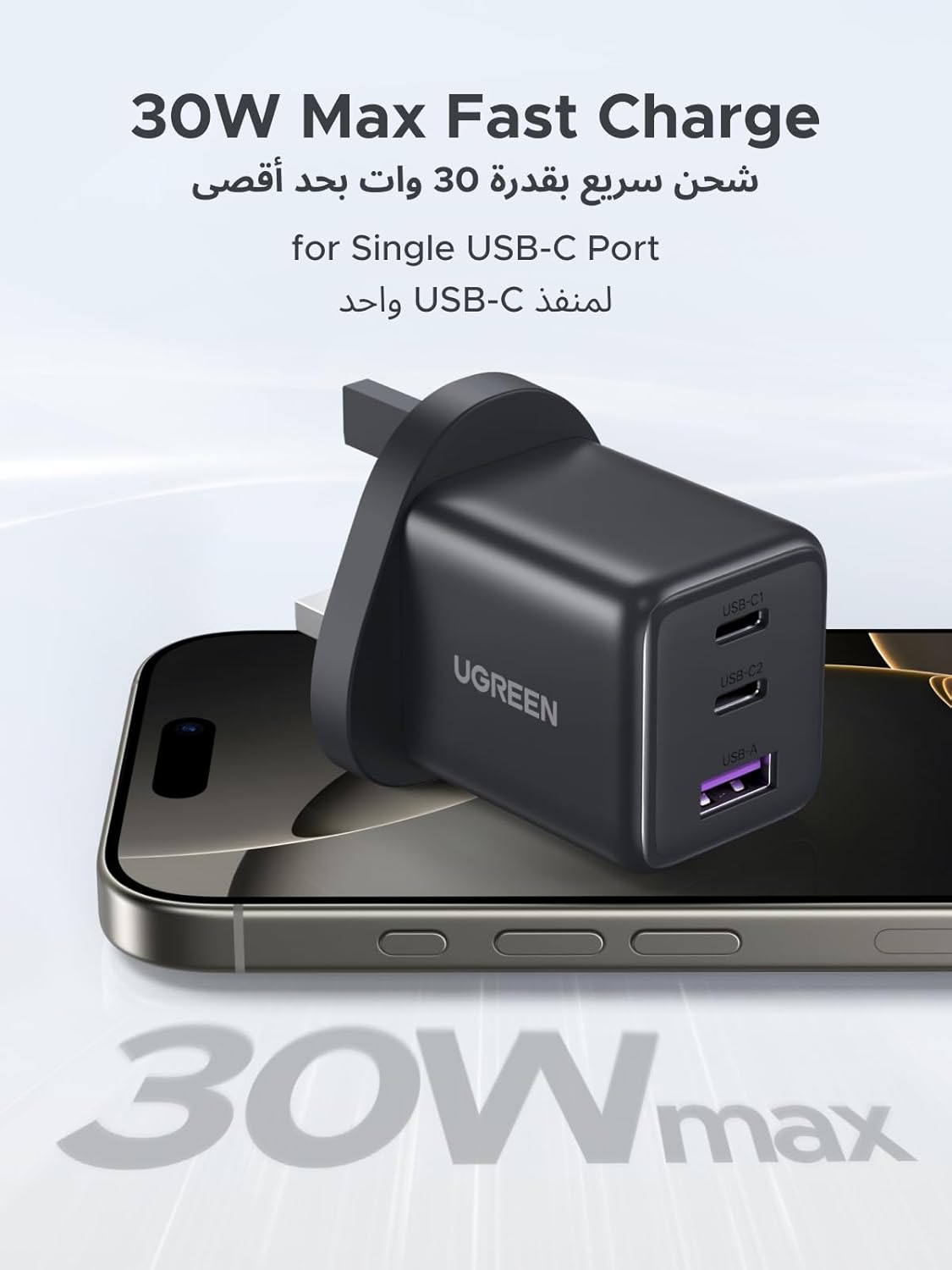
Figure 4: 30W Max Fast Charge for a single USB-C device.
5.2 Charging Multiple Devices Simultaneously
You can charge up to three devices concurrently using the two USB-C ports and one USB-A port. The charger intelligently distributes power across the connected devices. For example, you can charge an iPhone 16 Pro Max (via USB-C1), an iPad Air (via USB-C2), and AirPods (via USB-A) at the same time.

Figure 5: Versatile usage of the charger in home, travel, and office environments.
5.3 Safety Precautions
- Do not expose the charger to liquids or extreme temperatures.
- Avoid dropping or subjecting the charger to strong impacts.
- Do not disassemble or attempt to repair the charger yourself.
- Ensure proper ventilation when in use to prevent overheating.
- Unplug the charger from the power outlet when not in use.
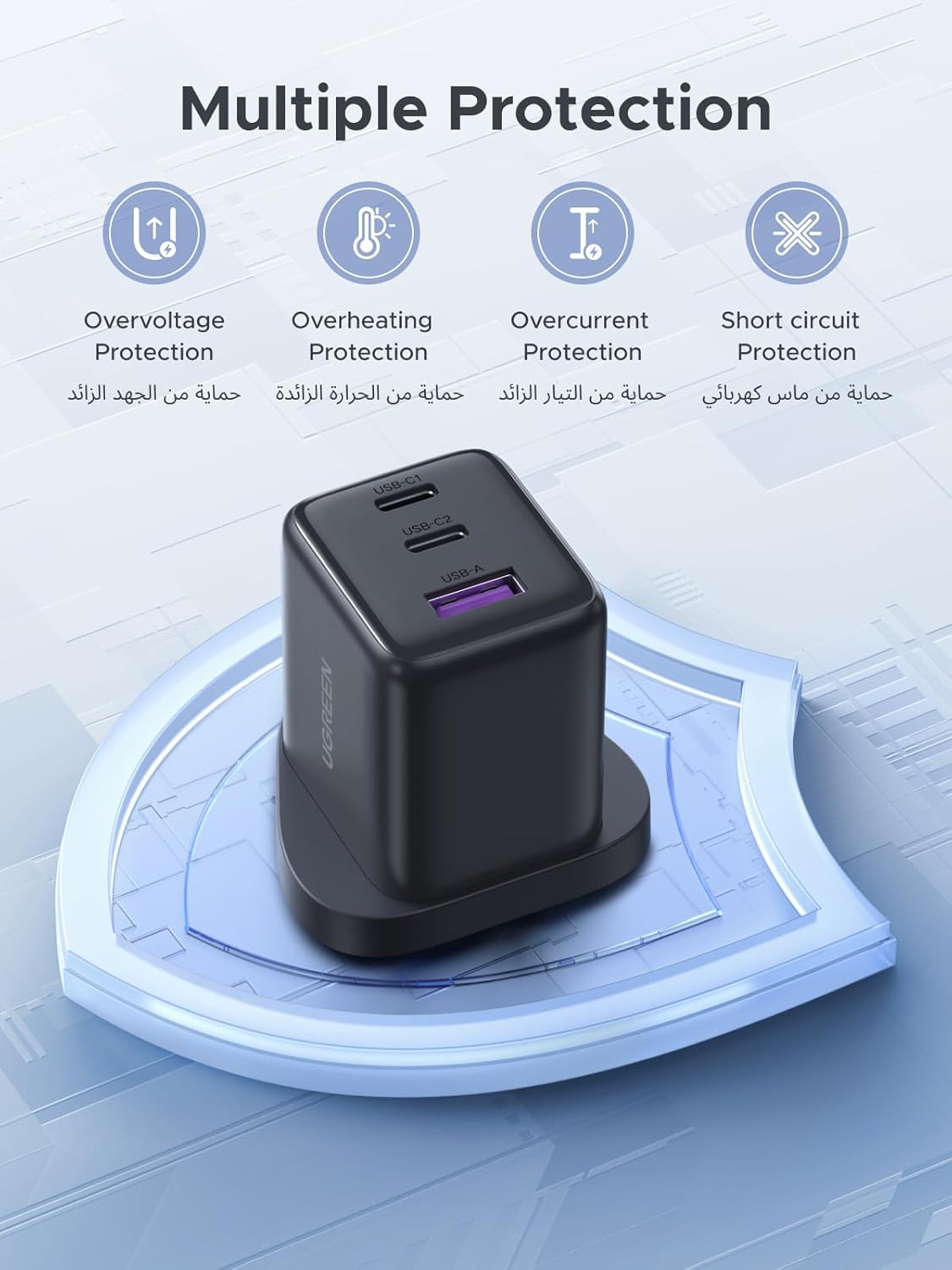
Figure 6: Built-in multiple protection features for safe charging.
6. Maintenance
- Cleaning: Disconnect the charger from the power outlet and all devices before cleaning. Use a soft, dry cloth to wipe the surface. Do not use liquid cleaners or aerosols.
- Storage: Store the charger in a cool, dry place away from direct sunlight and moisture when not in use.
7. Troubleshooting
| Problem | Possible Cause | Solution |
|---|---|---|
| Charger not working. | No power from outlet; loose connection; damaged cable/device. | Check power outlet with another device. Ensure all connections are secure. Try a different charging cable or device to isolate the issue. |
| Slow charging speed. | Cable not supporting fast charging; device not supporting fast charging; multiple devices connected. | Use a high-quality cable that supports fast charging. Verify your device supports fast charging. Disconnect other devices for maximum speed on a single port. |
| Charger feels warm. | Normal operation during high power output. | This is normal. If it becomes excessively hot or emits smoke/odor, unplug immediately and contact support. |
8. Specifications
| Feature | Detail |
|---|---|
| Model Number | X515 |
| Brand | UGREEN |
| Input Voltage | 100-240V |
| Wattage | 30W (Max Single Port) |
| Ports | 2 x USB Type-C, 1 x USB Type-A |
| Technology | GaN (Gallium Nitride) |
| Dimensions | 44 x 38 x 33 mm (approx.) |
| Weight | 120 g (approx.) |
| Safety Features | Over-voltage, Overheating, Short-circuit Protection |
| Compatible Devices | Smartphones (iPhone, Samsung, Xiaomi, HONOR), Tablets (iPad Air/Pro/Mini), AirPods, Laptops, etc. |

Figure 7: Universal compatibility with a wide range of electronic devices.
9. Warranty and Support
Your UGREEN 30W 3-Port GaN Fast Charger comes with a 24-month warranty. For technical support, warranty claims, or any product-related inquiries, please contact UGREEN customer service.
- Customer Service: Available 24 hours.
- Technical Support: Lifetime technical support is provided.
- For more information, visit the official UGREEN website or contact your local distributor.
Ask a question about this manual
Ask about setup, troubleshooting, compatibility, parts, safety, or missing instructions. Manuals+ will review the question and use this page’s manual context to help answer it.