
POGOLAB MK-2
POGOLAB MK-2 37 Mini Keys Keyboard Piano User Manual
Model: MK-2
1. Introduction
Thank you for choosing the POGOLAB MK-2 37 Mini Keys Keyboard Piano. This compact and versatile electronic keyboard is designed for beginners and young musicians, offering a rich array of sounds, rhythms, and features to inspire musical creativity. This manual provides essential information for setting up, operating, and maintaining your new instrument.
2. What's in the Box
- Mini Keyboard Piano
- USB Cable
- User Manual
3. Setup
3.1 Power Supply
The MK-2 keyboard offers two convenient power supply methods:
- Battery Powered: Requires 4 AA batteries (not included). Locate the battery compartment on the underside of the keyboard, open it with a screwdriver, and insert the batteries according to the polarity indicators.
- USB Powered: Connect the provided USB cable to the keyboard's USB Type-C port and plug the other end into a compatible USB power source (e.g., computer, USB wall adapter).
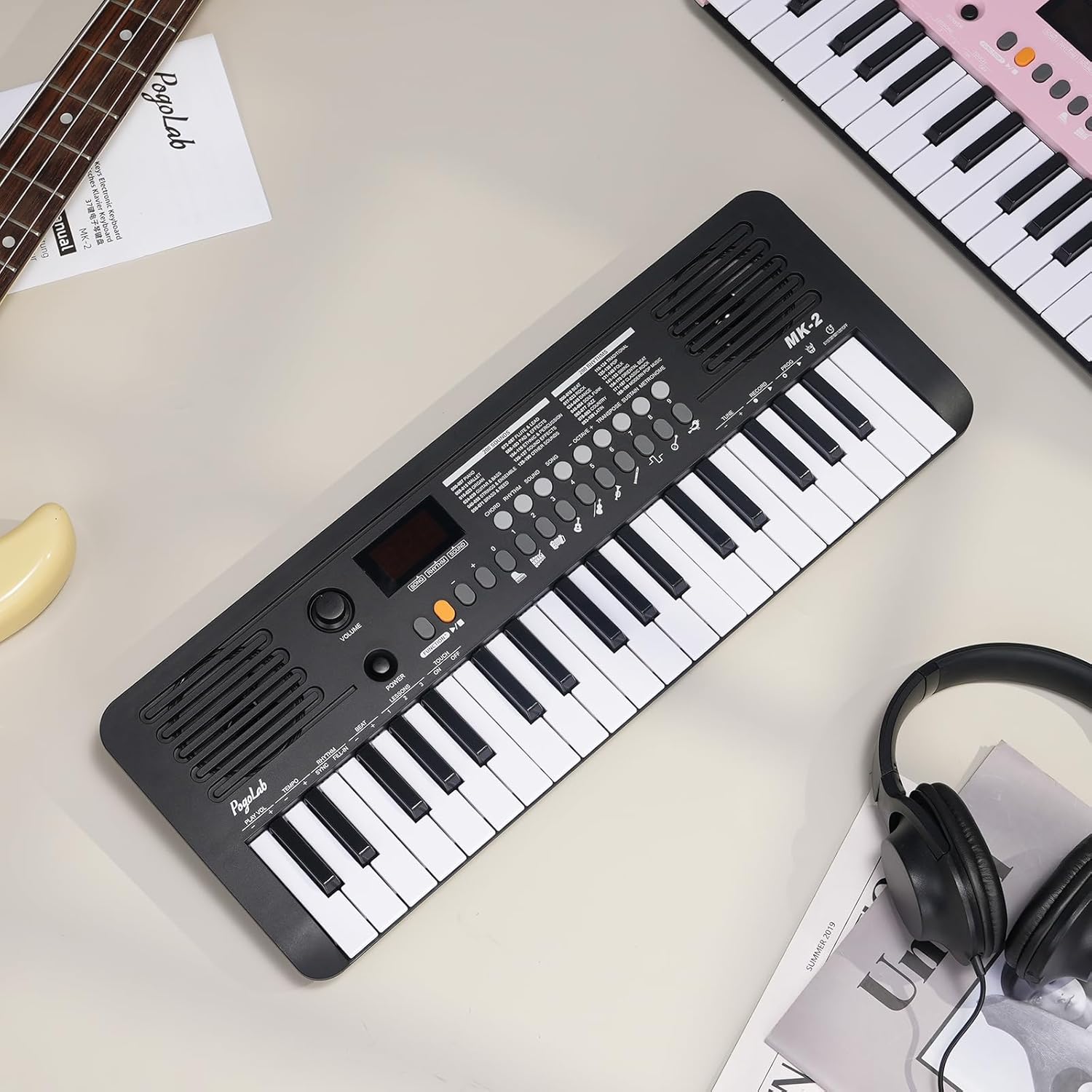
Image: The POGOLAB MK-2 keyboard illustrating both battery power and USB cable charging options.
3.2 Connecting Headphones
For private practice, connect standard 3.5mm headphones to the headphone jack located on the side of the keyboard. This allows you to enjoy your music without disturbing others.

Image: A person wearing headphones while playing the POGOLAB MK-2 keyboard, demonstrating the headphone support feature.
3.3 MIDI Function
The MK-2 features a USB-MIDI transmission function, allowing you to connect it to a computer or mobile device. This enables you to use the keyboard with music production software, educational apps, or piano games.
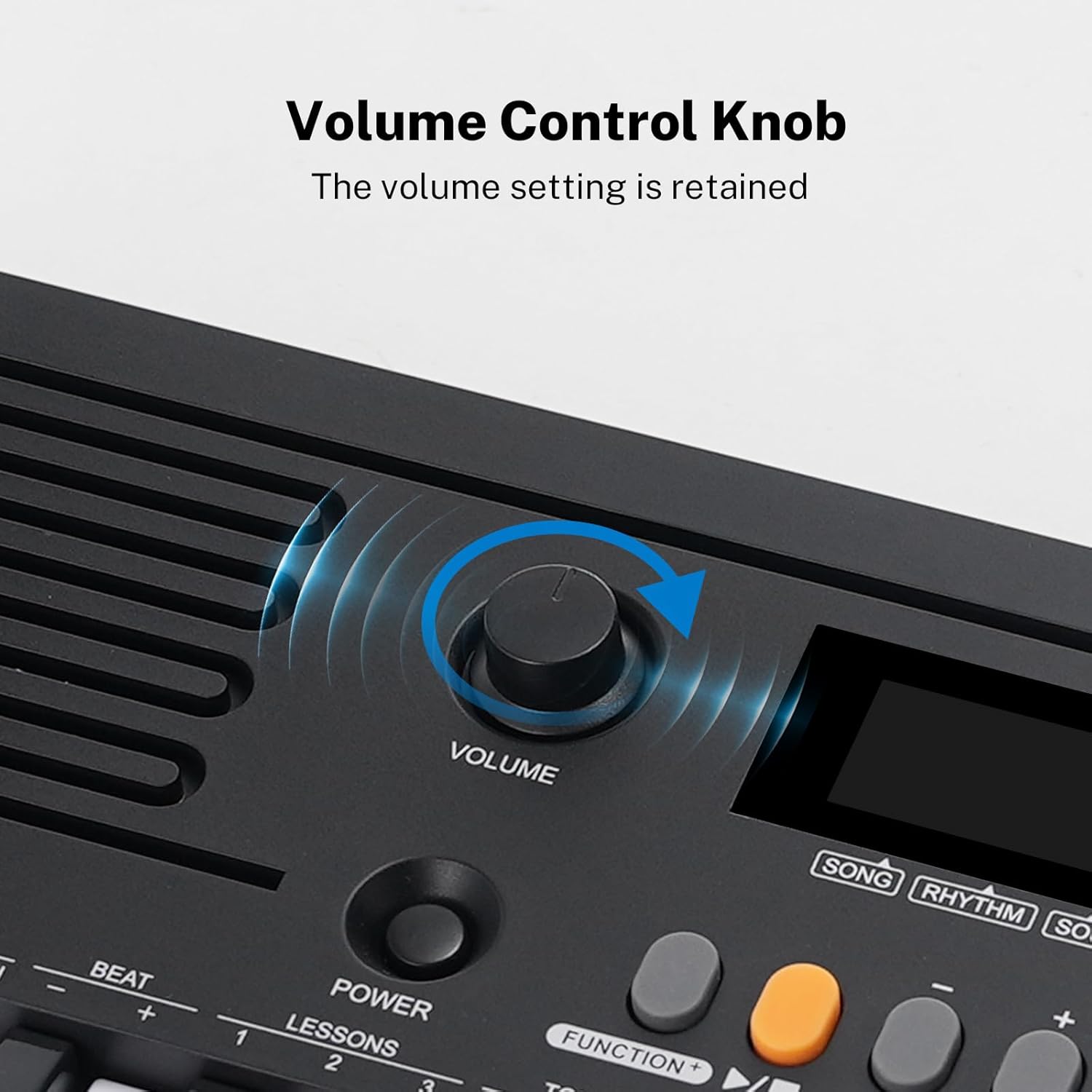
Image: The POGOLAB MK-2 keyboard connected to a laptop and a tablet, illustrating its MIDI data transmission capabilities for use with various devices.
4. Operating Instructions
4.1 Basic Functions
Familiarize yourself with the main controls on your MK-2 keyboard:
- Power Button: Located near the volume knob, press to turn the keyboard on or off.
- Volume Control Knob: Adjust the master volume by rotating this knob. The volume setting is retained even after powering off.
- LED Display: Shows the current mode (Song, Rhythm, Sound) and corresponding number.
- Function Buttons: Use the 'Function' button along with the numbered keys to access various settings and modes.
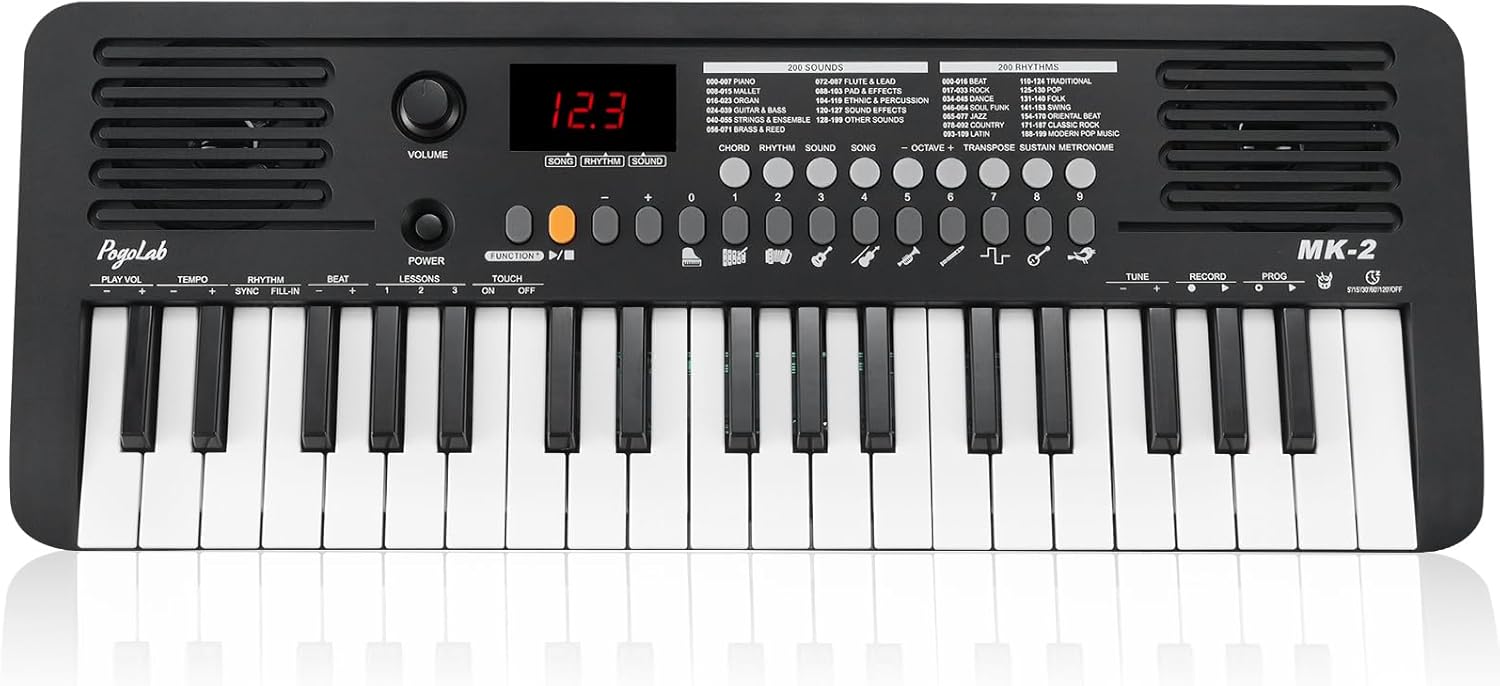
Image: A detailed top-down view of the POGOLAB MK-2 keyboard, highlighting the volume knob, power button, and LED display.
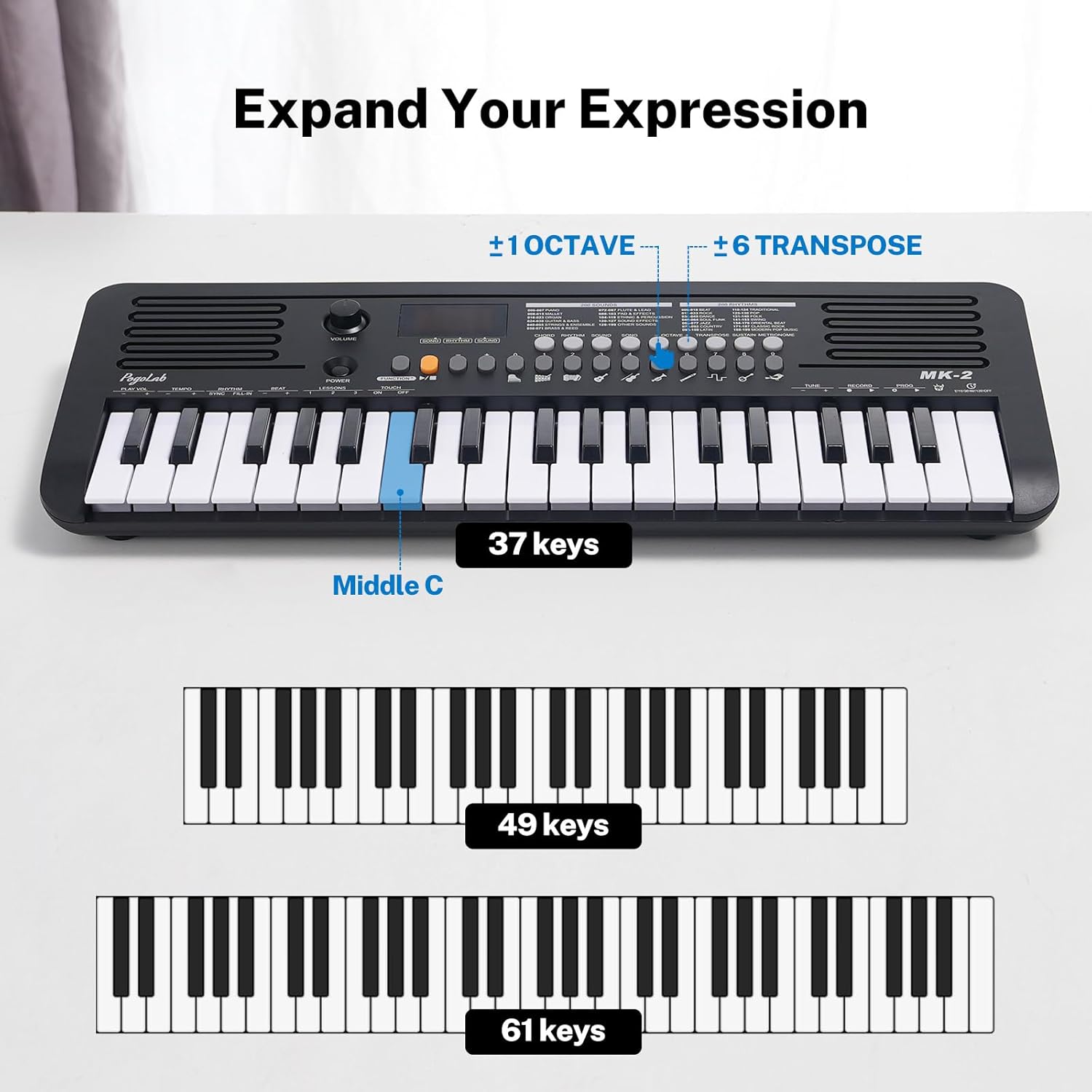
Image: A close-up of the POGOLAB MK-2 keyboard's LED display and the various function buttons for sound, rhythm, and song selection.
4.2 Sounds, Rhythms, and Songs
The MK-2 comes pre-loaded with a wide variety of musical content:
- 200 Sounds: Explore different instrument sounds, from pianos and organs to guitars, brass, and various effects.
- 200 Rhythms: Choose from a diverse collection of rhythm styles, including traditional beats, rock, dance, jazz, and Latin.
- 40 Songs: Enjoy built-in demo songs for listening or learning.
Use the 'Sound', 'Rhythm', and 'Song' buttons, along with the numbered keys (0-9), to select your desired option. The LED display will show the current selection.
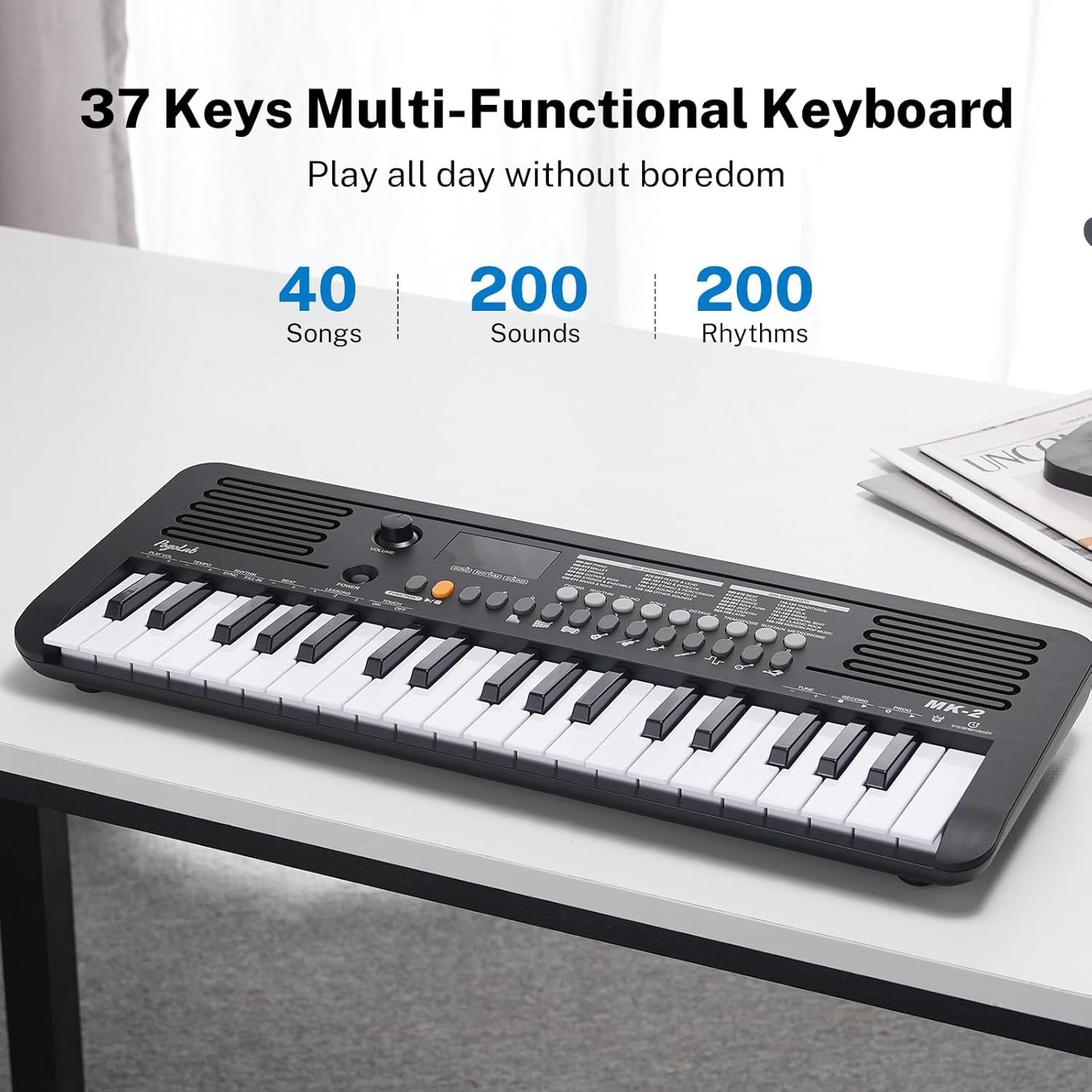
Image: The POGOLAB MK-2 keyboard on a desk, emphasizing its capabilities of 40 songs, 200 sounds, and 200 rhythms.
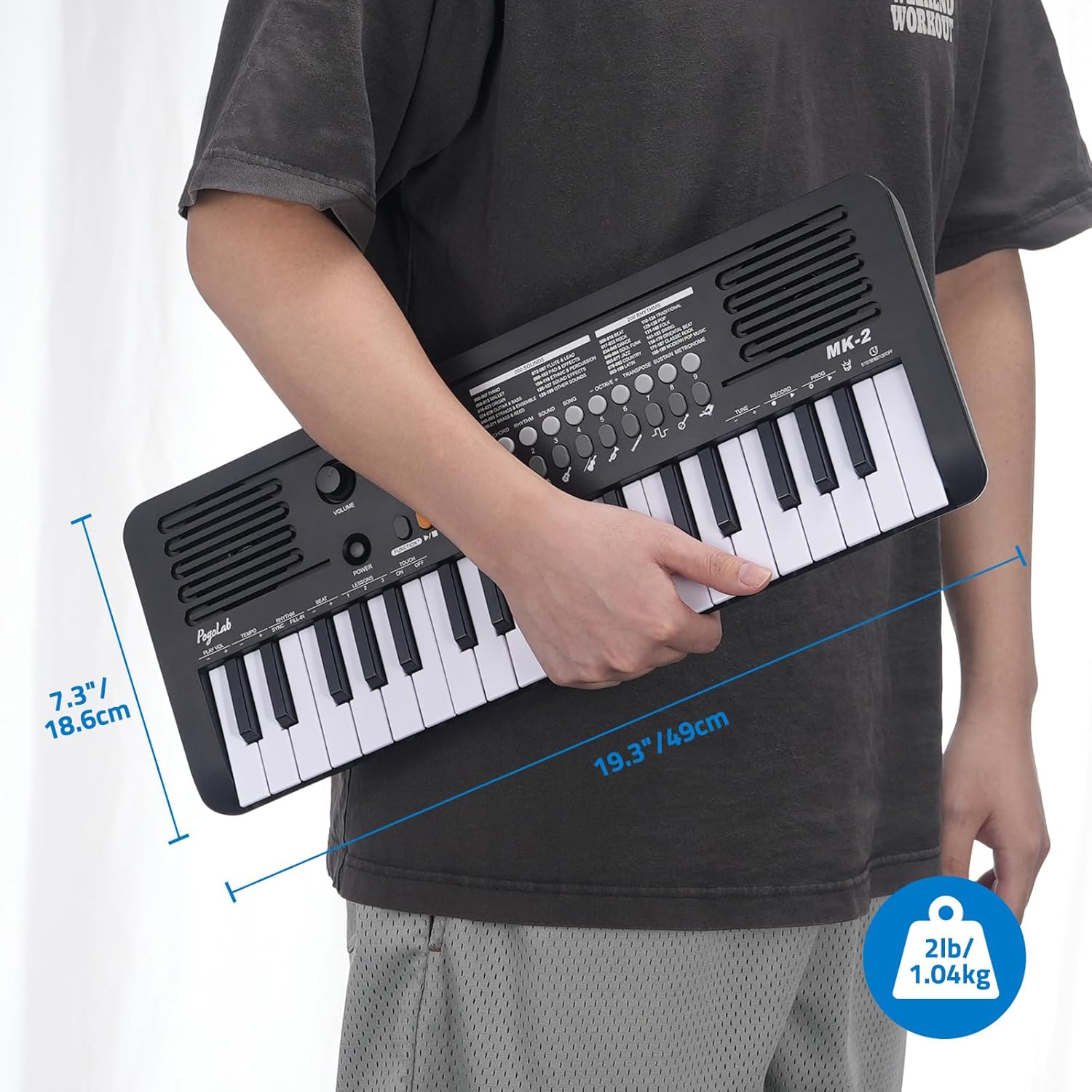
Image: The POGOLAB MK-2 keyboard displaying icons for different instrument sounds like piano, accordion, flute, saxophone, and guitar.
4.3 Fingering Exercises (Semi-Weighted Keys)
The MK-2 features semi-weighted keys that simulate the feel of a traditional piano. This means the volume of the note produced will vary based on how hard you strike the key. This touch-sensitive feature is beneficial for developing proper piano fingering technique and dynamic control.
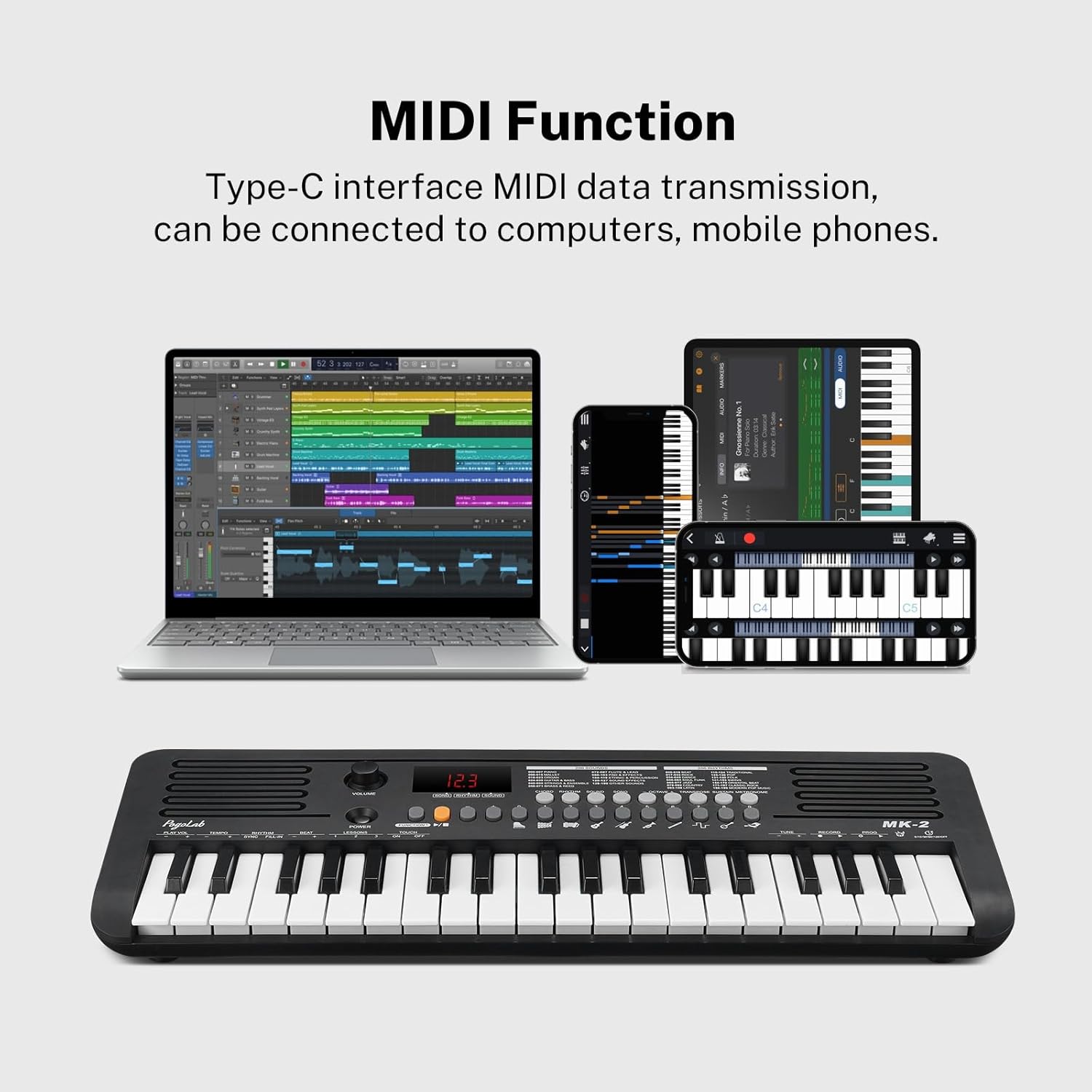
Image: A hand pressing a key on the POGOLAB MK-2 keyboard, accompanied by a graph illustrating how key strike strength affects volume, aiding in piano fingering exercises.
4.4 Transpose and Octave Functions
Expand your musical range with the transpose and octave functions:
- Octave: Use the 'Octave +' and 'Octave -' buttons to shift the pitch of the entire keyboard up or down by octaves, effectively extending the playable range beyond the 37 physical keys.
- Transpose: The transpose function allows you to shift the pitch of the keyboard up or down in semitones, enabling you to play in different keys without changing your fingering.
Image: The POGOLAB MK-2 keyboard with indicators for ±1 Octave and ±6 Transpose, demonstrating how these functions expand the instrument's expressive capabilities.
4.5 Additional Features
- Chord Function: Activate the chord mode to play automatic chords by pressing single keys.
- Sustain: Use the sustain function to prolong the sound of notes, mimicking the sustain pedal of a traditional piano.
- Metronome: Practice with a built-in metronome to improve your timing and rhythm.
- Recording: The keyboard may include a basic recording function to capture your performances. Refer to the manual for specific instructions.
5. Maintenance
To ensure the longevity and optimal performance of your POGOLAB MK-2 keyboard, follow these maintenance guidelines:
- Cleaning: Wipe the keyboard with a soft, dry cloth. For stubborn dirt, slightly dampen the cloth with water and a mild soap solution, then wipe dry immediately. Avoid abrasive cleaners or solvents.
- Storage: Store the keyboard in a cool, dry place away from direct sunlight, extreme temperatures, and high humidity.
- Handling: Handle the keyboard with care. Avoid dropping it or subjecting it to strong impacts.
- Batteries: If not using the keyboard for an extended period, remove the batteries to prevent leakage and damage.
6. Troubleshooting
If you encounter any issues with your POGOLAB MK-2 keyboard, please refer to the following common troubleshooting tips:
| Problem | Possible Cause | Solution |
|---|---|---|
| No sound from speakers/headphones | Volume too low; headphones not fully inserted; power issue. | Increase volume. Ensure headphones are fully plugged in. Check power connection (USB or batteries). |
| Keys not responding or erratic volume | Low battery; internal malfunction; touch sensitivity setting. | Replace batteries or use USB power. If issue persists, contact customer support. Ensure 'Touch' function is set correctly (ON/OFF). |
| MIDI connection issues | Incorrect cable; driver issues; software settings. | Ensure you are using the correct USB-MIDI cable. Check device drivers on your computer. Verify MIDI input settings in your software. |
| Keyboard powers off unexpectedly | Low battery; unstable power source. | Replace batteries or use a stable USB power source. |
7. Specifications
| Feature | Detail |
|---|---|
| Model Name | MK-2 |
| Number of Keys | 37 Mini Keys |
| Sounds | 200 Built-in Sounds |
| Rhythms | 200 Built-in Rhythms |
| Songs | 40 Built-in Songs |
| Connectivity | USB Type-C, MIDI USB, 3.5mm Headphone Jack |
| Power Source | Battery Powered (4 AA batteries, not included), USB Powered |
| Special Features | Built-In Speaker, Portable, Headphone Jack, MIDI Function, LED Display, Transpose, Octave, Sustain, Metronome |
| Item Weight | 3.04 pounds |
| Package Dimensions | 20.5 x 8.7 x 3 inches |
| Material Type | Plastic |
8. Official Product Videos
Video: An overview of the POGOLAB MK-2 37 Mini Keys Keyboard Piano, showcasing its features and design. This video is provided by the seller.
Video: An unboxing, demo, and review of the POGOLAB MK-2 37 Mini Keys Keyboard, demonstrating its functionality and user experience. This video is provided by the seller.
9. Warranty and Support
POGOLAB products are designed for quality and reliability. For specific warranty information and to access customer support, please refer to the contact details provided in the original product packaging or visit the official POGOLAB website. Keep your purchase receipt as proof of purchase for any warranty claims.
POGOLAB Store: Visit the POGOLAB Store on Amazon
Ask a question about this manual
Ask about setup, troubleshooting, compatibility, parts, safety, or missing instructions. Manuals+ will review the question and use this page’s manual context to help answer it.