1. Introduction
Thank you for choosing the CWOWDEFU P25L Android 14 Tablet. This manual provides essential information for setting up, operating, and maintaining your device. The P25L tablet features a 10.1-inch display, runs on the latest Android 14 operating system, and is powered by an MTK Octa-core processor. It supports 4G LTE connectivity, Wi-Fi, Bluetooth 5.0, and GPS, offering a versatile mobile experience.
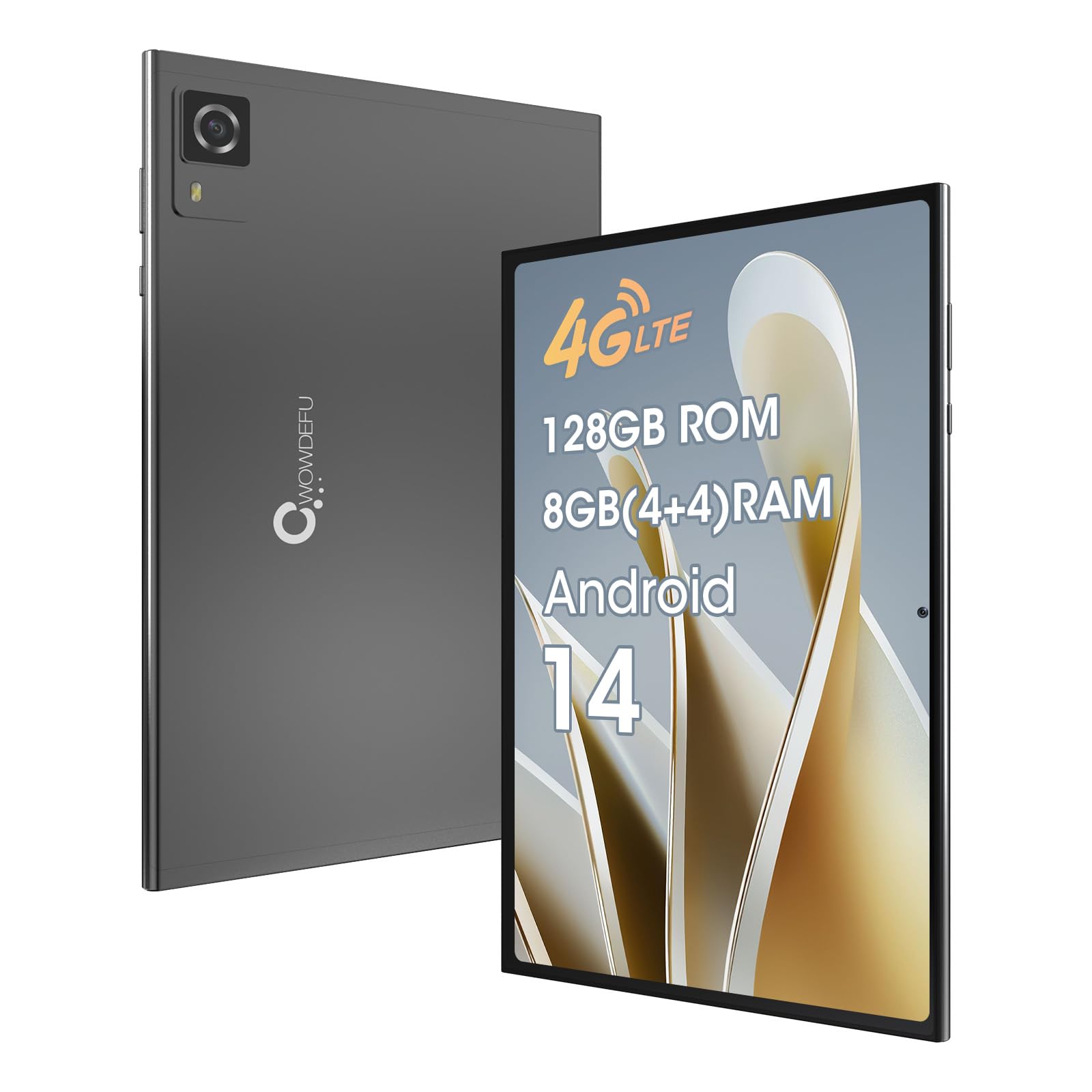
Image 1.1: The CWOWDEFU P25L Android 14 Tablet, showcasing its sleek design.
2. Setup
2.1. Package Contents
Before you begin, please verify that all items are present in the package:
- 1 x CWOWDEFU P25L Tablet
- 1 x Charging Head
- 1 x Type-C Cable
- 1 x Instruction Manual
- 1 x Screen Protector
- 1 x Ejector Pin

Image 2.1: Contents of the CWOWDEFU P25L tablet package.
2.2. Initial Power On
- Press and hold the Power button located on the side of the tablet until the CWOWDEFU logo appears.
- Follow the on-screen prompts to select your language, connect to a Wi-Fi network, and set up your Google account.
2.3. SIM and TF Card Installation
The P25L tablet supports dual SIM cards (Nano-SIM) and a TF (microSD) card for expandable storage. Use the provided ejector pin to open the card tray.
- Locate the card tray slot on the side of the tablet.
- Insert the ejector pin into the small hole next to the tray and press gently until the tray pops out.
- Carefully place your Nano-SIM cards into the designated SIM1 and SIM2 slots.
- If using a TF card, place it into the dedicated TF card slot. Note that the three card slots can be used for either dual SIMs or a single SIM with a single TF card extension.
- Gently push the tray back into the tablet until it clicks into place.

Image 2.2: Illustration of the SIM and TF card installation process.
3. Operating Your Tablet
3.1. Android 14 Operating System
Your CWOWDEFU P25L tablet runs on the original Android 14 operating system, offering a clean user interface and enhanced privacy features. It is GMS certified, ensuring compatibility with all your favorite Google applications.

Image 3.1: Key features of the Android 14 operating system.
3.2. Connectivity
- 4G LTE: Insert a compatible SIM card to enable cellular data and phone call functionality. The tablet supports dual SIM dual standby.
- Wi-Fi: Connect to 2.4G/5G Wi-Fi networks for internet access. Navigate to Settings > Network & internet > Wi-Fi to manage connections.
- Bluetooth 5.0: Pair with Bluetooth devices such as headphones, speakers, or keyboards. Access via Settings > Connected devices > Connection preferences > Bluetooth.
- GPS: Utilize the integrated GPS for navigation and location-based services.
3.3. Performance and Storage
The tablet is equipped with a MediaTek MT6765 Octa-Core processor clocked at 2.3 GHz and an MTK G36 GPU, ensuring smooth performance for entertainment and multitasking. It comes with 128GB of internal storage (ROM) and 8GB of RAM (4GB + 4GB expansion), which can be further expanded up to 1TB using a TF card (sold separately).
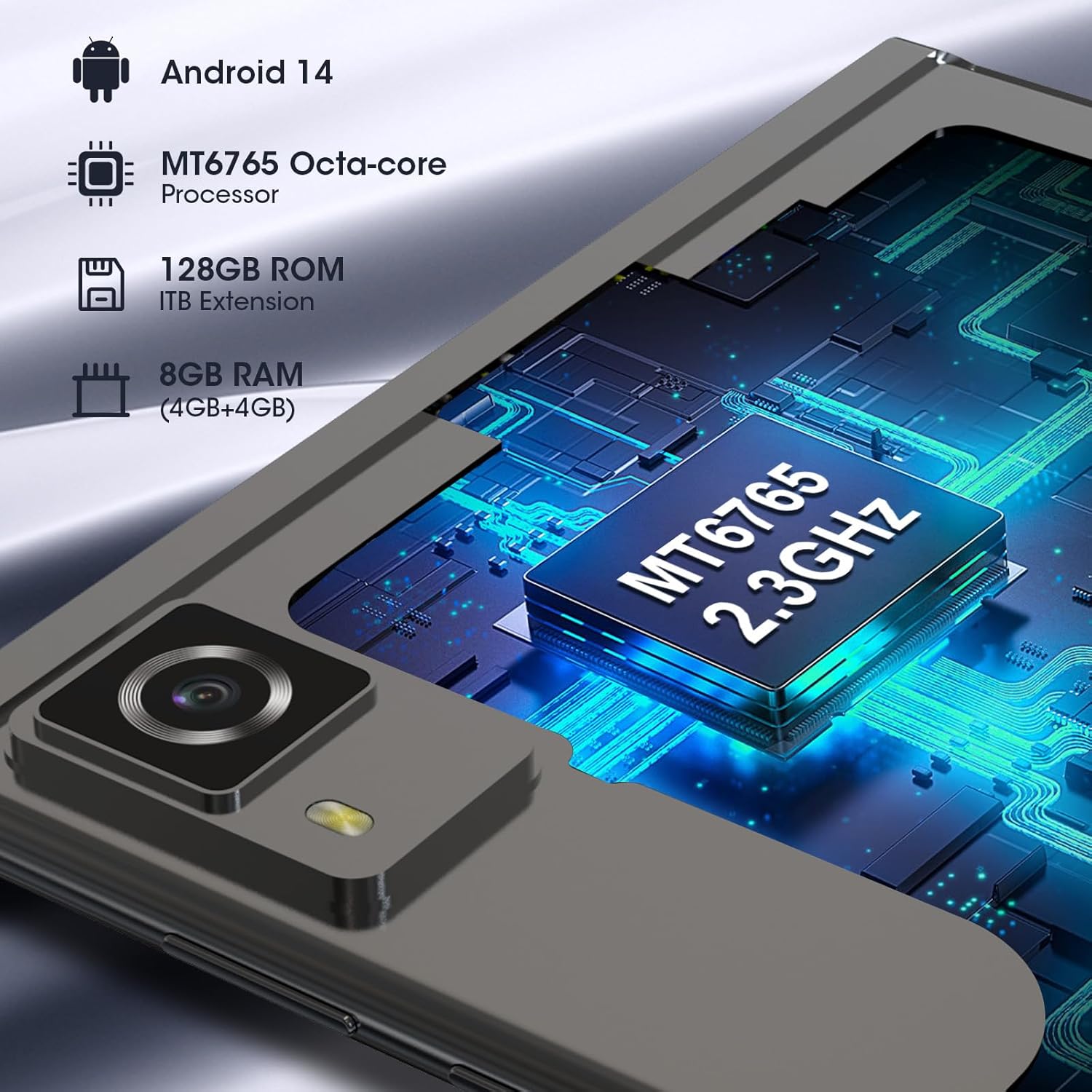
Image 3.2: Overview of the tablet's processor, RAM, and ROM specifications.
3.4. Display
The 10.1-inch display utilizes upgraded integrated LCD technology, providing improved screen response time, touch interactions, input accuracy, and color precision for a better viewing experience.
4. Maintenance
4.1. General Care
- Keep the tablet away from extreme temperatures, direct sunlight, and high humidity.
- Avoid dropping the tablet or subjecting it to strong impacts.
- Clean the screen with a soft, lint-free cloth. Do not use harsh chemicals or abrasive materials.
- Ensure all ports are free from dust and debris.
4.2. Battery Management
- Use only the provided charging head and Type-C cable to charge the tablet.
- Avoid completely draining the battery frequently. Charge the tablet before it reaches very low levels.
- If the tablet will not be used for an extended period, charge it to about 50% before storing.
5. Troubleshooting
If you encounter issues with your tablet, refer to the following common solutions:
| Problem | Solution |
|---|---|
| Tablet does not power on | Ensure the battery is charged. Connect the tablet to the charger for at least 30 minutes before attempting to power on again. |
| Poor Wi-Fi connection | Check if the Wi-Fi router is working correctly. Move closer to the router. Restart the tablet and the router. |
| Apps are crashing or freezing | Close background applications. Clear the cache of the problematic app (Settings > Apps > [App Name] > Storage > Clear cache). Restart the tablet. |
| Slow performance | Free up storage space by deleting unnecessary files or apps. Close unused apps. Consider a factory reset if the issue persists (back up data first). |
| SIM card not detected | Ensure the SIM card is correctly inserted into the tray. Restart the tablet. Verify the SIM card is active with your carrier. |
If these solutions do not resolve your issue, please contact CWOWDEFU customer support for further assistance.
6. Specifications
| Feature | Detail |
|---|---|
| Brand | CWOWDEFU |
| Model Number | P25L |
| Operating System | Android 14 |
| Processor Brand | MediaTek |
| Processor Speed | 2.3 GHz |
| Screen Size | 10.1 Inches |
| Screen Resolution | 1280 x 800 pixels |
| Graphics Chipset Brand | MediaTek (MTK G36 GPU) |
| Connectivity Type | Cellular, Wi-Fi |
| Wireless Technology | 802.11a/b/g/n/ac (2.4G/5G Wi-Fi), Bluetooth 5.0, 4G LTE, GPS |
| Hardware Interface | 3.5 mm Audio, USB Type-C |
| Dimensions (L x W x H) | 24.5 x 8.3 x 16.4 cm |
| Weight | 840 grams |
| Special Features | Cellular connectivity, Phone call functionality, Stereo speakers, USB OTG support, Expandable storage |
| Installed RAM Size | 8 GB |
| Memory Storage Capacity | 128 GB (expandable up to 1 TB via TF card) |
| Battery | 1 Lithium Polymer (included) |
7. Warranty and Support
All CWOWDEFU products come with a 7-day no-questions-asked return policy and a one-year warranty. If you have any questions or require assistance with your tablet, please do not hesitate to contact our customer support team. We are available online 24/7 to provide prompt service.

Image 7.1: CWOWDEFU customer support is available 24/7.


