
Introduction
Thank you for choosing the uuffoo Portable Outdoor Table Lamp. This versatile lamp is designed for both indoor and outdoor use, offering dimmable lighting, 7 RGB color options, and a convenient remote control. Its IP44 water-resistant design ensures durability in various environments. This manual provides essential information for the safe and efficient operation of your new lamp.
What's in the Box
- uuffoo Portable Outdoor Table Lamp (1 unit)
- Remote Control (1 unit)
- USB-C Charging Cable (1 unit)
Please inspect all components upon unboxing to ensure everything is present and undamaged.
Setup
- Initial Charge: Before first use, fully charge the lamp. Locate the USB-C charging port on the bottom of the lamp. Gently lift the waterproof cover to expose the port. Connect the provided USB-C cable to the lamp and a compatible USB power adapter (not included). A full charge takes approximately 4.5 hours.
- Power On: Press the 'ON' button on the remote control or the power button located on the bottom of the lamp to turn it on.
- Remote Control Setup: The remote control is pre-paired with the lamp. Ensure the remote's battery is installed (if applicable).
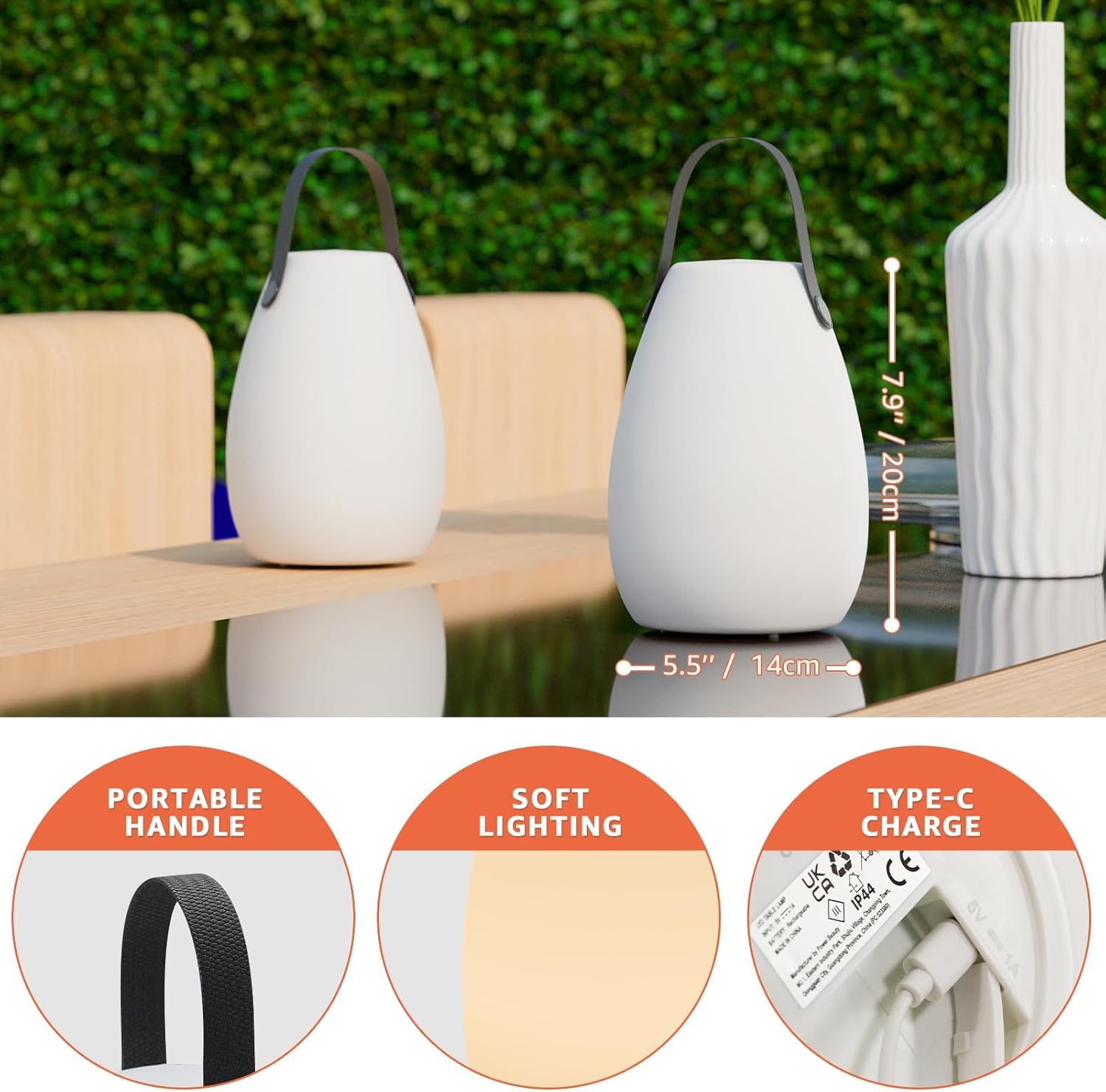
Image: The bottom of the lamp features a USB-C charging port with a waterproof cover, along with the power button. The image also highlights the lamp's dimensions: 5.5 inches (14cm) in width and 7.9 inches (20cm) in height.

Image: The remote control for the uuffoo lamp, displaying buttons for 'ON/OFF', 'PLAY/PAUSE' (for color blending), 'COLOR' (to freeze a color), 'BRIGHT+/-', 'CANDLE' mode, 'SPEED' adjustment, and 'WHITE' light selection.
Operating Instructions
Your uuffoo Portable Outdoor Table Lamp offers multiple lighting modes and controls for a customized experience.
Using the Remote Control
- ON/OFF: Press the green 'ON' button to turn the lamp on, and the red 'OFF' button to turn it off.
- Brightness Adjustment: Use the 'BRIGHT+' and 'BRIGHT-' buttons to increase or decrease the light intensity (25% to 99%).
- Color Selection:
- Press the 'COLOR' button to cycle through 7 RGB colors (Red, Green, Blue, Orange, White, Pink, Purple).
- Press 'PLAY/PAUSE' to activate a smooth color blending mode. Press again to pause on a desired color.
- Press the 'WHITE' button to switch to warm white light (3000 Kelvin).
- Candle Mode: Press the 'CANDLE' button to activate a simulated flickering candle effect.
- Speed Adjustment: In color blending mode, use the 'SPEED' up/down arrows to adjust the transition speed between colors.
Placement Options
The lamp's lightweight design and integrated handle provide versatile placement options:
- Tabletop: Place on any flat surface for ambient lighting.
- Handheld: Use the silicone handle for easy portability during walks or moving between locations.
- Hanging: Hang the lamp from hooks, tree branches, or tent poles using the handle.
Video: Demonstrates the uuffoo Portable Outdoor Table Lamp's features, including its portability, color-changing capabilities, and suitability for various indoor and outdoor settings.
Maintenance
- Cleaning: Wipe the lamp with a soft, damp cloth. Avoid abrasive cleaners or solvents.
- Water Resistance: The lamp has an IP44 rating, making it resistant to splashes and light rain. Ensure the charging port cover is securely closed when not charging to maintain water resistance. Do not submerge the lamp in water.
- Charging: Recharge the lamp when the light output diminishes. A full charge provides 6-7 hours of light at full brightness or over 24 hours in eco mode.
- Storage: Store the lamp in a cool, dry place when not in use for extended periods.
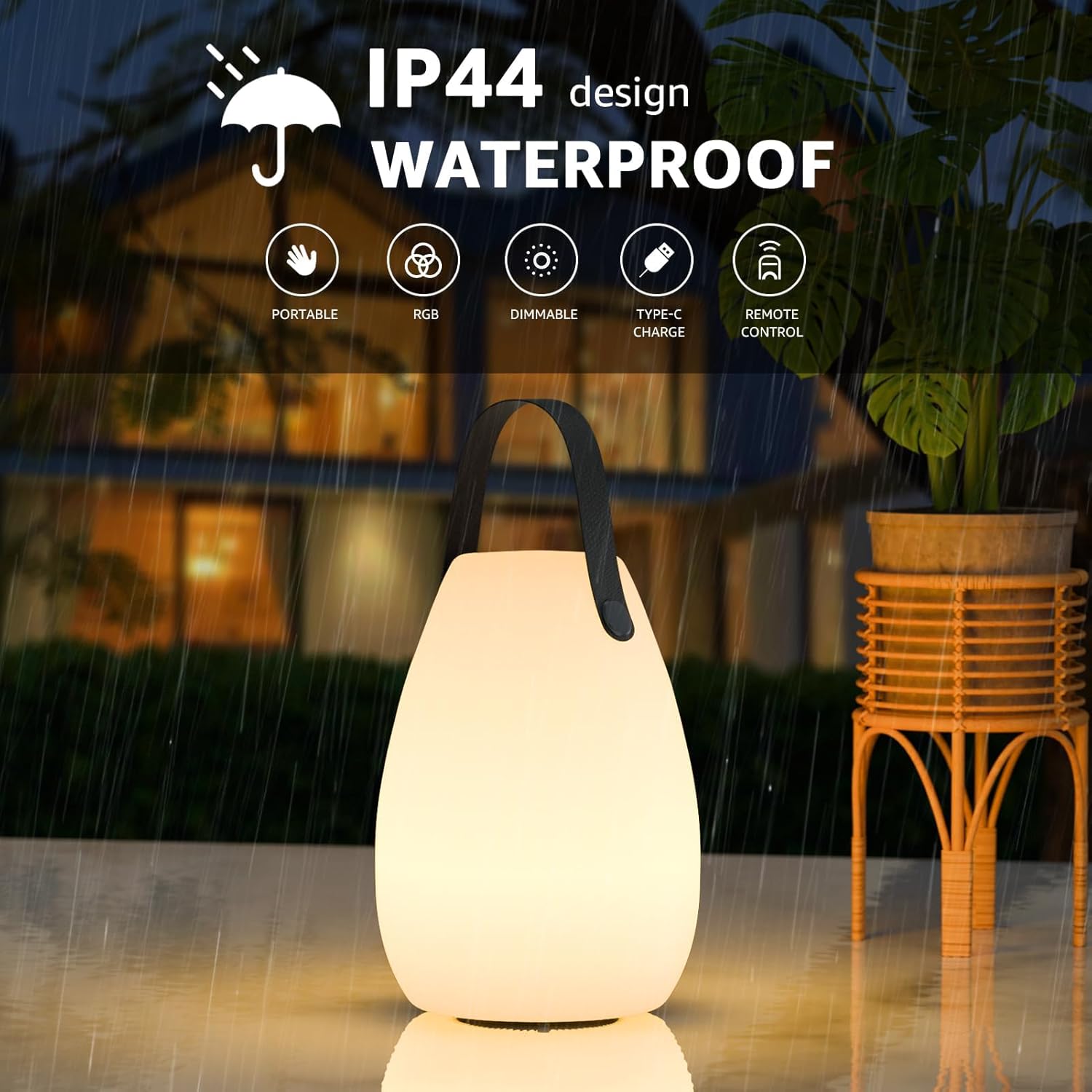
Image: The uuffoo lamp is shown in a light rain shower, emphasizing its IP44 water-resistant design, suitable for outdoor use.
Troubleshooting
- Lamp does not turn on: Ensure the lamp is fully charged. Check if the power button on the bottom or the 'ON' button on the remote has been pressed.
- Remote control not working: Check the remote's battery. Ensure there are no obstructions between the remote and the lamp.
- Light is dim: The battery may be low. Recharge the lamp. Adjust the brightness using the 'BRIGHT+' button on the remote.
- Inconsistent color changes: Ensure the lamp is not in 'PLAY/PAUSE' mode if you desire a static color. Adjust the 'SPEED' setting if the color transitions are too fast or slow.
If you encounter any issues not listed here, please contact customer support for assistance.
Specifications
| Model Number | 1420 |
| Product Dimensions | 5"L x 5"W x 8"H |
| Item Weight | 15.5 ounces (0.44 Kilograms) |
| Material | PE plastic |
| Light Source Type | Light Emitting Diode (LED) |
| Brightness | 120 Lumen |
| Color Temperature | 3000 Kelvin (Warm White) |
| RGB Colors | 7 RGB Colors (Red, Green, Blue, Orange, White, Pink, Purple) |
| Power Source | Battery Powered (Rechargeable via USB-C) |
| Charging Time | Approx. 4.5 hours |
| Battery Life | 6-7 hours (full brightness), 24+ hours (eco mode) |
| Water Resistance Level | IP44 (Waterproof) |
| Included Components | Table Lamp, Remote Control, USB-C Cable |
Warranty and Support
For warranty information or technical support, please refer to the product packaging or contact the manufacturer directly. Keep your purchase receipt as proof of purchase.