
1. Introduction and Overview
This manual provides instructions for the SKMEI Kids Digital Watch, Model 2309. This watch is designed for children, featuring a digital display, durable construction, and water resistance up to 50 meters. It includes functions such as time display (12/24 hour format), date, week, alarm, chronograph, and an LED backlight for visibility in low light conditions.
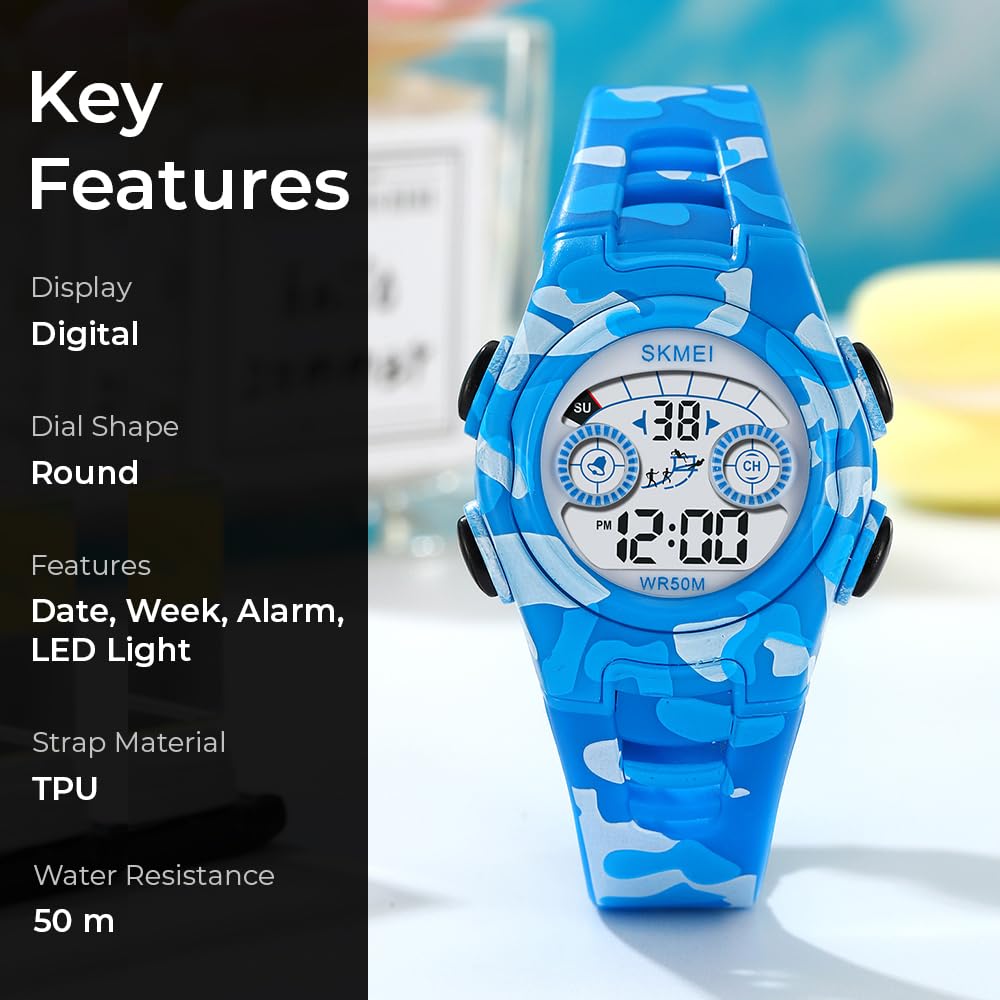
Figure 1: Front view of the SKMEI Kids Digital Watch Model 2309, highlighting its digital display and blue camouflage strap.
2. Watch Components
Familiarize yourself with the watch's buttons and display areas.
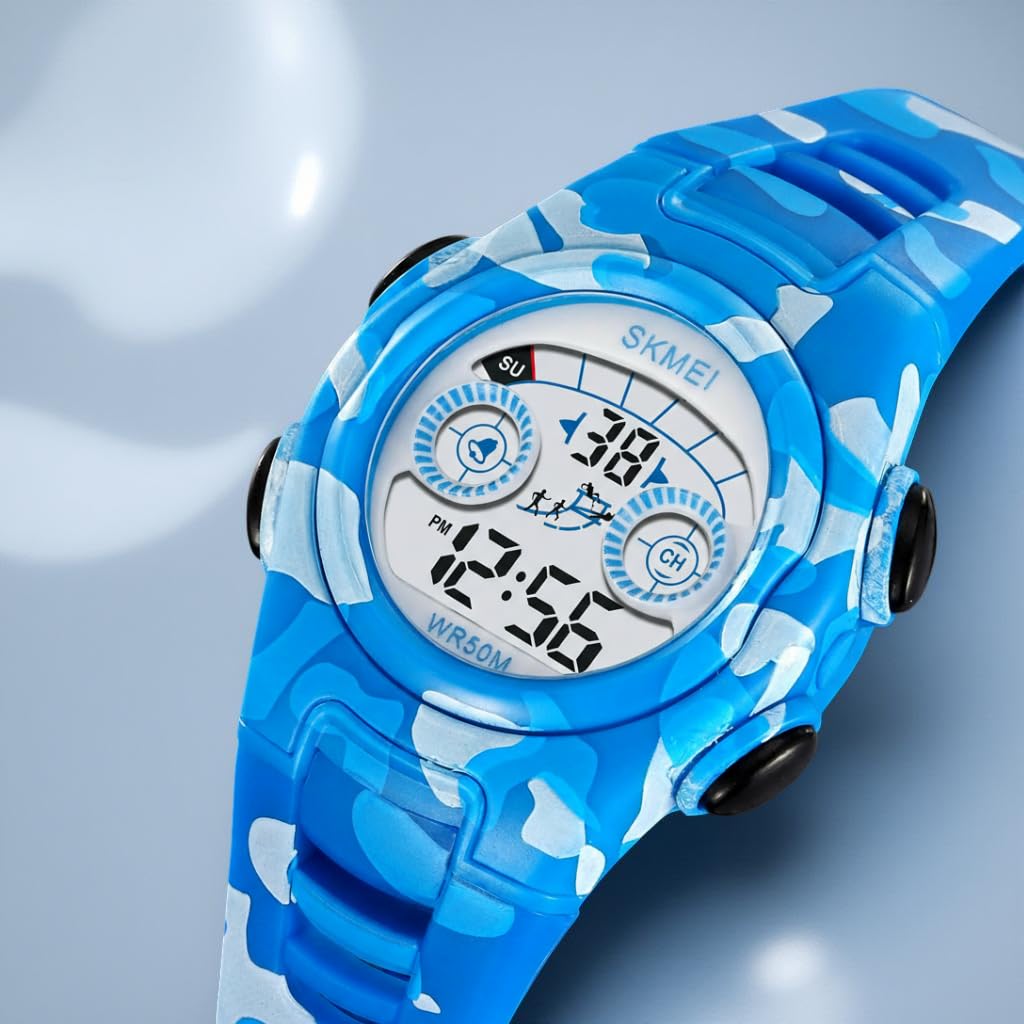
Figure 2: Side view illustrating the four control buttons: LIGHT (top left), MODE (bottom left), START (top right), and RESET (bottom right).
- LIGHT Button (Top Left): Activates the LED backlight.
- MODE Button (Bottom Left): Cycles through different display modes (Time, Alarm, Chronograph).
- START Button (Top Right): Used to start/stop functions in Chronograph mode and adjust settings.
- RESET Button (Bottom Right): Used to reset functions in Chronograph mode and select settings.
3. Setup Instructions
3.1 Setting Time and Date
- From the normal time display, press the MODE button three times to enter time setting mode. The seconds will flash.
- Press the RESET button to select the item to be adjusted (seconds, hours, minutes, month, date, day of week).
- Press the START button to adjust the flashing item.
- To switch between 12-hour and 24-hour format, adjust the hour past 12 in 12-hour mode (PM will appear) or past 24 in 24-hour mode.
- Once all settings are correct, press the MODE button to exit the setting mode and return to normal time display.
3.2 Setting the Alarm
- From the normal time display, press the MODE button twice to enter alarm setting mode. The hour will flash.
- Press the RESET button to select between hour and minute settings.
- Press the START button to adjust the flashing hour or minute.
- Press the MODE button to exit the alarm setting mode.
- To turn the alarm on/off, press the START and RESET buttons simultaneously in alarm mode. An alarm icon will appear/disappear.
4. Operating Instructions
4.1 Using the LED Backlight
Press the LIGHT button (top left) to illuminate the display. The backlight will remain on for a few seconds.
4.2 Using the Chronograph (Stopwatch)
- From the normal time display, press the MODE button once to enter chronograph mode. The display will show "00:00:00".
- Press the START button to begin timing.
- Press the START button again to pause timing.
- Press the START button to resume timing.
- While paused, press the RESET button to clear the stopwatch to "00:00:00".
- Press the MODE button to exit chronograph mode.
4.3 Displaying Date and Day of Week
In normal time display mode, the date and day of the week are typically shown on the screen. If not, a quick press of the START button might cycle through date/time views depending on the specific watch firmware.
5. Maintenance
- Water Resistance: The watch is water-resistant up to 50 meters (5 ATM). This means it is suitable for handwashing, swimming, and exposure to rain. Do not press buttons underwater. Avoid hot water, saunas, or deep diving, as this can compromise the water seal.
- Cleaning: Clean the watch with a soft, damp cloth. Avoid using harsh chemicals or abrasive materials.
- Battery: The watch uses 1 C battery (included). Battery replacement should ideally be performed by a qualified technician to ensure water resistance is maintained.
- Storage: Store the watch in a cool, dry place away from direct sunlight and extreme temperatures.

Figure 3: Rear view of the watch, displaying the model number and water resistance rating.
6. Troubleshooting
- Display is blank or dim: The battery may be low or depleted. Consider professional battery replacement.
- Time is incorrect: Re-set the time following the instructions in Section 3.1. Ensure the 12/24 hour format is correctly set.
- Buttons are unresponsive: Ensure the watch is not wet. If the issue persists, a soft reset (removing and reinserting the battery) by a professional might be necessary.
- Alarm does not sound: Verify that the alarm is set and activated (check for the alarm icon on the display). Ensure the volume is not muted if applicable (this model does not have volume control, but it's a general troubleshooting tip).
7. Specifications
| Feature | Specification |
|---|---|
| Model Number | 2309 |
| Display Type | Digital |
| Movement Type | Quartz |
| Case Material | Acrylonitrile Butadiene Styrene (ABS) |
| Band Material | Thermoplastic Polyurethane (TPU) |
| Crystal Material | Resin |
| Water Resistance Depth | 50 Meters (5 ATM) |
| Case Diameter | 34.5 mm |
| Case Thickness | 12.2 mm |
| Band Length | 23 cm |
| Item Weight | 26.3 Grams |
| Special Features | 12/24 hour clock, Alarm, Chronograph, Date-Week, Time, LED Backlight |
| Power Source | Battery Powered (1 C battery included) |

Figure 4: Watch dimensions for Model 2309.
8. Warranty and Support
Your SKMEI Kids Digital Watch Model 2309 comes with a 9-month Manufacturer Warranty from the date of purchase.
For any service-related inquiries or feedback, please contact the SKMEI India Helpline:
- Helpline Number: 1800-889-6251
- Operating Hours: Monday to Saturday, 9:00 AM to 6:00 PM
Manufacturer and Importer: SKMEI