
Avamia BKJ-15B
Avamia Air Purifier BKJ-15B User Manual
Model: BKJ-15B
1. Introduction
Thank you for choosing the Avamia Air Purifier BKJ-15B. This manual provides essential information for the safe and efficient operation, maintenance, and troubleshooting of your air purifier. Please read it thoroughly before use and retain it for future reference.
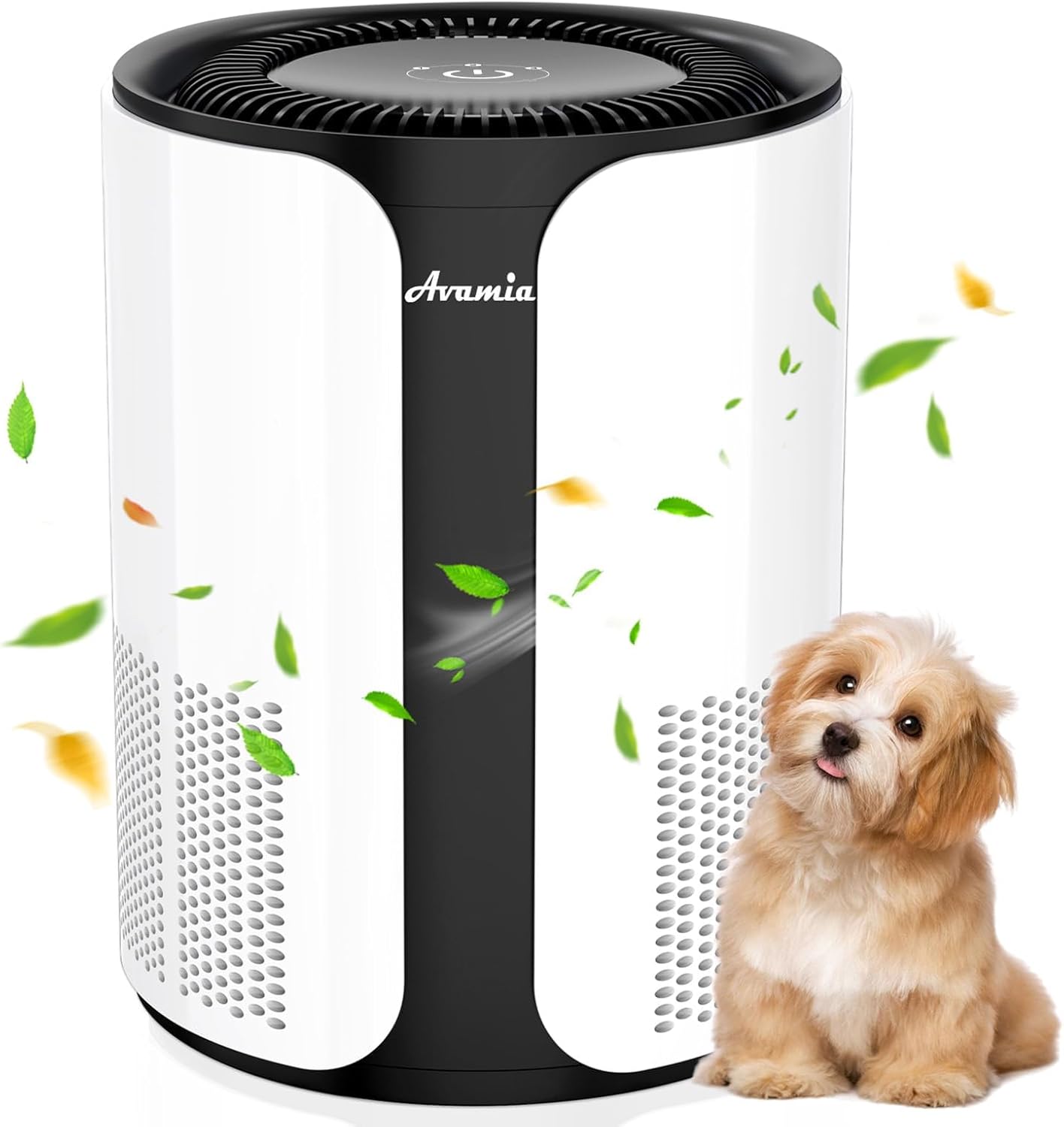
Image 1.1: Avamia Air Purifier BKJ-15B in operation, demonstrating its ability to clean air in a home environment.
2. Safety Information
To reduce the risk of electric shock, fire, or injury, always follow these basic safety precautions:
- Ensure the power cord is not damaged and is properly plugged into a suitable electrical outlet.
- Do not operate the air purifier with a damaged cord or plug.
- Keep the air purifier away from water or wet areas.
- Do not insert objects into any openings.
- Unplug the unit before cleaning or performing any maintenance.
- This appliance is not intended for use by persons (including children) with reduced physical, sensory or mental capabilities, or lack of experience and knowledge, unless they have been given supervision or instruction concerning use of the appliance by a person responsible for their safety.
3. Product Overview
3.1 Key Features
- H14 HEPA Filtration: Captures 99.99% of particles down to 0.3 microns, including dust, pollen, smoke, pet hair, and dander.
- 360° Air Intake: Efficiently cleans spaces up to 1,100 sq. ft per hour.
- Compact and Portable Design: Suitable for various room sizes and easy to move.
- One-Touch Controls: Simple interface for fan speed, timer, and filter reset.
- Ultra-Quiet Operation: Operates at 20 dB in Sleep Mode.
- Smart Filter Replacement Indicator: Alerts when filter replacement is needed.
3.2 Components
The Avamia Air Purifier BKJ-15B consists of the main unit, an H14 HEPA filter, and a power cord. The control panel is located on the top of the unit.

Image 3.1: The Avamia Air Purifier BKJ-15B designed for a healthy living environment.

Image 3.2: The air purifier effectively addresses various airborne pollutants.
4. Setup
Follow these steps to set up your Avamia Air Purifier BKJ-15B:
- Unpack: Carefully remove the air purifier from its packaging.
- Filter Installation: The H14 HEPA filter is pre-installed. Before first use, ensure any protective packaging around the filter is removed. Refer to Section 6.1 for detailed filter access instructions.
- Placement: Place the unit on a flat, stable surface. Ensure there is at least 6 inches (15 cm) of clear space around all sides for optimal air circulation. Avoid placing it directly against walls or furniture.
- Power Connection: Plug the power cord into a standard electrical outlet.
5. Operating Instructions
The Avamia Air Purifier features simple one-touch controls on its top panel.
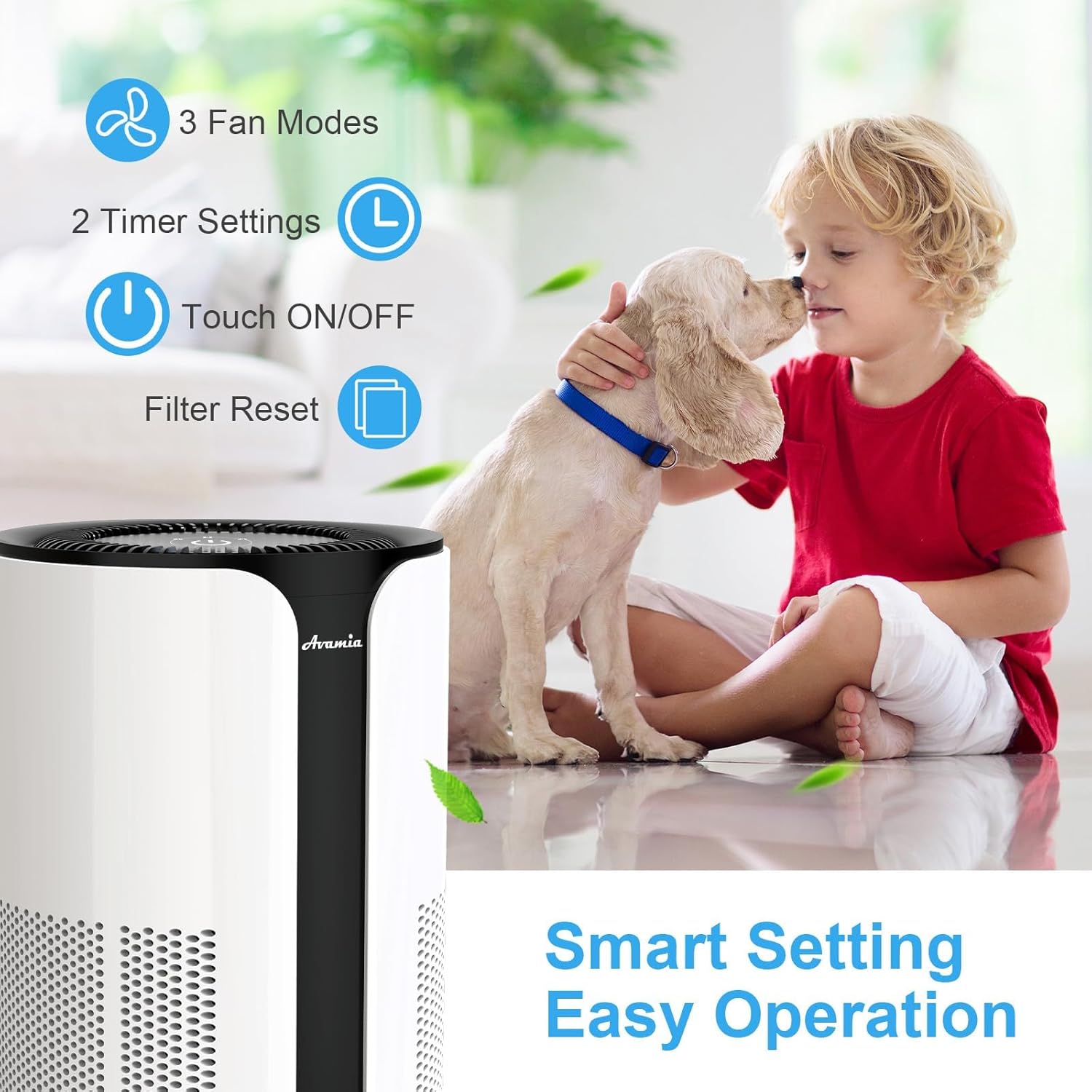
Image 5.1: Control panel icons for fan speed, timer, power, and filter reset.
5.1 Power On/Off
- To turn the unit ON, press the power button once.
- To turn the unit OFF during operation, press and hold the power button for 3 seconds.
5.2 Fan Speed Adjustment
The air purifier offers three fan speeds: Low, Medium, and High.
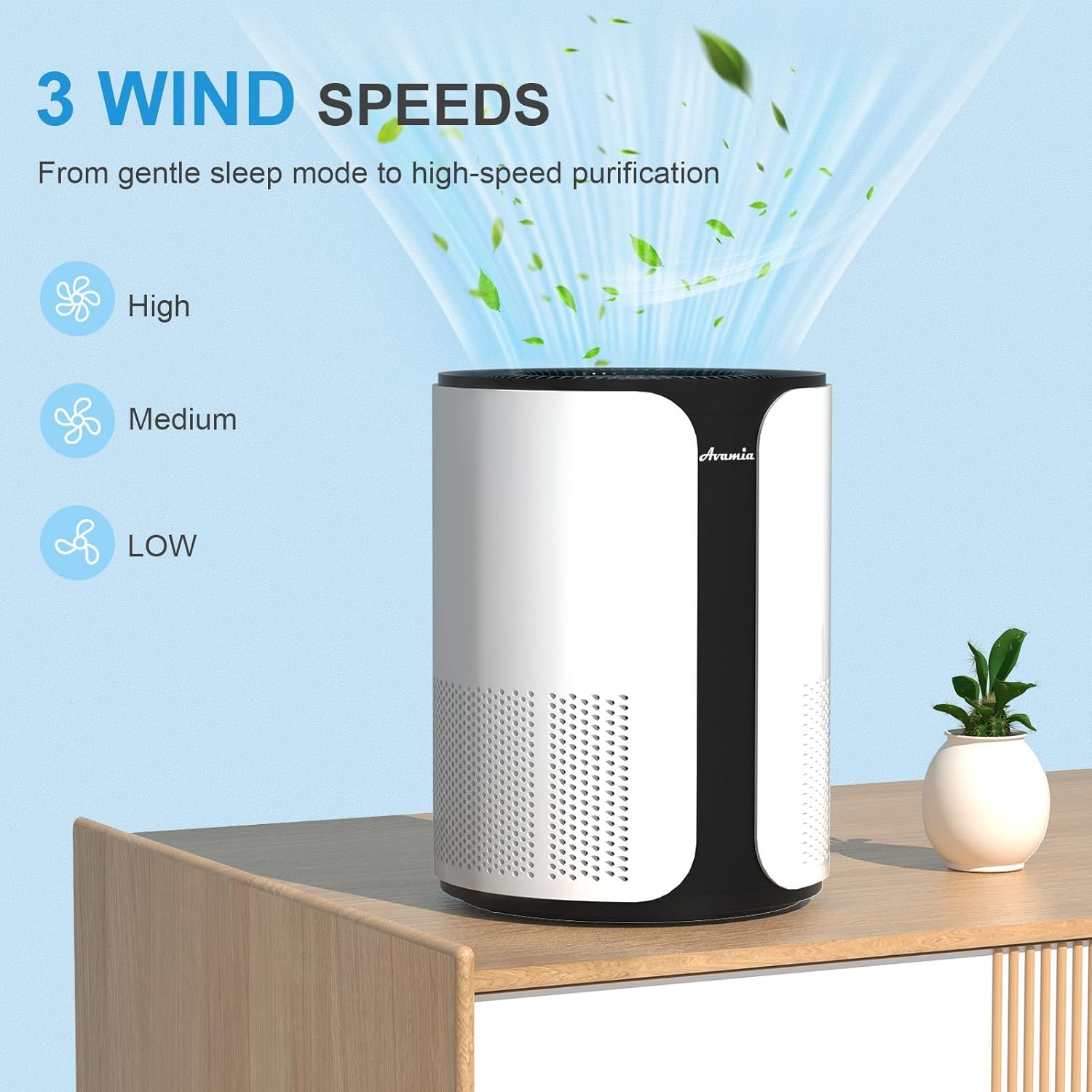
Image 5.2: Visual representation of the three fan speed settings.
- Press the fan speed button repeatedly to cycle through Low, Medium, and High settings.
- Sleep Mode: The Low fan speed setting is designed for ultra-quiet operation (20 dB), ideal for bedrooms or quiet environments.
5.3 Timer Settings
Set the air purifier to operate for a specific duration:
- Press the timer button to select a 4-hour or 8-hour operation period. The unit will automatically turn off after the selected time.
6. Maintenance
Regular maintenance ensures the longevity and optimal performance of your air purifier.
6.1 Filter Replacement
The air purifier is equipped with a Smart Filter Replacement Indicator. This light will illuminate when it is time to replace the filter.

Image 6.1: Multi-layer H14 HEPA filter system.
- Replacement Frequency: It is generally recommended to replace the filter every 3–6 months, depending on usage and air quality.
- Procedure:
- Unplug the air purifier from the power outlet.
- Turn the unit upside down and twist the base counter-clockwise to unlock.
- Remove the old filter.
- Insert a new official Avamia H14 HEPA filter. Ensure it is correctly oriented.
- Replace the base and twist clockwise to lock it securely.
- Plug the unit back in.
- Reset Filter Indicator: After replacing the filter, press and hold the filter reset button on the control panel for 3 seconds until the indicator light turns off.
- Compatible Filters: Use only official Avamia replacement filters to ensure proper fit and performance.
6.2 Cleaning the Unit
- Always unplug the unit before cleaning.
- Wipe the exterior of the air purifier with a soft, dry cloth.
- Do not use abrasive cleaners or solvents.
- Clean the air inlet and outlet vents with a soft brush or vacuum cleaner attachment to remove dust buildup.
7. Troubleshooting
If you encounter issues with your air purifier, refer to the following common problems and solutions:
| Problem | Possible Cause | Solution |
|---|---|---|
| Unit does not turn on. | Power cord not properly connected. No power from outlet. | Ensure the power cord is securely plugged in. Test the outlet with another device. |
| Airflow is weak or noisy. | Filter is dirty or clogged. Air inlets/outlets are blocked. | Replace the filter (see Section 6.1). Ensure no obstructions are blocking the vents. |
| Filter replacement indicator remains on after filter change. | Filter indicator was not reset. | Press and hold the filter reset button for 3 seconds until the light turns off. |
| Unusual odor from the unit. | New filter odor (temporary). Filter is saturated with odors. | Allow a few days for new filter odor to dissipate. Replace the filter if the odor persists or is unpleasant. |
If the problem persists after attempting these solutions, please contact Avamia customer support for assistance.
8. Specifications
| Model Number | BKJ-15B |
| Product Dimensions (D x W x H) | 8.62" x 8.38" x 11.02" |
| Weight | 5.29 Pounds |
| Coverage Area | Up to 1100 sq. ft. (per hour) |
| Filtration Type | H14 HEPA Filter |
| Noise Level (Sleep Mode) | 20 dB |
| Power Consumption | 28 watts |
| Certifications | ETL Certified |
9. Warranty and Support
Avamia is committed to providing high-quality products. For warranty information or technical support, please refer to the warranty card included with your purchase or visit the official Avamia website.
For purchasing replacement filters, please visit the official Avamia store or authorized retailers to ensure compatibility and performance.
Related Documents - BKJ-15B
 |
Avamia NDTFT17RH Digital Tower Fan User Manual User manual for the Avamia NDTFT17RH Digital Tower Fan, providing instructions for safe operation, assembly, cleaning, maintenance, troubleshooting, and warranty information. |
 |
Avamia C705C Handheld Cordless Vacuum Cleaner Instructions Manual This manual provides instructions for the Avamia C705C handheld cordless vacuum cleaner, covering assembly, usage, charging, maintenance, and troubleshooting. |
 |
Faton FA330H Air Purifier User Manual This user manual provides essential information for operating and maintaining the Faton FA330H air purifier. It covers safety precautions, product introduction, operational guidance, maintenance procedures, and troubleshooting tips to ensure optimal performance and longevity of the device. |
 |
Pennco 15B-K Series Cast Iron Gas Fired Boilers Installation, Operation & Maintenance Manual Comprehensive installation, operation, and maintenance manual for Pennco 15B-K series cast iron gas fired boilers with Hydrolevel 4200 control. Covers safety, installation requirements, piping, venting, gas service, electrical, wiring diagrams, lighting, maintenance, and troubleshooting. |
 |
Pennco 15B-K Cast Iron Gas Boilers: Installation, Operation & Maintenance Manual Comprehensive installation, operation, and maintenance manual for Pennco 15B-K series cast iron gas-fired boilers with Resideo control. Covers safety, installation, piping, ventilation, electrical, and maintenance procedures for models 15B-060K through 15B-235K. |