
Xiaomi G27Qi
Xiaomi 2K Gaming Monitor G27Qi User Manual
Model: G27Qi (P27QCA-RGGL)
Introduction
Thank you for choosing the Xiaomi 2K Gaming Monitor G27Qi. This monitor is designed to provide an immersive gaming experience with its QHD 2560x1440 resolution, Fast IPS panel, 180Hz refresh rate, and 1ms response time. It features AMD FreeSync technology, a wide 100% sRGB color gamut, and eye care functions for extended use. This manual provides essential information for setting up, operating, maintaining, and troubleshooting your monitor.
Package Contents
Before proceeding with the setup, please ensure all components are present in the package:
- Xiaomi 2K Gaming Monitor G27Qi display panel
- Monitor Stand (Base and Neck)
- Power Adapter and Power Cable
- DisplayPort (DP) Cable
- HDMI Cable (Optional, may vary by region)
- User Manual and Warranty Card
Setup
1. Assembling the Stand
- Carefully remove the monitor and stand components from the packaging.
- Attach the stand neck to the base, ensuring it clicks securely into place or is fastened with the provided screw.
- Align the assembled stand with the mounting holes on the back of the monitor panel. Gently push until it locks into place. Ensure it is firmly attached.
 Image: Rear view of the Xiaomi G27Qi monitor showing the stand attachment points and various ports.
2. Connecting to a Computer
The monitor supports DisplayPort (DP) and HDMI connections. For optimal performance, especially for gaming, DisplayPort is recommended.
- Power Connection: Connect the power adapter to the monitor's power input and then plug the power cable into a wall outlet.
- Video Connection:
- For DisplayPort: Connect one end of the DP cable to the monitor's DP 1.4 port and the other end to the DP output on your computer's graphics card.
- For HDMI: Connect one end of the HDMI cable to the monitor's HDMI 2.0 port and the other end to the HDMI output on your computer's graphics card.
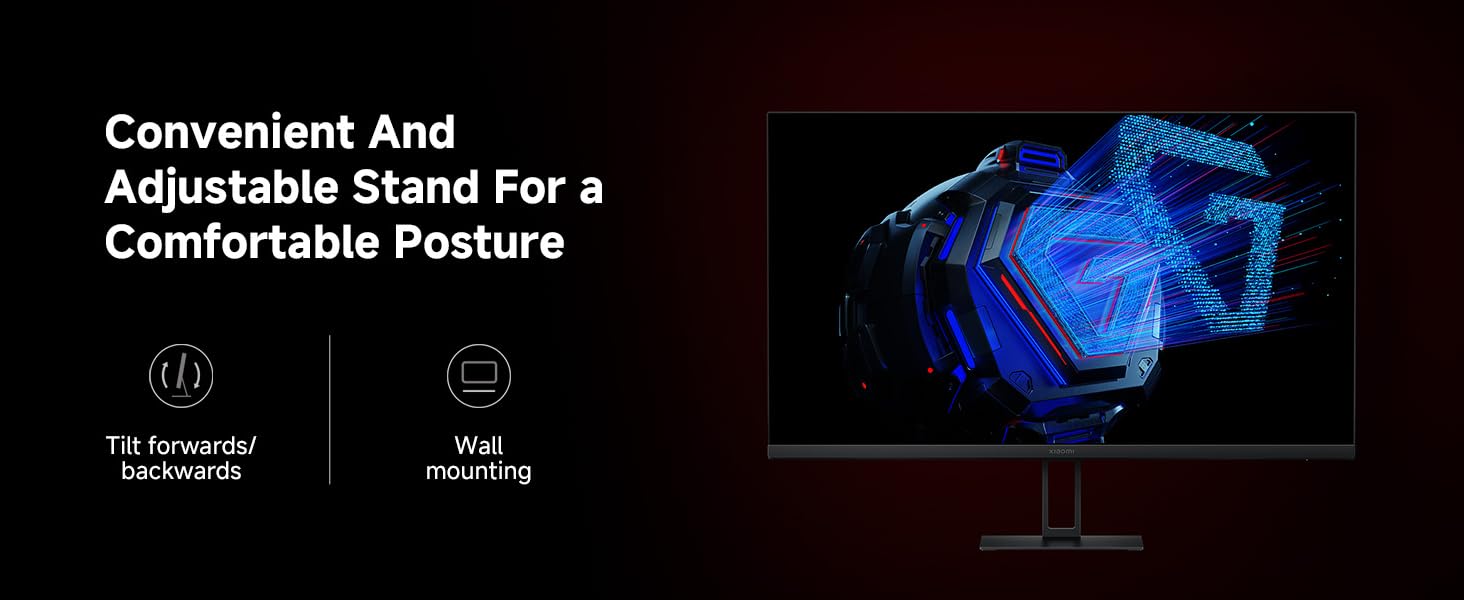 Image: Close-up view of the monitor's rear ports, including DisplayPort 1.4 and HDMI 2.0 inputs.
After connecting, power on the monitor and your computer. The monitor should automatically detect the input signal. If not, use the joystick control to manually select the input source.
Operating the Monitor
1. Power On/Off and OSD Navigation
The monitor features a single joystick control located on the back for power and On-Screen Display (OSD) navigation. Press the joystick to power on/off. Move the joystick up, down, left, or right to navigate the OSD menu.
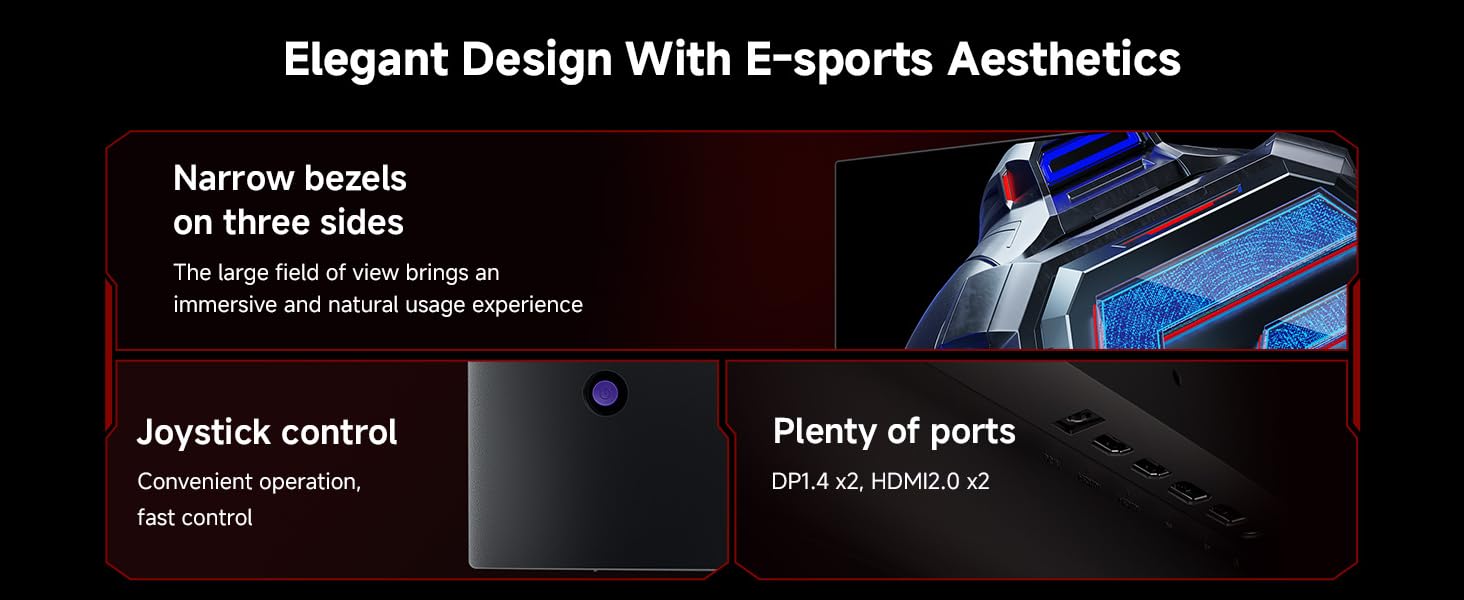 Image: Illustration showing the joystick control for OSD navigation and power, alongside the various input ports.
2. Adjusting Display Settings
Access the OSD menu to adjust various display settings:
- Refresh Rate (180Hz): The monitor supports a high refresh rate of 180Hz for smooth visuals. Ensure your graphics card and cable support this refresh rate. You may need to set this in your operating system's display settings.
- Response Time (1ms): The 1ms GTG rapid response time reduces motion blur. This setting is typically enabled by default for optimal gaming performance.
- AMD FreeSync Premium: This technology synchronizes the monitor's refresh rate with your AMD graphics card's frame rate to eliminate screen tearing and stuttering. Enable FreeSync in the monitor's OSD menu and your AMD Radeon Software.
- Color Gamut (100% sRGB): The monitor offers a 100% sRGB color gamut for accurate and vibrant colors. Color settings can be fine-tuned in the OSD.
- Low Blue Light & DC Dimming: For eye comfort during long usage, the monitor features TÜV Low Blue Light Certification and DC dimming to reduce flicker. These modes can be activated via the OSD menu.
- HDR (High Dynamic Range): The monitor supports HDR. When HDR is enabled, some image settings may be locked.
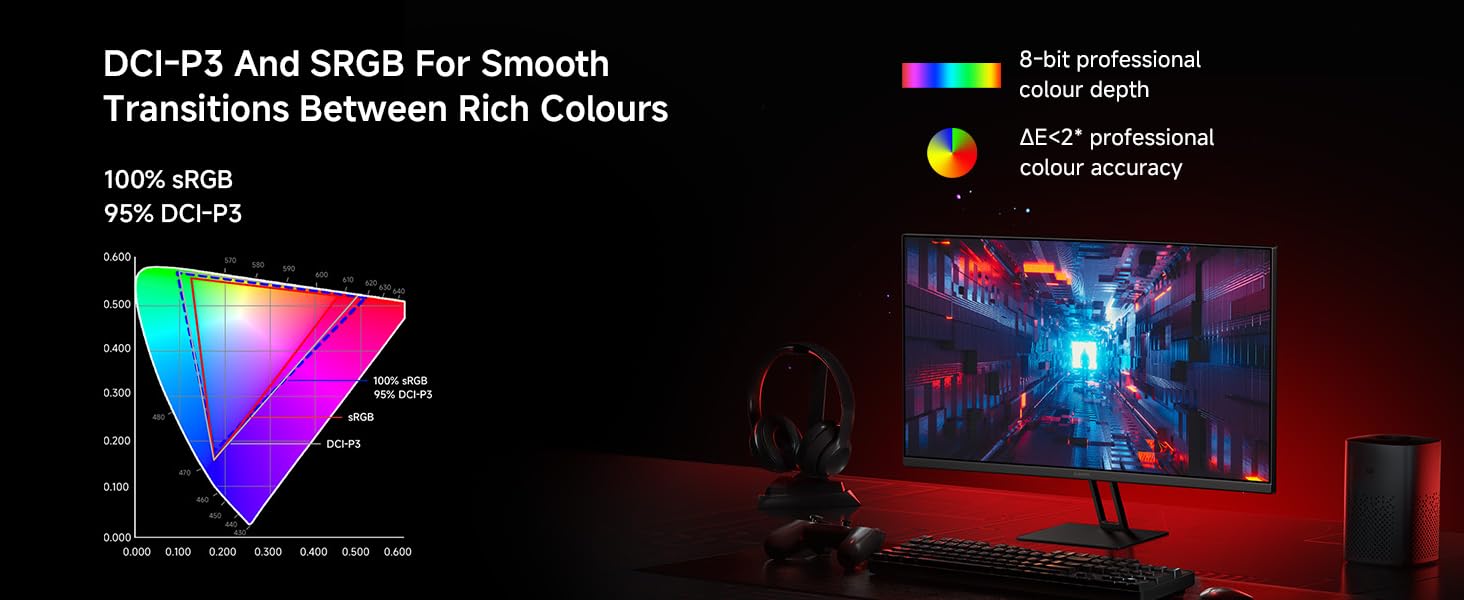 Image: Visual comparison demonstrating the smoothness of 180Hz refresh rate versus 60Hz.
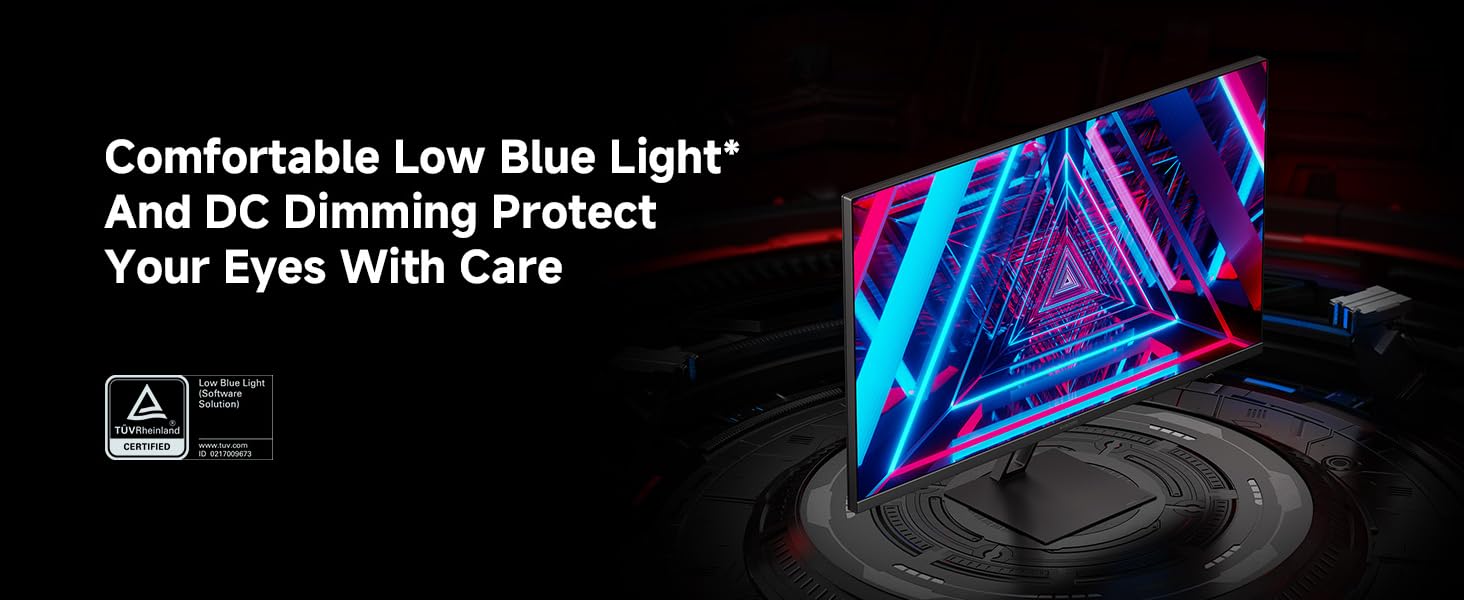 Image: A visual representation of FreeSync technology preventing screen tearing in fast-paced scenes.
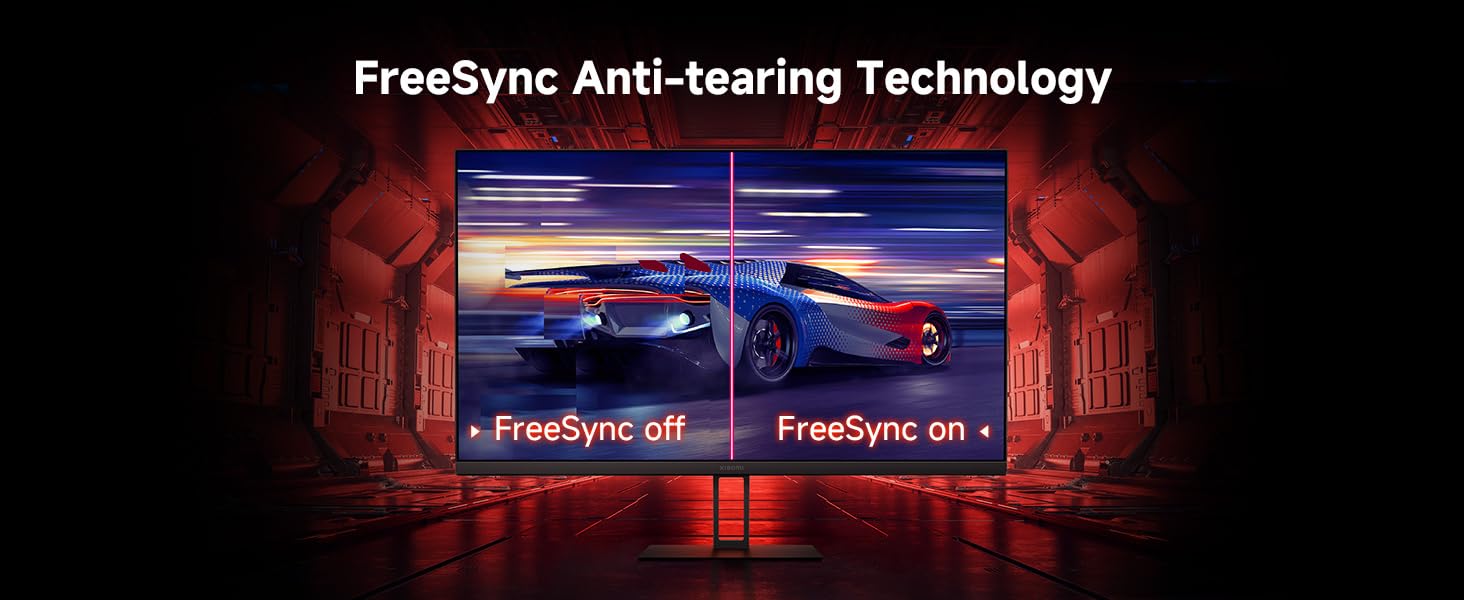 Image: The monitor screen showing the TÜV Low Blue Light Certification logo, indicating eye protection features.
Maintenance
1. Cleaning the Monitor
- Always power off the monitor and unplug the power cable before cleaning.
- Use a soft, lint-free cloth slightly dampened with water or a non-abrasive screen cleaner.
- Do not spray cleaner directly onto the screen.
- Avoid using benzene, thinner, ammonia-based cleaners, or abrasive materials, as these can damage the screen or casing.
2. General Care
- Avoid placing the monitor in direct sunlight or near heat sources.
- Ensure adequate ventilation around the monitor.
- Do not place heavy objects on the monitor or its cables.
- If moving the monitor, handle it carefully and avoid putting pressure on the screen.
Troubleshooting
| Problem | Possible Cause | Solution |
|---|---|---|
| No image on screen | Power cable disconnected; Video cable disconnected; Incorrect input source selected. | Check power and video cable connections. Ensure the monitor is powered on. Use the OSD to select the correct input source (DP/HDMI). |
| Screen tearing or stuttering | FreeSync not enabled; Graphics card driver issues; Low frame rate. | Ensure FreeSync is enabled in both monitor OSD and AMD Radeon Software. Update graphics card drivers. Lower in-game settings if frame rate is consistently low. |
| Image too dark/bright or colors incorrect | Brightness/Contrast settings incorrect; Color profile issues; HDR mode limitations. | Adjust brightness, contrast, and color settings via the OSD. If HDR is enabled, note that some settings may be locked. Disable HDR temporarily to adjust if needed. |
| Dead pixels or screen glitches | Manufacturing defect; Cable issue. | Check video cable for damage or loose connection. If persistent, contact customer support for warranty service. |
| Local Dimming artifacts (haloing/glow) | Inherent characteristic of local dimming technology with certain content (e.g., text, CAD interfaces). | This is expected behavior for mini-LED local dimming. If distracting, disable local dimming in the OSD for non-gaming/non-HDR content. |
Specifications
| Feature | Detail |
|---|---|
| Model Number | P27QCA-RGGL |
| Screen Size | 27 Inches |
| Panel Type | Fast IPS LCD |
| Resolution | 2560 x 1440 (QHD) |
| Refresh Rate | 180Hz |
| Response Time | 1ms (GTG) |
| Aspect Ratio | 16:9 |
| Color Gamut | 100% sRGB |
| Viewing Angle | 178° |
| Brightness | 300 nits (typical) |
| Connectivity | 2x HDMI 2.0, 2x DisplayPort 1.4 |
| Dimensions (Product) | 6.67 x 24.15 x 20.73 inches |
| Item Weight | 9 pounds |
| Eye Care Features | TÜV Low Blue Light Certification, DC Dimming |
| Adaptive Sync | AMD FreeSync Premium |
Warranty and Support
Xiaomi products are manufactured to the highest quality standards. For information regarding your product's warranty, please refer to the warranty card included in your package or visit the official Xiaomi support website. If you encounter any issues not covered in this manual, please contact Xiaomi customer support for assistance.
For further support and product information, you may visit the official Xiaomi Store: Xiaomi Official Store on Amazon.
Related Documents - G27Qi
 |
Xiaomi Gaming Monitor G27Qi User Manual Comprehensive user manual for the Xiaomi Gaming Monitor G27Qi, covering setup instructions, technical specifications, button operations, wall mounting, and troubleshooting. |
 |
Xiaomi Gaming Monitor G27Qi User Guide and Specifications This document provides specifications, wall mounting instructions, precautions, and warranty information for the Xiaomi Gaming Monitor G27Qi. It includes details in multiple languages. |
 |
Xiaomi 2K Gaming Monitor G27Qi User Manual User manual for the Xiaomi 2K Gaming Monitor G27Qi, including wall mounting instructions, safety guidelines, eye health tips, and regulatory compliance information. |
 |
Xiaomi Curved Gaming Monitor 30" User Manual Comprehensive user manual for the Xiaomi Curved Gaming Monitor 30", covering installation, connections, button functions, menu settings, precautions, troubleshooting, and specifications. |
 |
Xiaomi 4-in-1 Dual-Head Splitter User Manual User manual for the Xiaomi 4-in-1 Dual-Head Splitter (model XMSTFXQO1YM), a USB hub. This document details specifications, essential parameters, declaration of hazardous substances, warranty information, product presentation, usage instructions, and manufacturer details. Learn how to connect external USB-A devices, boost power output via the Type-C interface, and understand the product's capabilities. |
 |
Xiaomi G Pro 27i Monitor User Manual and Specifications Comprehensive guide for the Xiaomi G Pro 27i monitor, including setup, specifications, troubleshooting, safety precautions, and warranty information. |
Ask a question about this manual
Ask about setup, troubleshooting, compatibility, parts, safety, or missing instructions. Manuals+ will review the question and use this page’s manual context to help answer it.