Introduction
Thank you for choosing the WeClear L1 Bluetooth Motorcycle Headset. This device is designed to enhance your riding experience by providing high-definition audio, hands-free communication, and seamless connectivity. The L1 headset features Bluetooth V5.3 technology, IP67 waterproofing, HD audio speakers, noise cancellation, dual-device connectivity, and fast charging. It is suitable for use with motorcycles, snowmobiles, ATVs, and dirt bikes.
Note: This product does not include an intercom function.
Safety Information
Please read this manual carefully before using the WeClear L1 headset to ensure safe and proper operation. Keep this manual for future reference.
- Do not attempt to disassemble or modify the device. This may cause damage and void the warranty.
- Avoid exposing the device to extreme temperatures or direct sunlight for prolonged periods.
- Ensure the charging port is dry before connecting the charging cable.
- Always prioritize road safety. Do not operate the device in a way that distracts you from riding.
- Maintain a safe volume level to ensure you can hear ambient sounds and traffic.
Package Contents
Verify that all items are present in your package:
- WeClear L1 Bluetooth Headset Unit
- HD Speakers (40mm)
- Microphone (unidirectional)
- Mounting Bracket
- USB-C Charging Cable
- User Manual
- Ear pads (if separate from speakers)
Note: Specific components may vary slightly.
Product Overview
Familiarize yourself with the main components and controls of your WeClear L1 headset.

Figure 1: WeClear L1 Headset Unit. This image displays the main unit of the WeClear L1 headset, highlighting its power button, volume up button, and volume down button, along with an indicator light.
- Power Button: Used for powering on/off, pairing, and activating voice assistant.
- Volume Up Button (+): Increases volume, skips tracks forward.
- Volume Down Button (-): Decreases volume, skips tracks backward.
- Charging Port: USB-C port for charging the device.
- Speaker/Microphone Ports: Connections for the included HD speakers and unidirectional microphone.
Setup
1. Installing the Headset on Your Helmet
The WeClear L1 headset is designed for easy installation on most motorcycle helmets.
- Choose a Location: Select a flat surface on the left side of your helmet where the main unit can be securely mounted without obstructing your vision or helmet functionality.
- Attach the Mounting Bracket: Use the adhesive pad or clamp mechanism (depending on your bracket type) to firmly attach the mounting bracket to the chosen location on your helmet. Ensure it is stable.
- Mount the Headset Unit: Slide the WeClear L1 main unit onto the mounting bracket until it clicks securely into place.
- Install Speakers: Open the helmet's inner lining. Place the HD speakers inside the helmet's ear pockets, ensuring they are positioned directly over your ears for optimal sound. Secure them with the provided adhesive pads if necessary.
- Install Microphone: Attach the unidirectional microphone to the inside of the helmet, positioning it close to your mouth but away from direct wind noise. Route the cable neatly along the helmet's lining.
- Connect Cables: Plug the speaker and microphone cables into their respective ports on the WeClear L1 main unit. Ensure connections are firm.

Figure 2: Headset mounted on helmet. This image shows the WeClear L1 headset unit securely attached to the side of a motorcycle helmet, demonstrating its compact and integrated design.

Figure 3: IP67 Waterproofing in action. This image illustrates the WeClear L1 headset mounted on a helmet, with water droplets on its surface, highlighting its IP67 waterproof capability for all-weather riding.
Operating Instructions
1. Power On/Off
- Power On: Press and hold the Power Button for approximately 3 seconds until you hear an audible prompt and the indicator light illuminates.
- Power Off: Press and hold the Power Button for approximately 3 seconds until you hear an audible prompt and the indicator light turns off.
2. Bluetooth Pairing
The WeClear L1 supports Bluetooth V5.3 for stable and fast connections.
- With the headset powered off, press and hold the Power Button for about 5-7 seconds until the indicator light flashes red and blue alternately, indicating pairing mode.
- On your mobile device (smartphone, GPS, smartwatch), enable Bluetooth and search for available devices.
- Select "WeClear L1" from the list of found devices.
- Once paired, the indicator light will turn solid blue, and you will hear a confirmation tone.
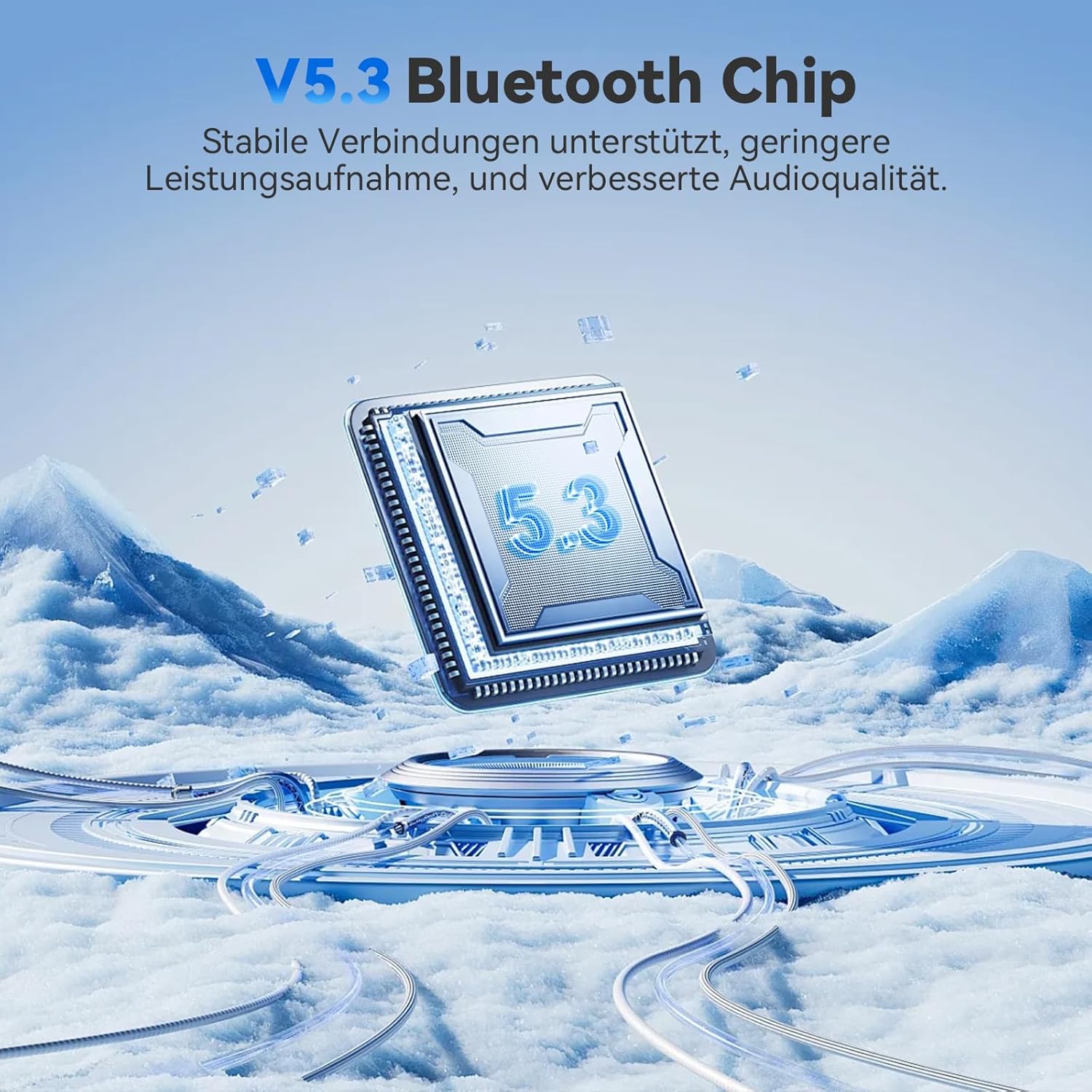
Figure 4: Bluetooth 5.3 Chip. This image visually represents the advanced V5.3 Bluetooth chip, emphasizing its role in stable connections, lower power consumption, and improved audio quality.
3. Dual Device Connectivity
The WeClear L1 can connect to two mobile devices simultaneously (e.g., two phones, or a phone and a GPS unit).
- Pair the first device following the "Bluetooth Pairing" steps above.
- Once the first device is paired, turn off Bluetooth on the first device temporarily.
- Put the WeClear L1 back into pairing mode (press and hold Power Button).
- Pair the second device.
- Turn Bluetooth back on for the first device. Both devices should now be connected. The headset will seamlessly switch between devices for calls or audio playback.
4. Music Playback
- Play/Pause: Short press the Power Button.
- Volume Up: Short press the Volume Up (+) Button.
- Volume Down: Short press the Volume Down (-) Button.
- Next Track: Long press the Volume Up (+) Button.
- Previous Track: Long press the Volume Down (-) Button.

Figure 5: Dynamic Hi-Fi Sound Components. This diagram illustrates the key audio components of the WeClear L1: 40mm HD speakers, a windproof microphone, and integrated DSP & CVC technology, all contributing to rich and clear sound.
5. Phone Calls
- Answer Call: Short press the Power Button when an incoming call rings.
- End Call: Short press the Power Button during a call.
- Reject Call: Long press the Power Button when an incoming call rings.
- Redial Last Number: Double-press the Power Button.
6. Voice Assistant Activation
Access your smartphone's voice assistant (Siri, Google Assistant, etc.) hands-free.
- Activate Voice Assistant: Long press the Power Button until you hear the voice assistant prompt. You can then issue commands like "Hey Siri, play music" or "Hey Google, give me directions."

Figure 6: Voice Assistant Activation. This image depicts a motorcyclist using the WeClear L1 headset to activate a voice assistant, demonstrating hands-free control for calls, music, and GPS navigation.
Charging
The WeClear L1 headset is equipped with a 450mAh Lithium-ion battery for extended use.
- Charging: Connect the provided USB-C charging cable to the headset's charging port and to a USB power source (e.g., computer, wall adapter). The indicator light will show red during charging.
- Charging Time: A full charge takes approximately 2.5 hours.
- Full Charge Indication: The indicator light will turn blue or off when charging is complete.
- Battery Life: Enjoy 18-25 hours of working time and up to 120 hours of standby time on a single charge.

Figure 7: Charging and Battery Life. This image illustrates the USB-C fast charging capability of the WeClear L1 headset and provides key battery statistics: 2.5 hours charging time, 18-25 hours working time, and 120 hours standby time.
Maintenance
- Cleaning: Wipe the headset unit with a soft, damp cloth. Do not use harsh chemicals or abrasive cleaners.
- Water Resistance: The L1 is IP67 waterproof, meaning it is protected against dust and can withstand immersion in water up to 1 meter for 30 minutes. However, avoid prolonged submersion or high-pressure water jets. Ensure the charging port cover is securely closed when not charging.
- Storage: Store the headset in a cool, dry place away from direct sunlight and extreme temperatures when not in use.

Figure 8: IP67 Submersion Test. This image shows the WeClear L1 headset partially submerged in water, visually confirming its IP67 waterproof rating and ability to withstand water exposure.
Troubleshooting
| Problem | Possible Cause | Solution |
|---|---|---|
| Device won't power on. | Low battery. | Charge the device for at least 30 minutes. |
| Cannot pair with phone. | Headset not in pairing mode; Bluetooth off on phone; device too far. | Ensure headset is in pairing mode (flashing red/blue); enable Bluetooth on phone; keep devices within 1 meter. |
| No sound from speakers. | Volume too low; speakers not connected properly; device not paired. | Increase volume; check speaker cable connections; re-pair the device. |
| Microphone not working. | Microphone not connected properly; microphone positioned incorrectly. | Check microphone cable connection; ensure microphone is close to mouth and not obstructed. |
| Connection drops frequently. | Interference; device too far from phone; low battery. | Move away from sources of interference; keep devices closer; charge the headset. |
Specifications
| Feature | Detail |
|---|---|
| Model Name | WeClear L1 |
| Connectivity Technology | Wireless (Bluetooth V5.3) |
| Water Resistance Level | IP67 (Waterproof) |
| Battery Type | Lithium-ion (450mAh) |
| Charging Time | Approx. 2.5 hours |
| Working Time | 18-25 hours |
| Standby Time | Up to 120 hours |
| Speaker Diameter | 40mm HD Speakers |
| Noise Cancellation | CVC/DSP Advanced Technology |
| Compatible Devices | Mobile phones, GPS devices, Bluetooth smartwatches |
| Material | Plastic |
| Color | Black |
| Weight | Approx. 36.5g (main unit) |

Figure 9: Lightweight Design. This image visually compares the WeClear L1 headset's weight (36.5g) to a heavier object (50g), emphasizing its lightweight design for comfortable long rides.
Warranty and Support
WeClear products are designed for reliability and performance. For warranty information and technical support, please refer to the warranty card included in your package or visit the official WeClear website.
If you encounter any issues not covered in this manual, please contact our customer support team for assistance. Please have your product model (L1) and purchase details ready when contacting support.
Manufacturer: WeClear