
A6S TWS
User Manual for A6S TWS Wireless Bluetooth Earphones
Model: A6S TWS | Brand: Generic
Introduction
Thank you for choosing the A6S TWS Wireless Bluetooth Earphones. This manual provides detailed instructions on how to set up, operate, and maintain your earphones to ensure optimal performance and longevity. Please read this manual carefully before using the product.
What's in the Box
- A6S TWS Earphones (Left and Right)
- Charging Case
- USB Charging Cable
- Ear Tips (earhat)
- User Manual

Image: The A6S TWS Earphones, white in color, resting inside their open charging case. The case is also white and shows the charging indicators.
Getting Started (Setup)
1. Charging the Earphones and Case
Before first use, ensure both the earphones and the charging case are fully charged. The charging time for the earphones is approximately 1-2 hours.
- Place the earphones into the charging case.
- Connect the USB charging cable to the charging port on the case and plug the other end into a USB power source (e.g., computer, wall adapter).
- The indicator lights on the case will show the charging status. Once fully charged, the lights may turn solid or turn off, depending on the model.
2. Pairing with Your Device
The A6S TWS Earphones feature Bluetooth 5.1 for stable and efficient connection. They support automatic connection after initial pairing.

Image: A graphic illustrating the "Core Upgrade 5.0 Bluetooth" feature, highlighting a 10-meter connection distance and call noise reduction. A smartphone displaying a game is shown in the foreground.
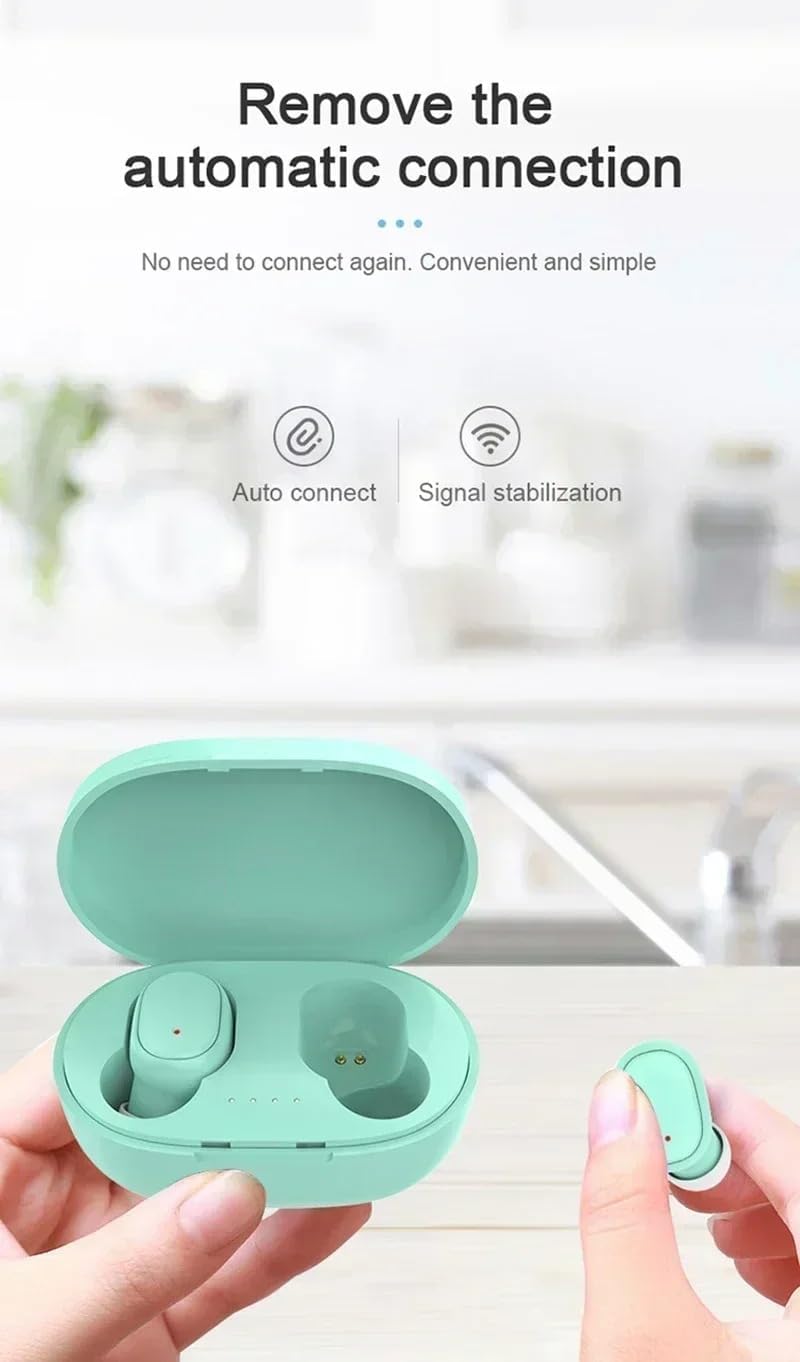
Image: A pair of green A6S TWS earphones in their open charging case, with a hand holding one earbud. Text indicates "Remove the automatic connection" and icons for "Auto connect" and "Signal stabilization".
- Initial Pairing:
- Take both earphones out of the charging case. They will automatically power on and enter pairing mode.
- On your device (smartphone, tablet, etc.), go to the Bluetooth settings.
- Search for available devices and select "A6S TWS" (or similar name) from the list.
- Once connected, you will hear a confirmation sound, and the earphone indicator lights may turn off or flash slowly.
- Automatic Reconnection:
- After the first successful pairing, the earphones will automatically connect to the last paired device when taken out of the charging case, provided Bluetooth is enabled on your device.
Operating Instructions
1. Wearing the Earbuds
For optimal sound quality and comfort, ensure the earbuds are properly seated in your ears. The A6S TWS earphones are ergonomically designed for a secure fit, suitable for sports activities.

Image: A woman engaged in a sports activity, wearing the A6S TWS earphones. The image emphasizes the ergonomic design for comfortable and secure wear during physical activity.
- Identify the Left (L) and Right (R) earbuds.
- Gently insert each earbud into the corresponding ear canal.
- Rotate the earbud slightly until it feels snug and comfortable.
- Experiment with different ear tip sizes (earhats) to find the best fit for sound isolation and comfort.
2. Touch Controls
The A6S TWS earphones feature intuitive touch controls for managing music playback and calls.
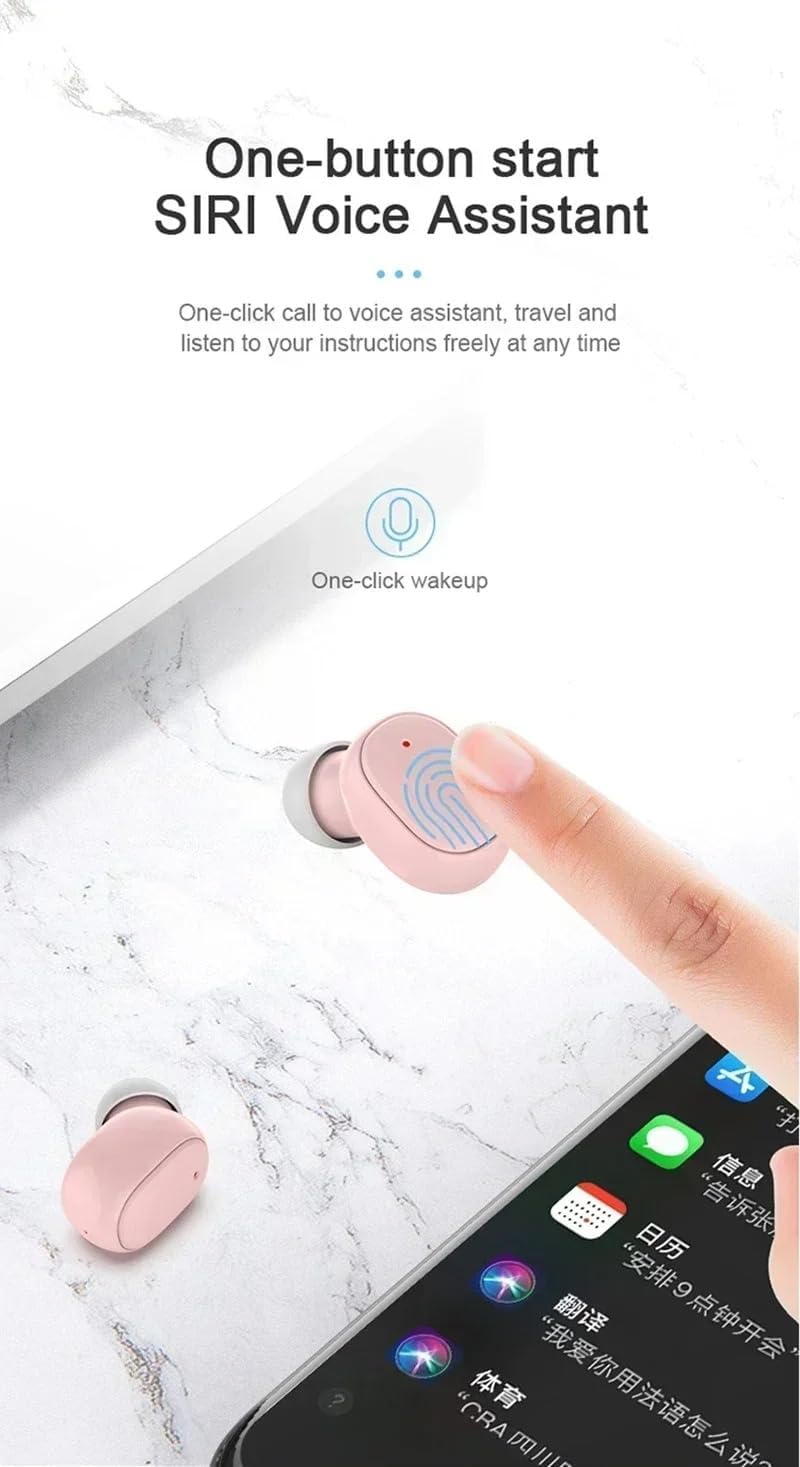
Image: A pink A6S TWS earbud being touched by a finger, illustrating the "One-button start Siri Voice Assistant" feature. A smartphone screen with various app icons is visible in the background.
| Function | Action |
|---|---|
| Play/Pause Music | Single tap on either earbud. |
| Next Track | Double tap on the Right earbud. |
| Previous Track | Double tap on the Left earbud. |
| Answer/End Call | Single tap on either earbud during an incoming call. |
| Reject Call | Press and hold either earbud for 2 seconds during an incoming call. |
| Activate Voice Assistant (Siri/Google Assistant) | Triple tap on either earbud. |
| Power On | Take out of charging case, or press and hold for 3 seconds. |
| Power Off | Place back into charging case, or press and hold for 5 seconds. |
3. Call Functions
The earphones support binaural HD calls, providing clear communication.
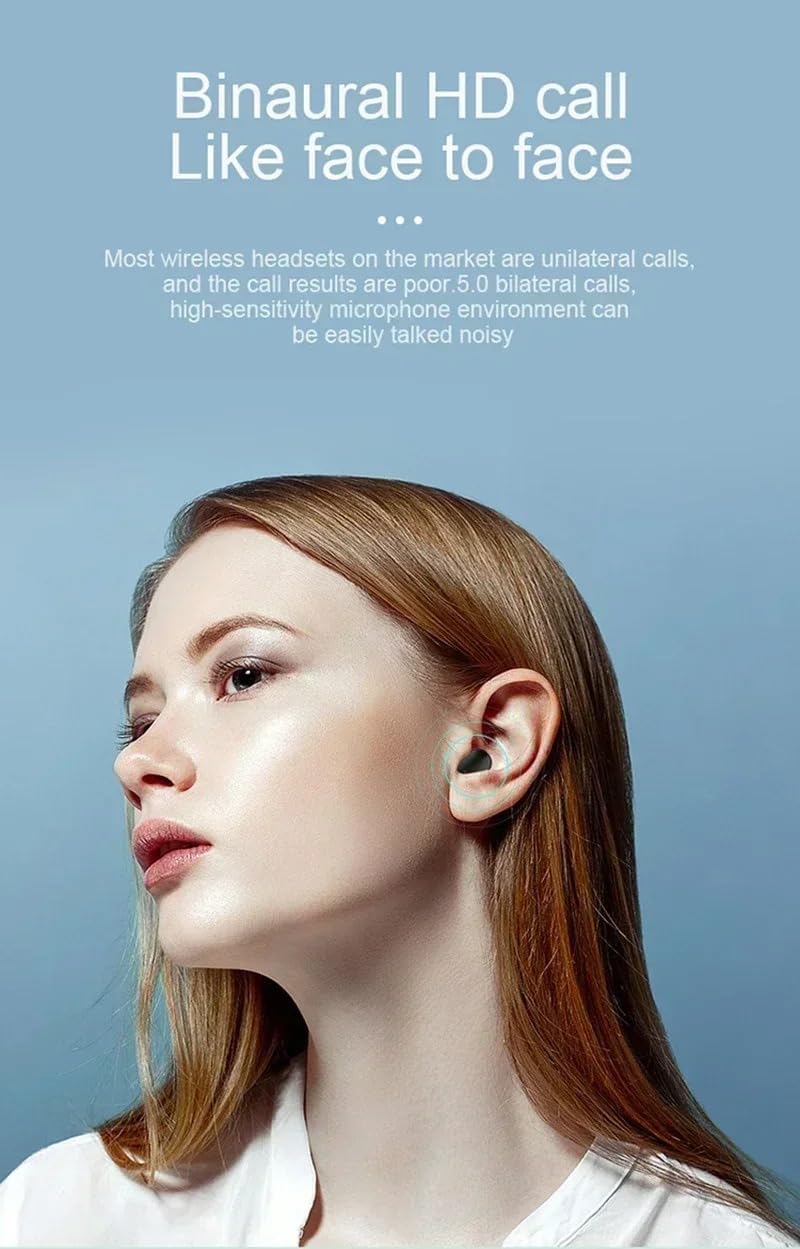
Image: A woman speaking, wearing the A6S TWS earphones, demonstrating the binaural HD call feature for clear, face-to-face like communication.
- Answering/Ending Calls: Use the single tap touch control as described above.
- Rejecting Calls: Use the press and hold touch control as described above.
- Microphone: The earphones are equipped with a high-sensitivity microphone for clear voice pickup, even in noisy environments.
Maintenance
1. Cleaning and Storage
- Regularly clean the earbuds and charging case with a soft, dry, lint-free cloth.
- Do not use abrasive cleaners, alcohol, or chemical solvents.
- Store the earphones in their charging case when not in use to protect them and keep them charged.
- Avoid exposing the earphones to extreme temperatures, humidity, or direct sunlight.
2. Water Resistance (IPX4)
The A6S TWS earphones are IPX4 waterproof, meaning they are resistant to splashing water from any direction. This makes them suitable for workouts and outdoor activities where they might encounter sweat or light rain.
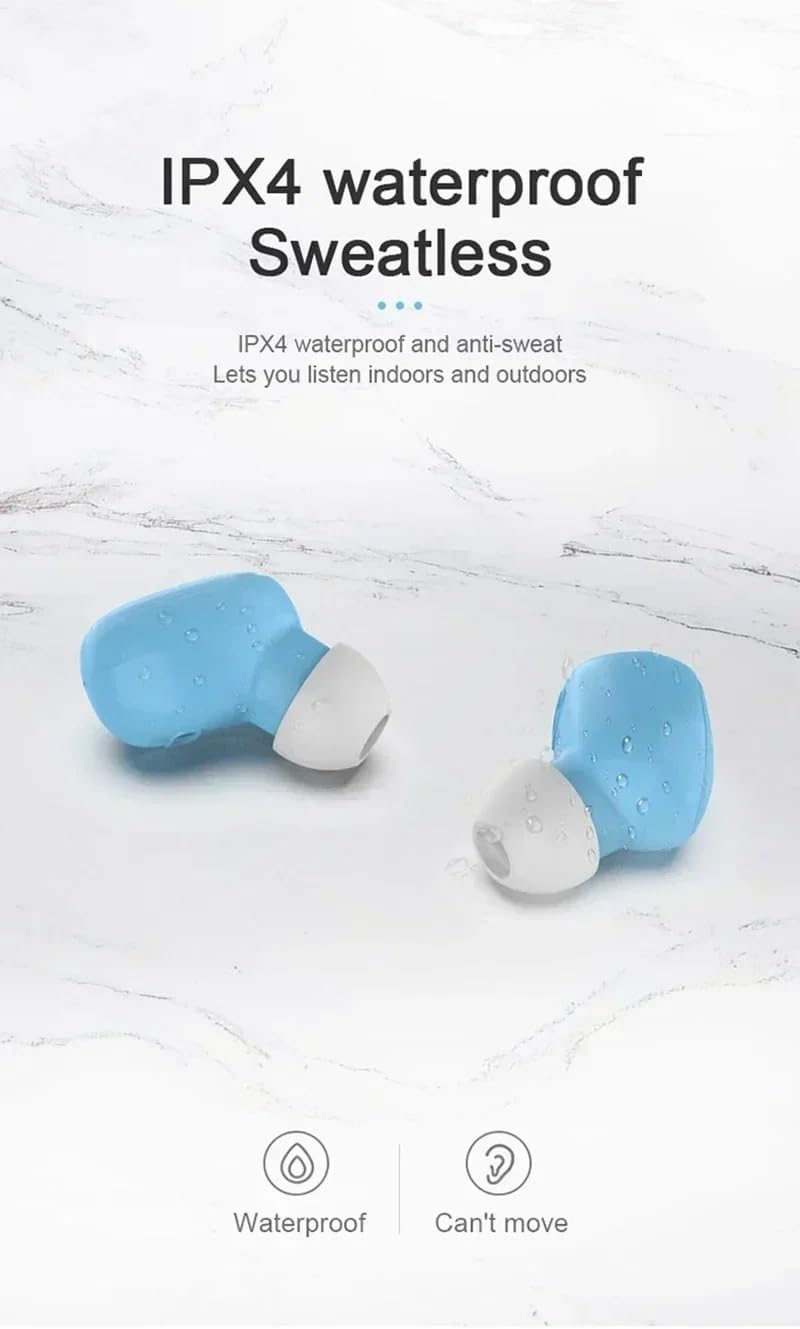
Image: Two blue A6S TWS earbuds with water droplets on their surface, illustrating their IPX4 waterproof and anti-sweat capabilities, suitable for indoor and outdoor listening.
Important: IPX4 rating does not mean the earphones are fully submersible. Do not immerse them in water or expose them to strong jets of water.
Troubleshooting
If you encounter any issues with your A6S TWS earphones, please refer to the following common solutions:
| Problem | Possible Solution |
|---|---|
| Earphones not pairing with device. |
|
| Only one earbud working. |
|
| No sound or low volume. |
|
| Charging issues. |
|
Specifications
Below are the technical specifications for the A6S TWS Wireless Bluetooth Earphones:

Image: A graphic detailing eight core advantages of the earphones, including IPX4 waterproof, Bluetooth 5.0, Auto connect, Binaural call, Ergonomics, HIFI sound quality, Endurance, and Mini compact design.
- Model Name: A6S TWS Earphones Wireless Bluetooth
- Bluetooth Version: V5.1
- Bluetooth Distance: Up to 10 meters (33 feet)
- Earphone Battery: Polymer Lithium Battery 45mAh (per earbud)
- Charging Time: Approximately 1-2 hours
- Music Playback Time: Approximately 3 hours
- Talking Time: Approximately 4 hours
- Standby Time: Approximately 80 hours
- Water Resistance Rating: IPX4 (Sweatproof and splash-resistant)
- Control Type: Touch Control (Volume Control, Playback, Calls, Voice Assistant)
- Ear Placement: In Ear
- Form Factor: True Wireless
- Noise Control: Active Noise Cancellation, Sound Isolation
- Connectivity Technology: Wireless
- Included Components: Earphones, Charging Cable, Ear Tips, User Manual

Image: An exploded view diagram of an earbud, illustrating its internal components and highlighting the "Fever level HIFI sound quality" feature.
Warranty and Support
For warranty information, please refer to the documentation provided at the time of purchase or contact the retailer where you purchased the A6S TWS Earphones. As this product is listed under a "Generic" brand, specific warranty terms may vary by seller.
If you require further assistance or have questions not covered in this manual, please contact the seller or manufacturer directly through the platform or contact information provided with your purchase.
Please retain your proof of purchase for any warranty claims.
Related documentsA6S TWS


Ask a question about this manual
Ask about setup, troubleshooting, compatibility, parts, safety, or missing instructions. Manuals+ will review the question and use this page’s manual context to help answer it.